3D Print Warping: How to Fix It Once and For All
Why Your 3D Prints Keep Warping (And What Actually Works)
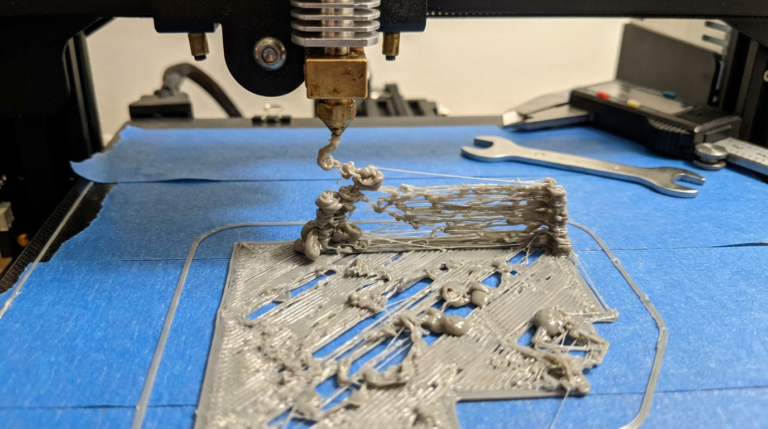
I spent the better part of six months fighting warping on almost every print longer than 100mm. Corners lifting, edges curling, and entire prints popping off the bed mid-way through a 12-hour job. Took me forever to figure out that warping isn’t one problem — it’s a combination of issues that all show up the same way.
Here’s everything I’ve learned about fixing 3D print warping, based on hundreds of failed and successful prints across my Ender 3 V2, Prusa MK3S+, and Bambu Lab P1S.
What Causes 3D Print Warping in the First Place
Warping happens when different parts of your print cool at different rates. The bottom layers, sitting on a heated bed, stay warm and expanded. The upper layers cool faster and contract. That difference in thermal contraction creates internal stress, and eventually the corners or edges pull upward.
Think of it like a bimetallic strip — two layers expanding and contracting at different rates will always bend. And the bigger your print’s footprint, the worse it gets because there’s more surface area for those forces to act on.
The main factors that contribute to warping:
- Bed temperature too low (or too high — yes, that’s a thing)
- Poor first layer adhesion
- Drafts and ambient temperature swings
- Wrong material settings
- No enclosure for high-temp materials
- Print cooling fan running too aggressively on early layers
Fix #1: Get Your Bed Temperature Right
I used to think “hotter bed = better adhesion = less warping.” That’s only half true. There’s actually a sweet spot for each material, and going above it can make things worse because the bottom stays too soft and deforms under the weight of upper layers.
Here are the bed temperatures I’ve settled on after extensive testing:
- PLA: 55-60°C (I run 58°C on my textured PEI sheet)
- PETG: 75-80°C (80°C works best on smooth PEI)
- ABS: 100-110°C (I do 105°C inside an enclosure)
- TPU: 50-55°C (honestly, TPU rarely warps anyway)
One thing that made a huge difference — I started letting the bed heat-soak for 5-10 minutes before starting a print. On my Ender 3 V2, the center of the bed hits temperature way before the edges. Giving it time to equalize cut my warping issues in half.
Fix #2: Nail Your First Layer
If your first layer isn’t properly squished onto the bed, no amount of temperature tweaking will save you. I burned through so many rolls of filament before I realized my Z-offset was consistently 0.05mm too high.
For anti-warping first layers, I use these settings in Cura:
- First layer height: 0.28mm (with a 0.4mm nozzle)
- First layer width: 120-140% of nozzle diameter
- First layer speed: 20-25 mm/s
- First layer fan: 0% for everything except PLA (where I do 30%)
A wider, slower first layer gives you more contact area with the bed and better adhesion. And turning off the fan for that first layer lets the plastic really bond with the surface.
Fix #3: Use a Brim (Seriously, Just Do It)
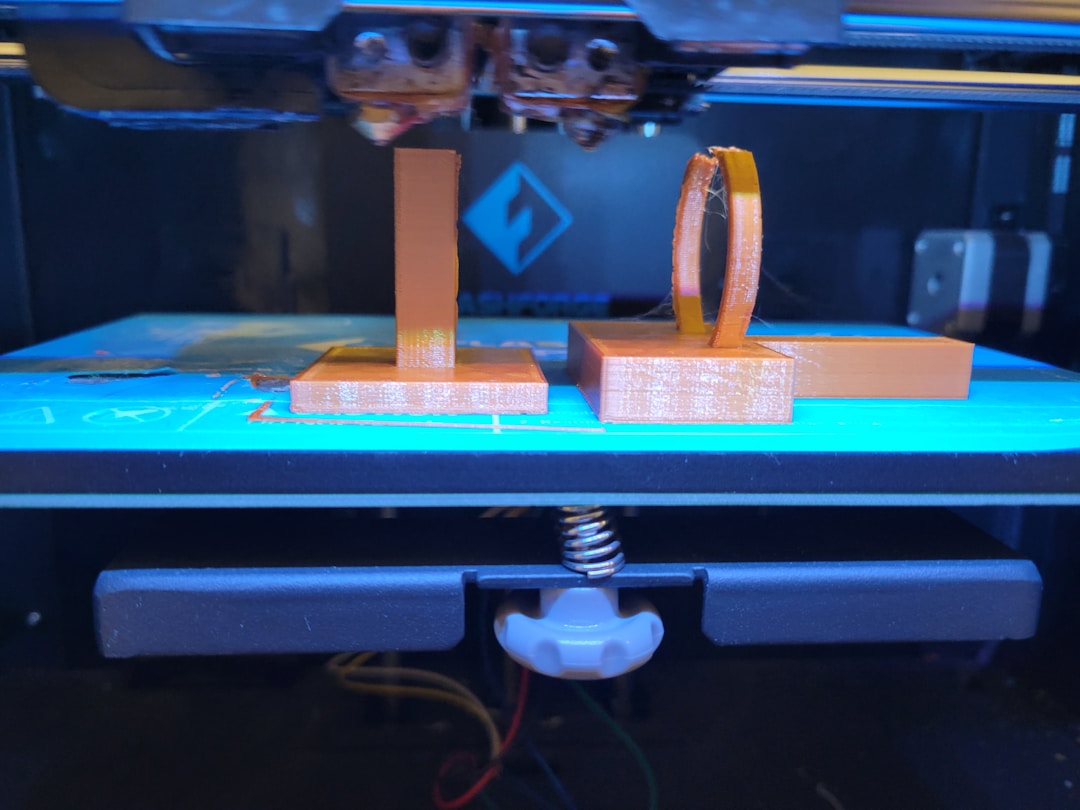
I resisted brims for the longest time because I hated cleaning them off. But honestly, adding a 5-8mm brim to any print with a footprint larger than about 60mm is the single easiest warping fix.
A brim works by extending the first layer outward, giving the print a much larger contact area with the bed. More contact = more adhesion = more resistance to those curling forces.
My brim settings for warping-prone prints:
- Brim width: 8mm for PLA, 12mm for PETG, 15mm for ABS
- Brim line count: I usually set this to 20 lines
- Brim only on outside: Yes (makes removal easier)
- Brim gap: 0mm (you want full contact)
For really stubborn warping on large flat ABS parts, I’ll go up to a 20mm brim. It uses more filament, but it’s way less than reprinting the whole thing after it warps.
Fix #4: Control Your Environment
This was the game-changer I didn’t see coming. I had my Ender 3 V2 sitting next to a window in my workshop, and every time the HVAC kicked on, I’d get warping on taller prints. Moving the printer to a corner away from any air vents made a noticeable difference.
For PLA, you can usually get away with printing in open air as long as there aren’t direct drafts hitting the print. But for ABS and ASA, you really need an enclosure. I built a simple one from IKEA LACK tables — cost me about $30 in materials — and it solved 90% of my ABS warping problems overnight.
Even for PETG, I’ve found that a loose enclosure (just a cardboard box over the printer, honestly) helps on prints taller than 150mm. The goal isn’t to trap heat — it’s to prevent sudden temperature changes around the print.
Fix #5: Adjust Your Cooling Fan Strategy
Most slicer profiles run the part cooling fan at 100% starting from layer 2 or 3. For PLA, that’s usually fine. But for warping-prone prints, I’ve had much better results with a gradual fan ramp-up:
- Layers 1-4: Fan off (0%)
- Layers 5-10: Fan at 30-50%
- Layer 11+: Fan at full speed
In Cura, you can set this under “Regular Fan Speed at Layer” and “Regular Fan Speed at Height.” I set regular fan speed to kick in at layer 8 for most of my prints.
For ABS, I keep the fan off entirely for the first 10mm of height, then bring it up to maybe 20-30% max. ABS hates cooling — it’s the primary reason the material warps so aggressively compared to PLA.
Fix #6: Try Different Bed Surfaces and Adhesives
I’ve tried just about every bed surface out there, and here’s my honest ranking for warping resistance:
- Textured PEI (powder-coated): Best all-around. PLA sticks perfectly at 60°C, PETG at 80°C
- Smooth PEI: Great for PLA and ABS, but PETG bonds TOO well — you’ll rip chunks off
- Glass with glue stick: Cheap and effective. I used this for a year on my Ender 3
- BuildTak: Good adhesion but wears out and gets expensive
- Blue painter’s tape: Works in a pinch but inconsistent
For adhesion helpers, I’ve had the best luck with:
- Glue stick (Elmer’s purple): Cheap, works on glass beds, easy to clean
- Hairspray (Aqua Net): Works great but makes a mess over time
- Magigoo: Expensive but genuinely works better than glue stick for ABS and nylon
Look, if you’re printing PLA on a PEI sheet, you shouldn’t need any adhesive at all. If you do, something else is wrong — probably your Z-offset or bed leveling.
Fix #7: Material-Specific Warping Solutions
PLA Warping
PLA is the easiest material to deal with. If your PLA is warping, the fix is almost always one of these: bed too cold (bump to 60°C), Z-offset too high (lower it by 0.02mm increments), or a draft hitting the print. I’ve printed PLA parts over 300mm long with zero warping just by getting these three things right.
ABS Warping
ABS is the warping champion. I honestly gave up on ABS for a while until I built my enclosure. Here’s what finally worked for me:
- Bed at 105°C with a 10-minute heat soak
- Enclosure bringing ambient temp to 40-45°C
- Nozzle at 245°C (higher than most profiles suggest)
- Fan completely off for the first 15 layers
- 15mm brim on everything
- ABS slurry (ABS scraps dissolved in acetone) applied to the bed
That ABS slurry trick was a game-changer. Dissolve some failed ABS prints in acetone until you get a thin, milky liquid. Brush it on the glass bed, let it dry, and prints stick like they’re welded down.
PETG Warping
PETG warps less than ABS but more than PLA. The biggest mistake I see people make is running the bed too hot for PETG. At 90°C, the first few layers stay too soft, and the print actually warps worse. I dropped to 75°C and the problem went away.
Also, PETG benefits from a slightly higher first layer than PLA. I run 0.3mm first layer height for PETG versus 0.28mm for PLA. That extra 0.02mm gives it more “squish” without being so close that it drags on the nozzle.
Advanced Tricks for Stubborn Warping
When nothing else works, I’ve got a few more tricks up my sleeve:
Mouse ears: Small discs (about 10mm diameter, 1 layer thick) placed at corners in your CAD model. They act like tiny brims just where you need them. I use this on parts where I can’t have a full brim because of dimensional accuracy requirements.
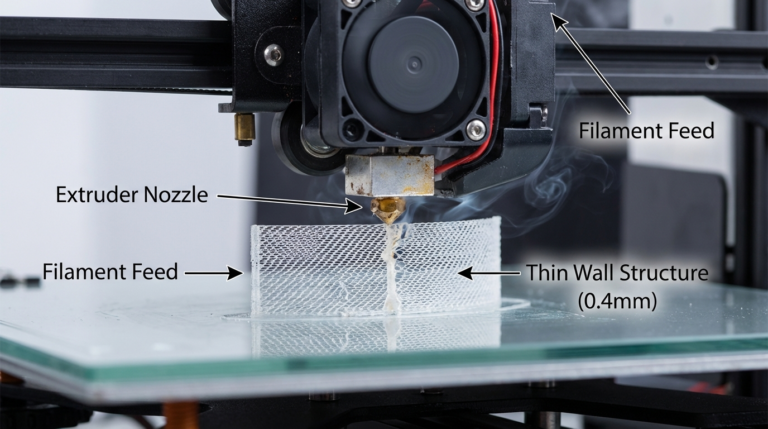
Draft shields: Cura has a “Draft Shield” option that prints a thin wall around your entire print. It blocks air currents and creates a micro-enclosure. I use this for ABS prints when I’m too lazy to set up my full enclosure.
Raft instead of brim: For parts with very small footprints but tall profiles, a raft gives you a completely flat base that’s harder to warp. The downside is a rougher bottom surface, but sometimes that tradeoff is worth it.
Chamfers on bottom edges: If you can modify the model, adding a small 1-2mm chamfer on bottom corners reduces the sharp angle where warping starts. This alone has saved several of my functional prints.
My Warping Prevention Checklist
Before every print that’s larger than about 80mm in any direction, I run through this quick checklist:
- Is the bed clean? (I wipe with IPA before every print)
- Did I heat-soak for at least 5 minutes?
- Is my Z-offset dialed in? (First layer should be slightly squished, not round)
- Did I add a brim? (For anything ABS, always. For PLA/PETG, if it’s large)
- Is the fan set to ramp up gradually?
- Are there any drafts near the printer?
- For ABS: is the enclosure sealed and pre-heated?
Running through this takes 30 seconds and has saved me from so many failed prints. I burned through probably $200 in wasted filament before I started being systematic about warping prevention.
When Warping Isn’t Actually Warping
One last thing — sometimes what looks like warping is actually something else. If your print is lifting on one side but not the other, you probably have a bed leveling issue, not a warping issue. If the bottom of your print is rough and bubbly, that’s likely wet filament outgassing, not warping.
And if your print warps only on the very first layer, peeling up while printing, that’s almost certainly an adhesion or Z-offset problem rather than a thermal warping issue. True warping usually shows up after several layers have been printed, as the thermal stress accumulates.
But once you get the fundamentals right — proper bed temp, good first layer, no drafts, appropriate adhesion for your material — warping becomes a rare problem rather than a constant headache. I went from warping on maybe 30% of my prints to less than 5%, and those remaining failures are usually because I got lazy and skipped a step on my checklist.