3D Printer Hotend Not Heating Up? Here’s How to Fix It
Why Won’t My 3D Printer Hotend Heat Up?
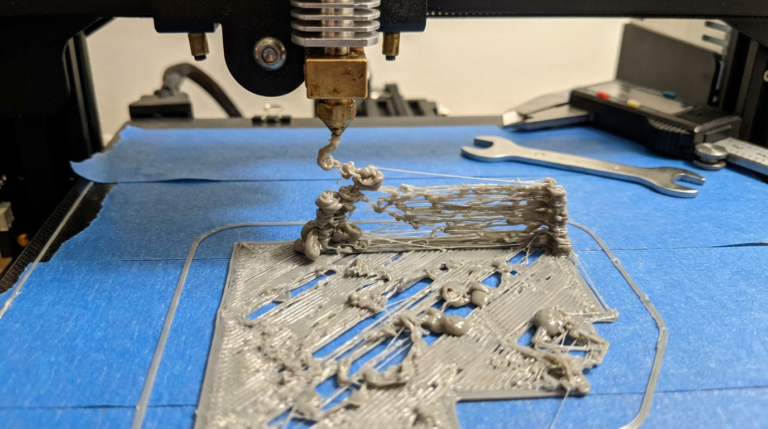
You slice a model, load your filament, hit print — and nothing happens. The hotend temperature stays stuck at room temperature, or climbs painfully slowly before throwing an error. A hotend that refuses to heat is one of the most frustrating 3D printing problems because it stops you dead in your tracks. No heat means no melted filament, and no melted filament means no print.
The good news? This issue almost always comes down to a handful of well-understood causes, and most of them are fixable at home with basic tools. In this guide, I’ll walk you through every common reason your 3D printer hotend won’t heat up, how to diagnose the problem, and exactly what to do about it.
Understanding How Your Hotend Heats Up
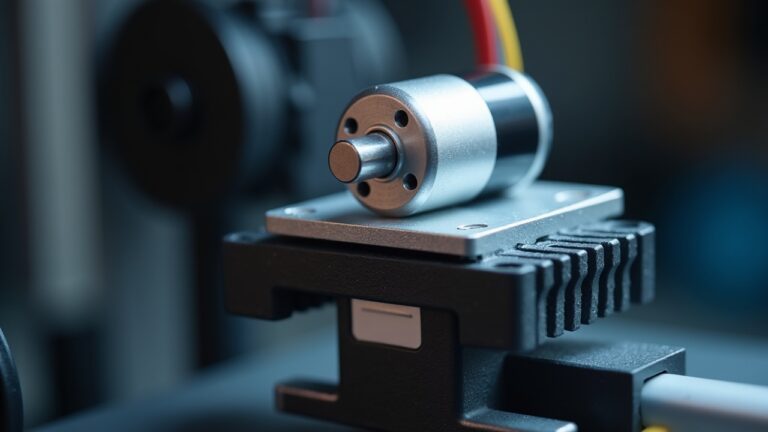
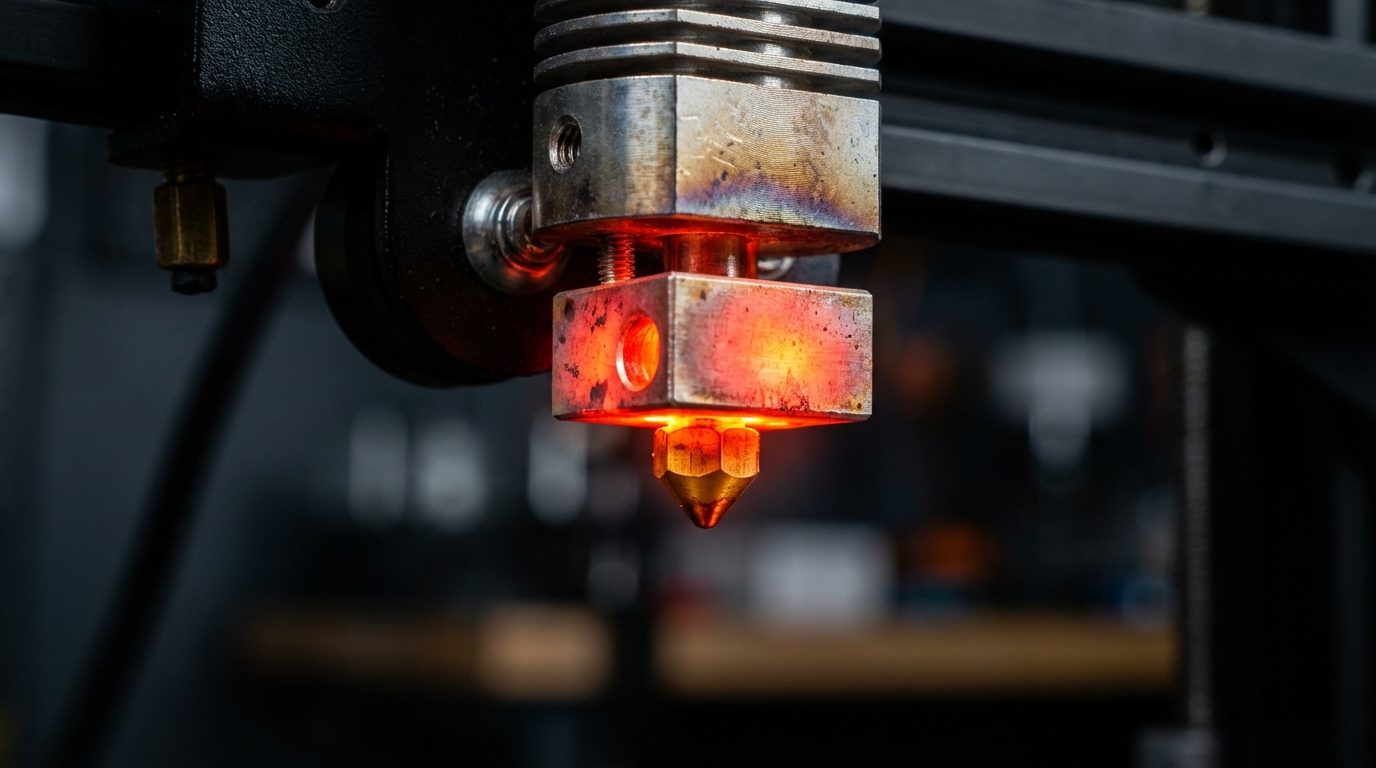
Before diving into fixes, it helps to understand the heating system. Your hotend uses a heater cartridge — a small cylindrical resistive element that converts electrical energy into heat. This cartridge sits inside the heater block, which transfers that heat to the nozzle and melts your filament.
A thermistor (temperature sensor) monitors the heater block temperature and reports back to your printer’s mainboard. The firmware uses a PID control loop to regulate power to the heater cartridge, maintaining your target temperature within a degree or two.
When any component in this chain fails — the heater cartridge, thermistor, wiring, connectors, MOSFET on the board, or even the firmware settings — your hotend won’t heat properly.
Common Causes and How to Fix Them
1. Loose or Damaged Heater Cartridge Wires
This is the most frequent culprit. The wires connecting your heater cartridge to the mainboard endure constant movement as your print head travels back and forth. Over time, they can:
- Break internally while looking fine on the outside (especially at stress points near connectors)
- Come loose from terminal blocks or JST connectors on the board
- Develop intermittent contact, causing temperature fluctuations before complete failure
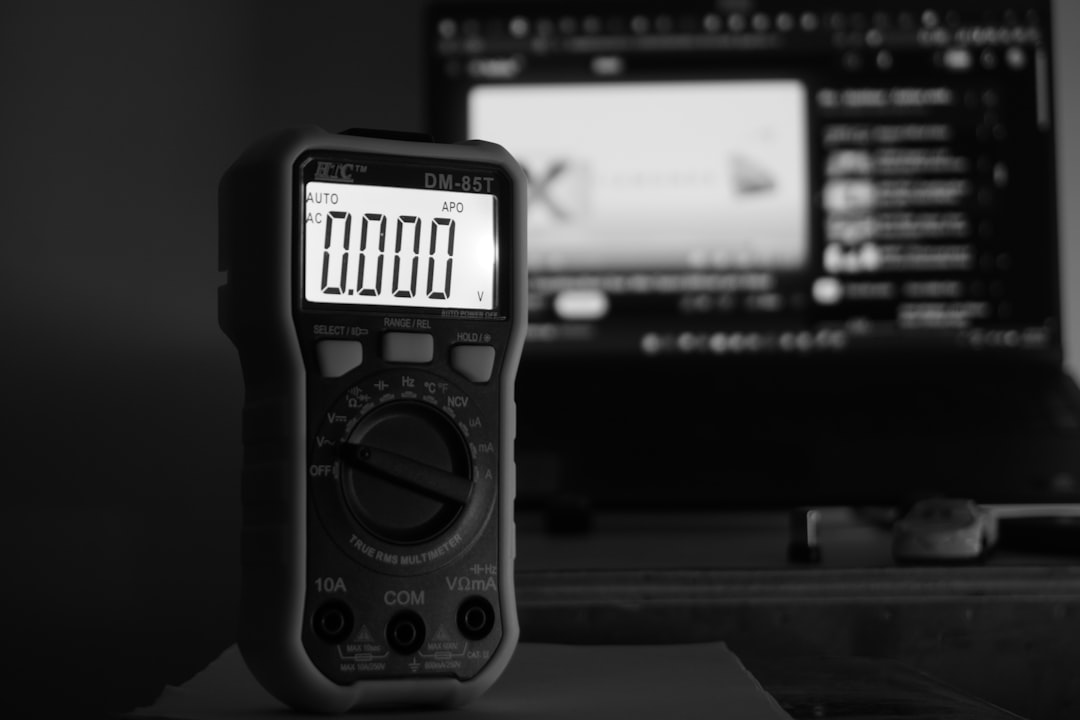
How to diagnose: With the printer powered off, use a multimeter set to resistance (ohms). Disconnect the heater cartridge wires from the board and measure across them. A typical 40W heater cartridge at 24V should read around 14.4 ohms. A 12V/40W cartridge reads about 3.6 ohms. If you get infinite resistance (OL on the meter), the cartridge or its wiring is broken.
Fix: If the wire broke near a connector, you can solder and heat-shrink a repair. If the cartridge itself is dead, replace it — they’re inexpensive parts, usually $3–8 for a standard 40W cartridge. Always match your printer’s voltage (12V or 24V).
2. Blown MOSFET on the Mainboard
The MOSFET is the transistor on your printer’s control board that switches power to the heater cartridge. If it fails (usually burns out from overcurrent or a short), the hotend gets zero power regardless of what the firmware commands.
How to diagnose: Command the hotend to heat via your printer’s menu or a terminal command (e.g., M104 S200). Then measure voltage across the heater cartridge terminals on the board. You should see voltage when heating is active. If you get 0V, the MOSFET is likely blown.
Fix: On some boards, the heater MOSFET is a replaceable component — but this requires soldering skills. For most hobbyists, it’s easier to replace the mainboard entirely. Boards like the SKR Mini E3 or BTT Octopus are popular and affordable upgrades.
3. Thermistor Failure or Misreading
A failed thermistor won’t directly prevent heating, but it will cause the firmware to behave erratically. Common symptoms include:
- Temperature reading stuck at a fixed number (often 0°C or a very high value)
- “MINTEMP” or “MAXTEMP” errors that halt the printer
- Temperature readings that jump wildly
How to diagnose: Check the reported temperature at room temp — it should show roughly 20–25°C. If it shows 0, -14, or 300+, the thermistor or its wiring has failed. You can also measure the thermistor resistance: at room temperature, a standard NTC 100K thermistor reads approximately 100,000 ohms.
Fix: Replace the thermistor. Make sure you get the correct type for your printer (NTC 100K is most common, but some printers use PT1000 or other types). Secure it firmly in the heater block with a small screw or high-temperature adhesive.
4. Thermal Runaway Protection Triggered
Modern firmware like Marlin and Klipper includes thermal runaway protection — a safety feature that shuts down heating if the temperature doesn’t rise fast enough or drops unexpectedly. This can trigger if:
- Your part cooling fan is blowing directly on the heater block
- The heater cartridge is partially failed (working but weak)
- The thermistor has shifted out of position and reads incorrectly
- PID tuning is way off
Fix: Don’t disable thermal runaway protection — it exists to prevent fires. Instead, address the root cause. Run a PID autotune (M303 E0 S200 C8 in Marlin), check that your thermistor is properly seated, and make sure the silicone sock is in place on your heater block to insulate it from the part cooling fan.
5. Firmware Configuration Errors
If you recently flashed new firmware or updated your printer’s configuration, the hotend might not heat because of incorrect settings:
- Wrong thermistor type selected — causes wildly inaccurate readings
- Heater pin assignment wrong — firmware sends signals to the wrong output
- Max temperature set too low — firmware refuses to heat past a certain point
Fix: Double-check your firmware configuration against your hardware. In Marlin, verify TEMP_SENSOR_0 matches your thermistor type, and confirm heater pin assignments in your pins file. In Klipper, check your printer.cfg for correct [extruder] heater_pin and sensor_type settings.
6. Power Supply Issues
An underpowered or failing power supply can’t deliver enough current to heat the hotend. This is more common with cheap or undersized PSUs, especially when the heated bed and hotend try to heat simultaneously.
Symptoms: Hotend heats very slowly, temperatures fluctuate, or the printer resets during heating. You might also notice the heated bed struggling or LED indicators dimming.
Fix: Check your PSU output with a multimeter — a 24V supply should read between 23.5V and 24.5V under load. If it’s significantly low, replace the PSU. Make sure you’re using a supply rated for your printer’s total power draw (typically 350W+ for a printer with a heated bed).
Step-by-Step Diagnostic Checklist
When your hotend won’t heat, work through these steps in order:
- Check the obvious first: Is the printer plugged in? Is the PSU switch on? (Yes, really — this catches more people than you’d think.)
- Read the error message: MINTEMP, MAXTEMP, and thermal runaway each point to different problems.
- Inspect wiring visually: Look for broken wires, burnt connectors, or loose plugs.
- Check thermistor reading: Does the displayed temperature make sense at room temp?
- Test heater cartridge resistance: Use a multimeter — should match expected value for your voltage/wattage.
- Test voltage at the board: With heating commanded, check for voltage at the heater output.
- Try swapping components: If you have spares, swap the thermistor or heater cartridge one at a time to isolate the failure.
Preventing Hotend Heating Failures
A few maintenance habits go a long way toward avoiding this problem entirely:
- Use strain relief on your hotend wiring — zip ties or cable chains prevent wire fatigue
- Keep your silicone sock in place — it insulates the heater block and reduces thermal runaway triggers
- Tighten connectors periodically — screw terminals can loosen over time from vibration
- Run PID autotune after any hardware change (new nozzle, new thermistor, new heater)
- Keep spare heater cartridges and thermistors — they’re cheap insurance against downtime
When to Replace vs. Repair
Heater cartridges and thermistors are consumable parts — think of them like nozzles. They’re cheap ($3–10 each) and easy to replace. Don’t waste hours trying to fix a $5 part. If your multimeter says the cartridge is dead, just swap it.
Board-level repairs (blown MOSFETs, damaged traces) are a different story. Unless you’re comfortable with SMD soldering, a new mainboard is usually the smarter investment. Modern boards like the BTT SKR Mini E3 V3 or Manta M4P are $25–40 and come with better features than most stock boards anyway.
Final Thoughts
A 3D printer hotend that won’t heat up is almost never a catastrophic failure. In most cases, it’s a broken wire, dead heater cartridge, or failed thermistor — all of which are quick, cheap fixes. The key is systematic diagnosis: start with the simplest checks, work your way deeper, and let your multimeter do the detective work.
Keep spare heater cartridges and thermistors in your toolbox. When the inevitable failure happens, you’ll be back to printing in minutes instead of days.