Matte PLA Filament Guide: Best Settings, Top Brands, and Pro Tips
What Is Matte PLA?
Standard PLA has a noticeable sheen — not quite glossy, but definitely reflective. It shows layer lines clearly, highlights every imperfection, and screams “3D printed” to anyone who looks closely. Matte PLA eliminates that problem. It has a flat, non-reflective surface finish that hides layer lines and gives prints a professional, injection-molded appearance.
Matte PLA achieves its finish through additite particles mixed into the polymer that scatter light instead of reflecting it. Different manufacturers use different formulations, which is why matte PLAs vary so much in printability, surface texture, and mechanical properties. Some print like regular PLA. Others are surprisingly finicky.
This guide covers everything you need to know: how matte PLA differs from standard PLA, the best settings for clean prints, which brands actually deliver on quality, and when to use matte versus other filament types.
Matte PLA vs. Standard PLA: Key Differences
| Property | Standard PLA | Matte PLA |
|---|---|---|
| Surface finish | Semi-glossy, reflective | Flat, non-reflective |
| Layer line visibility | Clearly visible | Significantly hidden |
| Print temperature | 190–220°C | 200–230°C (slightly higher) |
| Stringing tendency | Low to moderate | Moderate to high |
| Bridging performance | Good | Average (slightly droopier) |
| Impact strength | Average | Slightly lower |
| Post-processing | Sands and paints well | Already looks finished; sanding destroys matte finish |
| Price | $15–22/kg | $18–28/kg |
The most important practical difference: matte PLA runs hotter and strings more. If you switch from standard PLA to matte without adjusting settings, you’ll likely see more stringing and possibly worse overhangs. The additives that create the matte texture also change the melt flow behavior.
Best Print Settings for Matte PLA
These settings work as a starting point for most matte PLA brands. Expect to fine-tune temperature and retraction for your specific filament.
Temperature: 210–225°C
Most matte PLAs need 10–15°C higher than standard PLA. The light-scattering additives increase the filament’s viscosity slightly, requiring more heat for smooth flow. Start at 215°C and print a temperature tower if your matte PLA looks rough or under-extruded.
Bed temperature stays the same as regular PLA: 55–65°C on PEI or glass, 50°C on magnetic flex plates.
Retraction: More Aggressive Than Standard
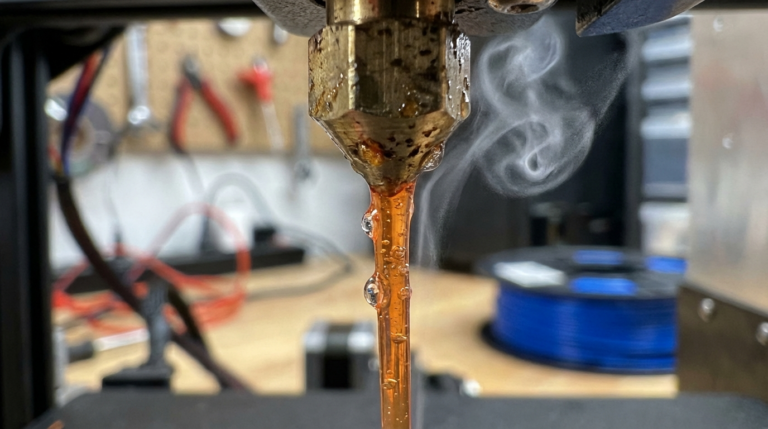
Matte PLA is notorious for stringing. The additives make the molten filament slightly more viscous and prone to oozing. Increase your retraction distance by 0.5–1.0 mm compared to your standard PLA settings:
- Direct drive: 1.0–2.5 mm at 35–45 mm/s
- Bowden: 5.0–8.0 mm at 40–60 mm/s
If stringing persists, try reducing nozzle temperature by 5°C before increasing retraction further. There’s usually a sweet spot where the filament is hot enough to flow smoothly but cool enough to stop cleanly.
Print Speed: 40–70 mm/s
Matte PLA handles moderate speeds well but doesn’t perform as consistently at high speeds (100+ mm/s) compared to standard PLA. The additives can cause slight flow inconsistencies at very high volumetric flow rates. For the best surface quality, stay under 60 mm/s for outer walls and use 70–80 mm/s for infill.
Cooling: 100% Fan
Just like standard PLA, matte PLA loves cooling. Run your part cooling fan at 100% after the first 2–3 layers. Insufficient cooling makes the matte finish look inconsistent — some areas will appear more matte than others depending on how quickly they solidified.
Best Matte PLA Filament Brands (Tested and Ranked)
Not all matte PLAs are created equal. Here’s how the major brands stack up based on surface quality, printability, and value:
1. Bambu Lab Matte PLA — Best Overall
If you own a Bambu Lab printer, this is the obvious choice. But it prints well on any machine. The matte finish is exceptionally uniform, layer lines virtually disappear, and it handles overhangs and bridging better than most competitors. Stringing is minimal for a matte filament. Available in an excellent color range.
Price: ~$22/kg | Temp: 210–230°C | Rating: ★★★★★
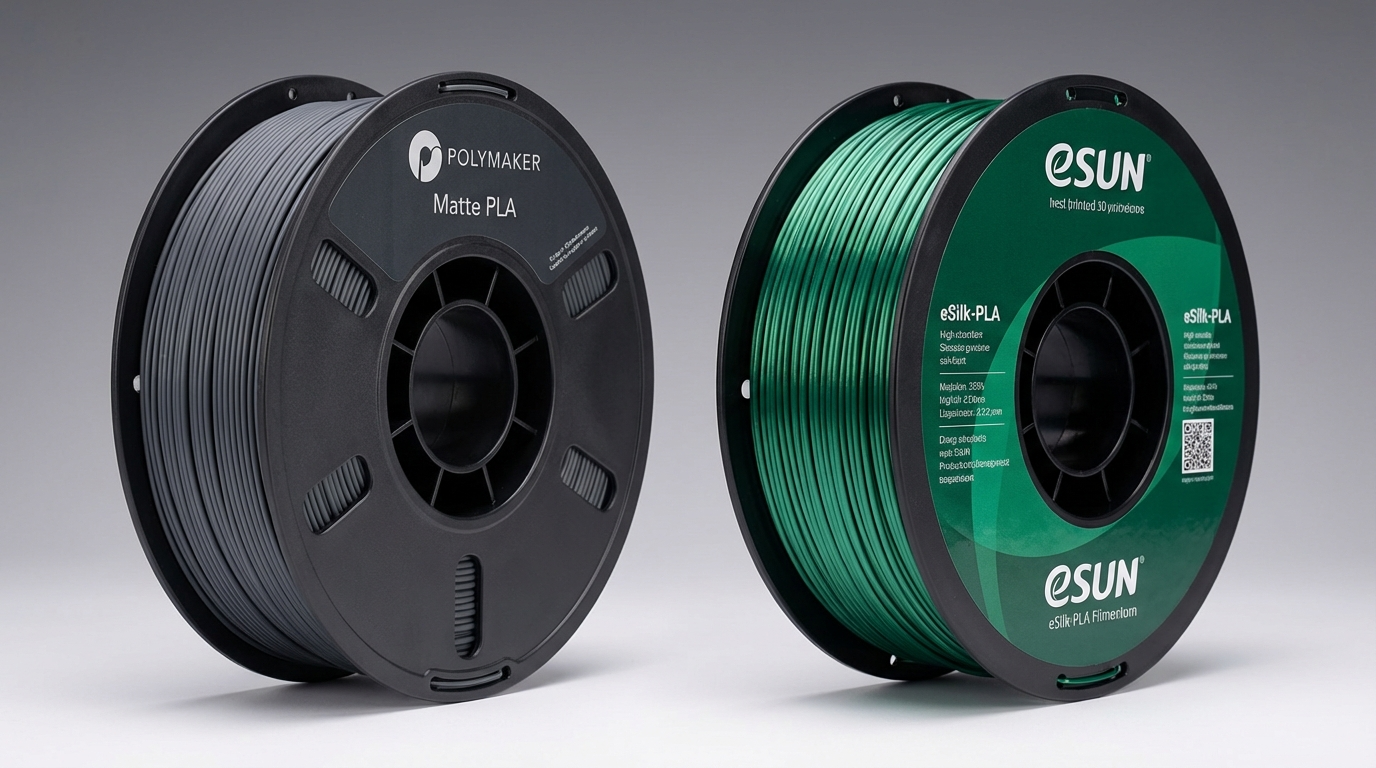
2. Polymaker PolyTerra Matte PLA — Best Colors
PolyTerra’s matte finish is smooth and consistent, though slightly less flat than Bambu’s. Where it excels is color selection — dozens of earthy, muted tones that look incredible on display models and decorative prints. The spool is made from recycled cardboard, which is a nice environmental touch.
Price: ~$20/kg | Temp: 205–220°C | Rating: ★★★★½
3. Elegoo Matte PLA — Best Budget
Surprisingly good for the price. The matte effect is genuine (not just marketing), and it prints without drama on most printers. Color options are more limited than Polymaker, and occasional spools have slight diameter inconsistencies, but at $16–18/kg it’s hard to complain.
Price: ~$17/kg | Temp: 210–225°C | Rating: ★★★★
4. Overture Matte PLA
Decent matte finish but strings more than the top picks. Needs aggressive retraction settings and runs best at the higher end of its temperature range. Good value if you can dial in the settings, frustrating if you expect it to work out of the box.
Price: ~$19/kg | Temp: 215–230°C | Rating: ★★★½
5. eSun Matte PLA
The matte effect is subtle — more “satin” than truly flat. It prints very easily (closest to standard PLA behavior), which is an advantage if you want mild layer line reduction without fighting stringing issues. Not the best choice if you want a dramatically matte look.
Price: ~$21/kg | Temp: 205–220°C | Rating: ★★★½
When Should You Use Matte PLA?
Matte PLA shines (pun intended) in specific use cases:
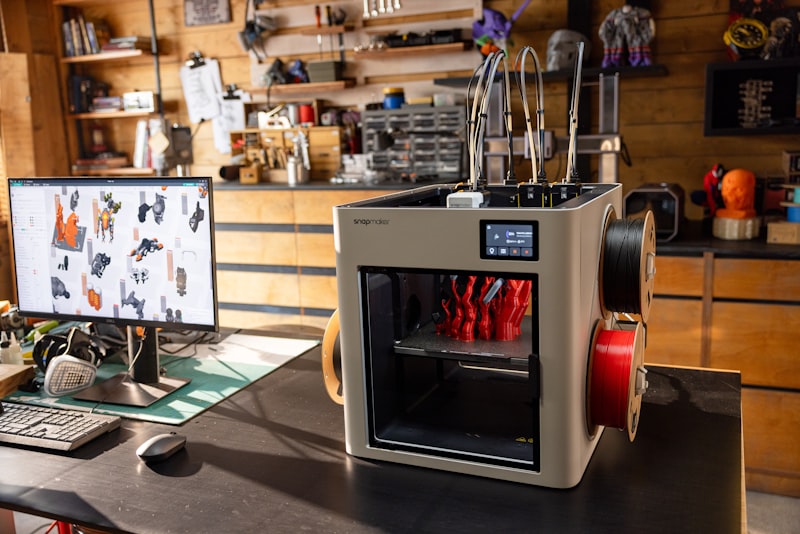
- Display models and figurines: The hidden layer lines make models look professional without post-processing.
- Prototypes for clients: A matte finish looks intentional and polished. Clients won’t focus on layer lines.
- Photography props: Matte surfaces don’t produce glare or hotspots under studio lighting.
- Cosplay and costume parts: The flat finish is easier to paint over (if needed) and already looks good unpainted.
- Home decor items: Vases, planters, lamp shades, and shelf items look high-end in matte finishes.
When to avoid matte PLA:
- Functional parts under stress: The additives slightly reduce impact strength. Use standard PLA or PETG instead.
- Parts that need sanding: Sanding destroys the matte texture, revealing shiny plastic underneath. If you plan to sand and paint, use standard PLA.
- High-speed printing: Matte PLA doesn’t perform as well at 100+ mm/s. For speed printing, standard or high-speed PLA is better.
Troubleshooting Matte PLA Problems
Excessive stringing: This is the #1 complaint. Lower nozzle temperature by 5°C, increase retraction by 0.5 mm, and enable wipe/coasting in your slicer. If you’re still fighting it, try travel speed of 200+ mm/s to reduce ooze time.
Inconsistent matte finish (shiny patches): Increase part cooling fan to 100%. Shiny patches appear where the filament stayed hot longer — typically on overhangs, inside corners, and areas printed right after a retraction.
Rough or grainy surface: Temperature is too low. The additives need adequate heat to blend smoothly. Increase by 5°C increments until the texture evens out.
Poor bed adhesion: Matte PLA can be slightly worse at sticking than standard PLA. Clean your bed with IPA, increase first layer temperature by 5°C, and slow down the first layer to 20 mm/s. A thin layer of glue stick works if all else fails.
Brittle prints: Matte PLA is inherently slightly more brittle than standard PLA. For parts that need flexibility, increase wall count (3–4 walls) and use higher infill (40%+). If the part needs real toughness, switch to standard PLA+ or PETG.
Matte PLA vs. Other Specialty Finishes
How does matte PLA compare to other aesthetic filament options?
- Silk PLA: The opposite of matte — glossy, shiny, flashy. Layer lines are more visible but the metallic sheen hides them psychologically. Best for vases and decorative pieces where you want sparkle.
- Wood PLA: Wood-fiber-filled PLA with a natural textured finish. Hides layer lines through texture rather than matte finish. Requires higher temps and clogs 0.4mm nozzles faster.
- Matte PETG: Exists but rare and expensive. Better mechanical properties than matte PLA but harder to print. Choose if you need both the matte look and heat/chemical resistance.
Final Thoughts
Matte PLA is the easiest way to make 3D prints look professional without sanding, painting, or post-processing. The tradeoffs — slightly more stringing, marginally lower strength, higher price — are worth it for display pieces, prototypes, and anything where appearance matters.
Start with Bambu Lab or Polymaker PolyTerra. Print 10°C hotter than your standard PLA with slightly more aggressive retraction. Once you see those invisible layer lines on your first print, you’ll wonder why you ever printed with regular PLA.