What Is a Bowden Extruder? Complete 2026 Beginner’s Guide
What a Bowden Extruder Actually Is
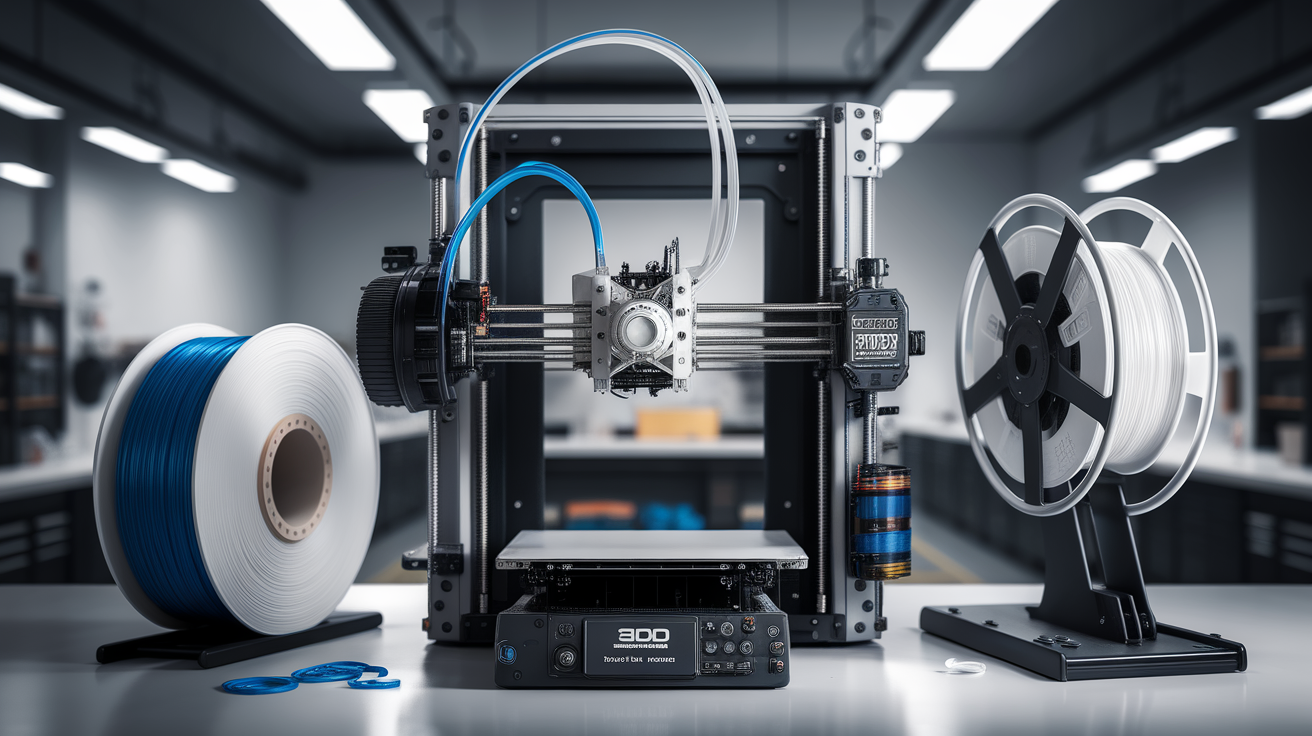
A Bowden extruder is a filament feeding system where the motor that pushes filament — the extruder — sits mounted on the printer’s frame, not on the moving print head. Filament travels from the motor through a long PTFE (polytetrafluoroethylene) tube before it arrives at the hotend, melts, and exits the nozzle. That tube is the “Bowden cable,” a term borrowed from 19th-century bicycle brake mechanisms.
Contrast this with a direct drive extruder, where the motor sits directly on top of the hotend. Direct drive means the gears push filament straight into the melt zone with a centimeter or two of travel. Bowden means the gears push it through 300–600mm of tube before it reaches the melt zone.
That one design choice — where you put the motor — ripples into almost every aspect of printer behavior: speed, print quality, filament compatibility, maintenance, upgrade cost, and failure modes. Understanding why your machine uses a Bowden setup (or doesn’t) will save you frustration when you’re diagnosing stringing, underextrusion, or retraction problems.
Why Printer Manufacturers Use Bowden Setups
The Bowden design exists for one core reason: mass. A stepper motor weighs 250–400 grams. If you bolt that mass onto your print head, the head gets heavy. Heavy heads are harder to accelerate, harder to decelerate, and more prone to ringing and ghosting on fast prints. A Bowden setup moves that mass to a static part of the frame, letting the print head stay light and nimble.
For Cartesian bed-slinger printers — the Ender 3, Anycubic Kobra, Creality CR-series — this matters. The Y axis moves the bed back and forth, which already fights inertia. Adding a direct-drive motor on the X carriage would mean more vibration, slower effective print speeds, and uglier corners.
CoreXY machines like the Voron 2.4 or the older Railcore benefit even more from Bowden setups during high-speed printing, though the modern high-speed CoreXY trend has actually swung back toward direct drive with smaller motors. We’ll get to that.
The Speed Argument: Does Bowden Actually Print Faster?
Yes and no. A Bowden setup allows the print head to accelerate faster — the physics is real. But speed on paper doesn’t equal speed in practice. Modern high-speed direct drive systems using compact pancake steppers (like the LDO-36STH20 family) have closed most of the gap. A well-tuned Bambu Lab A1 prints at 500mm/s with direct drive. A well-tuned Creality Ender 3 V3 SE with Bowden struggles to match it cleanly past 200mm/s.
The real speed difference today comes from overall system tuning: input shaping, pressure advance, stepper driver current, bed adhesion, and cooling — not Bowden vs direct drive alone. If someone tells you “Bowden is faster,” they’re repeating a truth from 2019 that no longer automatically applies in 2026.
The Retraction Problem
Retraction is where Bowden setups genuinely suffer. Every time your slicer issues a retraction command, the extruder motor has to pull filament backward through that long PTFE tube. Because PTFE tubing has some flex and filament has some slack, the pull isn’t instantaneous — some of the retraction is absorbed by the tube instead of actually retracting molten plastic at the nozzle.
Typical retraction settings illustrate this:
- Direct drive: 0.5–1.5mm retraction, 25–40mm/s speed
- Bowden: 4–7mm retraction, 35–60mm/s speed
That factor-of-five increase is how you compensate for the mechanical lag. It mostly works — but it introduces its own failure modes. Longer retractions mean more wear on the filament gear, more heat creep into the cold zone, and more grinding when filament is wet or brittle. This is why Bowden printers have a reputation for struggling with flexible filaments like TPU.
Which Filaments Play Nice with Bowden (and Which Don’t)
Bowden setups work beautifully for rigid filaments:
- PLA — the easiest Bowden filament by a wide margin
- PETG — works with careful retraction tuning to avoid stringing
- ABS/ASA — fine as long as the tube doesn’t soften in enclosed-chamber heat
- PC, PA — possible but fussy; most users upgrade to direct drive first
Where Bowden struggles:
- TPU 95A and softer — the filament compresses inside the tube instead of being pushed forward, leading to underextrusion and clogs
- Nylon/PA blends — hygroscopic; the tube exposure to room air can reintroduce moisture mid-print
- Abrasive composites (CF, GF) — the tube gets chewed up by particles, especially at entry and exit points
If flexible filaments are on your project list, either pick a direct-drive printer from the start or plan a conversion within the first few months.
Common Bowden Failure Modes and How to Spot Them
Most Bowden-specific problems trace back to three components: the tube, the couplers, and the extruder gear.
Tube deterioration. The PTFE tube ID (inner diameter) is nominally 1.9–2mm. After a few hundred print hours — especially with abrasive filament — it widens, the filament wobbles inside, and retraction loses precision. Replace the tube every 6–12 months of heavy use, more often with composites.
Coupler wear. The pneumatic couplers that grip the tube at both ends (push-to-connect fittings, often blue plastic) lose grip over time. A tube that slips even 1mm during a retraction causes a layer-line artifact or a full print failure. If you see mysterious underextrusion patterns, pull the tube and check how firmly it seats. Upgrading to Capricorn tubing with metal-collar fittings fixes both problems in one move.
Gear grinding. The single-gear extruders shipped on budget printers (especially older Creality designs) strip filament when retraction is aggressive. Dual-gear extruders (BondTech BMG clones cost $15–30) solve this; they’re one of the highest-ROI upgrades on a Bowden printer.
Bowden vs Direct Drive: Which Should You Pick in 2026?
If you’re buying a printer today, consider the full picture rather than the extruder alone:
Pick Bowden if:
- You’re buying on a sub-$300 budget where direct-drive options are rare or poorly tuned
- You mainly print PLA and PETG for visible, detail-heavy prints
- You want cheaper upgrade paths — BMG-style dual-gear extruders are commodity parts
- You value quieter, lighter print-head operation for long unattended prints
Pick direct drive if:
- TPU, flexible filaments, or unusual composites are part of your workflow
- You want plug-and-play reliability without tuning retraction aggressively
- You’re willing to pay 15–25% more at the same print-size class for the convenience
- Speed matters more than price (modern direct-drive heads reach 400–600mm/s with the right tuning)
Converting a Bowden Printer to Direct Drive
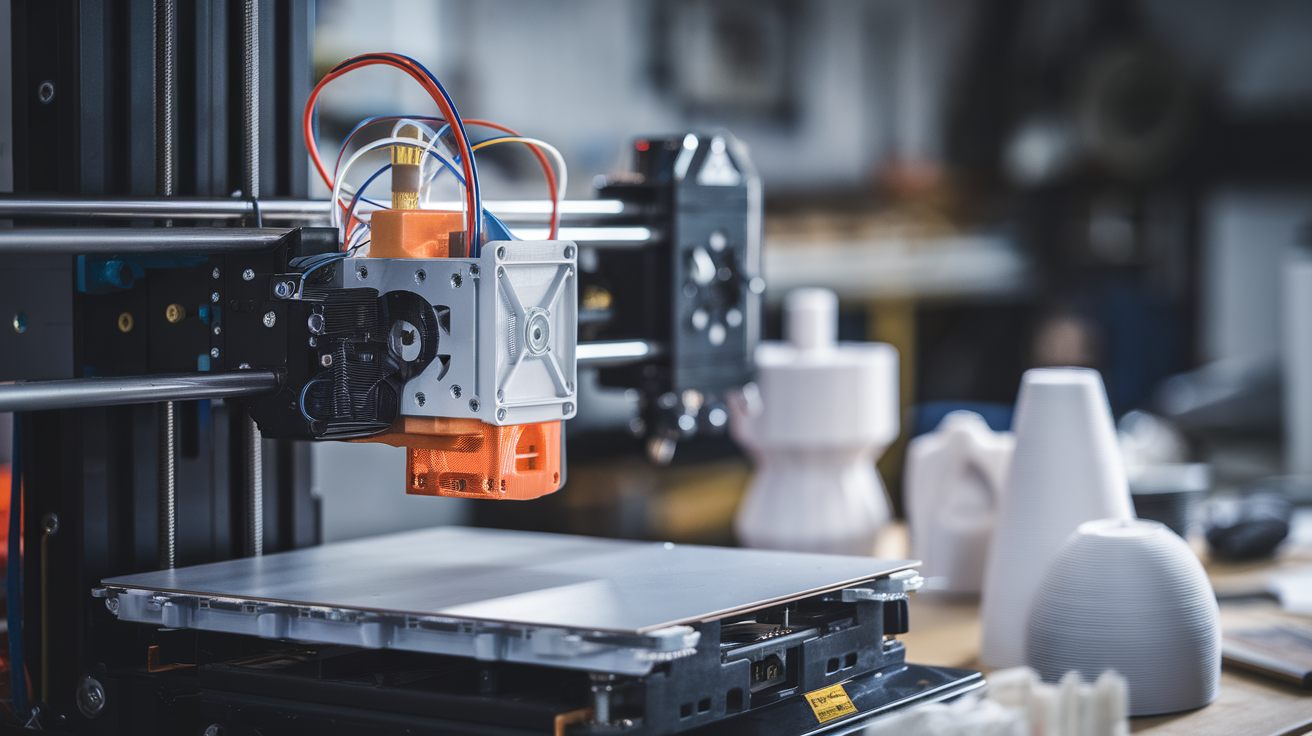
Conversion kits are abundant for popular Bowden printers. An Ender 3 direct-drive conversion runs $25–60 for a printed bracket plus a light extruder motor, or $80–150 for a more refined kit with the motor included. The mechanical work is usually under two hours. The non-mechanical work — retuning retraction, pressure advance, flow rates, and often the X-axis belt tension — takes longer. Budget a full evening for the first calibration cycle.
One caveat: many converted Bowden printers show ringing artifacts they didn’t have before, because the stock X-axis carriage wasn’t designed for direct-drive mass. Input shaping (Klipper or Marlin M593) fixes this for most users but requires a bit of command-line work.
Maintenance Rhythm for Bowden Printers
A healthy Bowden printer earns its reliability through a simple maintenance schedule most users skip. Every 50 print hours, pull the tube out of both couplers, inspect both ends for flattening or gouging, and cut off the damaged centimeter before reseating it. This single habit prevents roughly 80% of long-tail Bowden failures. Every 200 hours, replace the tube entirely — $3 of Capricorn buys four months of trouble-free retraction.
The extruder gear needs attention on the same rhythm. Budget printers ship with steel gears that wear a characteristic groove after several hundred hours of aggressive retraction. Once that groove forms, the gear grips filament inconsistently — resulting in phantom underextrusion that resists tuning. Swap to a dual-gear BMG clone ($15–30) before the groove appears rather than after, and keep the stock gear as emergency backup.
Tuning Retraction on a Bowden Setup
If you inherited a Bowden printer with mysterious stringing or blobs, the tuning path is well-trodden. Start with a retraction distance calibration tower — these test prints vary retraction in 1mm increments from 2mm to 8mm. Look for the point where stringing visibly disappears without leaving holes at the top of the perimeter (a sign of over-retraction). Most 3mm-diameter Capricorn-tube setups land at 5mm; most 4mm stock PTFE setups land at 6–7mm.
Retraction speed is the second variable. Faster isn’t always better — if the filament cools too fast during retraction, it grabs the tube wall. Try 35mm/s as a starting point; increase in 5mm/s increments if stringing persists. Above 60mm/s you’ll start grinding filament on single-gear extruders.
Pressure advance (Klipper) or linear advance (Marlin) solves the residual stringing and corner-bulging that retraction alone can’t fix. A Bowden printer with well-calibrated pressure advance can sometimes match direct-drive quality on PLA and PETG — the setting compensates mathematically for the tube’s pressure delay. Worth the 30 minutes it takes to calibrate once per filament brand.
Is a Bowden Setup Outdated?
No — but the balance has shifted. In 2019, Bowden was the obvious choice for any fast printer. In 2026, direct-drive designs using compact motors have taken over the enthusiast segment, while Bowden remains dominant at the entry tier for cost reasons. Either design can produce excellent prints. What matters is whether the rest of the machine — rails, fans, firmware, tuning — is well-matched to the extruder choice. A well-calibrated Bowden printer still outprints a poorly calibrated direct-drive every day of the week.
If you already own a Bowden printer and it prints PLA and PETG well, there’s little reason to switch unless your project list changes. If you’re shopping new and TPU is on the menu, start with direct drive and save yourself a conversion. The extruder style is one ingredient in the overall recipe — never the whole story.