Bambu Lab A1 Mini vs Ender 3 V3 KE: Head-to-Head Benchmark 2026
The Bedslinger Showdown That Actually Matters in 2026
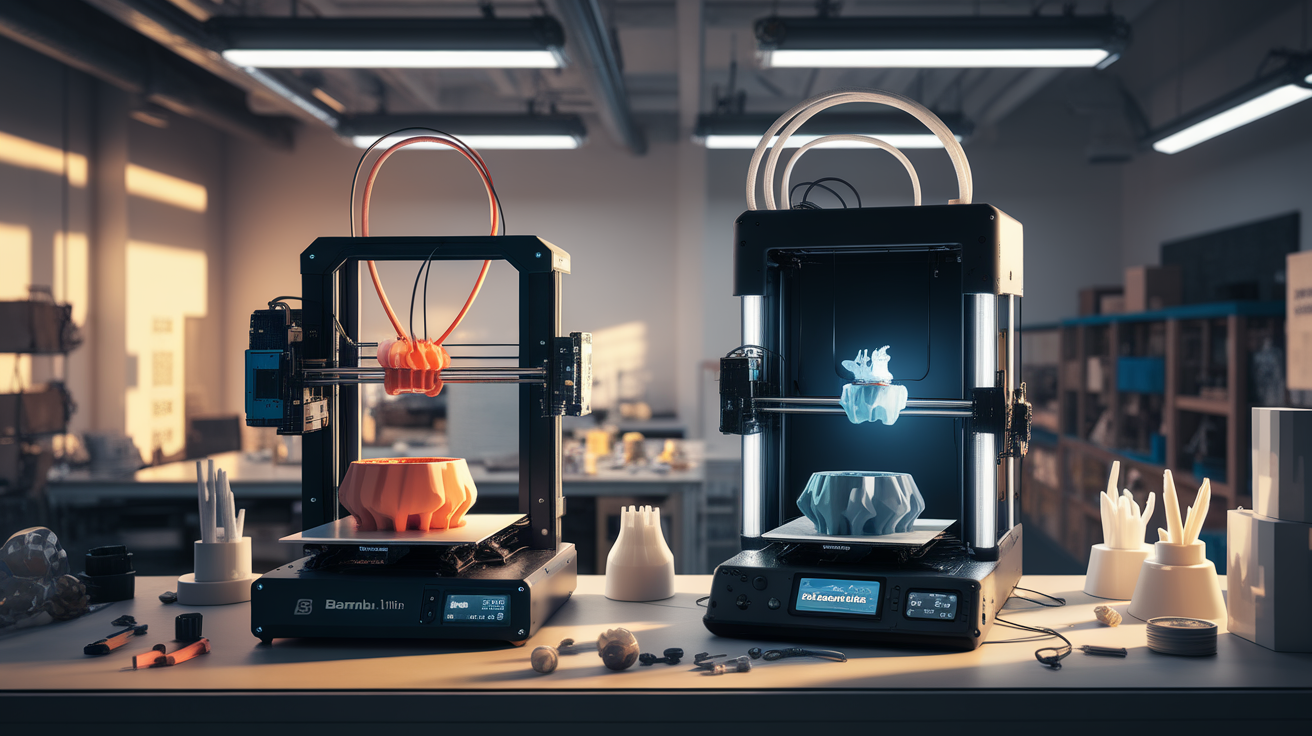
The Bambu Lab A1 Mini and the Creality Ender 3 V3 KE are the two printers that show up in nearly every “first 3D printer 2026” recommendation thread. Both are bedslinger kinematics (Y-axis on the bed, X-axis on the gantry) at similar price points, both target the same beginner-to-intermediate user, and both promise speeds that would have been flagship territory two years ago. The choice between them is a real decision because they differ in important ways that price tag does not capture.
This is a real head-to-head benchmark based on print times, surface quality, dimensional accuracy, and ownership experience over typical use, not a spec-sheet comparison. The benchmarks below are run on production firmware as of May 2026 and reflect the printers as they ship in mid-2026, not as launched.
Pricing and What You Get in the Box
The Bambu A1 Mini lists at $299 without the AMS Lite multi-color system, $459 with the AMS Lite four-color combo as of May 2026. The build volume is 180x180x180mm — genuinely small, which is the cost of the entry price. The printer ships fully assembled, calibrated, and ready to print within 30 minutes of unboxing.
The Creality Ender 3 V3 KE lists at $299 base, occasionally discounted to $229 during sales. The build volume is 220x220x250mm — meaningfully larger than the A1 Mini. The printer ships with the gantry partially assembled; full setup including leveling and first-print verification takes 60-90 minutes for a beginner.
For the same $299 list price, you get more build volume from the Ender 3 V3 KE and more refined out-of-box experience from the A1 Mini. The first-print success rate on the A1 Mini is essentially 100 percent on the included Benchy; on the Ender 3 V3 KE most users have to verify the first layer manually before printing succeeds.
Print Speed Comparison on Real Models
Both printers are marketed as high-speed machines (the A1 Mini claims up to 500 mm/s travel; the Ender 3 V3 KE claims up to 500 mm/s as well). Real-world print times on identical models tell a different story:
Benchy at default profile: A1 Mini 18 minutes, Ender 3 V3 KE 22 minutes. The A1 Mini’s tighter integration between slicer profile and machine motion lets it actually hit the speeds the firmware claims. The Ender 3 V3 KE has more conservative input-shaper-tuned defaults in its slicer.
Benchy at maximum quality: A1 Mini 42 minutes, Ender 3 V3 KE 48 minutes. The gap closes when both are slowed down for quality.
Functional bracket (45g, 0.2mm layers): A1 Mini 1h 12min, Ender 3 V3 KE 1h 24min.
Large 300g phone holder (0.2mm layers): A1 Mini cannot fit, Ender 3 V3 KE 4h 38min. Build volume wins by default.
The headline is that for parts that fit on both printers, the A1 Mini is roughly 10-15 percent faster on equivalent quality settings. The build volume advantage on the Ender 3 V3 KE matters only if your prints exceed 180mm in any axis.
Surface Quality and Dimensional Accuracy
Side-by-side prints of identical STL files show the A1 Mini producing slightly smoother walls on the same filament. The difference is most visible on round geometry — the A1 Mini’s input shaper tuning is calibrated at the factory per-machine, while the Ender 3 V3 KE uses a generic input shaper profile that you can recalibrate at home with a slightly involved process.
Dimensional accuracy on a 50mm calibration cube is essentially equivalent — both printers are within 0.15mm on each axis after a single calibration print. Z-axis dimensional accuracy is slightly better on the A1 Mini (within 0.05mm vertical) because the Bambu firmware applies subtle compensation for layer thickness consistency that the Creality firmware does not.
For miniatures, statues, and detail-heavy prints, the A1 Mini’s surface finish at default settings is genuinely better. The Ender 3 V3 KE catches up after manual input shaper calibration and pressure advance tuning, but those are processes most first-time users do not undertake.
The Filament Question and the AMS Issue
The Bambu A1 Mini works well with most PLA and PETG filaments. ABS is technically possible but the open frame means inconsistent chamber temperatures — large ABS prints warp. The AMS Lite multi-color system requires Bambu-spec filaments to be reliable; third-party filaments can be used but failure rates rise meaningfully. The AMS Lite is also exposed (sits next to the printer rather than enclosed), so humidity affects performance more than the full AMS.
The Ender 3 V3 KE has no first-party multi-material system. There is no AMS, no automatic material change. For single-material printing the printer accepts essentially any 1.75mm filament on a standard spool without issues. The hotend is rated to 300°C so it handles PETG, ABS, ASA, and most engineering filaments — though again, open frame means ABS prints suffer.
If single-material printing is your plan, the Ender 3 V3 KE has the more flexible filament compatibility. If multi-color is a priority, the A1 Mini with AMS Lite at $459 is the only realistic option in this price bracket.
Software Ecosystem and Ongoing Experience
Bambu Studio (the A1 Mini’s slicer) handles the printer as a fully integrated unit — calibrated profiles, cloud printing, mobile app monitoring, time-lapse video from the included camera. The downside is the cloud dependency. Bambu has had multiple outages in late 2025 and early 2026 that affected remote print starts. Local network printing works, but the LAN-only mode is a workaround, not the default experience.
The Ender 3 V3 KE uses Creality Print or, more commonly, OrcaSlicer (the third-party fork of Bambu Studio that supports Creality machines). The setup process for OrcaSlicer with the Ender 3 V3 KE is a community knowledge base — the printer works well with OrcaSlicer but you have to find the right profile online, not download it from a centralized source. The included Creality Cloud is functional but less polished than Bambu Handy.
Long-term, the Ender 3 V3 KE is more open and modifiable. The Bambu A1 Mini is more polished and easier in the first six months but less flexible as you grow into more advanced workflows.
Repairability and Spare Parts in 2026
The Ender 3 platform has been around since 2018, which means spare parts are universally available, third-party upgrade ecosystem is massive, and any failure can be repaired for a few dollars. The Ender 3 V3 KE inherits this advantage — the build plate, hotend, fans, and stepper motors are all readily available.
The Bambu A1 Mini has a younger ecosystem and more proprietary components. The hotend is replaceable as a unit (you swap the whole hotend assembly, not individual parts), which is faster but more expensive per repair. Bambu’s first-party parts are reliably stocked but expensive — a hotend assembly costs $50, where an Ender 3 hotend rebuild costs $15 in parts.
Noise Levels and Living-Room Suitability
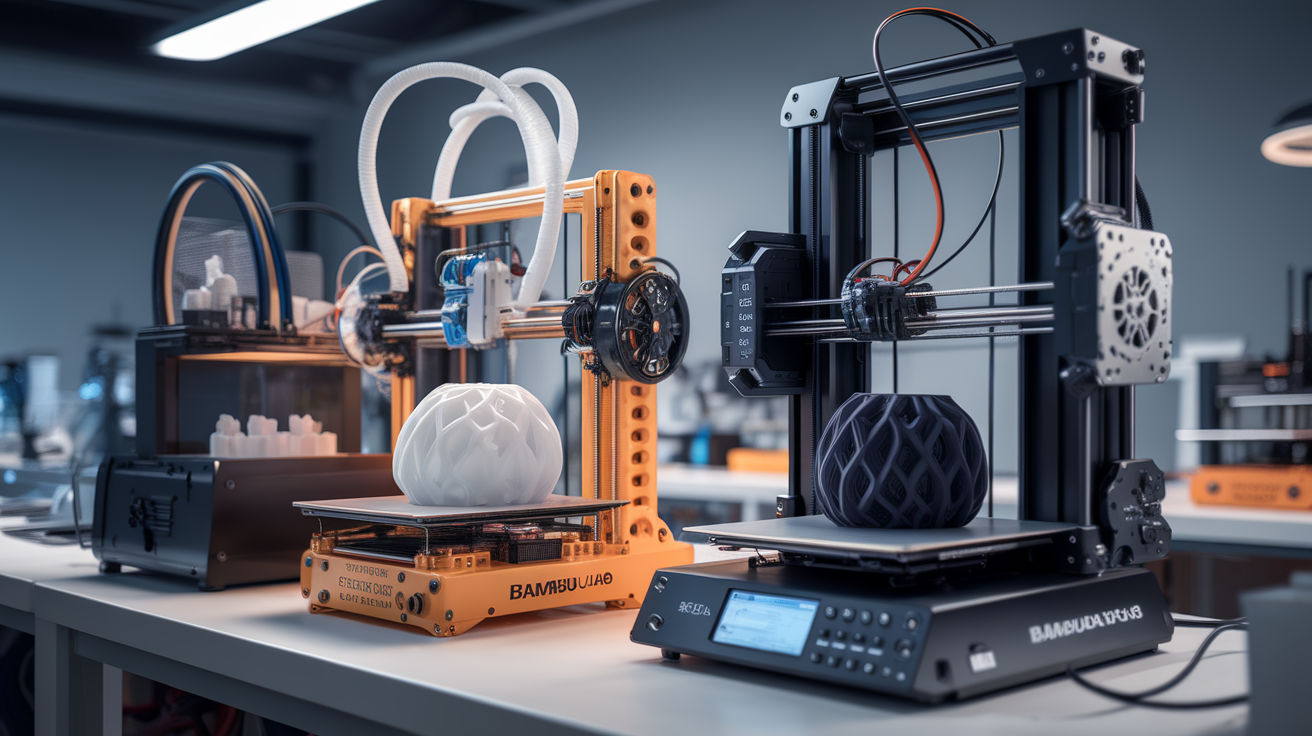
Noise during printing is a real consideration if the printer lives in shared space. The Bambu A1 Mini in default silent mode runs at 48-52 dB measured at one meter, which is conversational background noise level. Standard mode pushes to 58-62 dB, similar to a busy office. The fan ramp during high-temperature printing is the loudest single moment.
The Ender 3 V3 KE measures 52-56 dB in silent mode and 60-65 dB at full speed. The stepper motors are quieter than older Ender 3 generations thanks to the TMC2209 drivers, but the bed slinging on a larger Y-axis movement is audibly louder than the A1 Mini’s smaller bed. For a living-room printer, the A1 Mini is the meaningfully quieter machine.
Footprint and Workspace Reality
The A1 Mini occupies 347x315x365mm including the spool holder — small enough for a desk corner. The Ender 3 V3 KE occupies 433x366x490mm — substantially larger because of the extended Y-axis bed travel. If desk space is limited, the A1 Mini is the only realistic option of the two. The build volume difference (180mm vs 220mm) accompanies a 25-30 percent larger external footprint, which is not always proportional to the gain in printable size.
Which One You Should Actually Buy
Buy the Bambu A1 Mini if: your first six months matter more than your repair flexibility, you want multi-color printing now or soon, your prints stay under 180mm in size, and you value out-of-box reliability over tinkering.
Buy the Ender 3 V3 KE if: you want maximum build volume per dollar, single-material printing is fine, you are willing to invest 1-2 hours in initial setup and calibration, and you want a printer that will be repairable cheaply for years to come.
Neither is wrong. The A1 Mini is the better first printer if budget allows the $299-459 price. The Ender 3 V3 KE is the better value if you can spend an extra hour in setup and want the build volume. The 10-15 percent speed advantage of the A1 Mini and 5-10 percent better surface finish are real but not transformative — both printers produce parts you will be happy with after a brief learning curve.