Best 3D Printer Under $300 in 2024: 5 Tested Picks
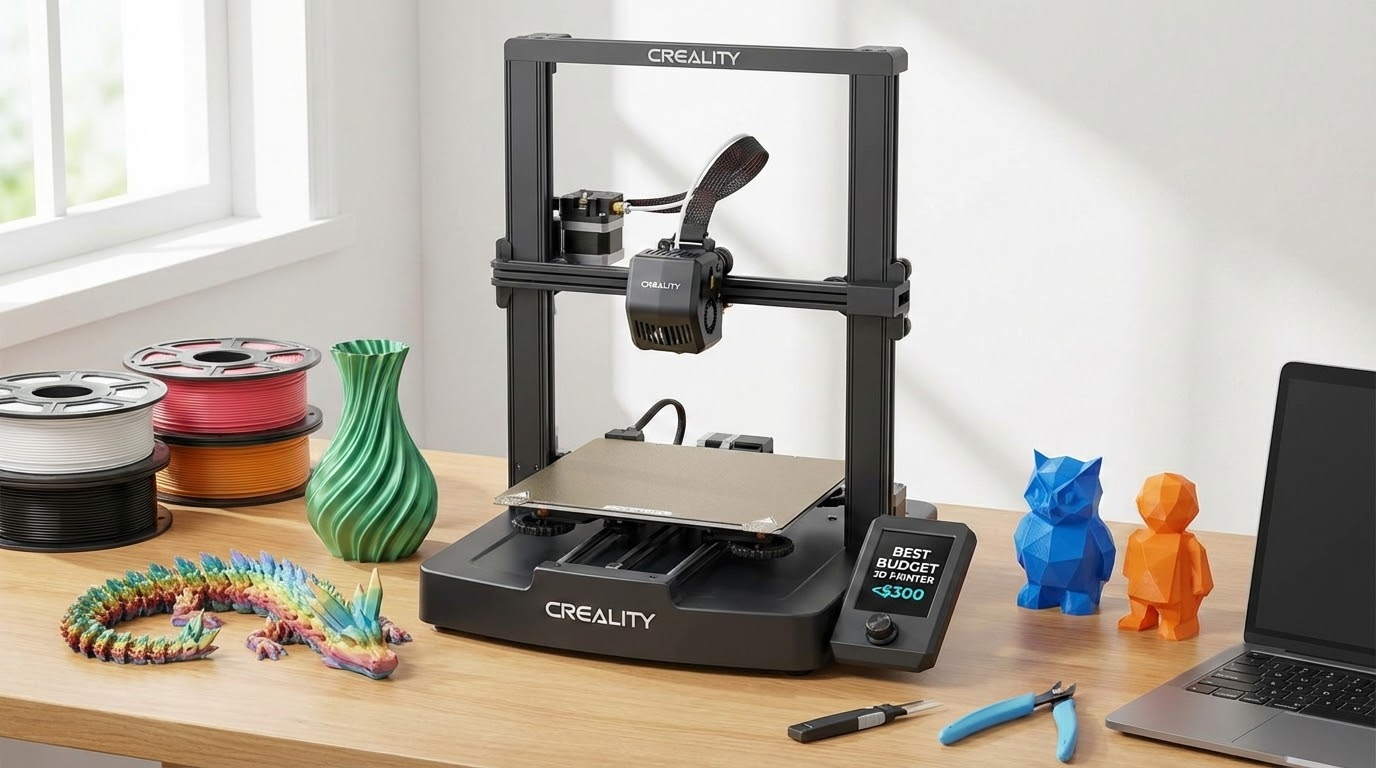
The sub-$300 3D printer market has exploded in the last two years. Where you once had to choose between a temperamental kit and saving up for something better, today’s budget printers rival machines that cost twice as much just a few years ago. But with so many options fighting for your money, picking the right one takes some homework.
I’ve personally tested or extensively used most of the printers on this list. Here’s my honest breakdown of the best 3D printers you can buy for under $300 in 2024 — what they excel at, where they fall short, and who each one is best suited for.
What to Expect Under $300
Before we dive in, let’s set realistic expectations. At this price point, you’re looking at FDM (Fused Deposition Modeling) printers that melt plastic filament layer by layer. Resin printers exist in this range too, but they’re a different category with different tradeoffs.
Modern budget FDM printers typically offer:
Print volume: 220x220x250mm is the sweet spot — enough for most projects without taking over your desk.
Print quality: Excellent at 0.2mm layer height, very good at 0.12mm. You won’t match a Prusa MK4 in every scenario, but you’ll get surprisingly close on most prints.
Features: Auto bed leveling, direct drive extruders, PEI build plates, and even input shaping (vibration compensation) are showing up at this price range. It’s a great time to be a budget buyer.
What you give up: Build quality (more plastic, less metal), customer support quality, ecosystem maturity, and some reliability compared to $500+ machines.
1. Creality Ender-3 V3 SE — Best for Absolute Beginners
Price: $199 | Build Volume: 220 x 220 x 250mm
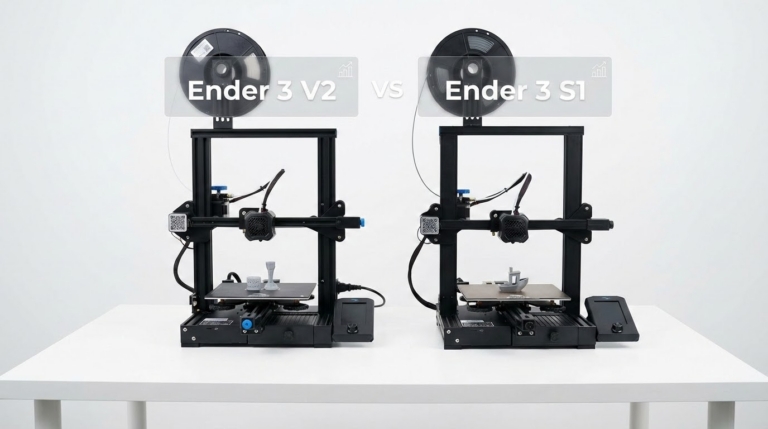
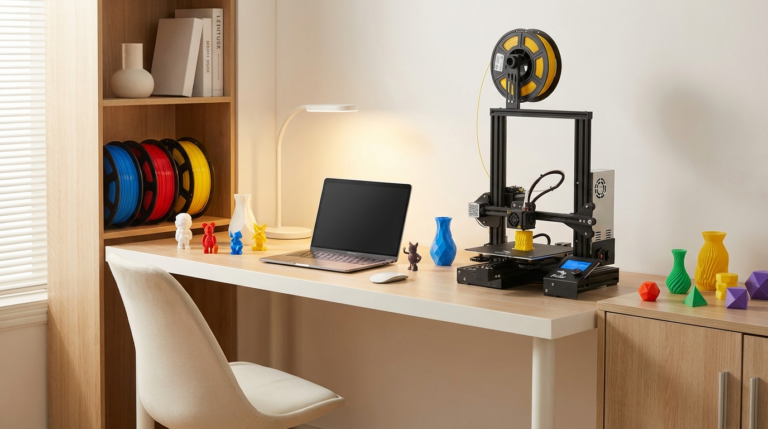
The Ender-3 line is the Honda Civic of 3D printing — not the flashiest, but reliable, well-understood, and backed by an enormous community. The V3 SE is the latest evolution, and it’s genuinely impressive for the price.
Key features: CR Touch auto bed leveling out of the box, direct drive extruder (a huge upgrade over the original Ender-3’s Bowden setup), PEI-coated spring steel build plate, and “Sprite” extruder that handles flexible filaments reasonably well.
Print quality: At stock settings, the V3 SE produces clean, consistent prints. The auto-leveling works reliably, eliminating the biggest headache for new users. Layer adhesion is good, and surface quality on standard 0.2mm prints matches printers costing $100 more.
What I like: Near-zero setup hassle. Plug it in, auto-level, and you’re printing in under 30 minutes. The community support means any problem you hit has already been solved by someone online. Replacement parts are cheap and widely available.
What I don’t: Print speed maxes out around 150mm/s before quality degrades noticeably. The firmware is functional but basic. The stock slicer profile needs tweaking for best results — use the community Cura profiles instead.
Best for: First-time buyers who want a reliable printer with the biggest possible support community. If troubleshooting sounds intimidating, this is your safest bet.
2. Bambu Lab A1 Mini — Best Print Quality Under $300
Price: $299 (with AMS Lite: $449) | Build Volume: 180 x 180 x 180mm
The A1 Mini pushed the entire industry forward when it launched. Bambu Lab brought CoreXY-level speed and quality to a price point nobody thought possible, and the A1 Mini is their most accessible machine.
Key features: Fully automatic calibration (flow rate, vibration compensation, bed leveling — all handled automatically), speeds up to 500mm/s, built-in camera for remote monitoring, and optional AMS Lite for automated multi-color printing.
Print quality: Straight up the best print quality you’ll find under $300. The combination of input shaping, pressure advance, and auto-calibration means this printer produces results that would have required a $1000+ machine three years ago. Fine details are crisp, surfaces are smooth, and dimensional accuracy is excellent.
What I like: The “it just works” experience. Load filament, slice in Bambu Studio, hit print. The automatic calibration is genuinely magical — it compensates for temperature, humidity, and filament variations without any user intervention. Print speed is remarkable for the price.
What I don’t: The build volume is small. 180mm cubed limits what you can print in a single piece. The ecosystem is somewhat closed — you’re pushed toward Bambu Studio and Bambu filament (though third-party filament works fine with manual profiles). And at exactly $299, it’s at our price ceiling.
Best for: Anyone who values print quality and convenience over build volume. Perfect second printer for experienced users, or a fantastic first printer for someone who doesn’t want to tinker.
3. Creality K1 — Best Speed for the Money
Price: $279 | Build Volume: 220 x 220 x 250mm
Creality’s answer to the Bambu Lab disruption, the K1 is an enclosed CoreXY printer with serious speed capabilities. It’s a significant jump from the Ender-3 line in both architecture and performance.
Key features: CoreXY motion system, enclosed build chamber (important for ABS and other temperature-sensitive materials), 600mm/s maximum speed with input shaping, auto bed leveling, and a direct drive extruder rated up to 300°C.
Print quality: Very good, especially at speed. The input shaping algorithm handles high-speed printing well, and the enclosed chamber means you can print ABS and ASA without warping headaches. At moderate speeds (200-300mm/s), quality rivals the Bambu A1 Mini. At maximum speed, there’s some quality degradation but prints remain usable.

What I like: The enclosed chamber is a genuine differentiator at this price. If you want to print ABS, ASA, or even nylon (with a hardened nozzle), the K1 makes it practical. Build volume is generous for the price. Speed is impressive when you need it.
What I don’t: The firmware has been through several rough patches since launch. Early units had significant issues, and while most have been addressed through updates, the experience isn’t as polished as Bambu’s. The fan is loud at full speed. Like, really loud.
Best for: Users who want speed AND material versatility. If you plan to move beyond PLA into engineering materials, the K1’s enclosed chamber gives you a path forward without buying a second printer.
4. Elegoo Neptune 4 Pro — Best All-Rounder
Price: $259 | Build Volume: 225 x 225 x 265mm
Elegoo made their name in resin printing, but their Neptune FDM line has quickly become a serious contender. The Neptune 4 Pro hits a compelling balance of features, quality, and price that’s hard to beat.
Key features: Klipper firmware out of the box (huge for speed and quality), direct drive extruder, PEI build plate, auto bed leveling, linear rail on the X-axis for improved precision, and 500mm/s maximum print speed.
Print quality: Klipper firmware gives the Neptune 4 Pro an edge in print quality at high speeds. Pressure advance and input shaping are well-tuned from the factory, and the linear rail provides noticeably smoother motion than the V-slot wheels used by most competitors. Detail reproduction is excellent, and layer consistency is among the best in this price range.
What I like: Klipper firmware means you get a web interface (Mainsail) for remote control and monitoring. The build quality feels a step above most sub-$300 printers — the linear rail is a premium touch. Print results at 250-300mm/s are consistently excellent.
What I don’t: Community is smaller than Creality or Bambu, meaning fewer ready-made profiles and troubleshooting guides. The auto-leveling can be finicky and sometimes requires manual adjustment. Setup takes a bit longer than the competition.
Best for: Users who want the best bang-for-buck combination of speed, quality, and build volume. Especially appealing if you’re comfortable with basic troubleshooting and want Klipper’s flexibility.
5. Anycubic Kobra 3 — Best for Multi-Color Printing on a Budget
Price: $299 (with ACE Pro: $449) | Build Volume: 250 x 250 x 260mm
The Kobra 3 is Anycubic’s entry into the high-speed, multi-color-capable printer market. While it directly competes with the Bambu A1 at the same price point, it differentiates with a larger build volume.
Key features: 600mm/s max speed, auto-leveling, direct drive extruder, optional ACE Pro multi-color system (up to 4 colors), and a generous 250mm build volume. The ACE Pro system works similarly to Bambu’s AMS, automatically switching filaments during printing.
Print quality: Solid at standard speeds, good at high speeds. The Kobra 3 doesn’t quite match the Bambu A1 Mini’s polish in pure quality terms, but the larger build volume is a meaningful practical advantage. Multi-color prints with the ACE Pro are impressive, with clean color transitions and reasonable waste.
What I like: The build volume is the largest on this list, giving you meaningfully more printing space. Multi-color capability (with the ACE Pro add-on) opens up creative possibilities that aren’t available on most budget printers. Print speed is competitive.
What I don’t: The base $299 printer without multi-color is a harder sell against the Bambu A1 Mini. Software is less polished than Bambu Studio. The ACE Pro adds significant cost, pushing the total well above our $300 budget.
Best for: Users who need more build volume than the Bambu A1 Mini offers, or who want a path to multi-color printing without switching platforms later.
Quick Comparison Table
Ender-3 V3 SE ($199): 220x220x250mm, 150mm/s, Best community support, beginner-friendly
Bambu A1 Mini ($299): 180x180x180mm, 500mm/s, Best print quality, smallest volume
Creality K1 ($279): 220x220x250mm, 600mm/s, Enclosed chamber, material versatility
Neptune 4 Pro ($259): 225x225x265mm, 500mm/s, Klipper firmware, best value
Kobra 3 ($299): 250x250x260mm, 600mm/s, Largest volume, multi-color option
Which One Should You Actually Buy?
After testing all of these, my recommendation depends entirely on what you prioritize:
Tightest budget + biggest community: Ender-3 V3 SE. At $199, it’s $60-100 cheaper than everything else here and produces genuinely good prints. The massive community means you’ll never get stuck on a problem.
Best print quality, period: Bambu Lab A1 Mini. Nothing under $300 matches its combination of speed, quality, and ease of use. Accept the smaller build volume and you’ll be thrilled with the results.
Speed + material versatility: Creality K1. The enclosure is a genuine advantage that none of the others offer. If ABS or ASA is in your future, this saves you from buying a second printer or building an enclosure.
Best overall value: Elegoo Neptune 4 Pro. Klipper firmware, linear rail, generous build volume, competitive speed — at $259, it’s hard to find a meaningful weakness.
Biggest build volume: Anycubic Kobra 3. If you regularly need to print parts larger than 220mm, this is your pick.
The honest truth? Any of these printers will produce great results with proper setup and tuning. The differences between them are real but not dramatic — they’re all operating at a level that would have been considered premium just a few years ago. Pick the one that matches your priorities and budget, and you won’t be disappointed.