3D Printer Clicking Noise: Causes and Fixes for Extruder Skipping
There’s nothing quite as alarming as hearing your 3D printer start making a rhythmic clicking or clunking sound mid-print. That noise usually means one thing: your extruder motor is skipping steps, and filament isn’t flowing the way it should. Left unchecked, it leads to under-extrusion, failed prints, and a lot of wasted filament.
The good news is that extruder clicking is one of the more diagnosable problems in 3D printing. The clicking itself is actually helpful — it’s your printer telling you exactly where the problem is. Let’s figure out what’s causing it and how to fix it.
Why Does the Extruder Click?
The clicking sound comes from your extruder’s stepper motor. When the motor tries to push filament but meets too much resistance, the motor shaft slips backward by one or more steps. Each slip produces that distinctive click or clunk sound. Think of it like trying to push a rope through a straw that’s partially blocked — the harder you push, the more likely something’s going to give.
The resistance can come from anywhere in the filament path: the spool, the extruder gears, the Bowden tube, the heat break, or the nozzle itself. Your job is to figure out which part of the path is causing the blockage.
Common Causes and Their Fixes
1. Nozzle Too Close to the Bed
If the clicking only happens on the first layer, your nozzle is probably too close to the build plate. When the nozzle is squished against the bed, there’s nowhere for the filament to go. The extruder tries to push plastic out, but the gap is too tight, so the motor skips.
The fix: Increase your Z-offset by 0.02-0.05mm increments until the clicking stops. You want the first layer to be slightly squished — not paper-thin. A good first layer should look smooth and slightly transparent, not so thin that you can see bare bed through it.
2. Partial Nozzle Clog
This is the most common cause of clicking that happens throughout a print. A partial clog doesn’t completely block the nozzle — it just restricts flow enough that the extruder can’t keep up at normal speeds. You might notice that the clicking gets worse at higher print speeds or during rapid fill moves.
The fix: Start with a cold pull. Heat your nozzle to printing temperature, push some filament through manually, then let the nozzle cool to about 90°C (for PLA) and firmly pull the filament out. The plug of filament should come out with a clean tip and may have dark debris attached — that’s the clog material. Repeat until the pulled filament comes out clean.
If cold pulls don’t work, try an acupuncture needle or nozzle cleaning needle inserted into the hot nozzle from below. As a last resort, replace the nozzle entirely — brass nozzles are cheap enough that it’s not worth spending an hour trying to save one.
3. Printing Temperature Too Low
When the filament isn’t hot enough, it doesn’t flow freely through the nozzle. The extruder has to work harder to push semi-solid plastic through the orifice, which leads to skipping. This is especially common when switching to a new brand of filament that needs slightly different temperatures than what you’re used to.
The fix: Increase your nozzle temperature by 5°C increments. Each filament brand (and even each color within a brand) can have slightly different optimal temperatures. If you were printing at 200°C for one PLA, you might need 210°C for another.
4. Print Speed Too High
Higher speeds demand higher volumetric flow rates. Your hotend can only melt a certain amount of plastic per second — exceed that limit and the extruder starts clicking because it’s trying to push filament faster than the hotend can process it.
A standard V6-style hotend with a 0.4mm nozzle typically maxes out around 10-12 mm³/s of volumetric flow. High-flow hotends like the Rapido or Dragon HF can handle 25+ mm³/s.
The fix: Reduce your print speed by 20-30%. If the clicking stops, you’ve found your limit. You can also calculate your volumetric flow rate (layer height × extrusion width × speed) and compare it to your hotend’s rated maximum.
5. Extruder Tension Issues
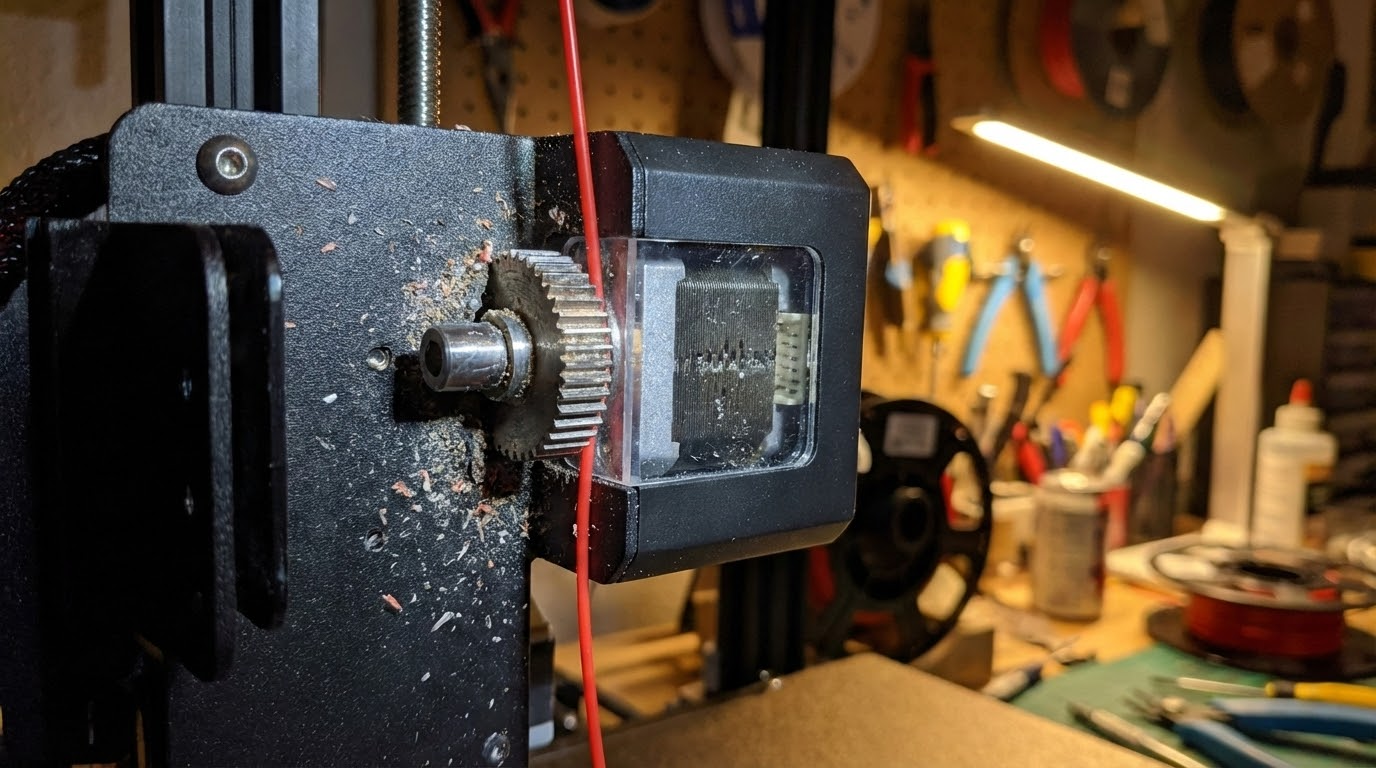
If the extruder gear isn’t gripping the filament tightly enough, it can slip before the motor actually skips. This produces a similar clicking sound but from a different mechanism. Check if you see bite marks on the filament after it passes through the extruder — they should be consistent and even.
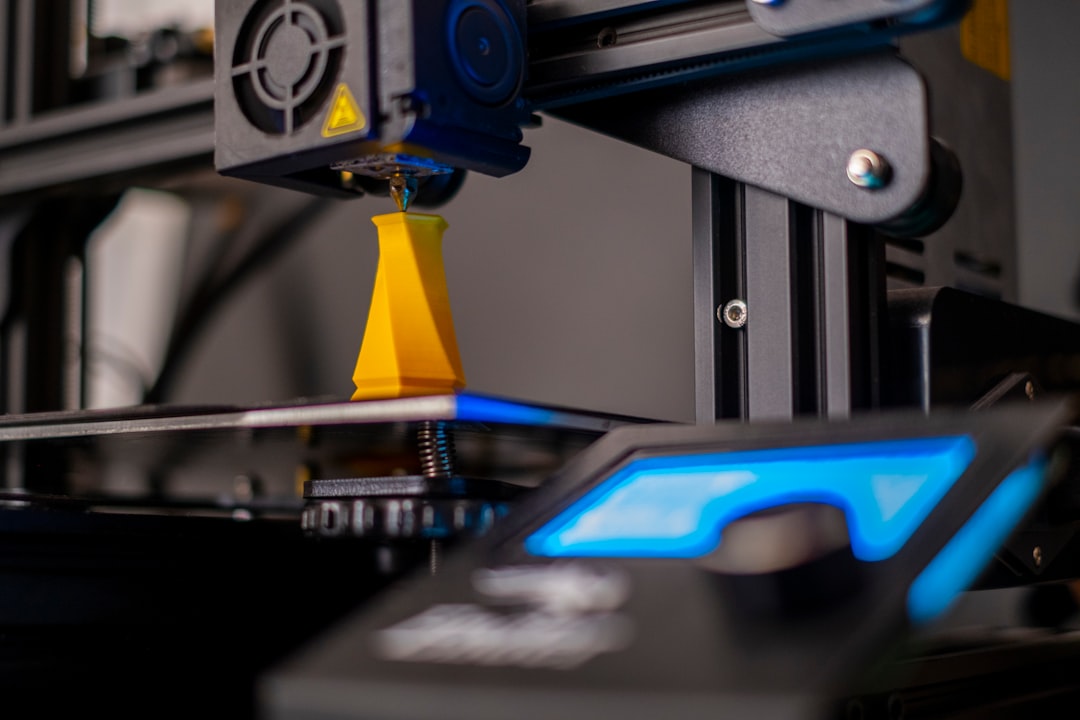
The fix: Adjust the tension spring on your extruder. Too loose and the gear slips; too tight and it deforms the filament, which can cause jams further down the path. Most extruders have an adjustment screw — tighten it a quarter turn at a time. Also check the drive gear teeth for filament shavings buildup and clean them with a brass brush.
6. Heat Creep
Heat creep occurs when heat from the hotend travels up into the cold side of the extruder, softening the filament before it reaches the melt zone. The softened filament expands and jams in the heat break or PTFE tube, creating a blockage that makes the extruder click.
Heat creep is more common in hot environments, during long prints, or when your hotend cooling fan (not the part cooling fan) isn’t working properly.
The fix: Make sure your hotend cooling fan is running at 100% whenever the hotend is heated. Check that the fan isn’t clogged with dust. If heat creep persists, consider upgrading to an all-metal heat break with better thermal isolation, or add a heat sink to the cold side of your hotend.
7. Bowden Tube Issues
In Bowden setups, the PTFE tube between the extruder and hotend can cause clicking in several ways. A gap between the tube and the nozzle creates a pocket where molten plastic accumulates and hardens, gradually restricting flow. A tube that’s too long or has sharp bends adds friction that the extruder has to overcome.
The fix: Remove the Bowden tube and check for inner wall contamination or damage. Ensure the tube is cut perfectly flat and pushed all the way down to seat against the nozzle. If you’re using a basic pneumatic fitting, consider upgrading to a collet clip or printed coupler that prevents the tube from backing out over time. Replace the tube if the inner diameter looks enlarged or scratched.
8. Filament Path Friction
Sometimes the issue isn’t in the hotend at all — the filament just can’t unwind from the spool easily enough. A spool that’s wound too tightly, tangled, or mounted with too much friction can create enough resistance to make the extruder skip.
The fix: Check that your spool rotates freely on its holder. Consider using a bearing-based spool holder for smooth rotation. Route the filament path so there are no sharp bends between the spool and the extruder. If you suspect a tangle, unspool several meters and check for crossed strands.
Diagnosing Which Cause Is Yours
Here’s a quick diagnostic flowchart:
- Clicking only on the first layer? → Nozzle too close to bed
- Clicking gets worse over time? → Heat creep or gradual clog
- Clicking at high speeds but not low? → Volumetric flow limit or temperature too low
- Clicking with new filament that worked fine before? → Temperature needs adjustment or filament diameter variation
- Clicking after a filament change? → Partial clog from previous material
- Clicking plus visible gear marks on filament? → Extruder tension wrong or hotend restriction
- Clicking plus filament not moving at all? → Complete clog or broken extruder component
Preventive Measures
Once you’ve fixed the immediate problem, take steps to prevent it from happening again:
- Keep nozzles fresh. Replace brass nozzles every few hundred hours of printing. They wear out, especially if you print abrasive materials.
- Store filament properly. Moisture and dust both contribute to nozzle clogs. Keep filament sealed with desiccant when not in use.
- Clean the extruder gear regularly. Filament shavings accumulate in the teeth and reduce grip. A quick brush every few prints saves headaches.
- Monitor your hotend fan. If it fails, heat creep follows quickly. Some firmware supports fan failure detection — enable it if available.
- Run maintenance prints. A periodic cold pull, even when everything seems fine, removes buildup before it becomes a problem.
When to Worry (And When Not To)
An occasional single click during a print — especially at the start of a retraction or during a rapid travel move — is usually nothing to worry about. It might just be a momentary pressure spike. But consistent, rhythmic clicking every few seconds is a real problem that needs attention before it ruins your print.
If you hear clicking and can see that the extruder gear is actually grinding into the filament (creating a flat spot or groove), stop the print immediately. Once the gear chews through the filament, it loses grip entirely and the print is doomed. Better to stop, fix the issue, and restart than to waste hours on a print that’s going to fail halfway through.
Final Thoughts
Extruder clicking is your printer’s way of asking for help. It’s a symptom, not a disease — and the actual cause is always somewhere in the filament path between the spool and the nozzle tip. Work through the path systematically: check the spool, check the extruder gear, check the Bowden tube, check the heat break, and check the nozzle. In most cases, you’ll find the culprit within a few minutes and be back to printing smoothly.