Best 3D Printer Upgrades and Mods for Beginners
You’ve had your 3D printer for a while now. You’ve printed a few benchies, dialed in your slicer settings, and you’re getting decent results. But you know your printer could do better. Every experienced user eventually hits that point where the stock hardware becomes the limiting factor — and that’s when the upgrade itch kicks in.
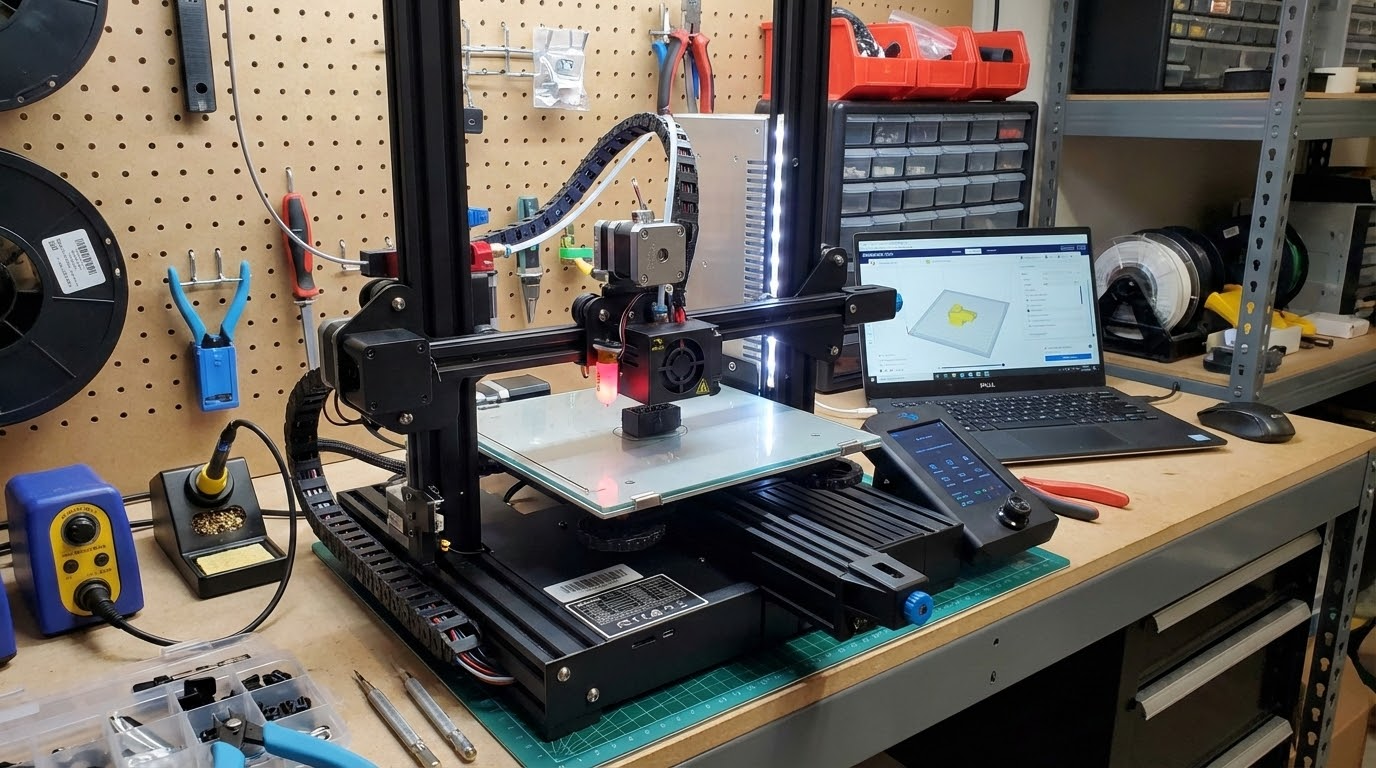
The world of 3D printer mods ranges from dirt-cheap quality-of-life improvements to serious performance overhauls. This guide focuses on the upgrades that give you the most bang for your buck, especially if you’re running a popular printer like the Ender 3, Ender 3 V2, or similar Creality machines. Most of these apply to other brands too.
Tier 1: Essential Upgrades (Under $30 Each)
1. All-Metal Extruder
If your printer came with a plastic extruder, this is upgrade number one — no debate. The stock plastic extruders on budget printers are notorious for cracking after a few months of use. The crack is often invisible (on the underside of the lever arm) and causes inconsistent extrusion that’s maddening to diagnose.
A dual-gear all-metal extruder costs $10-15 and provides better grip, more consistent feeding, and significantly longer lifespan. The dual-gear design grips the filament from both sides, which is especially helpful for flexible materials like TPU.
Difficulty: Easy. Swap four screws and reconnect one cable. Takes about 15 minutes.
2. Stiffer Bed Springs (or Silicone Spacers)
Stock bed springs on budget printers are too soft. They compress easily, which means your bed level drifts constantly — especially after removing prints or bumping the printer. Stiffer springs maintain your bed level for weeks instead of days.
Even better: replace the springs entirely with silicone spacers. They’re more rigid, don’t fatigue over time, and dampen vibrations. A set of four costs about $5-8.
Difficulty: Easy. Remove old springs, drop in new ones, re-level. 10 minutes.
3. Capricorn PTFE Tube
The stock PTFE tube on most Bowden printers has a looser internal diameter tolerance. Capricorn tubing has a tighter bore (1.9mm ID vs 2.0mm+), which reduces play and improves retraction performance. You’ll see less stringing and more consistent extrusion.
This upgrade matters less if you have a direct drive setup, but for Bowden printers it’s one of the best bang-for-buck improvements at about $10-12 for a full kit with fittings.
Difficulty: Easy to moderate. Cut tube to length, ensure flush cuts, seat properly against nozzle.
4. PEI Build Plate
If you’re still printing on the stock magnetic build surface or bare glass, a PEI spring steel sheet will change your life. PEI provides excellent adhesion when hot and releases prints with a gentle flex when cool. No more scraping, no more glue stick, no more hairspray.
A decent PEI sheet runs $15-25 depending on size. Double-sided versions give you both smooth and textured surfaces. The textured side is particularly good for PETG, which tends to bond too aggressively to smooth PEI.
Difficulty: None. Magnetic sheet sticks to your existing bed. Just drop it on and calibrate Z-offset.
5. Better Nozzles
Stock brass nozzles are fine for PLA, but they wear quickly with abrasive filaments and their bore tolerances can be inconsistent. A set of quality brass nozzles (like Bondtech or genuine E3D) gives you better flow characteristics and longer life.
For abrasive filaments (carbon fiber, glow-in-the-dark, wood-fill), hardened steel or ruby-tipped nozzles are worth the investment. They cost more ($10-30 each) but last virtually forever compared to brass.
Difficulty: Easy. Heat the hotend, unscrew old nozzle, screw in new one. 5 minutes.
Tier 2: Significant Upgrades ($30-100)
6. Auto Bed Leveling (BLTouch/CRTouch)
Manual bed leveling works, but it’s tedious and needs to be redone regularly. An automatic bed leveling probe like the BLTouch or CRTouch probes your bed at multiple points and creates a mesh that compensates for any unevenness in real-time during printing.
This is especially valuable if your bed has a slight warp (most budget printer beds do). The probe costs $30-40 and, once configured, eliminates first-layer adhesion problems caused by bed leveling issues almost entirely.
Difficulty: Moderate. Requires mounting the probe, updating firmware, and configuring probe offsets. Budget 1-2 hours for first-time installation.
7. Direct Drive Conversion
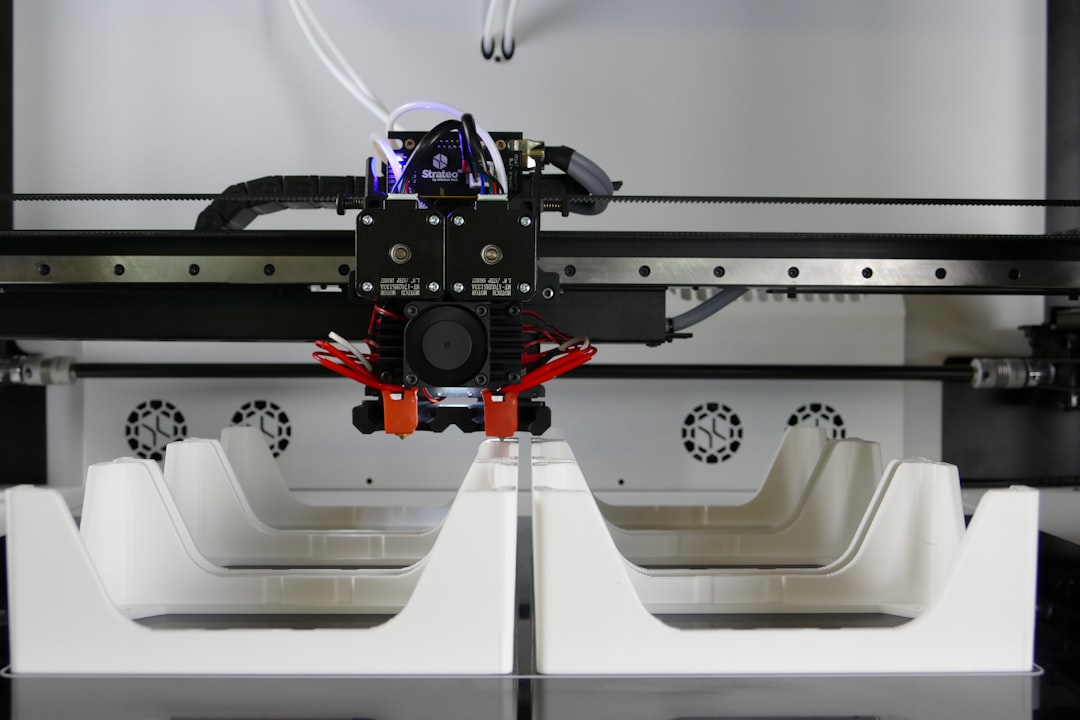
If you’re printing a lot of flexible filament or want the best possible retraction performance, converting from Bowden to direct drive is a game-changer. With the extruder mounted directly on the printhead, you get shorter filament path, less retraction needed, and the ability to print TPU and other flexibles reliably.
Printable direct drive mounts exist for most popular printers. Some — like the Micro Swiss Direct Drive kit or the Creality Sprite extruder — are drop-in replacements. Expect to spend $40-80 depending on the solution.
The tradeoff is added weight on the printhead, which can cause more ghosting at high speeds. But for most hobbyist print speeds (40-60mm/s), the difference is negligible.
Difficulty: Moderate to advanced. Requires mounting, rewiring, and significant slicer setting changes (retraction distance drops from 5-7mm to 0.5-2mm).
8. Upgraded Mainboard
Many budget printers ship with 8-bit mainboards that limit firmware capabilities and produce noisy stepper motor operation. Upgrading to a 32-bit board with silent TMC2209 drivers transforms the printing experience — your printer goes from sounding like a dot matrix printer to being nearly silent.
Boards like the BTT SKR Mini E3 V3 or the Creality silent board are direct replacements for common printers. They also unlock features like linear advance, S-curve acceleration, and better thermal management in firmware.
Difficulty: Moderate. Swapping boards means rewiring connectors and flashing firmware. Budget 2-3 hours and follow a tutorial closely.
9. LED Lighting
This is more quality-of-life than performance, but being able to see your print clearly makes a real difference. A strip of white LEDs mounted inside the frame costs under $15 and makes it much easier to monitor print quality, spot problems early, and take good photos of your finished prints.
Addressable LED strips (like WS2812B) connected to your mainboard can even change color based on printer status — green when printing, red on error, blue when idle.
Difficulty: Easy. Most LED strips are adhesive-backed. Just stick, route the wire, and connect to a power source.
Tier 3: Advanced Upgrades ($100+)
10. All-Metal Hotend
Stock hotends on budget printers use a PTFE-lined heat break, which limits your maximum printing temperature to about 240°C before the PTFE starts degrading. An all-metal hotend removes this limitation, letting you print at 280°C+ for materials like nylon, polycarbonate, and high-temp PETG.
Popular options include the Micro Swiss all-metal hotend ($50-60), the E3D V6 ($60-70), or the Slice Engineering Mosquito ($120+). The Micro Swiss is the easiest drop-in upgrade for Creality printers.
Note: all-metal hotends can be slightly more prone to heat creep with PLA. You may need to adjust retraction settings and keep your hotend fan in good condition.
Difficulty: Moderate. Direct replacement of the existing heat break or full hotend assembly.
11. Enclosure
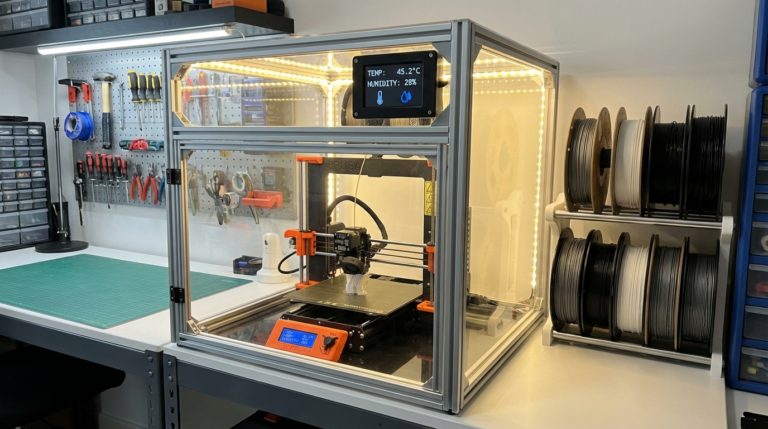
An enclosure transforms what materials you can print reliably. ABS, ASA, nylon, and polycarbonate all benefit enormously from a stable, warm chamber temperature. Even PETG prints more consistently in an enclosure that blocks drafts.
Options range from DIY solutions (IKEA LACK table enclosure for $30-50 in materials) to commercial enclosures ($100-300). The LACK enclosure is wildly popular in the 3D printing community — it’s cheap, functional, and there are hundreds of printable accessories designed for it.
If you build an enclosure, make sure your electronics (mainboard, PSU) are either outside the enclosure or have adequate ventilation. TMC stepper drivers can overheat in enclosed, warm environments.
Difficulty: Variable. LACK enclosure is easy (just assembly). Custom-built enclosures require more planning.
12. Klipper Firmware
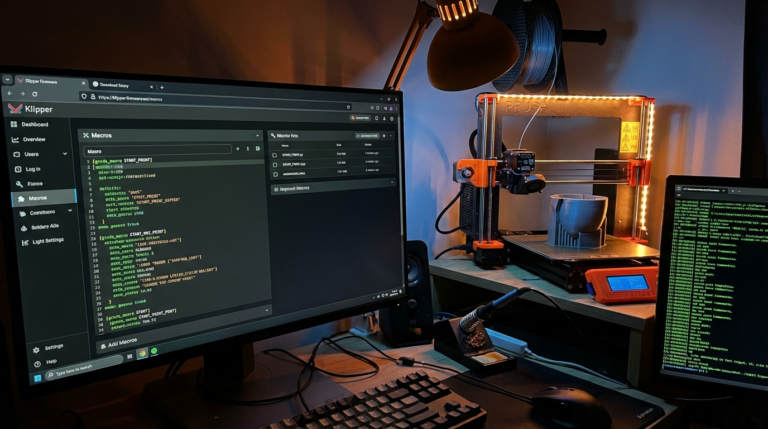
Klipper moves the computational heavy lifting from your printer’s mainboard to a Raspberry Pi (or similar SBC). This enables faster printing with better quality through features like input shaper (reduces ghosting), pressure advance (reduces oozing), and much faster processing of complex G-code.
Klipper paired with a web interface like Mainsail or Fluidd gives you remote monitoring, configuration changes without re-flashing, and macro support that makes your printer significantly more capable.
The learning curve is steeper than stock Marlin, but the community is huge and helpful. Budget a weekend for initial setup and configuration.
Difficulty: Advanced. Requires a Raspberry Pi, firmware flashing, and significant configuration. Not a quick afternoon project.
What Order Should You Upgrade?
If you’re working on a budget (and who isn’t?), here’s the recommended upgrade path:
- All-metal extruder + stiffer springs — solves the two most common failure points
- PEI build plate — eliminates adhesion headaches
- BLTouch/CRTouch — automates leveling, saves time every print
- Capricorn tube — improves retraction and consistency
- LED lighting — quality of life improvement you’ll appreciate daily
- Silent mainboard — if noise bothers you, this is transformative
- All-metal hotend — when you want to print engineering materials
- Enclosure — when you’re ready for ABS/nylon
- Klipper — when you want to push speed and quality to the max
A Word of Caution
It’s tempting to upgrade everything at once. Don’t. Change one thing at a time, recalibrate, and verify that each upgrade is actually working as expected before moving to the next. If you change five things at once and something goes wrong, you’ll have no idea which change caused the problem.
Also, remember that upgrades don’t fix poor slicer settings. Make sure your slicer profiles are dialed in for your stock printer before you start modifying hardware. Many people blame their printer for problems that are actually slicer configuration issues.
Final Thoughts
The beauty of 3D printer upgrades is that most of them are reversible and relatively low-risk. If an upgrade doesn’t work out, you can usually go back to stock. Start with the cheap, high-impact improvements and work your way up. Your printer is a platform that grows with you — and that’s half the fun of this hobby.