Best 3D Printers for Miniatures and Detailed Prints (2025-2026)
Why Miniature Printing Is Different
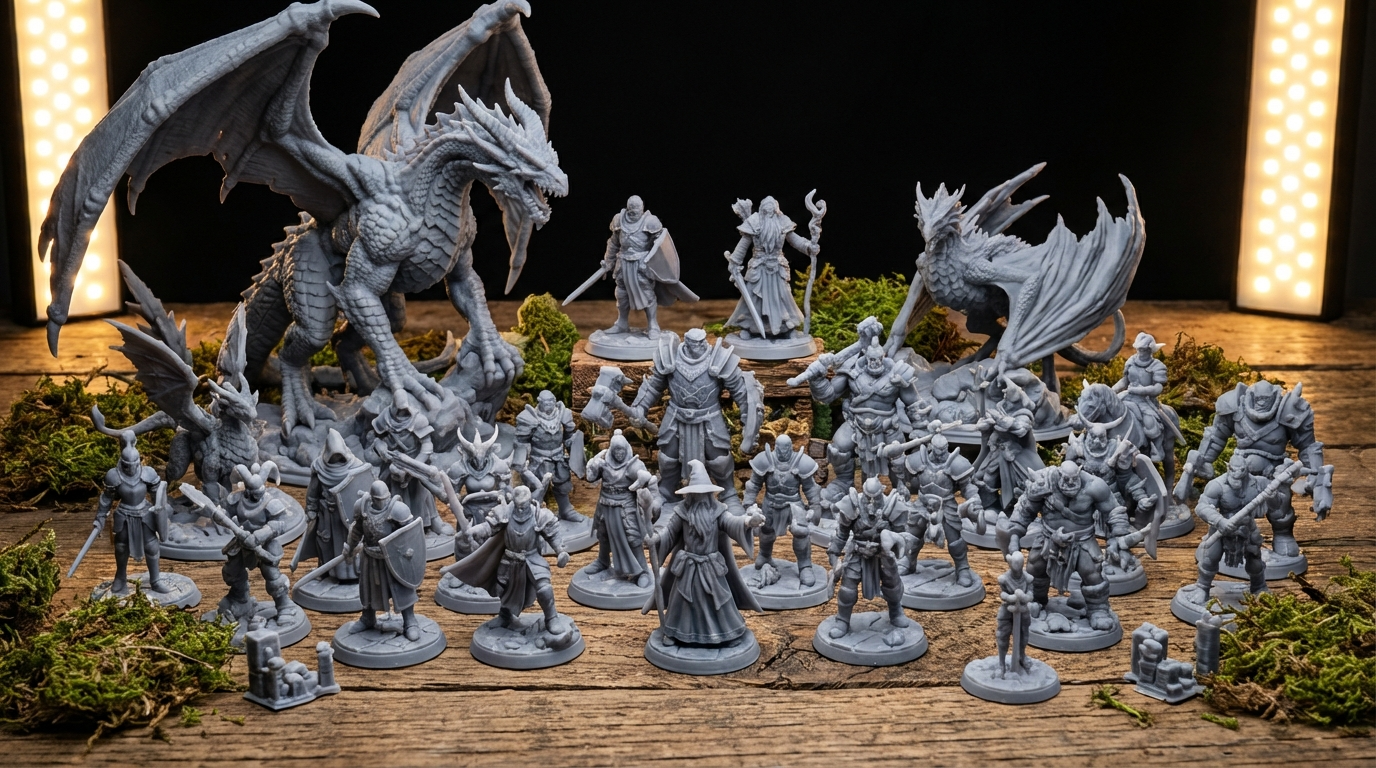
Printing a phone case or a replacement bracket is one thing. Printing a 28mm tabletop warrior with a detailed face, flowing cape, and a sword thinner than a toothpick — that’s an entirely different challenge. Miniature printing demands precision that most general-purpose 3D printers simply weren’t designed to deliver.
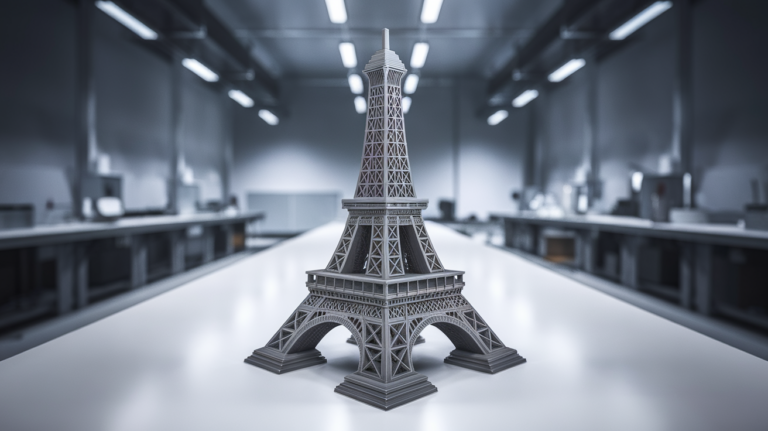
The key differences come down to resolution, detail reproduction, and surface finish. A 0.4mm nozzle that’s perfectly fine for functional parts will obliterate fine details on a miniature. Layer lines that are invisible on a large print become glaring on a 30mm figure. And the support removal that’s “good enough” on a big print can destroy delicate features on a mini.
So which printers actually deliver? I’ve tested, compared, and collected feedback from the miniature printing community to compile this guide. Whether you’re painting Warhammer armies, building D&D encounters, or creating display pieces, here’s what you need to know.
Resin vs. FDM for Miniatures
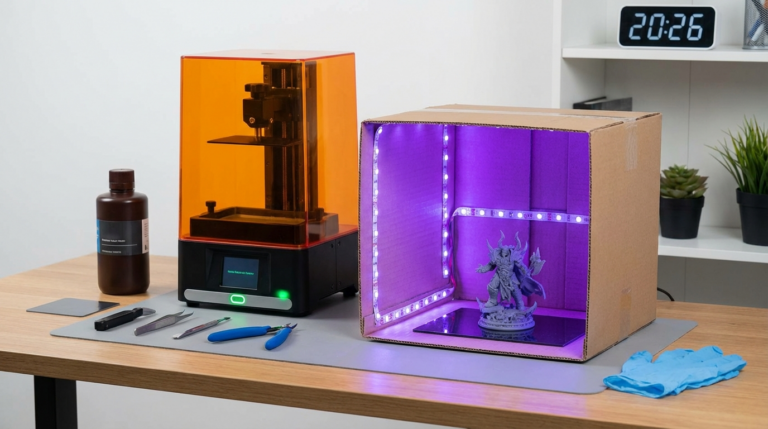
Let’s address this upfront: resin (MSLA/SLA) printers are objectively better for miniatures. Their XY resolution of 35-50 microns versus FDM’s ~400 microns means resin captures details that FDM physically cannot reproduce. Layer lines on resin prints are essentially invisible at 28-32mm scale.
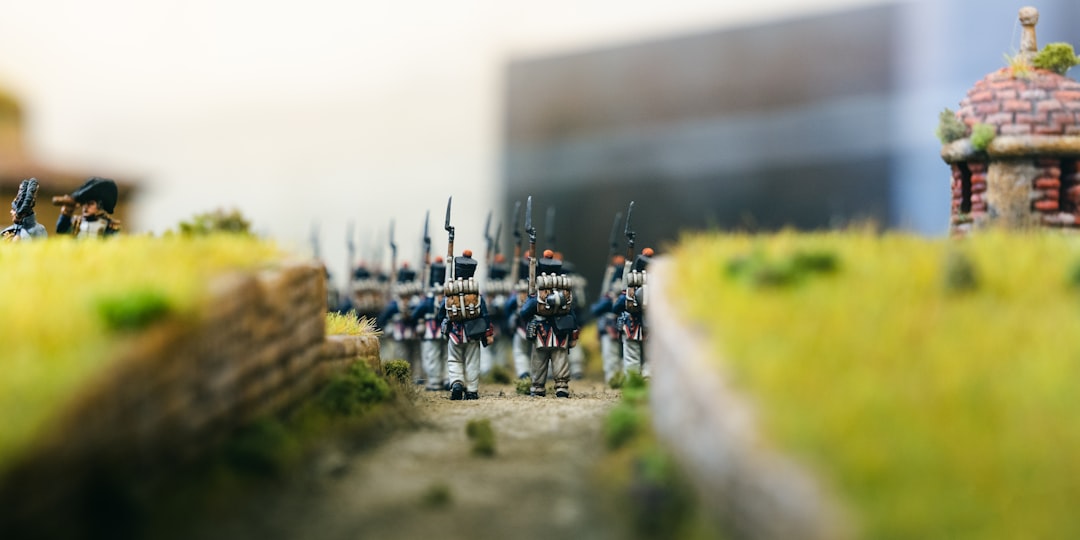
That said, FDM has come a long way. With a 0.2mm nozzle and 0.05mm layer height, modern FDM printers can produce surprisingly good miniatures — not resin-quality, but absolutely paintable and table-ready. And FDM is cheaper, safer (no toxic chemicals), and more beginner-friendly.
My recommendation: if miniatures are your primary use case, go resin. If you want a printer that does everything including acceptable miniatures, go FDM with a small nozzle.
Best Resin Printers for Miniatures (2025-2026)
1. Elegoo Saturn 4 Ultra
The Saturn 4 Ultra represents the current sweet spot for miniature printing. Its 12K resolution across a 10-inch screen delivers 18×18 micron XY resolution — that’s fine enough to capture individual scales on a dragon miniature. The tilting release mechanism reduces peel forces, which means fewer failed prints and better survival rates for delicate features like thin swords and staffs.
- XY Resolution: 18×18 µm
- Build Volume: 218.88 × 122.88 × 260 mm
- Layer Speed: Up to 150mm/h with compatible resins
- Price: ~$280-320
- Best for: Serious miniature printers who want detail AND batch printing capacity
2. Anycubic Photon Mono M7
Anycubic’s answer to the Saturn 4 Ultra, the Mono M7 offers 14K resolution on a 10.1-inch screen with 15.5×15.5 µm pixel size. It’s slightly sharper than the Saturn 4 Ultra in raw resolution terms, though the practical difference at miniature scale is negligible. The real advantage is its excellent anti-aliasing implementation, which produces smoother curved surfaces.
- XY Resolution: 15.5×15.5 µm
- Build Volume: 223.6 × 126 × 245 mm
- Price: ~$300-350
- Best for: Maximum detail on small-scale miniatures
3. Elegoo Mars 5 Ultra
If you’re on a tighter budget or don’t need the larger build plate, the Mars 5 Ultra is an excellent entry point. Its 9K resolution on a smaller 7-inch screen still delivers excellent detail for individual miniatures and small batches. The smaller vat means less resin waste when you’re printing just a few figures at a time.
- XY Resolution: 22×22 µm
- Build Volume: 153.36 × 77.76 × 165 mm
- Price: ~$170-200
- Best for: Budget-conscious mini printers, beginners to resin
4. Phrozen Sonic Mini 9K
Phrozen has carved out a reputation for extremely sharp prints, and the Sonic Mini 9K continues that tradition. The mono LCD is tuned for crisp edges, which miniature painters appreciate because it means less cleanup before priming. It’s compact and reliable — the kind of printer you set and forget.
- XY Resolution: 18×18 µm
- Build Volume: 152 × 85 × 175 mm
- Price: ~$200-250
- Best for: Painters who demand the cleanest possible prints for display pieces
Best FDM Printers for Miniatures
1. Bambu Lab A1 Mini
The A1 Mini isn’t specifically designed for miniatures, but its exceptional precision and auto-calibration make it the best FDM option for anyone who wants to print minis without fuss. With a 0.2mm nozzle (sold separately) and 0.08mm layer height, it produces surprisingly detailed miniatures. The auto-bed-leveling and flow calibration mean consistent quality from the first print.
- Build Volume: 180 × 180 × 180 mm
- Min Layer Height: 0.05mm
- Price: ~$170-200
- Best for: FDM users who want good miniatures plus general-purpose printing
2. Prusa MK4S
Prusa printers have long been favorites in the miniature printing community because of their consistent output quality. The MK4S with a 0.25mm nozzle and PrusaSlicer’s fine-tuned profiles produces clean, reliable miniatures. It’s not as fast as the Bambu Lab machines, but the print quality at low layer heights is excellent.
- Build Volume: 250 × 210 × 220 mm
- Min Layer Height: 0.05mm
- Price: ~$450-550
- Best for: Quality-focused printers who value reliability and open-source firmware
Essential Settings for FDM Miniature Printing
If you’re going the FDM route, these settings will get you the best results:
- Nozzle: 0.2mm or 0.25mm (0.4mm is too coarse for fine details)
- Layer height: 0.08-0.12mm (0.05mm is possible but extremely slow with marginal improvement)
- Speed: 25-40mm/s for walls, slower for small features
- Cooling: 100% fan speed, always
- Supports: Tree supports with minimal contact points; organic supports in OrcaSlicer/PrusaSlicer work excellently for miniatures
- Infill: 15-20% is fine for miniatures; they’re small enough that infill barely affects strength
- Walls: 2-3 walls minimum for structural integrity on thin features
Best Resins for Miniature Printing
Not all resins are equal when it comes to miniatures:
- Siraya Tech Fast (Navy Grey): The community favorite for miniatures. Excellent detail capture, low shrinkage, easy to work with. Grey color shows details clearly for inspection before painting
- Elegoo ABS-Like 3.0: Good detail with added toughness. Less likely to break thin features during support removal
- Phrozen Aqua Grey 8K: Designed specifically for high-resolution printers. Sharp edges, minimal layer lines, excellent for display pieces
- Siraya Tech Tenacious (mixed): Add 10-15% Tenacious to your standard resin for added flexibility — thin swords and staffs become bendable instead of snappable
Post-Processing for Miniatures
Getting a good print is only half the battle. Here’s the post-processing workflow I recommend:
- Wash thoroughly in IPA or water (for water-washable resins). Two-stage washing gives the best results
- Remove supports carefully with flush cutters. Work from the base up, and always support the miniature near the contact point to prevent snapping
- Cure properly — under-cured resin stays tacky and won’t hold paint well. Follow your resin manufacturer’s recommendations
- Sand any support nubs with 400-600 grit sandpaper. A dental pick helps reach tight areas
- Prime with a thin primer — Vallejo Surface Primer or similar. This reveals any remaining surface issues and gives paint something to grip
The Bottom Line
For dedicated miniature printing: get a resin printer. The Elegoo Saturn 4 Ultra offers the best value, while the Mars 5 Ultra is the budget pick. Either will produce miniatures that are virtually indistinguishable from injection-molded models after painting.
For general-purpose printing with occasional miniatures: the Bambu Lab A1 Mini with a 0.2mm nozzle is your best bet. The results won’t match resin, but they’ll be table-ready after a coat of primer and paint.
Whatever you choose, miniature printing is one of the most rewarding applications of consumer 3D printing. There’s nothing quite like fielding an army of models you printed and painted yourself.