PEEK Filament 3D Printing Guide: Settings, Tips, and Equipment
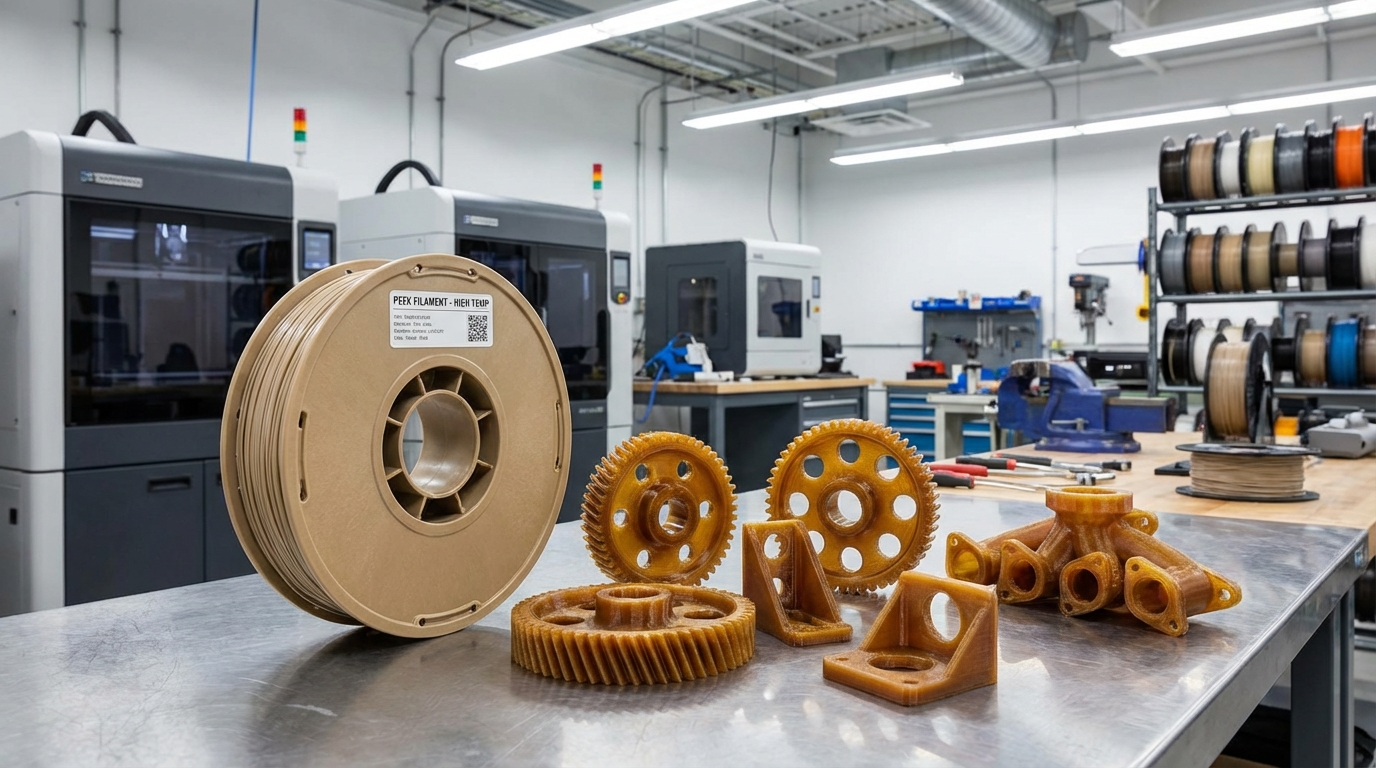
PEEK (Polyether Ether Ketone) is the Mt. Everest of 3D printing filaments. It’s one of the highest-performing thermoplastics you can print at home — offering heat resistance up to 250°C, chemical resistance that rivals metals, and mechanical properties that make it a genuine replacement for aluminum in many applications. But printing it successfully requires serious hardware, careful preparation, and settings that are nothing like your usual PLA workflow.
In this guide, I’ll cover everything you need to know about 3D printing with PEEK — from the equipment requirements and ideal slicer settings to the common failures and how to avoid them. If you’re considering stepping into high-performance polymer printing, this is where you start.
What Is PEEK and Why Print With It?
PEEK belongs to a family of polymers called polyaryletherketones (PAEK). It was developed in 1978 and has since become one of the most important engineering plastics in industries like aerospace, medical devices, automotive, and oil and gas. Here’s what makes it special:
- Continuous use temperature: 250°C (480°F) — far beyond any standard filament
- Tensile strength: 90-100 MPa — comparable to some aluminum alloys
- Chemical resistance: Resistant to virtually all organic solvents, acids, and bases
- Biocompatibility: FDA-approved for medical implants
- Wear resistance: Excellent for bearings, gears, and sliding surfaces
- Flame resistance: Self-extinguishing with very low smoke emission
The tradeoff? PEEK filament costs $300-700 per kilogram, and you need specialized equipment to print it. But for applications where performance is non-negotiable, nothing else comes close.
Equipment Requirements for PEEK Printing
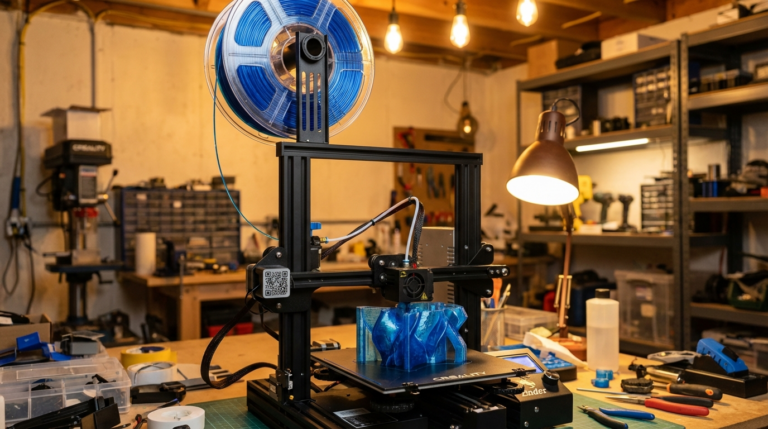
Let me be upfront: you cannot print PEEK on a stock Ender 3. The temperatures required will destroy standard components. Here’s what you actually need:
Hotend: 400°C+ Capable
PEEK requires nozzle temperatures between 370-410°C. This means you need an all-metal hotend rated for these temperatures. Standard PTFE-lined hotends max out around 250°C and will release toxic fumes above that. Options include the E3D Revo High-Temp, Slice Engineering Mosquito, or dedicated high-temp systems from Intamsys and Apium.
Heated Bed: 120-160°C
A standard heated bed that maxes out at 100°C won’t cut it. You need a bed capable of reaching 120-160°C consistently. Many PEEK printers use heated build plates with dedicated high-wattage heaters.
Heated Chamber: 120-200°C
This is the big one. PEEK has a glass transition temperature of 143°C, and printing without a heated chamber almost guarantees warping, delamination, and layer cracking. The chamber temperature should stay between 120-200°C throughout the print. Most consumer printers don’t have heated chambers — this is where industrial PEEK printers earn their price tags.
Nozzle Material
Brass nozzles will wear quickly at PEEK temperatures. Use hardened steel, ruby-tipped, or tungsten carbide nozzles. A 0.4mm nozzle works for most applications, but 0.6mm can improve layer adhesion on larger parts.
Recommended PEEK Print Settings
These settings serve as a starting point. You’ll need to fine-tune them for your specific printer and PEEK brand:
| Parameter | Recommended Range | Notes |
|---|---|---|
| Nozzle Temperature | 370-410°C | Start at 390°C, adjust based on flow |
| Bed Temperature | 120-160°C | Higher for large parts |
| Chamber Temperature | 120-200°C | Critical for layer adhesion |
| Print Speed | 20-40 mm/s | Slower = better layer bonding |
| Layer Height | 0.1-0.2mm | 0.15mm is a good balance |
| Infill | 20-50% | Higher for structural parts |
| Cooling Fan | OFF | Never use cooling fan with PEEK |
| First Layer Speed | 10-15 mm/s | Critical for adhesion |
| Retraction | 0.5-1.5mm | Keep minimal to prevent clogs |
| Flow Rate | 95-105% | Adjust based on extrusion test |
First Layer Adhesion for PEEK
Getting PEEK to stick to the build plate is one of the biggest challenges. The material wants to warp aggressively as it cools, and standard adhesion methods don’t work well at these temperatures.
Best Build Surfaces for PEEK
- PEI sheet — Works well at 150°C bed temperature. The PEEK bonds firmly but can usually be removed when cooled.
- PEEK film/sheet — Printing PEEK onto PEEK provides excellent adhesion through thermal bonding.
- Kapton tape — A budget option that works reasonably well with proper bed temperature.
- Glass with special adhesive — Some manufacturers offer PEEK-specific bed adhesives.

Common PEEK Printing Problems and Fixes
Layer Delamination
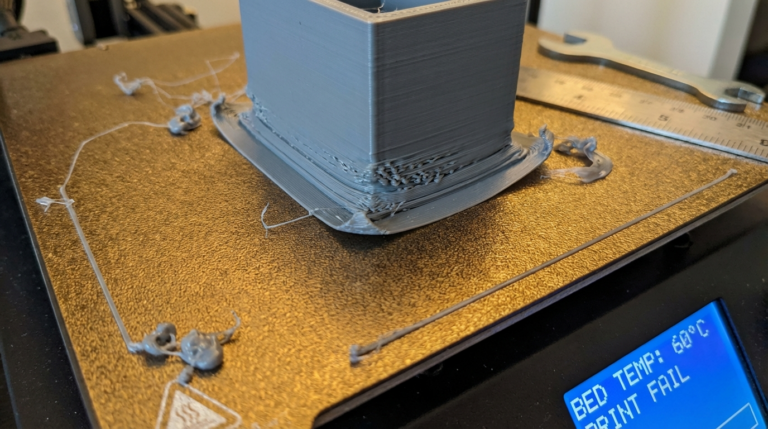
This is the most frequent PEEK failure. Layers split apart because they didn’t bond properly during printing.
- Increase chamber temperature — this is usually the primary fix
- Reduce print speed to allow more thermal bonding time
- Increase nozzle temperature by 5-10°C increments
- Reduce layer height to increase contact area between layers
Warping and Curling
PEEK’s high crystallinity means it shrinks significantly as it cools.
- Ensure chamber temperature stays above 120°C throughout the print
- Use a brim (8-10mm wide) for better plate adhesion
- Cool the print very slowly — leave it in the heated chamber and ramp temperature down over hours
- Design with warping in mind — avoid large flat surfaces and sharp corners
Nozzle Clogging
At 370-410°C, PEEK can degrade if it sits too long in the hotend, causing carbonized buildup.
- Minimize idle time with PEEK loaded
- Purge thoroughly before and after printing
- Use high-quality PEEK from reputable suppliers — impurities cause faster degradation
- Perform cold pulls between prints to clear residue
Annealing PEEK Prints
As-printed PEEK parts are amorphous (non-crystalline) and don’t achieve their full mechanical and thermal properties until they’ve been annealed. Annealing is a heat treatment process that increases the crystallinity of the PEEK, improving its strength, stiffness, and heat resistance.
Annealing Process
- Place the printed part in an oven (not the 3D printer chamber)
- Heat slowly to 200°C over 2-3 hours
- Hold at 200°C for 1-3 hours depending on part thickness
- Slowly cool back to room temperature over 4-8 hours
- Do not open the oven door during cooling — rapid temperature changes cause cracking
After annealing, PEEK parts change from amorphous (transparent/amber) to semi-crystalline (opaque/gray-brown). The mechanical properties improve significantly — tensile strength increases by 20-30% and heat deflection temperature jumps from ~150°C to ~300°C.
PEEK vs. Other High-Performance Filaments
PEEK isn’t the only option for high-performance printing. Here’s how it compares to alternatives:
- PEEK vs. PEKK: PEKK is slightly easier to print (lower temperatures, less warping) with similar mechanical properties. It’s a good alternative if you’re struggling with PEEK.
- PEEK vs. PEI (Ultem): PEI prints at lower temperatures (350-380°C) and is more forgiving. It has good chemical resistance but lower mechanical strength than PEEK.
- PEEK vs. Carbon-Fiber Nylon: CF-Nylon is much easier and cheaper to print with good strength, but it can’t match PEEK’s temperature resistance, chemical resistance, or long-term durability.
- PEEK vs. Polycarbonate: PC is dramatically easier to print and much cheaper, but it falls short on temperature resistance (130°C vs 250°C) and chemical resistance.
Where to Buy PEEK Filament
Not all PEEK filaments are created equal. Purity, diameter consistency, and moisture content vary between brands and significantly affect print results. Here are some reputable suppliers:
- Victrex — The original PEEK manufacturer, premium quality
- 3DXTech — Good quality with consistent diameter tolerance
- Intamsys — Optimized for their own printers but works on others
- Apium — Medical-grade options available
- IEMAI — More affordable option with decent quality
Expect to pay $300-700/kg for standard PEEK and $500-1000/kg for medical or specialty grades. Always store PEEK in a sealed container with desiccant — despite its chemical resistance, it absorbs moisture that causes printing problems.
Is PEEK Right for Your Project?
Before investing in PEEK printing capability, honestly assess whether you need it. PEEK makes sense when:
- Parts must withstand temperatures above 150°C continuously
- Chemical resistance is critical (chemical processing, oil and gas)
- Parts need to be biocompatible (medical implants, surgical tools)
- You need metal-like mechanical properties with significant weight savings
- Parts must meet specific aerospace or automotive certifications
If your parts only need to survive up to 100°C and moderate stress, materials like PETG, polycarbonate, or carbon-fiber nylon will serve you well at a fraction of the cost. But when the application demands the best, PEEK delivers in ways no other printable polymer can match.