How to Fix Filament Tangling on Your 3D Printer Spool (And Prevent It)
Few things are more frustrating than hearing your 3D printer grinding away because the filament got tangled on the spool. You step away for an hour, come back expecting a finished print, and instead find a bird’s nest of plastic and a failed job. I’ve been there more times than I’d like to admit, and after years of troubleshooting, I can tell you that filament tangling is almost always preventable.
In this guide, I’ll walk you through exactly why filament tangles happen, how to fix an active tangle, and — most importantly — how to prevent it from ever happening again.
Why Does Filament Tangle on the Spool?
Here’s a truth that might surprise you: filament doesn’t tangle itself on the spool during manufacturing. Industrial winding machines lay filament in precise, overlapping patterns. The tangling happens after the spool leaves the factory — and it’s almost always user error.
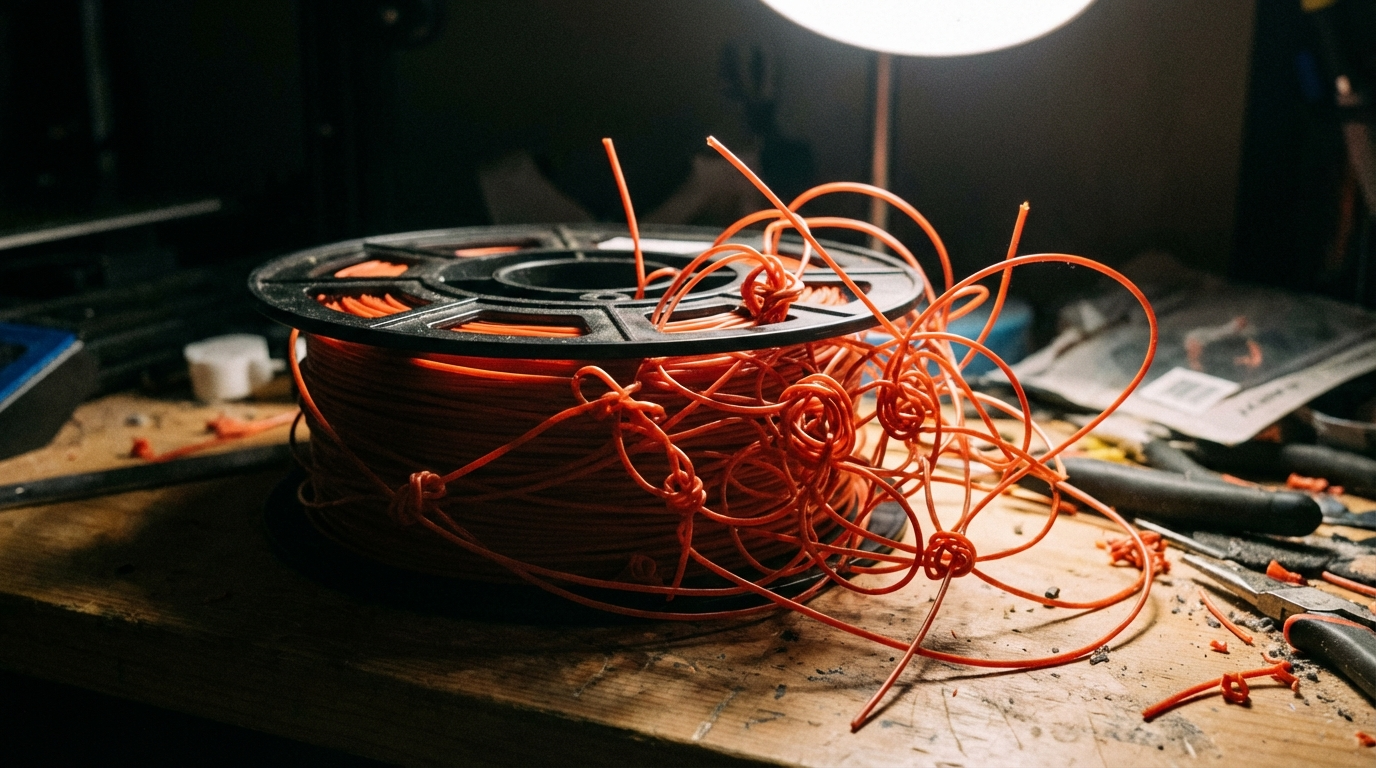
The most common cause is letting go of the filament end. When you remove a spool from your printer, unclip it from a dryer, or just handle it casually, the free end can slip under an adjacent loop. Once that happens, the next time your printer tries to pull filament, it hits a knot that won’t budge.
Common Causes of Filament Tangling
1. Loose End Slipping Under Loops
This is the number one cause. Every time you handle a spool, the free filament end needs to be secured. If it crosses over another loop even once, you’ve created a tangle that won’t reveal itself until mid-print. The filament feeds normally for dozens of meters, then suddenly locks up when it reaches the crossed section.
2. Improper Spool Holder Design
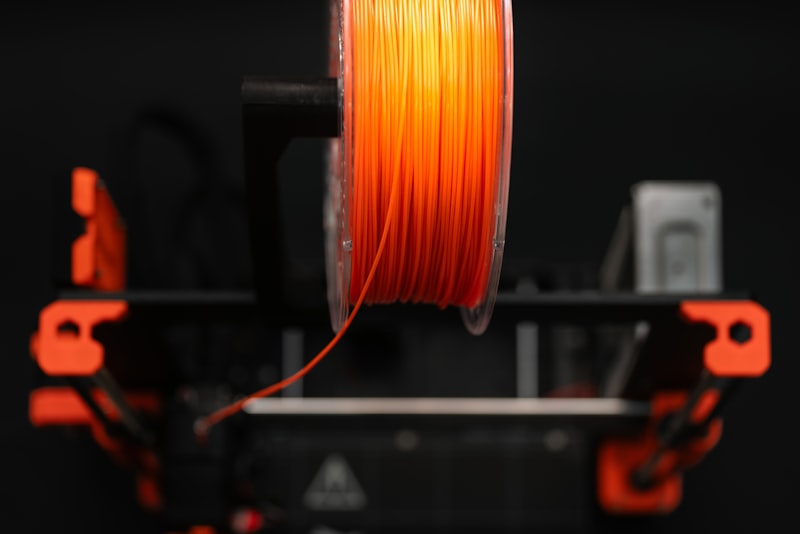
A wobbly or poorly designed spool holder creates uneven tension as the printer pulls filament. The spool can spin too freely (causing slack that tangles) or bind up (causing the extruder to skip). The ideal spool holder allows smooth, consistent rotation with just enough friction to prevent overrun.
3. Filament Snapping Back
Some filaments, especially PLA that’s been sitting out for a while, become brittle. When you cut or break the filament, the stored tension in the spool can cause the end to snap back and slip under several loops at once. This creates a deep tangle that’s extremely difficult to fix without unwinding a significant portion of the spool.
4. Switching Spools Without Securing the End
If you swap filament colors frequently, this is probably your biggest risk. Every time you pull filament out of the extruder and set the spool aside without clipping or taping the end, you’re rolling the dice. Even a brief moment of inattention can cause the end to slip under a neighboring wrap.
5. Poor Storage Practices
Throwing spools loosely into a box or bag where they can roll around and bump into each other is a recipe for tangles. Each time a spool shifts position, gravity can cause the filament to redistribute and cross over itself.
How to Fix a Filament Tangle (Step by Step)
If your printer has already jammed because of a tangle, here’s how to fix it without wasting filament:
Step 1: Pause or Stop the Print
Don’t try to force the filament through by pushing it. You’ll either break the filament inside the Bowden tube or strip the gear teeth on your extruder. Pause the print immediately.
Step 2: Remove the Spool
Take the spool off the holder. Don’t pull the filament — just remove the entire spool so you can work with it freely.
Step 3: Find the Tangle
Look for where the filament crosses over itself. Follow the line that feeds into the printer backward along the spool. The tangle point is where one loop passes under another. It often looks like a figure-eight pattern or a simple crossover.
Step 4: Lift and Unloop
Gently lift the tangled section of filament over the loops it’s trapped under. Work slowly — aggressive pulling can create additional tangles. If the filament is brittle, warm the tangled section slightly with a hair dryer (not a heat gun) to make it more pliable.
Step 5: Rewind Carefully
Once the tangle is cleared, rewind any loose filament back onto the spool, making sure each loop sits neatly beside the previous one. Secure the end before putting the spool back on the printer.
Step 6: Resume the Print
If your printer supports it, resume from where it paused. Otherwise, you’ll need to restart the print. Check the extruder gear for any ground filament debris — clean it out before continuing.
How to Prevent Filament Tangling: Best Practices
Always Secure the Free End
This single habit will eliminate 90% of tangling issues. Every time you remove filament from the printer, immediately secure the free end. You have several options:
- Spool clips: Many spools come with built-in holes on the rim where you can thread the filament end through. Use them.
- Binder clips: Cheap, effective, and universally available. Clip one to the spool rim and pinch the filament under it.
- Filament clips (3D printed): Print a set of universal filament clips — they’re one of the most useful functional prints you’ll ever make.
- Tape: A small piece of painter’s tape works in a pinch. Avoid duct tape — the adhesive residue can contaminate the filament.
Never Let Go of Both Ends
When handling a spool, always maintain control of the free end. If you need both hands for something, secure the filament first. This sounds obvious, but it’s the most commonly violated rule in 3D printing.
Use a Proper Spool Holder
Invest in a quality spool holder with bearings. A smooth-spinning holder with just enough friction ensures the spool doesn’t overrun when the printer pauses between moves. Options include:
- Roller-style holders that support the spool on its edges
- Axle-style holders with PTFE bearings for smooth rotation
- Dry box holders that combine storage and feeding in one unit
Use a Filament Guide
A filament guide (a simple tube or ring mounted between the spool and the extruder) keeps the filament on a consistent path. This reduces the angle changes that can cause the filament to pull unevenly from the spool and create slack loops.
Store Spools Properly
When not in use, store spools in sealed bags or dry boxes with the filament end secured. Stand them upright rather than stacking them on their sides. If you stack spools, use dividers to prevent them from shifting and tangling each other.
Inspect New Spools Before Use
Before loading a new spool, do a quick visual inspection. Run your finger along the top layer of filament and make sure no loops are crossing over each other. Some budget filament brands have less precise winding, and catching a factory defect early can save you a failed print.
Filament Tangle Detection: Monitoring Your Prints
Modern 3D printers are getting better at detecting feed problems, but most consumer machines still lack dedicated tangle detection. Here’s how to add monitoring to your setup:
- Filament runout sensors: While designed for empty spools, these sensors can also detect when filament stops moving due to a tangle. If the filament hasn’t moved through the sensor in a while, the printer pauses.
- Camera monitoring: A cheap webcam pointed at your spool lets you check on prints remotely. OctoPrint with the Spaghetti Detective plugin can even detect failures automatically.
- Encoder-based sensors: Some advanced setups use rotary encoders on the filament path to detect feed rate anomalies before a full jam occurs.
Special Considerations for Different Filament Types
PLA
PLA becomes brittle over time, especially when exposed to moisture and UV light. Old PLA is more likely to snap and create tangles. If a PLA spool has been sitting unused for months, handle it with extra care.
PETG
PETG is more flexible than PLA and less likely to snap, but it’s also more prone to sticking to itself on the spool. In high humidity environments, PETG loops can bond together and cause irregular feeding that mimics tangling symptoms.
TPU and Flexible Filaments
Flexible filaments are tangle-resistant because they don’t hold enough tension to snap back and cross loops. However, they can stretch and deform under poor feeding conditions, creating a different kind of feed problem.
ABS and ASA
These materials are relatively stiff and hold their shape well on the spool. The main tangling risk comes from improper handling during spool changes. They’re not as brittle as old PLA, so the snap-back risk is lower.
When to Throw Away a Tangled Spool
Sometimes a tangle is so deep and extensive that fixing it isn’t worth the time. If you’ve spent more than 15 minutes trying to unravel a spool and the tangle extends multiple layers deep, consider these options:
- Cut your losses: Unwind the filament past the tangle and discard the tangled section. You’ll waste some material but save your sanity.
- Contact the manufacturer: If a brand-new spool arrived tangled, most reputable manufacturers will replace it. Take photos of the tangle before attempting to fix it.
- Repurpose the material: Tangled filament that can’t be printed can sometimes be used for other purposes — practice welding 3D prints, make filament samples for temperature testing, or use it as material for a filament recycler.
My Top 3 Anti-Tangle Setup Recommendations
After years of dealing with this issue, here’s my personal setup that has virtually eliminated filament tangles:
- Sunlu FilaDryer S2 with built-in spool holder: Keeps filament dry AND feeds directly to the printer. Two birds, one stone.
- 3D-printed filament clips (print 20+ at once): I keep a bag of these next to every printer. They take 30 seconds to print and save hours of frustration.
- PTFE tube filament guide: A short section of Bowden tube mounted between the spool and the extruder. Keeps the filament on a consistent path regardless of spool rotation.
Final Thoughts
Filament tangling is one of those 3D printing problems that seems random but is actually entirely preventable. The core rule is simple: never let go of the free filament end without securing it first. Build this habit, pair it with a decent spool holder and proper storage, and you’ll likely never deal with a tangle-related print failure again.
If you’re currently dealing with recurring tangles, start by examining your filament handling workflow. The fix is almost always in the routine, not the equipment. Happy printing!