Best Enclosed 3D Printer for ABS in 2026: Which Machines Actually Print ABS Well
Why ABS Needs More Than a Printer With a Door
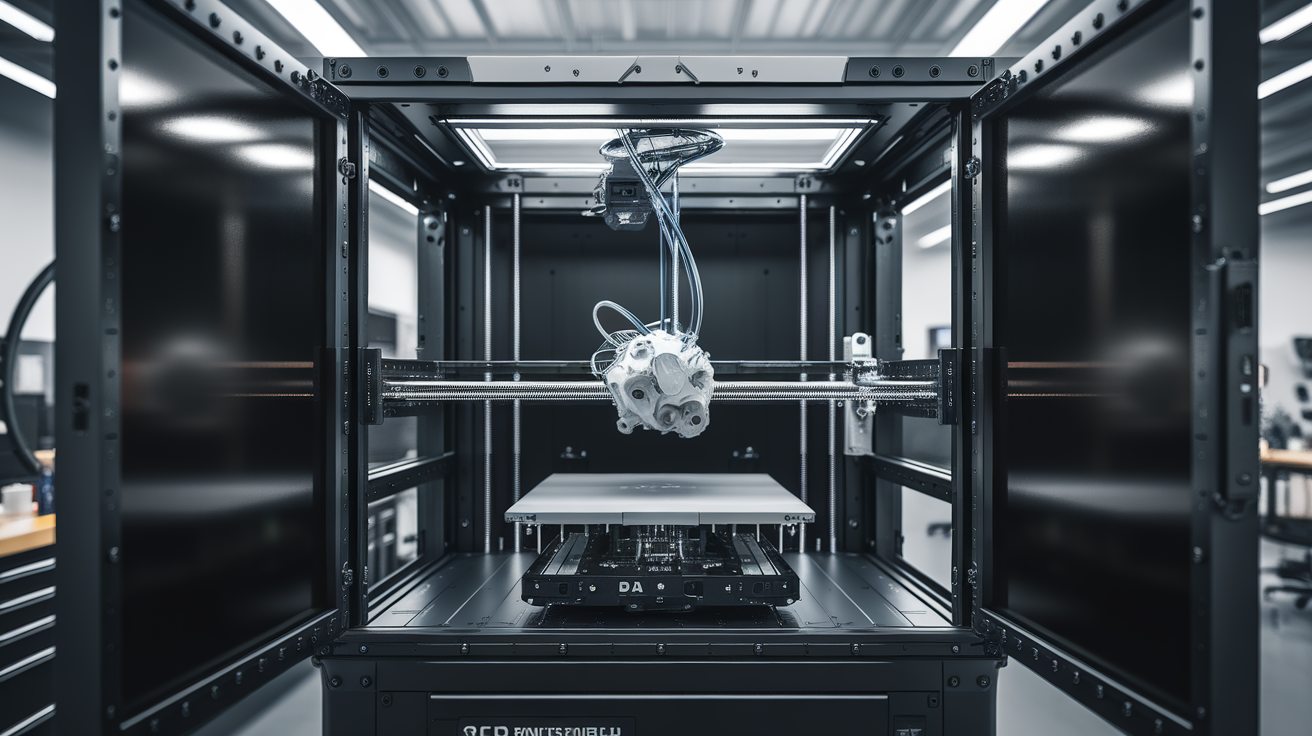
“Enclosed” gets used loosely in 3D printer marketing. A printer with acrylic side panels and a lid is technically enclosed; whether it can print ABS reliably is a different question. ABS requires three things to print successfully in a domestic or small-shop setting: a build chamber held at or near 45-55°C during the print, a heated bed that reaches and holds 100-110°C, and ventilation that contains the styrene fumes ABS releases when heated. A printer with a door but no active chamber heating and no air filtration will technically print small ABS parts, but warping, delamination, and fume exposure make it impractical for anything larger than a keychain.
This guide is specifically for people who need ABS — classic automotive parts, injection-mold patterns, rugged tool housings, or legacy projects that call for ABS in the spec. If you don’t specifically need ABS, consider ASA instead (similar properties, UV-stable, no yellow haze over time). But for the readers who do need it, here are the machines that actually deliver.
Bambu Lab P1S — The Entry-Level ABS Workhorse
At $699 the P1S is the cheapest genuinely-capable ABS printer you can buy in 2026. It is passively enclosed (not active chamber heating), but the combination of 110°C bed, front-access door, carbon and HEPA filters, and Bambu’s AMS compatibility means ABS prints at up to roughly 180mm Z height work reliably.
The P1S’s ventilation is what sets it apart at this price. The activated carbon filter captures most styrene before it reaches the room. It is not a replacement for proper ventilation in a small apartment — we recommend venting exhaust outdoors for any long ABS print regardless — but it’s far better than an open-frame or merely-lidded machine.
Build volume is 256 × 256 × 256 mm. Print speeds are fast (300-500 mm/s typical), and Bambu Studio’s ABS profile works out of the box. For anyone starting ABS work for the first time, the P1S is the right answer — low risk, low cost, fast to get going.
Limits: no active chamber heating means large prints (220+ mm) occasionally delaminate near the top where chamber temp has dropped. Keep the enclosure sealed, start the print with the printer warmed up, and consider a bed-heater-as-chamber-preheater workflow for best results.
Bambu Lab X1E — Active Chamber Heating Tier
The X1E at $2,499 is the first tier where active chamber heating appears. The chamber holds up to 60°C during the print, meaning ABS can be printed to the full 256mm Z without the warping risks that plague passive enclosures. The X1E also has a hotend rated to 320°C, which opens up PC, PA-CF, and PC-CF work — genuinely an industrial-capability machine in a consumer form factor.
For someone who prints ABS every week, the X1E is the right answer. The time savings alone (no more failed prints due to chamber cooling) justify the step-up cost within a few months of heavy use. The built-in air filter is improved over the P1S, and the enclosure is designed to contain the higher chamber temps without warping itself.
Downsides: price, obviously. And the X1E’s service and parts availability is still maturing compared to Prusa’s long track record. If you need a machine that will be running in 2030 with parts still available, verify Bambu’s parts support before committing.
Qidi Tech Plus4 — The Price-Conscious Active Chamber Option
The Qidi Plus4 at $799 is the surprise of the 2026 ABS-capable market. Active chamber heating up to 65°C, 350°C hotend, Klipper firmware, 305 × 305 × 280 mm build volume, and the ability to print ABS, ASA, PC, and PA with the appropriate nozzle upgrade. At roughly one-third the price of the X1E, the Plus4 delivers 80% of the capability.
The Plus4 is not as polished as the Bambu offerings. The slicer (QIDI Studio, based on OrcaSlicer) is competent but feels less refined. The chamber door latch is fiddly. The first-layer auto-calibration works but occasionally needs manual adjustment. Despite these rough edges, the printer itself produces excellent ABS parts once dialed in.
We recommend the Plus4 for hobbyists and small-business users who need ABS capability but cannot justify X1E pricing. The saving (~$1,700) easily funds two years of filament, replacement parts, and a dedicated ventilation setup.
Creality K1C — Enclosed Workhorse with Tuning Payoff
The K1C at $559 is an enclosed CoreXY printer that handles ABS with appropriate tuning. It ships with a carbon filter, 300°C hotend, and a fully enclosed build volume (300 × 300 × 300 mm). The chamber is not actively heated, so it behaves similarly to the P1S but without the Bambu ecosystem polish.
The K1C’s strength is flexibility. It runs Klipper, accepts third-party mods readily, and has a large user community producing tuning guides, macros, and upgrade parts. For a user who enjoys tuning their printer and wants ABS capability at the lowest cost, the K1C is a strong choice.
Limits: stock profiles are mediocre. Plan to spend 2-4 hours dialing in ABS settings before you get reliable results. Printer quality-control is acceptable but not Bambu-level; expect minor wiring or assembly issues that need attention in the first week of ownership.
Prusa MK4S with Enclosure Kit — The Reliability Choice
The MK4S at $999, plus the Original Prusa Enclosure at $399, brings you to $1,398 for a genuinely excellent ABS-capable setup. The MK4S itself is not enclosed; the Enclosure is an accessory that transforms it. What you get is Prusa’s legendary reliability, XOL Grade printing consistency, and the Enclosure’s passive chamber heat retention (reaches 45-50°C during ABS prints).
For small-shop use where the printer needs to run 12+ hours a day for years, the MK4S combo is often the right answer. Parts availability is excellent. Service support is best-in-class. Firmware updates are meaningful and tested. The printer’s behavior is predictable in a way that newer Bambu and Qidi machines are still working toward.
Downsides: slower than the competition (MK4S tops around 200 mm/s versus Bambu’s 300-500). Higher per-print cost in terms of time. The Enclosure is not the most aesthetically refined thing. But if your criteria is “this printer must not break in the next five years,” this is the pick.
Raise3D Pro3 / Pro3 HS — The Small-Shop Production Tier
The Raise3D Pro3 at $4,499 is the first “real” small-shop ABS printer — dual extruders, active chamber heating, 300 × 300 × 300 mm build volume, industrial-grade components, and enterprise support contracts available. It prints ABS and ASA superbly, with reliability at the level where you can run 24/7 production for weeks between maintenance.
At this price tier, you’re no longer in the consumer market. The Pro3 is for small injection-mold shops, product design consultancies, and engineering contract services. The capability is genuinely high; the price is also genuinely high. Evaluate based on hours-per-week of required ABS print time — below 20 hours/week, a P1S or Plus4 is better ROI.
ABS-Specific Settings That Matter Across All These Machines
- Bed temperature: 100-110°C. Lower and warping accelerates; higher is pointless and can damage PEI sheets over time.
- Nozzle temperature: 240-260°C. Hotter end for larger prints that need better layer adhesion.
- Print speed: 40-80 mm/s for dimensional accuracy; ABS warps under thermal stress, and slower prints let more heat escape into the surrounding layers.
- Cooling: 0-20% fan maximum. ABS needs heat retention to bond layers; aggressive cooling causes delamination.
- First layer: Glue stick on PEI, or ABS slurry (dissolve scrap ABS in acetone to 5% mass). Brim of 8-15mm for parts with small footprints.
- Chamber temp (where active): 45-55°C sufficient for most work; 60-65°C for large prints (>200mm).
- Retraction: 1-2mm on direct drive, 3-5mm on Bowden. Too much causes stringing; too little causes blobs.
Ventilation — Do Not Skip This
ABS releases styrene and acrylonitrile vapors when heated. Both are respiratory irritants; styrene at sustained concentrations is a suspected carcinogen. The carbon filters on P1S, X1E, Plus4, and K1C help but do not fully eliminate emission — especially not with a front door opened during print setup or bed-adhesion inspection.
Minimum setup: the printer in a separate room from living/working space, with the door closed during printing and at least one hour after the print completes. Better: exhaust ducted outdoors through a window kit or proper HVAC tap. Best: a dedicated print room with positive-pressure fresh air and exhaust fan.
Kids and pets should not be in the same room as an actively-printing ABS machine without active ventilation. This is not an over-cautious suggestion — it’s the direct recommendation of materials safety data sheets.
When to Choose ASA Instead of ABS
ASA has nearly identical mechanical properties to ABS — similar tensile strength (40-45 MPa), similar impact resistance, similar heat resistance (95°C continuous service). What ASA adds is UV stability: ASA resists outdoor sun exposure for years, while ABS yellows and embrittles within a summer. What ASA costs is roughly 20-30% more per kilogram and slightly more sensitive first-layer behavior.
For any project that will see sunlight (signage, drone bodies, outdoor fixtures, car exterior parts), ASA is simply the better choice. All the enclosed printers listed above print ASA identically to ABS with the same hardware.
Maintenance That Pays for Itself
Replace your carbon filter every 3-6 months of regular ABS printing. They saturate faster than manufacturers claim, and a saturated filter lets more fumes pass through to your workspace.
Clean the enclosure interior monthly. ABS prints shed microscopic particles that coat surfaces; a light wipedown with IPA keeps the build chamber clean and reduces contamination of subsequent prints.
Check bed adhesion every 50 prints. PEI sheets degrade with glue-stick and ABS slurry residue; replace when the surface shows visible wear or prints lift during the first 10 layers regularly.
Frequently Asked Questions
Can I print ABS on a Bambu A1?
Not recommended. The A1 (without AMS) is open-frame; ABS warp behavior makes anything beyond small test pieces unreliable, and fume containment is nonexistent. Step up to a P1S if ABS matters.
Will a cardboard enclosure around my Ender 3 work for ABS?
Technically yes for small parts, but it’s a fire risk if poorly executed and offers no fume containment. For occasional small ABS prints it’s workable; for production use, buy an enclosed machine.
Does a heated chamber really matter, or is passive enclosure enough?
For small-to-medium prints (below 150mm in all dimensions), passive is fine. For large parts, active chamber heating is genuinely necessary — the warping problem gets exponentially worse with part size.
How much filament do I need for typical ABS projects?
A 1kg spool prints approximately 100-150 medium parts (think drone frames, tool handles, small brackets). Expect to stock 2-3 colors at a time; black and natural are the most-used.
Final Recommendations
Entry-level ($699): Bambu Lab P1S — passively enclosed, filter-equipped, excellent stock performance.
Budget active-chamber ($799): Qidi Plus4 — active chamber heating at a fraction of the X1E price.
Premium active-chamber ($2,499): Bambu X1E — seamless Bambu ecosystem plus heated chamber capability.
Reliability-first ($1,398): Prusa MK4S + Enclosure Kit — excellent for long-term small-shop use.
Production-grade ($4,499+): Raise3D Pro3 — dual extrusion, heated chamber, enterprise support.
Whatever you pick, budget for ventilation as a line item separate from the printer. A $400 exhaust setup turns a decent ABS printer into a safe long-term tool; skipping it turns any enclosed printer into a short-term headache.