Bambu Lab A1 Mini Review: Best Budget 3D Printer in 2026?
Bambu Lab A1 Mini: Quick Overview
The Bambu Lab A1 Mini burst onto the budget 3D printer scene in late 2023 and has since become one of the most recommended entry-level machines in the community. At around $199 for the base model (or $299 with the AMS Lite multi-color system), it competes directly with printers that cost twice as much on features alone.
But does the hype match reality? I’ve been using the A1 Mini as my daily driver for small and medium prints over the past several months, and this review covers everything you need to know — the genuine strengths, the real limitations, and whether it deserves a spot on your desk in 2026.
What’s in the Box
Bambu Lab ships the A1 Mini nearly fully assembled. Out of the box, you get:
- The printer itself (partially assembled, about 15 minutes to finish)
- Spool holder
- Power supply with regional plug
- A small toolkit (Allen keys, snips, scraper)
- Sample PLA filament (enough for the included test prints)
- Quick start guide and USB card with Bambu Studio software
Assembly is genuinely easy. You’re basically bolting the top frame onto the base, plugging in a few ribbon cables, and loading filament. If you’ve ever assembled flat-pack furniture, this is significantly easier than that. From unboxing to first print took me exactly 22 minutes, including firmware update.
Build Quality and Design
The A1 Mini is a compact, open-frame Cartesian printer with a CoreXY-inspired belt path that Bambu calls “Core XY.” The build volume is 180 × 180 × 180mm — enough for most household items, phone cases, small figurines, and functional parts, but you’ll hit size limitations on larger projects.
Build quality is impressive for the price point. The aluminum frame feels rigid with no noticeable flex. The textured PEI spring steel build plate is excellent — parts stick during printing and pop off when cooled. The tool-less nozzle swap system lets you change nozzles in under a minute, which is a feature usually reserved for printers costing $500+.
The design is clearly targeted at desk-friendly use. At 347 × 315 × 365mm, it fits comfortably on a standard desk without dominating the space. Noise levels are reasonable — quieter than most budget printers but not silent. During high-speed moves, you’ll hear the steppers, but it’s not disruptive for a shared workspace.
Print Quality
This is where the A1 Mini genuinely impresses. Bambu Lab’s calibration routines — automatic vibration compensation, flow calibration, and bed leveling — run before each print and deliver consistently excellent results with minimal user intervention.
PLA Performance
PLA prints are nearly flawless out of the box. Surface quality at 0.2mm layer height is smooth with minimal visible layer lines. At 0.12mm, the quality approaches what you’d expect from printers twice the price. Corners are sharp, overhangs are clean up to about 55-60°, and bridging performance is solid for a printer without dedicated part cooling optimization.
PETG Performance
PETG works well with minor adjustments. You’ll want to slow down to about 60-70% of PLA speeds and increase retraction slightly to manage stringing. The textured PEI plate handles PETG adhesion perfectly — possibly the best stock bed surface for PETG I’ve used.
TPU Performance
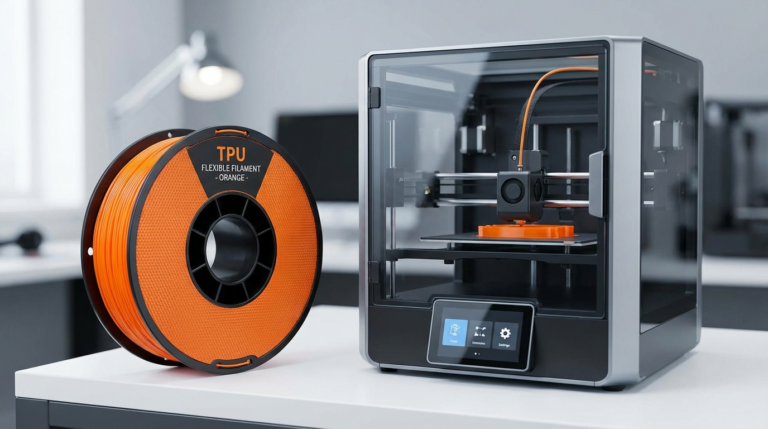
The A1 Mini’s direct drive extruder handles TPU surprisingly well for a budget printer. I’ve successfully printed 95A Shore hardness TPU at 25-30mm/s with good results. Softer TPUs (85A and below) are trickier and require significant speed reduction, but they’re doable.
Speed vs Quality
Bambu Lab advertises speeds up to 500mm/s, and the printer can technically move that fast. In practice, most prints run at 200-300mm/s for the best quality-to-speed ratio. Even at these “moderate” speeds, the A1 Mini is 2-3x faster than a typical Ender 3 running at its optimal quality speeds. A Benchy prints in about 16-18 minutes — versus 45-60 minutes on most budget alternatives.
The AMS Lite: Multi-Color Made Easy
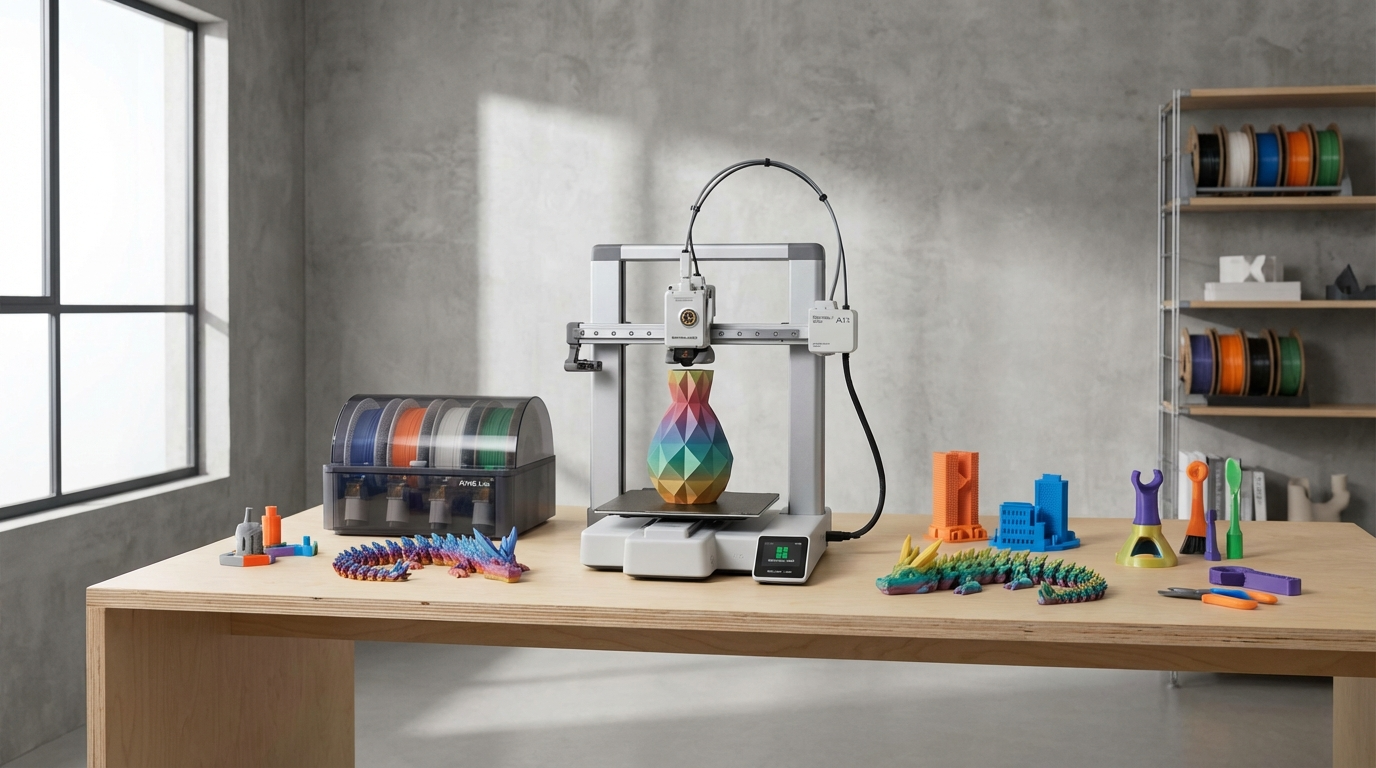
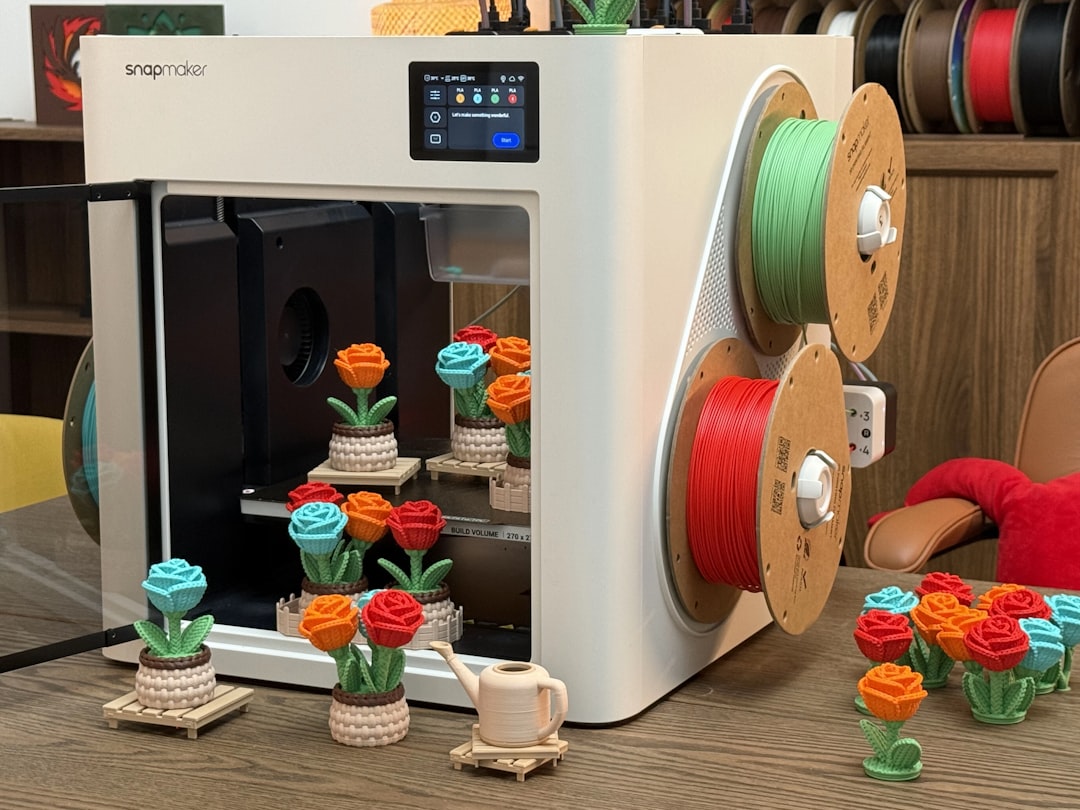
The AMS Lite (Automatic Material System) is a $100 add-on that holds four filament spools and enables automatic color changes during printing. It’s the feature that makes the A1 Mini stand out from every other printer in its price range.
Multi-color printing works well for decorative prints, logos, signs, and anything where visual impact matters. The color transitions are clean with minimal bleeding, and Bambu Studio makes designing multi-color prints surprisingly accessible — you can paint colors directly onto the model in the slicer.
The trade-offs: color changes create waste (a purge tower or purge into infill), adding 15-30% to material usage and print time. For single-color functional prints, the AMS Lite adds no value. But if you want to print gifts, decorations, or anything aesthetic, it’s a game-changer at this price point.
Software Ecosystem
Bambu Studio (based on PrusaSlicer) is a competent slicer that’s well-integrated with the printer. Profiles for common materials are pre-loaded and well-tuned. The cloud printing feature lets you send prints from anywhere via the Bambu Handy mobile app, which is genuinely useful.
However, the cloud-dependent nature is a valid concern. While the printer can operate via SD card and LAN mode without cloud connectivity, some features (remote monitoring, print notifications) require a Bambu Lab account and cloud connection. For users who prefer fully offline operation, this is worth considering.
Third-party slicer support exists through OrcaSlicer (a PrusaSlicer fork with extensive Bambu Lab support), which many experienced users prefer for its additional features and community-developed profiles.
Limitations and Honest Complaints
No printer is perfect, especially at $199. Here’s where the A1 Mini falls short:
Build Volume
180 × 180 × 180mm is the biggest limitation. It’s fine for most everyday prints, but you’ll feel constrained when trying helmets, large vases, or multi-part assemblies that could be printed in one piece on a larger machine. If you regularly need prints larger than about 7 inches in any direction, look at the full-size A1 or P1S instead.
No Enclosure
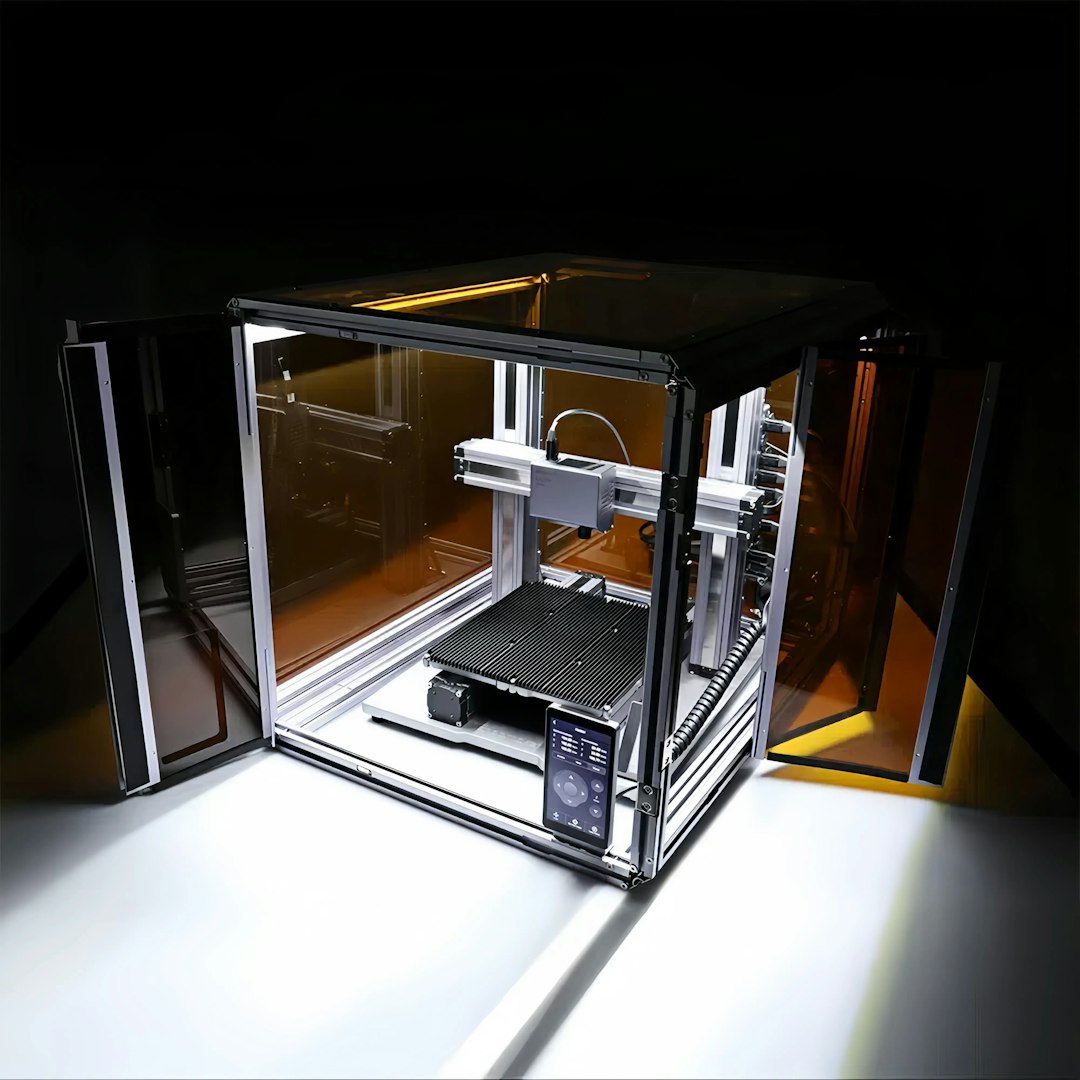
The open frame design means ABS and ASA printing is essentially off the table without a third-party enclosure. For PLA and PETG users, this doesn’t matter. But if you need high-temperature materials, you’ll either need to build an enclosure or consider a different printer.
Noise at High Speeds
While quieter than many budget printers, the A1 Mini gets noticeably loud during rapid travel moves. If your printer sits in a bedroom or shared living space, overnight prints at maximum speed will be disruptive. Slowing down to 60-70% speed reduces noise significantly.
Proprietary Elements
The nozzle system, while convenient, uses Bambu Lab’s proprietary quick-swap design. Third-party nozzles are available but limited compared to the universal V6/MK8 ecosystem. You’re somewhat locked into Bambu’s hardware ecosystem for this component.
Camera Quality
The built-in camera is low resolution and useful primarily for monitoring print progress, not for creating time-lapses or detailed remote inspection. It works for its intended purpose but don’t expect smartphone-quality video.
A1 Mini vs the Competition in 2026
How does the A1 Mini stack up against its main competitors?
| Feature | Bambu Lab A1 Mini | Creality Ender 3 V3 | AnkerMake M5C |
|---|---|---|---|
| Price | $199 | $189 | $229 |
| Build Volume | 180³mm | 220×220×250mm | 220×220×250mm |
| Max Speed | 500mm/s | 600mm/s | 500mm/s |
| Auto Leveling | Yes | Yes | Yes |
| Direct Drive | Yes | Yes (Sprite) | Yes |
| Multi-Color Option | AMS Lite ($100) | No | No |
| Input Shaping | Yes | Yes | Yes |
| WiFi/Cloud | Yes | Yes | Yes |
The A1 Mini’s smaller build volume is its biggest disadvantage on paper. The Ender 3 V3 and AnkerMake M5C offer more print area for similar or lower prices. But the A1 Mini wins on print quality consistency, the AMS Lite option, and overall user experience. If build volume isn’t your primary concern, the A1 Mini delivers the best out-of-box experience in its class.
Who Should Buy the A1 Mini?
Perfect for:
- Complete beginners who want a “just works” experience
- Hobbyists who primarily print in PLA and PETG
- Anyone interested in multi-color printing on a budget
- Desk-space-limited setups (apartments, dorm rooms, offices)
- Gift buyers looking for a reliable, low-maintenance 3D printer
Not ideal for:
- Users who need large build volume (helmets, cosplay armor, large functional parts)
- ABS/ASA printing without building an enclosure
- Tinkerers who enjoy modding and customizing their printer hardware
- Users who want fully offline, open-source operation
Tips for Getting the Best Results
- Use Bambu Lab filament for your first prints — The pre-loaded profiles are tuned for their filament. Branch out to third-party brands once you’re comfortable.
- Enable LAN-only mode if you’re concerned about cloud dependency. You lose remote access but gain peace of mind.
- Clean the PEI plate with isopropyl alcohol every 5-10 prints — Fingerprints and residue accumulate quickly and affect adhesion.
- Don’t chase maximum speed — 200-250mm/s gives you 80% of the speed benefit with much better quality than 500mm/s.
- The 0.6mm nozzle is underrated — For functional parts where surface finish isn’t critical, the 0.6mm nozzle with 0.3mm layers cuts print time in half with minimal quality loss.
The Verdict
The Bambu Lab A1 Mini is the best sub-$300 3D printer you can buy in 2026 if your prints fit within its 180mm build volume. It delivers print quality and speed that would have been premium-tier just two years ago, wrapped in a package that genuinely works for beginners. The AMS Lite multi-color option has no real competition at this price point.
Its limitations are real — the small build volume, lack of enclosure, and cloud-centric software will matter to some users. But for the vast majority of hobbyists printing PLA and PETG parts under 7 inches, the A1 Mini hits the ideal balance of price, quality, speed, and ease of use. Recommended.