Best 3D Printer for Beginners in 2026: Tested and Ranked
The 3D printer market in 2026 is remarkably different from just two years ago. Machines that cost $500 in 2024 now have equivalents at half the price, and features like auto bed leveling, direct drive extrusion, and enclosed chambers have trickled down to even the most affordable models. For someone just getting started, this is both exciting and overwhelming — there are simply too many good options.
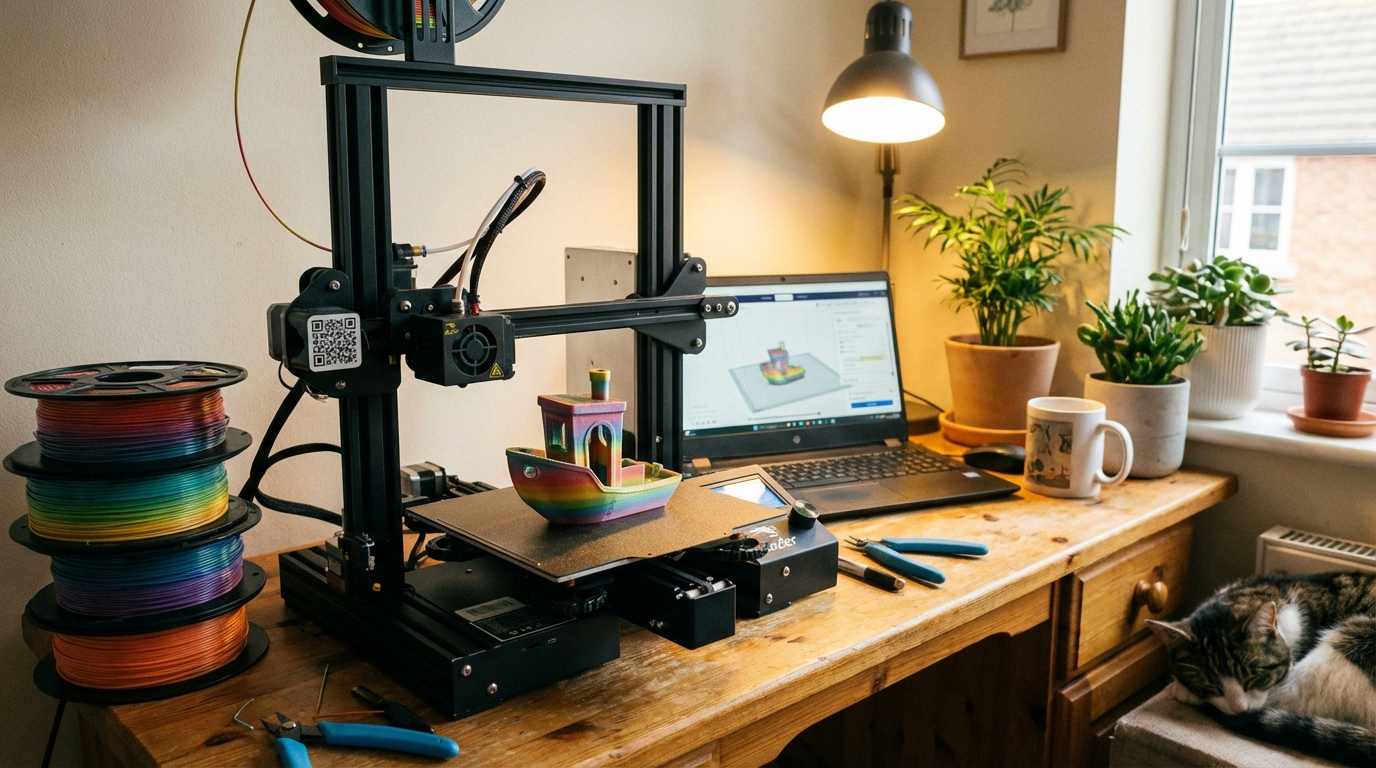
I’ve spent the last several months testing, comparing, and living with the most popular beginner-friendly printers available right now. This guide cuts through the marketing noise and tells you exactly which machines deliver the best experience for someone printing their first benchy.
What Makes a Printer \”Beginner-Friendly\”?
Before we talk about specific models, let’s define what actually matters for a first printer. It’s not just about price — it’s about the total experience from unboxing to successful prints.

- Setup time and complexity. The best beginner printer requires minimal assembly and gets you printing within an hour. Avoid kits that require wiring, frame alignment, or firmware flashing out of the box.
- Auto bed leveling. Manual bed leveling is the #1 frustration for beginners. In 2026, there’s no reason to buy a printer without at least semi-automatic leveling.
- Community and support. When things go wrong (they will), having a large online community, active subreddits, and plentiful YouTube tutorials makes all the difference. A great printer with no community support is worse than a decent printer with thousands of users sharing knowledge.
- Reliable out of the box. Beginners shouldn’t need to mod or upgrade their printer to get consistent results. The stock configuration should produce good prints with common filaments.
- Reasonable ongoing costs. Proprietary filament, expensive replacement parts, or mandatory subscription services are red flags for any printer, especially a first one.
Best Overall: Bambu Lab A1 Mini
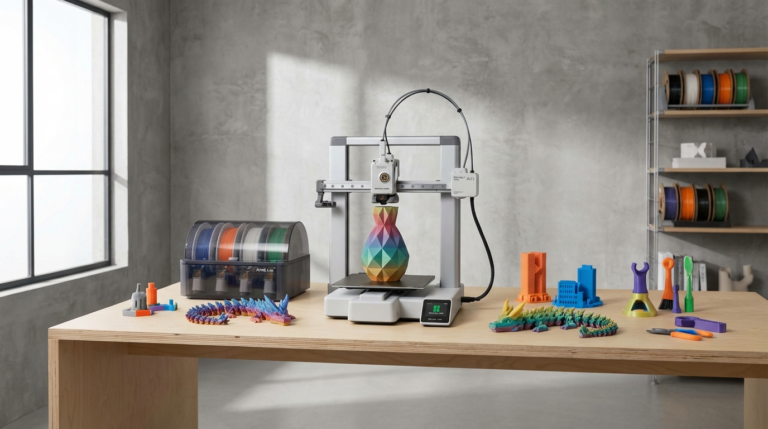
The A1 Mini hit the market as a disruptor and it’s stayed there. At around $200, it delivers a print quality and ease of use that machines costing twice as much struggled to match just two years ago.
Why beginners love it:
- Fully automatic calibration — bed leveling, vibration compensation, and flow calibration all happen without user intervention
- 15-minute assembly time with clear instructions
- Bambu Studio slicer is intuitive and comes with well-tuned presets for all common filaments
- WiFi connectivity with a solid companion app for remote monitoring
- Direct drive extruder handles PLA, PETG, and even TPU without modifications
What to watch for:
- Smaller build volume (180x180x180mm) limits the size of prints you can make
- No enclosure means ABS and other high-temp materials are difficult without DIY modifications
- Some users report WiFi connectivity issues that require firmware updates to resolve
The A1 Mini is my top recommendation for anyone who wants to start printing immediately without a steep learning curve. If you need a larger build volume, step up to the full-size Bambu Lab A1 ($300-350).
Best Budget Option: Creality Ender-3 V3
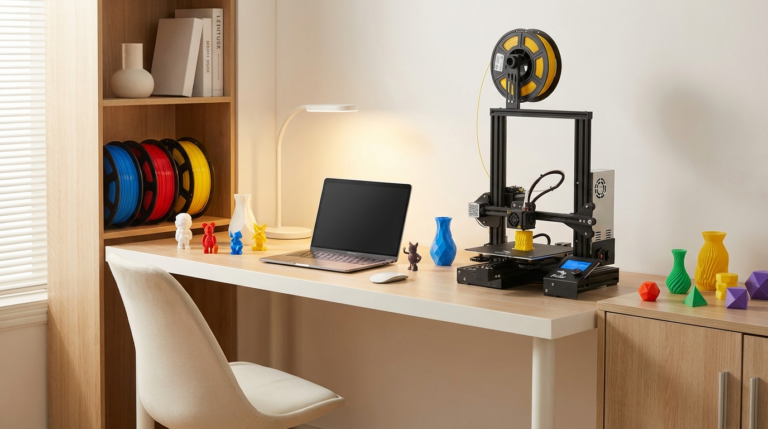
Creality’s Ender 3 line has been the gateway drug for 3D printing for years, and the V3 represents the most refined version yet. At $180-220, it addresses nearly every complaint about previous generations while keeping the price accessible.
Key improvements over older Ender 3 models:
- CR Touch auto bed leveling is now standard (no more paper-method frustration)
- Direct drive extruder replaces the old Bowden setup
- Improved build plate adhesion with a PEI-coated spring steel sheet
- Klipper-based firmware for faster printing and better quality
- Significantly quieter operation than previous Ender 3 versions
The Ender 3 advantage: No other printer has a larger community. Whatever problem you encounter, someone has already solved it and posted about it. The ecosystem of tutorials, mods, and compatible parts is unmatched.
Downside: Build quality isn’t as polished as Bambu Lab. Expect to spend a bit more time on initial setup and first-print calibration.
Best for the Tinkerer: Prusa MK4S
If you’re the type who reads manuals cover-to-cover and enjoys understanding how things work, the Prusa MK4S ($450-550) is worth the premium. It’s not the cheapest beginner option, but it’s arguably the most educational one.

- Open-source design means you can understand, modify, and repair every component
- Exceptional documentation and customer support from Prusa Research
- PrusaSlicer is one of the best slicers available, with advanced features that grow with your skills
- Proven reliability — Prusa printers are known for running thousands of hours with minimal issues
- Available as a kit ($350) for those who want the full build experience
The MK4S is more expensive than the competition, but you’re paying for reliability, support, and a printer that will still be running perfectly three years from now with minimal maintenance.
Best Enclosed Printer: Creality K1C
If you plan to experiment with ABS, ASA, or other materials that benefit from an enclosure, the Creality K1C ($350-400) gives you a fully enclosed CoreXY printer at a price that would have been unimaginable in 2023.
- Fully enclosed chamber maintains stable temperatures for ABS and ASA printing
- CoreXY kinematics deliver fast, accurate prints
- Air filtration system with activated carbon filter reduces odors and particles
- 300mm/s maximum print speed with input shaping
- All-metal hot end handles temperatures up to 300°C
The trade-off is complexity — CoreXY printers have more belts, pulleys, and potential failure points than simple bed-slingers. But if you know you’ll want to print engineering materials down the road, starting with an enclosed printer saves you from buying a second machine later.
What About Resin Printers?
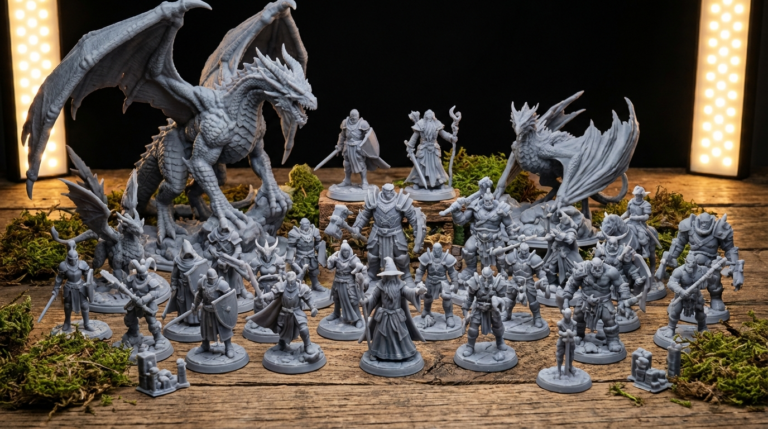
If you’re primarily interested in miniatures, jewelry, dental models, or anything requiring extreme detail, an MSLA resin printer might be a better first machine than an FDM printer. The Elegoo Mars 5 ($150-180) and Anycubic Photon Mono M5s ($200-250) are both excellent beginner resin options.
Keep in mind that resin printing requires additional setup: ventilation (resin fumes are toxic), washing and curing stations ($50-80), nitrile gloves, and IPA or water for cleaning. The ongoing material costs are also higher than FDM. But if detail is your priority, no FDM printer at any price can match what a $200 resin printer delivers.
Essential Accessories for Beginners
Regardless of which printer you choose, budget an extra $30-50 for essential accessories:
- Filament: Start with a quality PLA from brands like Hatchbox, eSUN, or Polymaker. Buy two rolls — one basic color for calibration and testing, one fun color for projects. Budget $20-25 per roll.
- Flush cutters: For removing supports and cleaning up prints. A $5 pair from Amazon works perfectly.
- Scraper: Most printers include one, but a thin flexible spatula makes print removal much easier.
- Isopropyl alcohol: For cleaning your print bed. A bottle of 90%+ IPA costs a few dollars and lasts months.
- Digital calipers: For checking print accuracy and calibration. A $10-15 pair is more than sufficient for hobby use.
Common First-Timer Mistakes to Avoid
After helping hundreds of beginners get started, I see the same mistakes repeatedly:
- Skipping the test print. Every printer comes with a pre-sliced test file. Print it first. It validates that your printer works correctly before you start troubleshooting your own slicing mistakes.
- Buying cheap no-name filament. Bad filament causes more problems than bad printers. Stick with known brands for your first few rolls.
- Printing too fast too soon. Start at conservative speeds (50-60mm/s) until you understand how your printer behaves, then gradually increase.
- Ignoring bed leveling. Even with auto-leveling, check that your first layer looks consistent across the entire bed. A perfect first layer is the foundation of every successful print.
- Not joining the community. Reddit (r/3Dprinting, r/FixMyPrint), Discord servers, and manufacturer forums are invaluable resources. Join them before you have problems.
My Recommendation
For most beginners in 2026, the Bambu Lab A1 Mini offers the best combination of ease, quality, and value. It gets you from unboxing to successful printing faster than anything else on the market, and the print quality rivals machines at twice the price.
If budget is your primary concern, the Creality Ender-3 V3 at $180 delivers excellent value backed by the largest community in 3D printing.
And if you want a printer you’ll never outgrow, the Prusa MK4S is a long-term investment that pays dividends in reliability and educational value.
Whichever you choose, remember: the best 3D printer is the one that’s actually printing. Don’t spend months researching the perfect machine — pick one, start printing, and learn by doing. You’ll understand more from your first 10 prints than from any amount of YouTube watching.