Best 3D Printers for ABS in 2026: Enclosed and Heated Options Compared
Why ABS Still Matters in 2026
ABS gets a bad reputation in the 3D printing community. It smells when you print it. It warps if you look at it wrong. It demands an enclosure, a heated bed, and more patience than most beginners have. So why does anyone still use it?
Because when you need a part that can handle heat, mechanical stress, and chemical exposure without flinching, ABS delivers in ways that PLA and PETG simply can’t. Automotive brackets, electronics housings, structural components, and anything that lives near an engine or a heat source — these are ABS territory. And with the right printer, the material goes from “difficult” to “just another filament.”
The right printer for ABS in 2026 means one thing above all: a proper enclosure with active or passive heating. In this guide, I’ll compare the best enclosed 3D printers across every price range, explain what features actually matter for ABS printing, and help you avoid the machines that claim to handle ABS but really can’t.
What Makes a Printer Good for ABS
Not all enclosed printers are created equal. Here’s what separates a genuinely ABS-capable printer from one that just has a door:
Enclosure Quality
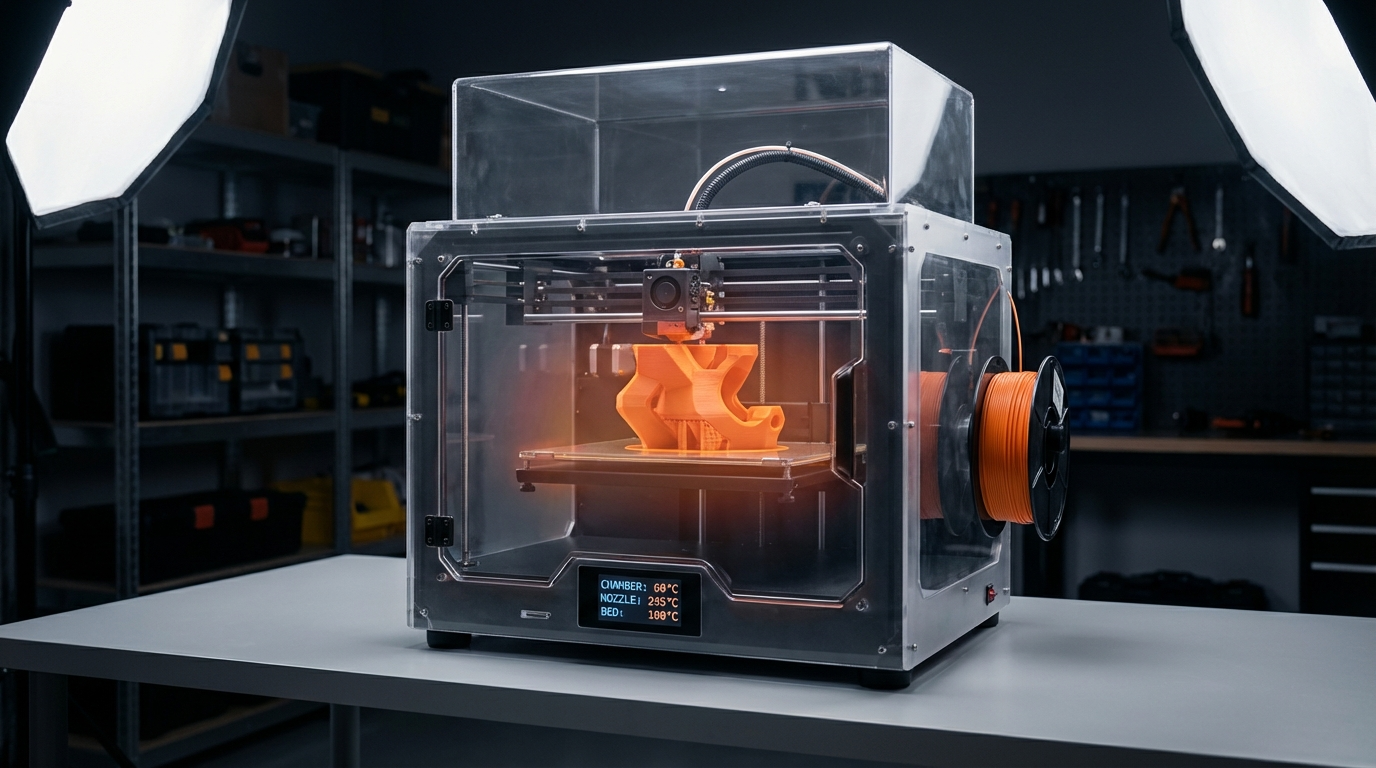
An enclosure serves two purposes: maintaining a consistent elevated temperature around the print, and shielding the print from drafts. The best ABS enclosures maintain 40-60°C ambient temperature inside the build chamber, which dramatically reduces warping and layer adhesion issues.
There’s a big difference between a fully sealed enclosure with insulated panels and a clip-on tent or a printer sitting inside a plastic bin. For reliable ABS printing, you want:
- Sealed panels on all sides (not just a front door)
- Proper ventilation/filtration so fumes don’t build up to unsafe levels
- Minimal air gaps around cable pass-throughs and openings
- A top panel that retains rising heat
Heated Bed Performance
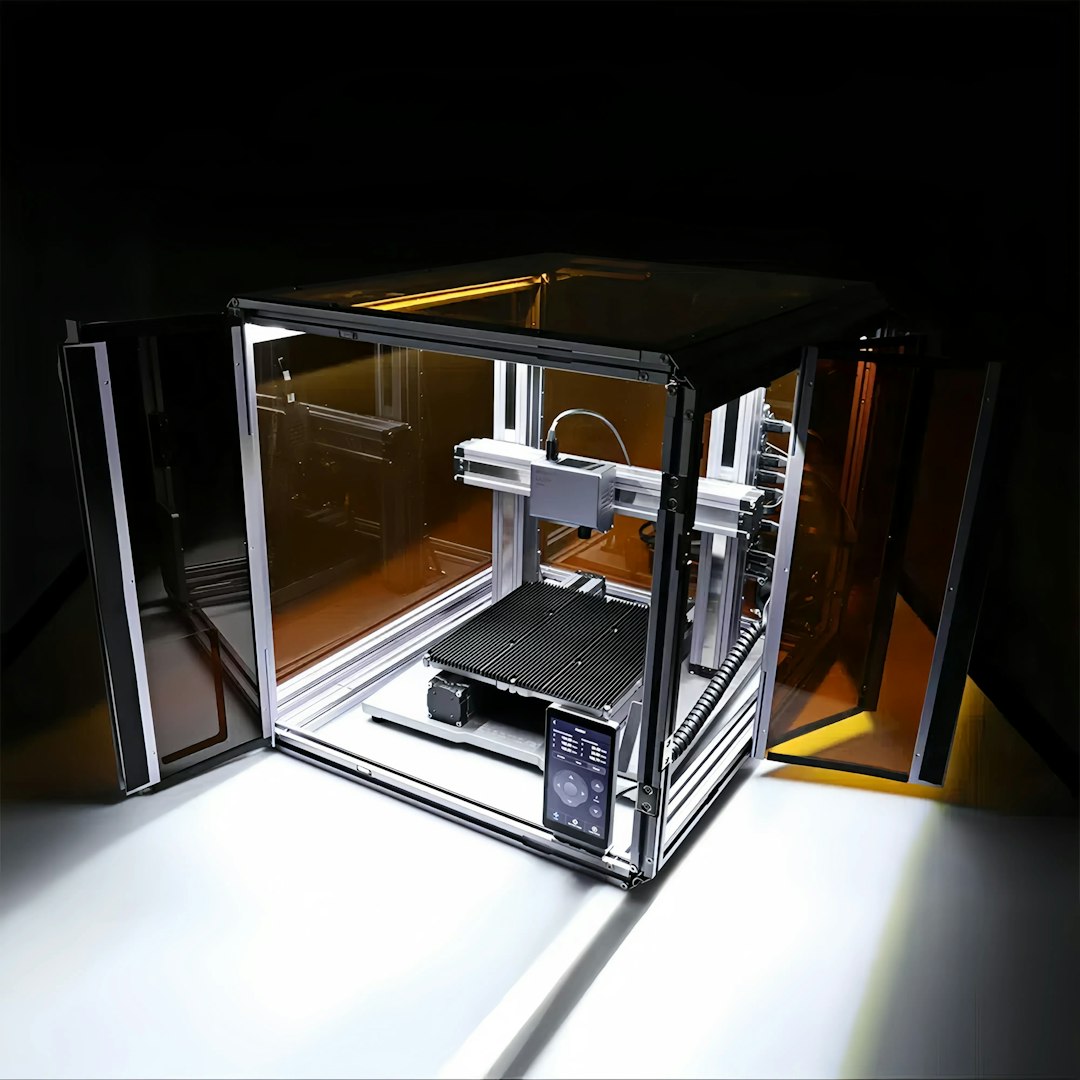
ABS needs a heated bed at 90-110°C, and it needs that temperature to be uniform across the entire build surface. Cheap heated beds often have a hot center and cool edges, which causes ABS prints to warp on one side. Look for printers with:
- AC-heated beds (faster heating, more uniform temperature)
- Insulated bed undersides (reduces heat loss and improves uniformity)
- PEI or textured spring steel surfaces (excellent ABS adhesion without glue)
All-Metal Hotend
ABS prints at 230-260°C, which is within the range of a standard PTFE-lined hotend. But printing at the higher end of that range for extended periods can degrade PTFE and even release harmful fumes. An all-metal hotend handles ABS temperatures indefinitely with no risk of PTFE degradation.
Carbon or HEPA Filtration
ABS emits styrene fumes when heated, which are unpleasant and potentially harmful in poorly ventilated spaces. The best enclosed printers include built-in activated carbon filters that significantly reduce odor and particulate emissions. This isn’t just a nice-to-have — it’s increasingly becoming a health and safety requirement, especially in shared spaces, offices, and classrooms.
Best 3D Printers for ABS in 2026
Budget: Under $400
Creality K1C ($359)
The K1C is Creality’s best attempt at an affordable enclosed printer that can handle engineering materials. It features a fully enclosed design with a carbon filter, an all-metal hotend rated to 300°C, and CoreXY kinematics for speeds up to 600 mm/s. The enclosure isn’t insulated like higher-end machines, but it retains enough heat to maintain 35-45°C chamber temperature, which is adequate for most ABS prints.
The bed is AC-heated and reaches 100°C quickly with good uniformity. The PEI build surface provides excellent ABS adhesion. The main limitation is the enclosure quality — it leaks more heat than premium options, which can cause issues on very large ABS prints or with particularly warp-prone filament brands.
Verdict: The best budget option for occasional ABS use. Perfect if ABS isn’t your primary material but you want the option.
Anycubic Kobra 3 ($329)
The Kobra 3 adds multi-color capability to an enclosed design, making it unique in this price range. The enclosure is basic but functional, and the direct drive extruder handles ABS well at moderate speeds. Chamber temperature is limited to about 35°C, which is the minimum for reliable ABS printing.
Verdict: Good if you want multi-color ABS prints, but the K1C has better enclosure performance.
Mid-Range: $400-$800
Bambu Lab P1S ($599)
The P1S is arguably the best all-around enclosed printer in 2026. It has everything you need for ABS: a fully enclosed chamber with carbon filter, all-metal hotend, high-quality heated bed, and Bambu’s excellent automatic calibration system. The chamber temperature reaches 40-50°C without any modifications, which handles the vast majority of ABS printing scenarios.
What makes the P1S special for ABS is the combination of speed and reliability. Bambu’s flow calibration and vibration compensation work automatically, which means you spend less time tuning and more time printing. The integrated AMS system also makes multi-material printing (like soluble supports for ABS) straightforward.
Verdict: The best mid-range ABS printer. Excellent enclosure, filtration, and ease of use.
Qidi Plus4 ($599)
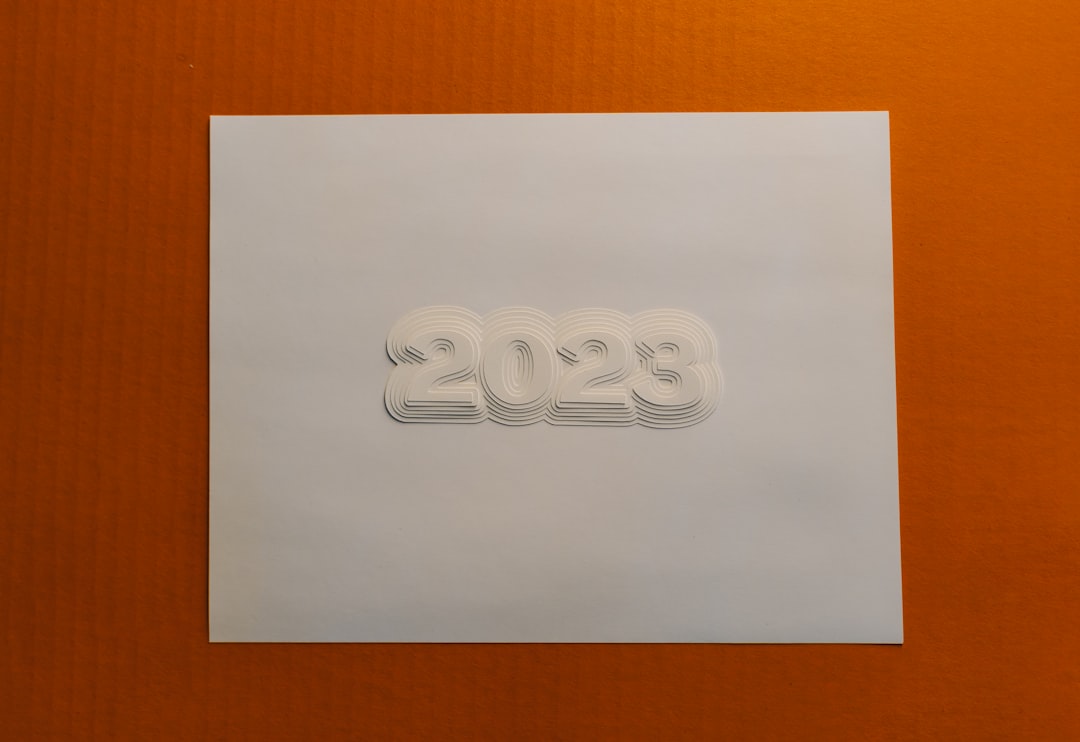
Qidi has carved out a niche in engineering materials, and the Plus4 shows why. With an actively heated chamber that reaches 60°C+, this printer handles ABS, ASA, and even polycarbonate without breaking a sweat. The fully enclosed design with triple filtration (carbon, HEPA, and catalytic) makes it one of the safest options for indoor ABS printing.
The trade-off is a slightly more complex user experience compared to Bambu, and the software ecosystem isn’t as polished. But for pure ABS printing performance, the heated chamber gives it an edge over the P1S.
Verdict: Best chamber temperature in this price range. Choose this if ABS and engineering materials are your primary use case.
Premium: $800+
Bambu Lab X1 Carbon ($1,199)
The X1C remains the gold standard for prosumer 3D printing. Everything the P1S does, the X1C does better: faster printing, better chamber temperature retention, superior vibration compensation, and a more durable build. For ABS specifically, the carbon fiber reinforced enclosure retains heat more effectively, reaching 50-55°C chamber temperatures passively.
Verdict: The best overall printer in this class. If budget allows, this is the safe choice for ABS and everything else.
Prusa XL ($1,799+ depending on configuration)
The Prusa XL brings a massive build volume (360 × 360 × 360mm) and up to 5 toolheads for multi-material printing. The enclosed version handles ABS well, though the chamber temperature doesn’t match the Qidi Plus4. Its main advantage is the build volume — if you need to print large ABS parts, there’s nothing else like it under $3,000.
Verdict: Best for large-format ABS printing. Overkill for small parts.
Voron 2.4 (DIY, $800-1,500 in parts)
The Voron 2.4 is a CoreXY kit printer designed from the ground up for enclosed, high-temperature printing. A properly built Voron with an insulated enclosure reaches 55-65°C chamber temperature, matching or exceeding most commercial options. It also allows for complete hardware customization, including chamber heaters, industrial hotends, and exotic bed surfaces.
The catch: you have to build it yourself. Assembly takes 40-80 hours for a first-time builder, and troubleshooting Klipper configuration requires real technical knowledge. But for experienced users, a Voron is the ultimate ABS machine.
Verdict: Best performance for the money, but requires significant assembly skill and time.
ABS Printing Tips for Any Enclosed Printer
Even with the best printer, these tips will improve your ABS results:
- Pre-heat the chamber: Before starting a print, heat the bed to full temperature and let the enclosure warm up for 10-15 minutes with the doors closed. A warm chamber from the first layer reduces warping dramatically.
- Bed temperature: 100-110°C. ABS needs a hotter bed than PLA or PETG. Most filaments specify their own range — start in the middle and adjust.
- Nozzle temperature: 240-250°C for most ABS filaments. Higher temperatures improve layer adhesion but increase stringing. Run a temperature tower to find your sweet spot.
- Minimal cooling: Keep the part cooling fan at 0% for the first 5-10 layers, then increase to 10-20% maximum. Too much cooling causes warping and layer splitting.
- Use a brim: A 5-8mm brim dramatically improves bed adhesion for ABS prints. It’s easy to remove afterward and prevents corner lifting.
- Don’t open the door mid-print. The sudden temperature change can cause immediate warping or layer cracking, especially on tall prints.
ABS vs. ASA: Do You Actually Need ABS?
Before investing in an ABS-capable printer, consider whether ASA might be a better fit. ASA (Acrylonitrile Styrene Acrylate) offers nearly identical mechanical properties to ABS with better UV resistance and slightly less warping tendency. It still requires an enclosure and heated bed, but it’s generally more forgiving than ABS.
Choose ABS if: you need chemical resistance (acetone vapor smoothing, solvent bonding), you’re matching existing ABS parts, or your application specifically calls for ABS.
Choose ASA if: the parts will be used outdoors, you want something slightly easier to print, or UV resistance matters more than chemical resistance.
The Bottom Line
If you print ABS regularly, the Bambu Lab P1S offers the best balance of price, performance, and ease of use. If ABS and engineering materials are your primary focus, the Qidi Plus4‘s heated chamber gives it an edge for pure printing performance. And if money is tight, the Creality K1C proves that reliable ABS printing doesn’t have to break the bank.
Whatever you choose, remember that the enclosure matters more than any other single feature for ABS printing. A good printer without an enclosure will struggle more with ABS than a mediocre printer with one. Start enclosed, and everything else becomes easier.