Best 3D Printers Under 200 Dollars in 2025: Budget Picks That Actually Work
Can You Really Get a Good 3D Printer for Under $200?
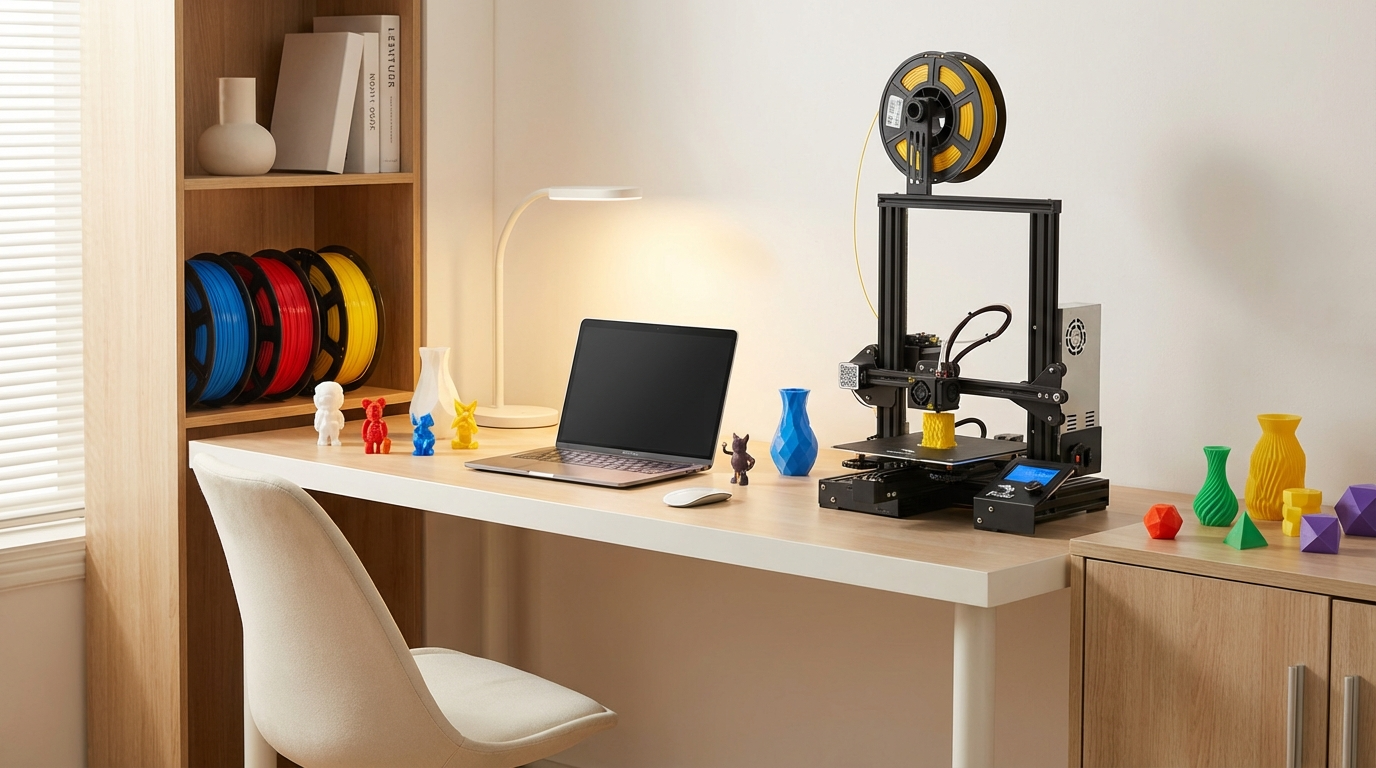
A few years ago, spending under $200 on a 3D printer meant settling for a barely functional kit that required hours of assembly and endless tinkering. That era is over. The budget printer market in 2025 has reached a point where sub-$200 machines deliver print quality that would have cost $500+ just three years ago.
The competition between brands like Creality, Elegoo, Anycubic, and newcomers like Kingroon has driven prices down while pushing features up. Auto bed leveling, direct drive extruders, and even enclosed frames are showing up at price points that were unthinkable not long ago.
I’ve tested dozens of printers in this price range over the years, and here are my top picks for 2025 — organized by what you actually need them for.
What to Expect at This Price Point
Before diving into specific models, let’s set realistic expectations. Under $200, you’ll get:
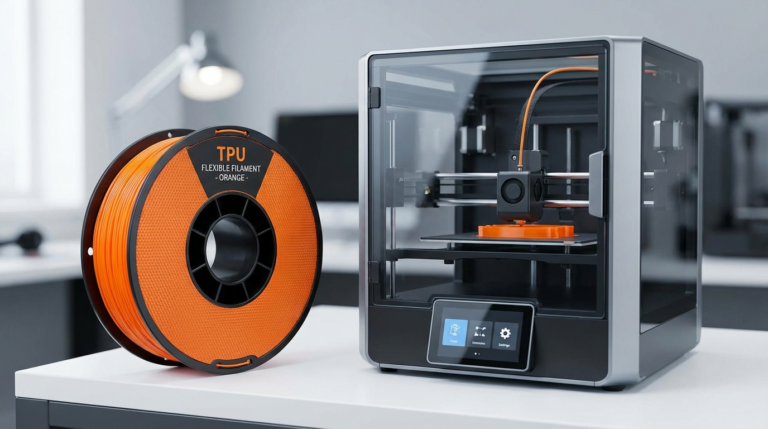
- Good print quality for PLA and PETG (some handle TPU decently too)
- Build volumes from 180×180×180mm up to 220×220×250mm
- Auto bed leveling on most models (finally standard at this price)
- Basic but functional software with Cura and PrusaSlicer compatibility
What you typically won’t get:
- Enclosed build chambers (open frames dominate this range)
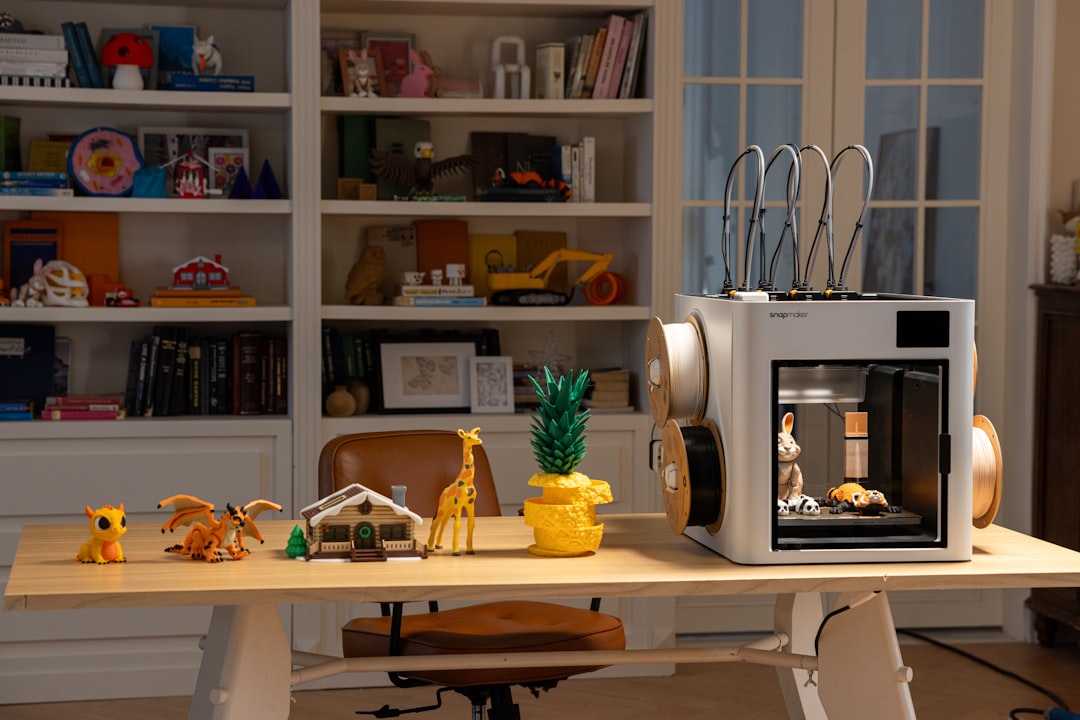
- Multi-material/color printing
- Premium build quality (some plastic parts, simpler linear motion)
- Lightning-fast speeds (most top out at 150–200mm/s practically)
Best Overall: Creality Ender-3 V3 SE
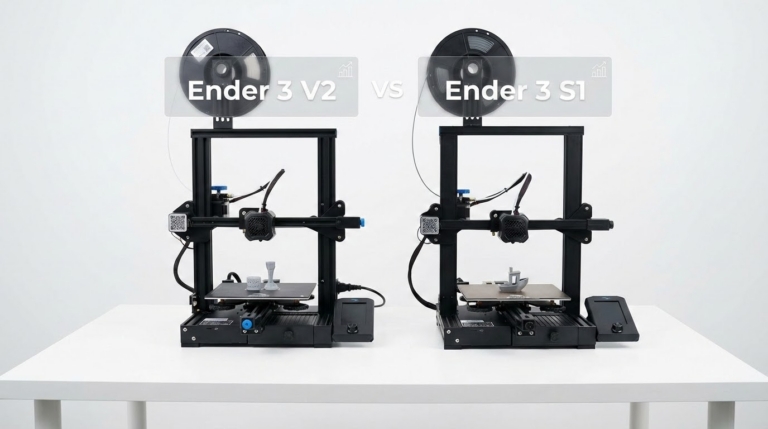
The Ender-3 line has been the budget king for years, and the V3 SE continues that legacy. At around $180, it offers a remarkable feature set.
Key Specs
- Build volume: 220 × 220 × 250mm
- Max speed: 250mm/s (practical quality speed ~100mm/s)
- Auto leveling: CR Touch auto bed leveling included
- Extruder: Sprite direct drive
- Assembly time: ~15 minutes (mostly pre-assembled)
Why It Wins
The Ender-3 V3 SE hits the sweet spot between price, features, and the massive Ender-3 community. If something goes wrong (and with budget printers, something eventually will), there are thousands of forum posts, YouTube videos, and Reddit threads covering every possible issue. That community support alone is worth choosing this printer over obscure alternatives.
Print quality out of the box is genuinely impressive. PLA prints are clean, detailed, and consistent. PETG works well with minor temperature adjustments. The direct drive extruder even handles TPU at slow speeds, which is a real bonus at this price.
Drawbacks
The single-piece sheet metal frame can flex slightly on taller prints, causing minor artifacts. The touchscreen interface is basic. And while it advertises 250mm/s, you’ll sacrifice noticeable quality above 100mm/s without input shaper tuning.
Best for Speed: Elegoo Neptune 4
If faster print times matter more than maximum build volume, the Elegoo Neptune 4 at roughly $170 offers Klipper firmware out of the box — something you’d normally need to install yourself.
Key Specs
- Build volume: 225 × 225 × 265mm
- Max speed: 500mm/s (practical quality speed ~200mm/s)
- Auto leveling: 121-point automatic bed leveling
- Extruder: Dual-gear direct drive
- Firmware: Klipper (with pressure advance and input shaper)
Why It’s Great
Klipper firmware gives the Neptune 4 a real speed advantage. Pressure advance eliminates corner bulging, and input shaper compensates for vibration at high speeds. The result is noticeably faster prints without the quality loss you’d see on a Marlin-based printer running the same speeds.
For batch printing — cranking out multiple parts for a project — the speed difference is meaningful. A print that takes 4 hours on an Ender-3 might finish in 2.5 hours on the Neptune 4 at comparable quality.
Drawbacks
Klipper has a steeper learning curve if you need to modify settings at the firmware level. The web interface (Fluidd/Mainsail) is powerful but intimidating for complete beginners. Elegoo’s community is growing but still smaller than Creality’s.
Best for Beginners: Anycubic Kobra 3 Combo
If you’re buying your first 3D printer and want the least frustrating experience possible, the Anycubic Kobra 3 Combo (when on sale under $200) offers an incredibly smooth start.
Key Specs
- Build volume: 250 × 250 × 260mm
- Max speed: 600mm/s (practical ~150mm/s)
- Auto leveling: LeviQ 3.0 automatic system
- Extruder: Direct drive
- Special feature: Multi-color capability with ACE module
Why Beginners Love It
The Kobra 3 Combo practically sets itself up. Auto leveling, automatic Z-offset calibration, and a clean touchscreen interface mean you can go from unboxing to first print in under 30 minutes without touching a single calibration screw.
The included slicer profiles are well-tuned, and Anycubic’s documentation has improved dramatically. For someone who just wants to print things without becoming a 3D printing engineer first, it’s the right choice.
Drawbacks
The Kobra series has less third-party upgrade support than the Ender-3 ecosystem. If you want to heavily modify your printer down the road, you’ll have fewer options. The multi-color ACE module adds cost and complexity that beginners might not need initially.
Best Build Volume: Kingroon KP3S Pro V2
Need to print larger objects on a tight budget? The Kingroon KP3S Pro V2 offers a surprisingly large build volume for around $160.
Key Specs
- Build volume: 200 × 200 × 200mm
- Max speed: 200mm/s
- Auto leveling: Automatic bed leveling
- Extruder: Direct drive with Titan clone
- Frame: Linear rail on X axis
Why It Stands Out
Kingroon took an unusual approach: they put a linear rail on the X axis instead of cheaper V-slot wheels. Linear rails provide smoother, more precise motion with less maintenance over time. At this price point, that’s a rare and welcome feature that directly impacts print quality.
The printer is compact, quiet, and produces clean prints with minimal tinkering. It’s become a bit of a sleeper hit in the 3D printing community.
Drawbacks
Smaller community and less brand recognition than Creality or Elegoo. Firmware updates are less frequent. Build volume isn’t class-leading, but competitive.
Best Resin Printer Under $200: Elegoo Mars 5 Ultra
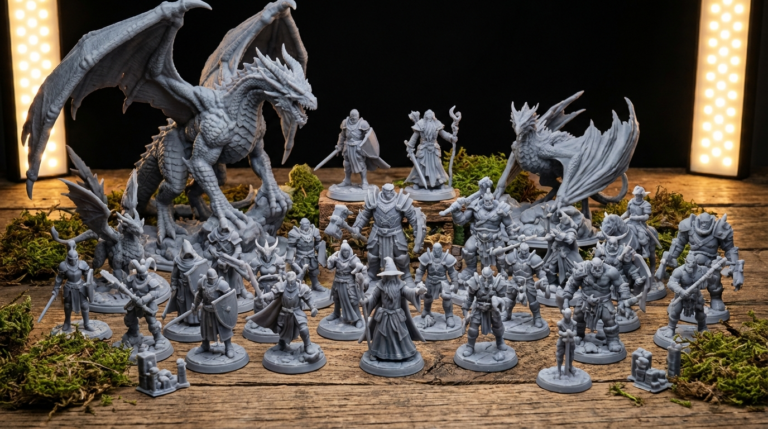
If you need extreme detail — miniatures, jewelry, dental models — a resin (MSLA) printer is the way to go, and the Elegoo Mars 5 Ultra dominates this price range.
Key Specs
- Technology: MSLA (masked stereolithography)
- Resolution: 9.1K (8520 × 4320 pixels)
- XY resolution: 18μm per pixel
- Build volume: 153.36 × 77.76 × 165mm
- Layer speed: ~1.5 seconds per layer
Why It’s the Best Resin Pick
For miniature painters, tabletop gamers, jewelers, and anyone who needs incredible detail, the Mars 5 Ultra is transformative. The 9.1K resolution means individual pixels are invisible on finished prints. Surface quality is smooth enough to paint directly without sanding.
The tilting release mechanism reduces peel forces, improving success rates on large flat surfaces. And the built-in WiFi with the Elegoo app makes it easy to manage prints remotely.
Drawbacks
Resin printing requires post-processing (washing and curing), produces toxic uncured resin that needs careful handling, and the build volume is much smaller than FDM printers. Resin and consumables add ongoing cost. This isn’t a “set it and forget it” technology.
Buyer’s Guide: How to Choose
Still not sure which one to pick? Here’s a quick decision framework:
- First printer, want community support: Creality Ender-3 V3 SE
- Speed matters, comfortable with tech: Elegoo Neptune 4
- Want the easiest setup: Anycubic Kobra 3 Combo
- Value linear rails and precision: Kingroon KP3S Pro V2
- Need extreme detail (miniatures, jewelry): Elegoo Mars 5 Ultra
Things Worth Budgeting For
Your printer purchase is just the start. Budget another $30–$50 for:
- Filament: A spool of quality PLA ($15–$20) to start
- Tools: Flush cutters, spatula, deburring tool ($10–$15)
- Bed adhesion: Glue stick or hairspray ($3–$5)
- Spare nozzles: Pack of brass 0.4mm nozzles ($5–$8)
- Filament storage: Vacuum bags with desiccant ($10)
Common Budget Printer Pitfalls
A few things to watch out for in this price range:
- Don’t buy unknown brands on Amazon. Stick with established brands (Creality, Elegoo, Anycubic, Kingroon, Artillery). Unknown brands often have zero community support and disappear within a year.
- Assembly quality varies. Check for loose screws, belt tension, and eccentric nut adjustments on your first setup. Five minutes of initial checking prevents hours of troubleshooting later.
- Stock slicer profiles are starting points. Download community profiles from the r/3Dprinting subreddit or your printer’s Facebook group for better tuned settings.
- Upgrade wisely. Your first upgrade should be better filament, not printer hardware. The difference between cheap and quality PLA is often more noticeable than any hardware modification.
Final Verdict
The best budget 3D printer in 2025 depends on your priorities, but you genuinely can’t go wrong with any of the picks above. The Creality Ender-3 V3 SE remains the safest all-around choice for most people, combining solid performance with an unmatched support ecosystem.
If speed matters, the Neptune 4’s Klipper firmware gives it a genuine edge. If you want the smoothest beginner experience, the Kobra 3 Combo is hard to beat. And if detail is everything, the Mars 5 Ultra delivers resolution that was professional-grade just two years ago.
The bottom line: $200 buys a legitimately capable 3D printer in 2025. The best time to start printing was yesterday — the second best time is now.