Best Bed Temperature Settings for Every 3D Printing Filament Type
Why Bed Temperature Matters More Than You Think
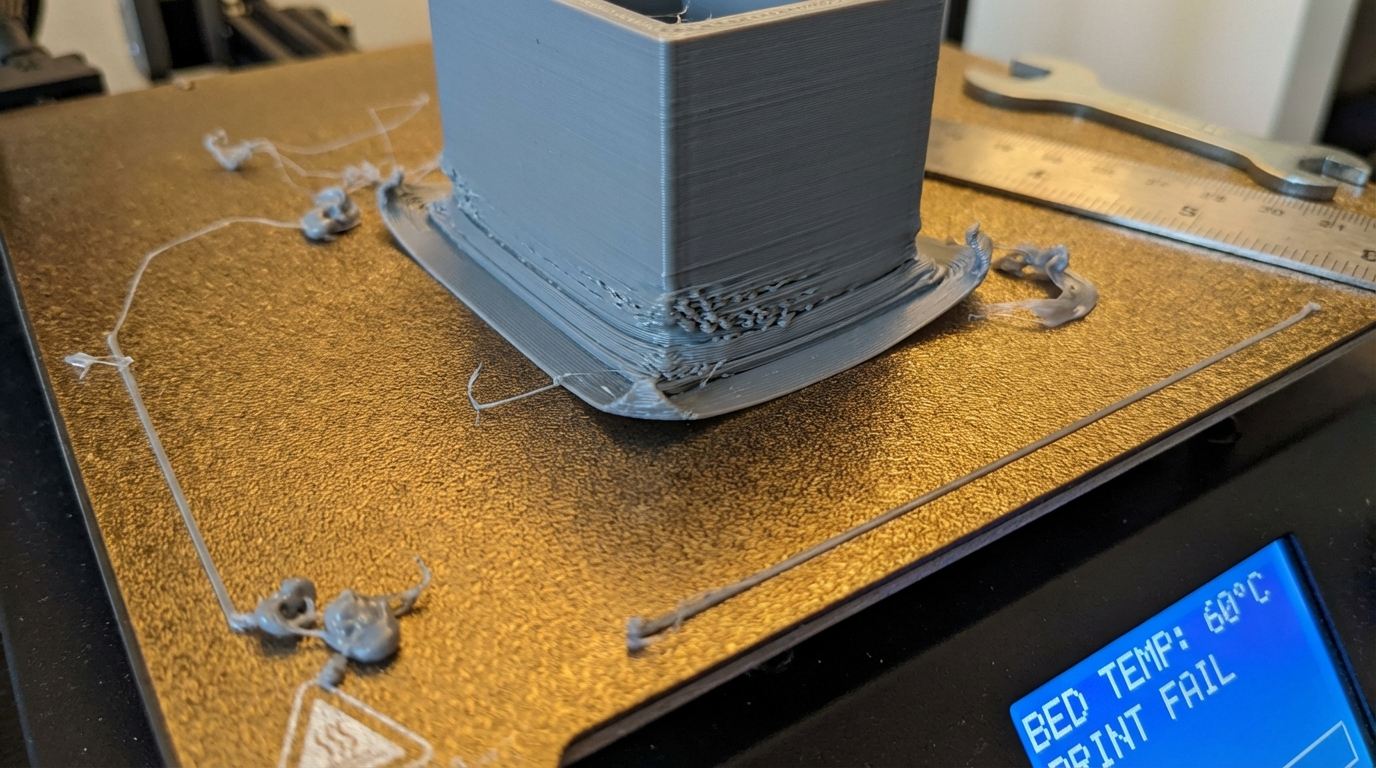
Getting the bed temperature wrong is one of the fastest ways to ruin a print. Too low and your first layer won’t stick — the part curls up and detaches halfway through. Too high and the bottom of your print melts into an elephant foot, or worse, the part fuses to the bed so firmly you can’t remove it without damaging the surface.
The tricky part is that every filament type has its own sweet spot, and even within the same material, different brands can behave differently. This guide covers the optimal bed temperature for every common filament type, with specific adjustments for different bed surfaces.
PLA: The Forgiving One
PLA is the easiest filament to get right, and many people successfully print PLA with no heated bed at all. But a heated bed does help, especially for larger prints.
Recommended Bed Temperature: 50-60°C
- Small parts (under 50mm): 50°C is fine, or even room temperature on a PEI sheet
- Medium parts: 55°C for reliable adhesion
- Large parts / thin bases: 60°C to prevent corner lifting
- Never exceed 70°C for PLA — the glass transition temperature is around 60-65°C, and going above this makes the bottom layers soft and deformed
Surface-specific notes:
- Glass bed: 60°C with a thin layer of glue stick works perfectly
- PEI (smooth): 55°C, no adhesive needed
- PEI (textured): 55°C, no adhesive needed — parts pop off when cool
- BuildTak/magnetic mat: 50°C
PETG: The Sticky Situation
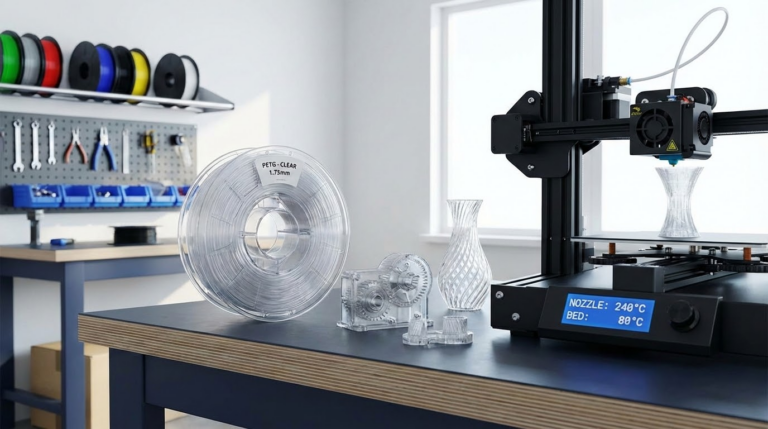
PETG adheres aggressively to most bed surfaces — sometimes too aggressively. The bed temperature needs to be high enough for adhesion but not so high that the part permanently bonds to your build surface.
Recommended Bed Temperature: 70-85°C
- PEI sheets: 70-75°C. This is critical — above 80°C, PETG can bond permanently to smooth PEI and rip chunks off your sheet. Many experienced users recommend 70°C as the sweet spot.
- Glass bed: 80-85°C with glue stick. The glue acts as both adhesion promoter and release agent.
- Textured PEI: 75-80°C. Textured PEI handles PETG better than smooth PEI because the texture provides mechanical adhesion without chemical bonding.
Pro tip: If PETG sticks too well to your smooth PEI sheet, apply a thin layer of glue stick. Counterintuitively, the glue acts as a release layer — it creates a barrier between the PETG and the PEI surface.
ABS: The Temperature-Sensitive Drama Queen
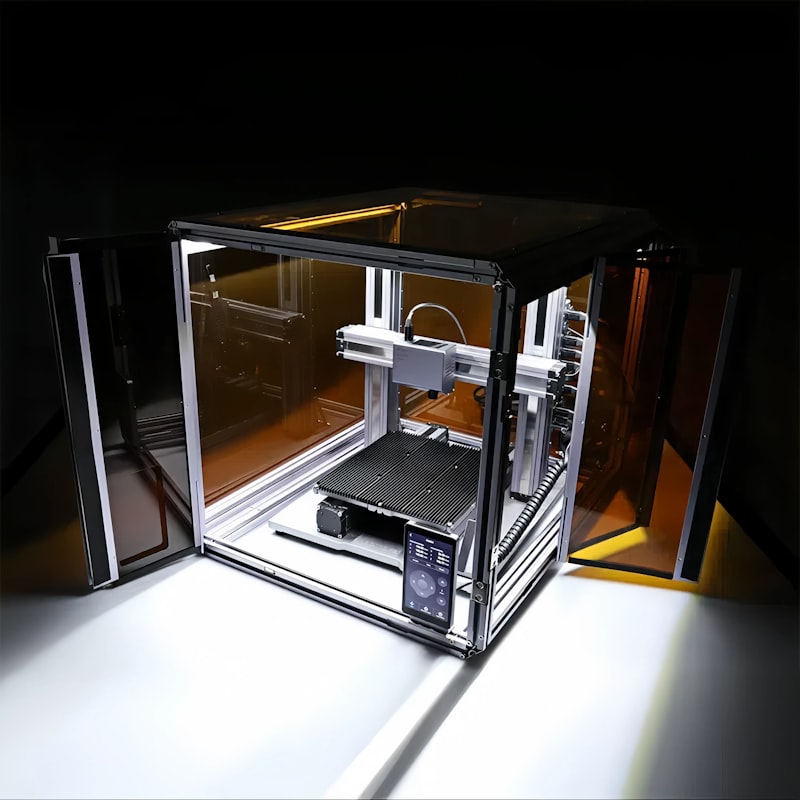
ABS is notorious for warping, and bed temperature is a huge factor. But bed temperature alone won’t solve ABS warping — you also need an enclosed build chamber.
Recommended Bed Temperature: 90-110°C
- With enclosure: 90-100°C is usually sufficient because the ambient temperature is elevated
- Without enclosure: 100-110°C to compensate for heat loss, but expect more warping on large parts regardless
- Kapton tape on glass: 100°C with a thin ABS slurry (ABS dissolved in acetone) as adhesive
- PEI sheet: 95-100°C — excellent ABS adhesion, parts release when cool
Warning: Some magnetic flexible build plates have a maximum rated temperature of 80-90°C. Running ABS temperatures on these plates can demagnetize the steel sheet or warp the magnetic base permanently. Check your plate’s specs before printing ABS.
TPU (Flexible Filament): Low and Slow
TPU doesn’t need much bed heat because it’s naturally sticky. In fact, too much heat makes TPU almost impossible to remove.
Recommended Bed Temperature: 40-60°C
- Standard TPU (95A shore): 50°C on PEI, 55-60°C on glass
- Softer TPU (85A): 40-50°C — softer formulations are stickier
- Room temperature works for small parts on PEI
Surface note: TPU sticks extremely well to PEI. If parts are hard to remove, try lowering the bed temperature by 5°C increments or using a release agent like Windex (the ammonia in glass cleaner acts as a mild release agent).
ASA: The Outdoor ABS Alternative
ASA prints similarly to ABS but with better UV resistance. Bed temperature requirements are almost identical to ABS.
Recommended Bed Temperature: 90-110°C
- Same settings as ABS work well for ASA
- ASA warps slightly less than ABS, so you can sometimes get away with 5°C lower
- Enclosure is still strongly recommended
Nylon: Hot Bed, Dry Filament
Nylon requires high bed temperatures and has the added complication of being extremely hygroscopic — it absorbs moisture from the air faster than almost any other filament.
Recommended Bed Temperature: 70-90°C
- Standard nylon (PA6, PA66): 80-90°C
- Carbon fiber nylon: 75-85°C — the CF content reduces warping
- Nylon copolymers (like Taulman 910): 70-80°C
Adhesion method matters: Nylon doesn’t stick well to bare PEI or glass. Use one of these:
- Garolite (G10/FR4) sheet — the best surface for nylon adhesion
- PVA glue stick applied generously
- Magigoo PA (specifically formulated for polyamides)
Polycarbonate: Maximum Heat
PC is one of the most demanding filaments for bed temperature. It requires an enclosed printer with a heated bed that can reach 110°C or higher.
Recommended Bed Temperature: 105-120°C
- Must use an enclosure (chamber temperature 60°C+ ideal)
- PEI is the best surface for PC adhesion at these temperatures
- Glass works with PC-specific adhesive (Magigoo PC or Vision Miner Nano Polymer adhesive)
- Parts should cool slowly in the enclosure — rapid cooling causes cracking
PVA and HIPS (Support Materials)
Support materials need to match the bed temperature of the primary material they’re paired with:
- PVA (for PLA): 50-60°C (matches PLA)
- HIPS (for ABS): 90-110°C (matches ABS)
Specialty Filaments
Silk PLA: 55-65°C
Silk PLA runs slightly hotter than standard PLA. The metallic additives change the thermal properties just enough that you need 5°C extra on both nozzle and bed.
Wood/Metal Fill PLA: 50-60°C
Same as standard PLA. The fill particles don’t significantly affect bed adhesion.
Carbon Fiber PLA: 55-60°C
Standard PLA bed temps. The carbon fiber improves stiffness but doesn’t change adhesion behavior.
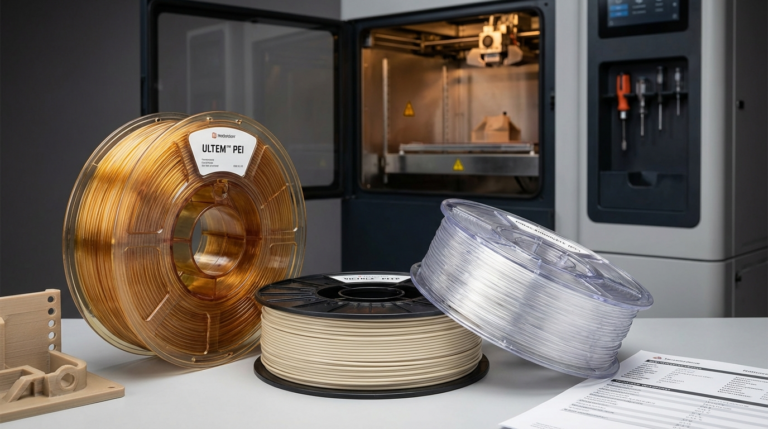
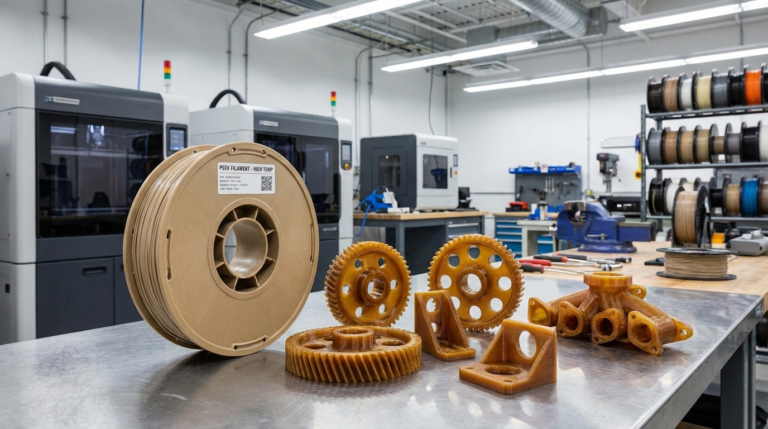
PEEK/PEI (ULTEM): 120-160°C
These industrial materials require specialized printers with actively heated chambers and beds that can reach 150°C+. If you’re printing these materials, you already have a machine designed for them.
How to Fine-Tune Your Bed Temperature
The ranges above are starting points. Here’s how to dial in the perfect temperature for your specific printer and filament combo:
- Start in the middle of the range. For PETG, start at 77°C.
- Print a single-layer square (75mm × 75mm, one layer thick). Observe how it adheres and how easy it is to remove when cool.
- If corners lift: Increase by 5°C and retest.
- If the part is hard to remove or has elephant foot: Decrease by 5°C.
- Document your settings. Keep a spreadsheet or note on each filament spool with the temperature that worked.
Bed Temperature vs. Room Temperature
One factor most guides ignore: ambient room temperature affects your bed temperature needs. In winter, when your workshop is 15°C (59°F), you may need 5-10°C higher bed temperature than in summer at 28°C (82°F). The bed has to fight harder to maintain its set temperature when the room is cold, and the temperature gradient between the bed surface and the air is steeper, which promotes warping.
If you notice prints that work fine in summer start failing in winter, try bumping bed temperature by 5°C before looking for other causes.
Quick Reference Table
- PLA: 50-60°C
- PETG: 70-85°C
- ABS: 90-110°C
- ASA: 90-110°C
- TPU: 40-60°C
- Nylon: 70-90°C
- Polycarbonate: 105-120°C
- Silk PLA: 55-65°C
- PEEK/PEI: 120-160°C
Final Thoughts
Bed temperature is one of those settings that seems simple but has cascading effects on your entire print. Get it wrong and you’re fighting adhesion problems, warping, elephant foot, or damaged build surfaces. Get it right and prints stick reliably, release cleanly, and the first layer goes down perfectly every time. Use the ranges in this guide as your starting point, fine-tune with test prints, and always note what worked on each spool. Your future self will thank you when you can dial in the perfect first layer on the first try.