Best Filament for High Temperature 3D Printing in 2026: PC, PEI, PEEK Compared
When Standard Filaments Aren’t Enough
PLA melts in a car on a hot day. PETG softens in a dishwasher. Even ABS starts to warp under sustained heat above 100°C. When your 3D printed part needs to survive real heat — near engines, in electronics enclosures, around industrial machinery, or in food processing environments — you need high-temperature filaments.
High-temp filaments are engineering-grade materials designed to maintain their mechanical properties at temperatures where consumer filaments would fail. They’re more expensive, harder to print, and require specific hardware — but for the right applications, they’re irreplaceable.
This guide covers the best high-temperature filaments available in 2026, their properties, required hardware, and practical printing tips for each.
Understanding Heat Deflection Temperature (HDT)
Before comparing filaments, you need to understand HDT — Heat Deflection Temperature. This is the temperature at which a material deflects a specific amount under a specified load. It’s the most relevant spec for heat-resistant parts.
For reference, here’s how common filaments compare:
- PLA: HDT ~55°C — fails in any warm environment
- PETG: HDT ~75°C — moderate heat resistance
- ABS: HDT ~100°C — decent, but limited
- ASA: HDT ~100°C — similar to ABS with UV resistance
Now let’s look at the materials that go well beyond these numbers.
Polycarbonate (PC) — The Accessible Workhorse
Polycarbonate is the gateway drug to high-temp printing. With an HDT of around 140°C and excellent impact resistance, it bridges the gap between consumer and engineering filaments.
Key Properties
- HDT: 130-140°C
- Print temperature: 260-310°C
- Bed temperature: 110-130°C
- Enclosure: Required (ambient 60°C+ recommended)
- Strength: Excellent impact resistance, good tensile strength
Printing Tips for PC
- An all-metal hotend is absolutely required. PTFE-lined hotends max out around 240°C.
- PC absorbs moisture aggressively. Dry at 80°C for 6-8 hours before printing and use a dry box during printing.
- Print on a PEI sheet with a thin layer of glue stick for adhesion without permanent bonding.
- Use minimal part cooling — 0-20% fan speed. PC needs to stay hot for layer adhesion.
- PC blends like Polymaker PC-Max are easier to print than pure PC while retaining most heat resistance.
Best PC Filament Brands
Polymaker PC-Max, Prusament PC Blend, and 3DXTech EasyPC all offer good printability. For maximum temperature resistance, go with Covestro Makrolon PC from 3DXTech.
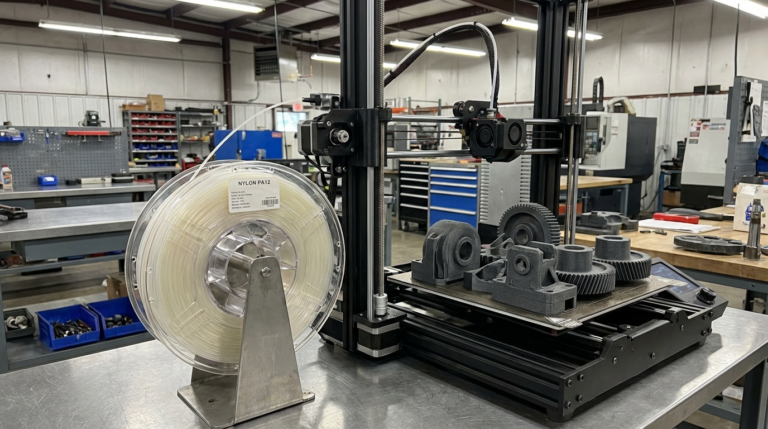
PPA (Polyphthalamide) and High-Temp Nylons
High-performance nylons like PPA and PA6-CF push heat resistance significantly higher than standard nylon while adding excellent chemical resistance.
Key Properties
- HDT: 150-180°C (glass-fiber filled PPA can exceed 250°C)
- Print temperature: 280-320°C
- Bed temperature: 100-120°C
- Enclosure: Required
- Strength: Outstanding fatigue resistance, chemical resistance
Printing Tips
- Drying is critical — PPA absorbs moisture even faster than standard nylon. Dry at 90°C for 12+ hours.
- Glass-fiber or carbon-fiber reinforced versions print more easily due to reduced warping, but require a hardened steel or ruby nozzle.
- Print slowly (30-40 mm/s) for best layer adhesion.
- Expect some warping on large parts. Design with generous brims and avoid sharp corners.
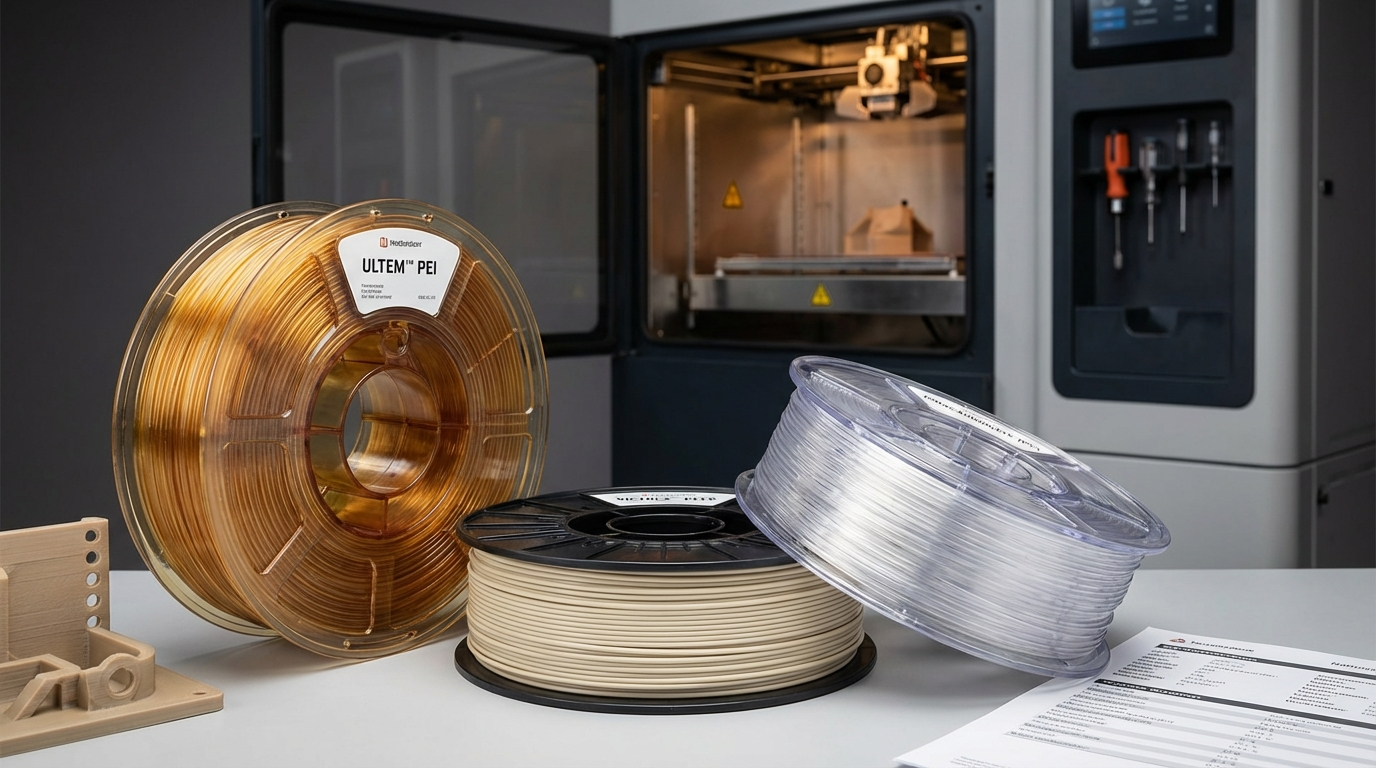
PEI (ULTEM) — Aerospace-Grade Performance
Polyetherimide, marketed as ULTEM by SABIC, is one of the highest-performing FDM-printable materials. It’s used in aerospace, medical devices, and automotive applications where failure isn’t an option.
Key Properties
- HDT: 200-215°C (ULTEM 1010: 216°C)
- Print temperature: 350-390°C
- Bed temperature: 130-160°C
- Enclosure: Required (chamber temp 120-160°C)
- Strength: Excellent strength-to-weight ratio, flame retardant, chemical resistant
Hardware Requirements
PEI printing requires serious hardware. Standard desktop printers cannot reach the required temperatures. You need:
- A high-temp hotend capable of 400°C+ (like the E3D Revo HT or Mosquito)
- An actively heated build chamber (120°C+)
- A hardened steel nozzle
- High-temp build surface (Garolite or PEI sheet with specific adhesion agents)
Printers capable of PEI printing include the Stratasys Fortus series, AON3D, and the Apium P-series. Budget desktop printers cannot print ULTEM.
PEEK — The Ultimate Performance Polymer
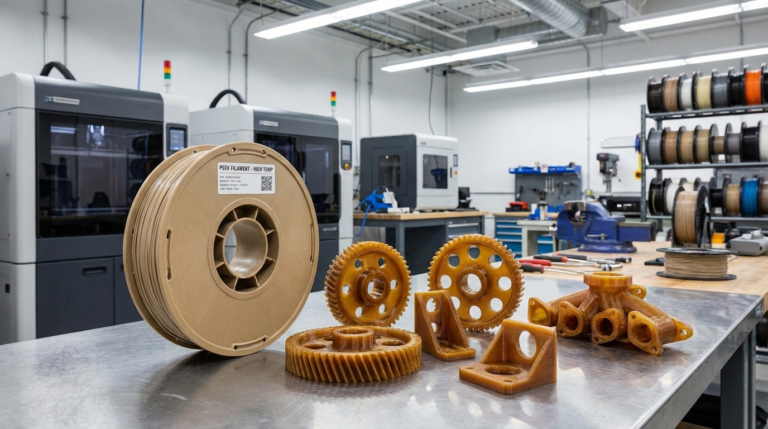
Polyether ether ketone (PEEK) is the king of 3D printable polymers. With an HDT exceeding 250°C and mechanical properties rivaling some metals, PEEK is used in medical implants, aerospace components, and oil and gas equipment.
Key Properties
- HDT: 250-260°C (unfilled), 300°C+ (glass-filled)
- Print temperature: 370-420°C
- Bed temperature: 130-160°C
- Enclosure: Required (chamber temp 120-160°C)
- Strength: Near-metal mechanical properties, biocompatible, chemical resistant
Why PEEK Is Different
PEEK can be semi-crystalline or amorphous depending on cooling rate. For maximum heat resistance and strength, you want crystalline PEEK — which requires controlled, slow cooling in a heated chamber. Fast cooling produces amorphous PEEK with significantly lower heat resistance.
This means your chamber temperature and cooling profile are just as important as your print settings. Some PEEK printers include annealing cycles as part of the print job.
Cost Reality
PEEK filament costs $300-700 per kilogram, and the printers capable of processing it start at $10,000+. This isn’t a hobbyist material — it’s for professional applications where the performance justifies the cost.
PEKK — PEEK’s More Printable Cousin
Polyether ketone ketone (PEKK) offers very similar performance to PEEK but is easier to print. It has a wider processing window and doesn’t require the same precise crystallization control.
Key Properties
- HDT: 220-260°C depending on grade
- Print temperature: 340-380°C
- Bed temperature: 130-150°C
- Enclosure: Required (but more forgiving than PEEK)
PEKK is gaining popularity because it offers 90% of PEEK’s performance with significantly more forgiving print parameters. Brands like Arkema (Kepstan) and Solvay offer various PEKK grades optimized for FDM printing.
Choosing the Right High-Temp Material
Here’s a practical decision matrix:
- Need heat resistance up to 130°C: Polycarbonate. Affordable, printable on modified desktop printers.
- Need 150-180°C with chemical resistance: PPA or high-temp nylon composites. Good balance of performance and accessibility.
- Need 200°C+ with flame retardancy: PEI (ULTEM). Requires industrial or high-end prosumer printer.
- Need 250°C+ with near-metal performance: PEEK or PEKK. Industrial printers only.
Essential Hardware Upgrades for High-Temp Printing
If you’re stepping into high-temp printing, here’s what you’ll need:
- All-metal hotend: Non-negotiable. The Slice Engineering Mosquito, E3D Revo, or Phaetus Dragon all handle 300°C+.
- Hardened nozzle: Many high-temp filaments are filled with glass or carbon fiber. A hardened steel or tungsten carbide nozzle is essential.
- Heated enclosure: For anything above PC, you need an enclosure. For PEI and PEEK, you need an actively heated chamber — passive enclosures won’t reach the required temperatures.
- Filament dryer: Every high-temp material absorbs moisture aggressively. An active drying system (like the Sunlu S2 or PrintDry Pro) that feeds directly to the printer is ideal.
- High-temp build surface: Standard PEI sheets work for PC. For PEI and PEEK, you’ll need Garolite (G10/G11) or specialty build surfaces.
Safety Considerations
High-temperature printing produces more fumes and ultrafine particles than standard PLA printing. Take these precautions seriously:
- Print in a well-ventilated area or use a fume extraction system with HEPA and activated carbon filters.
- Never leave a high-temp printer unattended. The temperatures involved can cause fires if something fails.
- Wear heat-resistant gloves when handling build surfaces or parts at temperature.
- Keep a fire extinguisher rated for electrical fires near your print area.
Final Thoughts
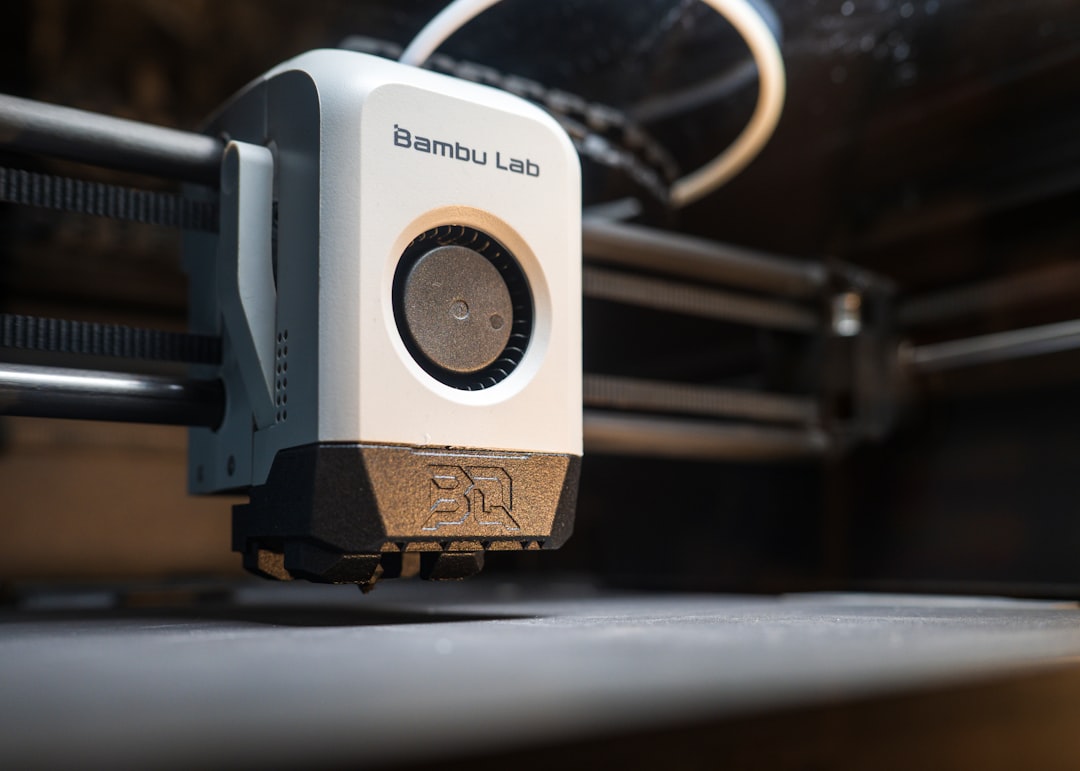
High-temperature filaments open up applications that were impossible with standard materials just a few years ago. The barrier to entry is dropping as more affordable printers gain high-temp capabilities — machines like the QIDI X-Max 3 and Bambu Lab X1E bring PC and even some high-temp nylons within reach of serious hobbyists.
Start with polycarbonate if you’re new to high-temp printing. It teaches you the fundamentals — drying, enclosure management, all-metal hotend use — without the extreme requirements of PEI or PEEK. Once you’re comfortable with PC, you’ll have the skills and knowledge to step up to more demanding materials as your applications require.