High Temp Filaments Explained: PEEK, PEI, PC, PA & ASA in 2026
What Counts as a High Temperature Filament?
The “high temp” label gets thrown around loosely in hobbyist forums, but there’s a reasonable industry definition: any filament requiring a hotend above 260°C, a bed above 90°C, or a heated chamber to print reliably. By that definition the high-temp family includes ASA (260°C), polycarbonate (300°C), nylon and nylon blends (260-270°C), PC-CF and PA-CF composites (290-310°C), PEI/ULTEM (380°C+), and PEEK (410°C+). These materials exist because ordinary PLA and PETG simply don’t hold up under automotive, industrial, or aerospace service conditions.
Printing them reliably is a hardware problem before it’s a slicer-settings problem. A $200 printer with a brass nozzle and no enclosure cannot do polycarbonate well, no matter how good your profile is. This guide walks through the high-temp filament landscape in 2026 — what each material is good for, what hardware you actually need, and where the practical limits sit for both hobbyists and small shops.
ASA — The Entry-Level High-Temp Workhorse
Acrylonitrile Styrene Acrylate (ASA) is ABS’s outdoor-rated cousin. It prints at 240-265°C with a 90-105°C bed, and the finished parts resist UV degradation for years — something pure ABS categorically cannot do. ASA is where most hobbyists take their first step beyond PLA and PETG, and the hardware bar is genuinely reasonable: any enclosed or semi-enclosed printer with a 110°C-capable bed and an all-metal hotend will print ASA well.
Applications include outdoor signage, drone bodies exposed to sun, car interior pieces, and irrigation fittings. ASA is also a popular choice for prints that will be painted because the surface takes primer and paint far better than PLA.
Print challenges: strong styrene odor (ventilate your workspace), warping if the enclosure opens mid-print, and a narrow ideal ambient temperature window (22-28°C in the room). First layer adhesion benefits from a glue-stick or ABS slurry on a smooth PEI plate. Bed temp 100°C, enclosure held at 45-55°C for best results.
Polycarbonate (PC) — Impact-Resistant, Hygroscopic, Tricky
Polycarbonate is where “high temp” starts getting difficult. Nozzle temps of 270-310°C, bed temps 110-125°C, and an enclosure held at 60-75°C are table stakes. PC is one of the toughest consumer 3D printing materials available — impact-resistant, heat-tolerant to about 140°C continuous service, and transparent when printed slowly with a clean nozzle on a glossy build plate.
The big enemy of PC is moisture. PC absorbs humidity from the air aggressively; a spool left unsealed for 48 hours in typical room conditions will already print with steam-bubble artifacts. A filament dryer (PolyBox, SUNLU FilaDryer, or Cube Store Plus) is mandatory, not optional. Print temp should be bumped 5-10°C if you haven’t dried your PC in the past 24 hours.
Common uses: phone cases, tool handles, drone arms that need to survive a crash, lens housings, safety guards, and electronics enclosures that might see a hot car dashboard in summer.
Nylon and Nylon Blends (PA, PA6, PA12) — Tough and Flexible
Nylon is the workhorse for parts that need to bend without breaking — gears, hinges, cable guides, tool clips, and functional prototypes. PA6 and PA12 are the two common grades; PA12 is more dimensionally stable, PA6 is tougher and more common. Print temperatures run 250-275°C with bed temps 70-90°C, and an enclosure is strongly recommended but not strictly required for shorter prints.
Nylon is also hygroscopic — worse than PC in some respects. Dry your nylon at 80°C for 6-8 hours before printing, and keep it in a sealed dry box during the job. Wet nylon produces poor surface finish, low layer adhesion, and audible pops from water boiling in the melt zone.
The carbon-fiber-reinforced cousins PA-CF and PA6-CF are where nylon becomes genuinely special. The CF fibers triple the stiffness, reduce warping to nearly zero, and produce a beautiful matte surface finish. They require a hardened steel or ruby nozzle ($15-30) because the abrasive fibers will destroy a brass nozzle in under 500g of prints.
PC-CF, PA-CF, and Composite Filaments — Engineering-Grade Results
Carbon-fiber-reinforced variants of polycarbonate, nylon, and PEI are the sweet spot for “engineering prototype that needs to survive real use.” The chopped CF fibers inside the extrusion add dimensional stability — reducing warp to a fraction of the neat polymer — and dramatically increase tensile strength and stiffness in the XY plane. Z-axis strength remains limited by layer adhesion, so orient load-bearing parts accordingly.
Hardware requirements are strict. CF-abrasive filaments require a hardened nozzle; diamondback or tungsten carbide last the longest. Direct-drive extruders are preferred over Bowden because Bowden tubes abrade internally. The ideal printer for CF composites is an enclosed machine with a heated chamber — Bambu X1E, Qidi Plus4, Prusa XL with enclosure, Raise3D Pro3 HS, or equivalent.
Expect to pay $50-90/kg for good CF-composite filament. Budget brands exist but the fiber length and distribution in lower-grade material produce inferior mechanical properties — you get half the benefit for half the price.
PEI / ULTEM — Industrial-Grade Thermoplastic
Polyetherimide (PEI, commonly branded as ULTEM 9085 or ULTEM 1010) is the first of the truly aerospace-grade filaments. Print temps of 360-395°C, bed temps of 160°C, and a heated chamber at 90-120°C are required. This is not a consumer-printer material — the machines that can print PEI properly start around $4,000 (Intamsys Funmat HT, Qidi X-Max 3 with heated chamber mod, 3DGence F340) and go up to $25,000+.
PEI’s appeal is its continuous service temperature — around 170°C for ULTEM 9085, meaning parts hold their properties in genuinely hot environments. Common applications include aircraft interior parts, medical autoclave-compatible fixtures, electronics housings that see soldering iron contact, and under-hood automotive components.
Do not attempt PEI on an enthusiast-grade printer. The nozzle heater alone won’t reach temperature on most consumer boards, and without chamber heating the part will warp or delaminate immediately.
PEEK — The Ceiling of FDM
Polyether Ether Ketone (PEEK) is a semi-crystalline engineering thermoplastic with mechanical and thermal properties that rival some metals. Continuous service to 250°C, chemical resistance to most solvents and fuels, and biocompatibility that makes it a surgical-implant material. Printing PEEK requires 400-460°C nozzle temps, a chamber above 130°C, and a bed above 200°C — plus a slow cooldown ramp to promote the semi-crystalline structure that gives PEEK its strength.
You will not print PEEK on a consumer printer. You will not modify a consumer printer to print PEEK. The machines that can print PEEK reliably start around $15,000 (Intamsys Funmat Pro 310, miniFactory Ultra, Roboze Argo series) and have active chamber heating, melt-zone insulation, and specialized post-process annealing. PEEK filament itself runs $500-1,200/kg.
This entry exists so you know what the ceiling of desktop FDM looks like — and why the hobbyist community generally tops out at PC-CF and PA-CF. The jump from PC-CF to PEI is a three-thousand-dollar printer upgrade; the jump from PEI to PEEK is another fifteen thousand.
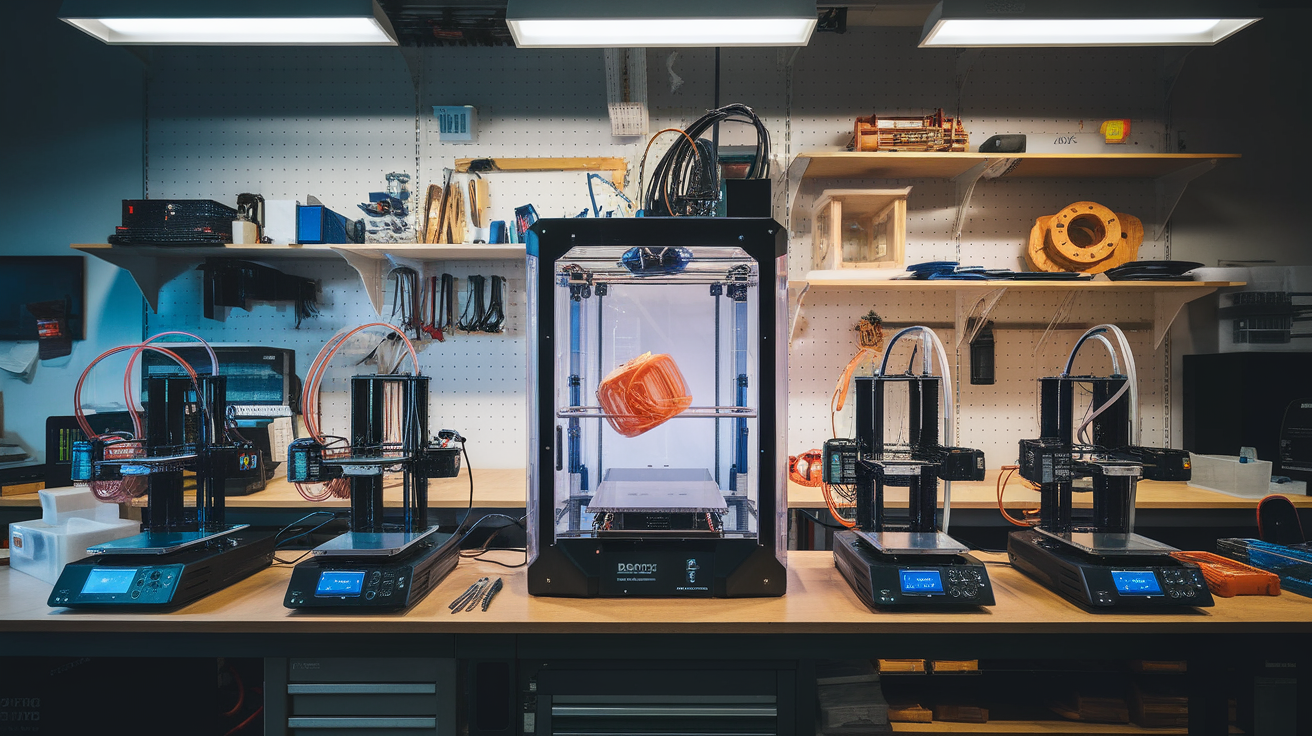
Hardware Tiers — Which Printer for Which Filament
- Tier 1 (hobby enclosed, ~$600-800): Bambu P1S, Qidi X-Plus 3, Creality K1C. ASA, PETG-CF, light PA printing, no serious PC.
- Tier 2 (prosumer, ~$1,000-2,500): Bambu X1E, Qidi Plus4, Prusa XL. Full PC, PA-CF, PC-CF, moderate PA6 work.
- Tier 3 (industrial entry, ~$4,000-8,000): Intamsys FunMat HT, Raise3D Pro3, 3DGence F340. PEI, ULTEM, high-fiber composites.
- Tier 4 (industrial, $15k+): Intamsys FunMat Pro 310, Roboze Argo. PEEK, PEKK, medical-grade composites.
Filament Drying — The Invisible Quality Lever
Every high-temp filament discussed in this guide is hygroscopic to some degree. A filament dryer is the single cheapest upgrade that improves high-temp print quality. Options range from $60 (SUNLU S4) to $400 (PolyBox Edge). Drying times at 70-80°C: PLA/PETG 4 hours, PC 6-8 hours, PA 8-12 hours, PEI 12-16 hours.
The test is simple: weigh your spool before drying, dry it, weigh again. A 1-2% mass loss indicates significant moisture — your prints will visibly improve. A spool that doesn’t lose any measurable mass is already dry and ready to print.
Safety Considerations
High-temp filaments produce higher concentrations of ultrafine particles and VOCs than PLA. Styrene (ASA, ABS), bisphenol A traces (PC), and various amines (nylon) are all released during printing. Ventilation is mandatory — either a dedicated carbon+HEPA filter enclosure (like the P1S, X1E stock filter) or a separate exhaust to outdoors. Printing ASA in an unventilated bedroom will give you headaches and eye irritation; printing PC or PA in that same room is a longer-term health concern.
Molten high-temp filament also burns severely. A 300°C nozzle contact is a full-thickness burn, not a surface one. Keep hands clear of the hotend during purges, and always let the nozzle cool before manual cleaning.
Frequently Asked Questions
Can I print PC on a Bambu P1S?
Yes, with caveats. The P1S ships with a hotend rated to 300°C which is marginal for PC. Use a manufacturer-recommended PC-focused filament (Bambu PC, Polymaker PolyMax PC), dry it thoroughly, and run slower speeds (30-50 mm/s). Results are usable but not as strong as PC printed on a chamber-heated machine.
Is ASA better than ABS?
For anything that will see sunlight: yes, always. ASA has nearly identical mechanical properties to ABS but resists UV yellowing and embrittlement. The only reason to pick ABS in 2026 is cost — ASA is typically 20-30% more expensive per kilogram.
Do I need a heated chamber for nylon?
For short, small PA prints: no. For anything beyond 100mm in any dimension: yes, strongly recommended. Nylon warps aggressively without a consistent ambient temperature, and passive enclosures don’t hold heat long enough for 8+ hour prints.
Can I print PEEK on a Bambu X1E?
No. The X1E’s chamber tops out around 60°C and the nozzle can reach 320°C — both figures are well below PEEK’s requirements. Attempting PEEK on an X1E will produce amorphous (weak) parts at best and a failed print at worst.
Bottom Line
High-temp filaments are not a single tier — they span from ASA (genuinely accessible on a $700 machine) all the way to PEEK (needs a $15,000 industrial machine). Match your material to your hardware before you buy either. And when in doubt, dry your filament first — 90% of high-temp print failures trace back to moisture, not temperature.