HIPS Filament 3D Printing Guide: Settings, Tips, and Dissolving Process
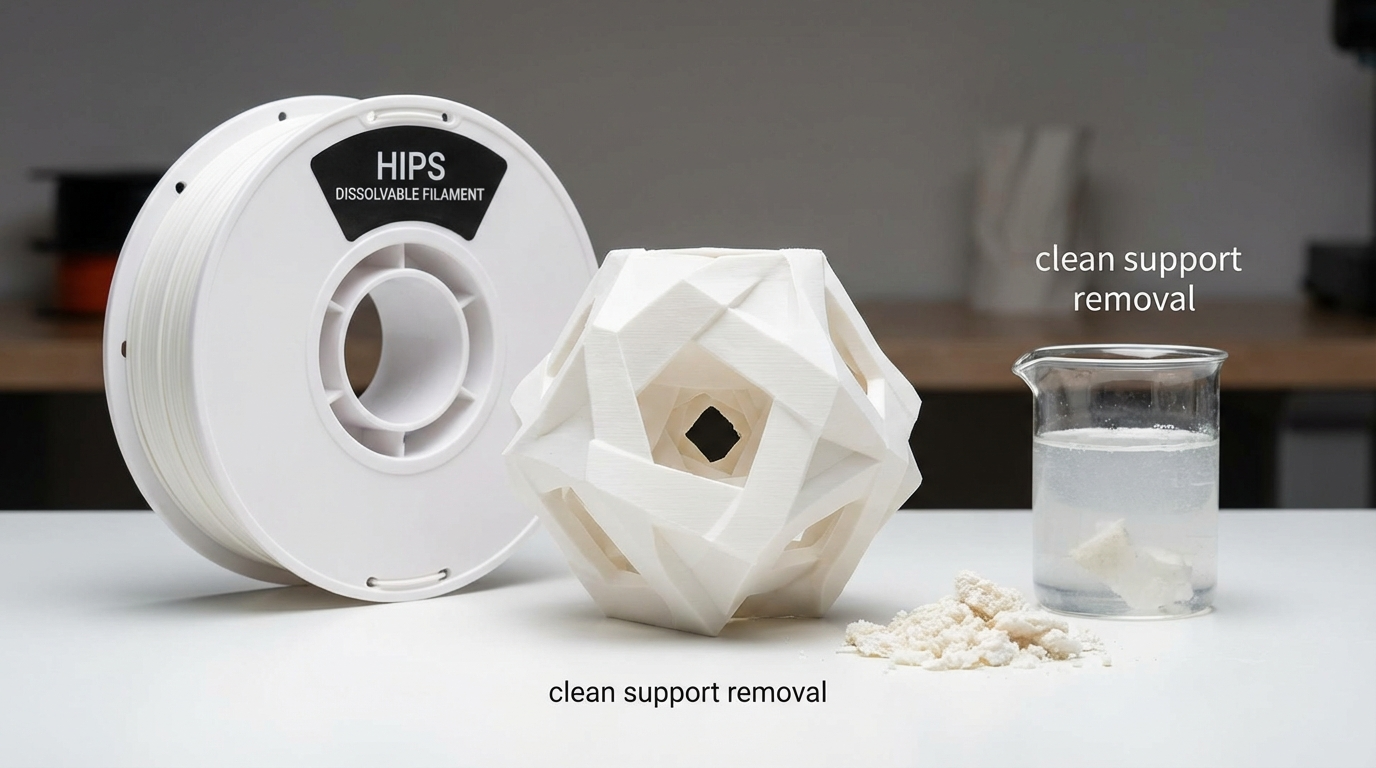
If you’ve ever struggled with removing supports from complex 3D prints, HIPS (High Impact Polystyrene) might be the filament that changes everything. HIPS is a dissolvable support material that pairs perfectly with ABS, letting you print intricate geometries with supports that simply dissolve away in a limonene bath. But HIPS is more than just a support material — it’s also a capable standalone printing filament with some unique properties.
In this comprehensive guide, I’ll cover everything you need to know about printing with HIPS: from optimal settings and printer requirements to the dissolving process and troubleshooting common issues.
What is HIPS Filament?
HIPS stands for High Impact Polystyrene. It’s a thermoplastic polymer that combines polystyrene with polybutadiene rubber, giving it better impact resistance than standard polystyrene. In the 3D printing world, HIPS serves two primary roles:
- Dissolvable support material for ABS: HIPS dissolves in d-Limonene (a citrus-based solvent), making it ideal for printing complex support structures that would be impossible to remove mechanically.
- Standalone printing filament: HIPS can be used on its own for lightweight, easy-to-sand parts that are great for prototyping and post-processing.
HIPS vs PVA: Which Dissolvable Support Is Better?
The two main dissolvable support materials in FDM printing are HIPS and PVA. Here’s how they compare:
| Feature | HIPS | PVA |
|---|---|---|
| Dissolves in | d-Limonene | Water |
| Best paired with | ABS | PLA, PETG |
| Print temperature | 220-250°C | 185-215°C |
| Bed temperature | 90-110°C | 45-60°C |
| Moisture sensitivity | Low | Very High |
| Storage difficulty | Easy | Difficult |
| Cost | $20-30/kg | $30-50/kg |
| Dissolving time | 12-24 hours | 4-12 hours |
| Safety concerns | Limonene is flammable | None (water-based) |
The bottom line: If you print primarily with ABS, HIPS is the clear winner. It’s cheaper, easier to store, and bonds better with ABS. If you print with PLA or PETG, PVA is your only option since HIPS and these materials don’t bond well together.
Printer Requirements for HIPS
Printing with HIPS requires a setup similar to ABS printing:
- Dual extruder: Required when using HIPS as support material alongside ABS. Single-extruder setups can print standalone HIPS parts.
- Heated bed: Essential. HIPS needs a bed temperature of 90-110°C to prevent warping.
- Enclosure: Highly recommended. Like ABS, HIPS is prone to warping from temperature fluctuations. An enclosed build chamber dramatically improves print quality.
- All-metal hotend: Recommended for printing at the higher end of the temperature range (240°C+). PTFE-lined hotends will degrade at these temperatures.
- Good ventilation: HIPS emits styrene fumes when heated. While not as bad as ABS, proper ventilation or an enclosure with a carbon filter is advisable.
Optimal HIPS Print Settings
Temperature Settings
- Nozzle temperature: 220-250°C (start at 230°C and adjust)
- Bed temperature: 90-110°C (100°C is a good starting point)
- Enclosure temperature: 40-60°C if available
Speed and Flow
- Print speed: 40-60 mm/s for best quality
- First layer speed: 20-30 mm/s
- Flow rate: 100% (may need slight increase to 102-105% for some brands)
- Retraction: 4-6mm for Bowden, 1-2mm for direct drive
Cooling and Adhesion
- Part cooling fan: OFF for the first 3-4 layers, then 0-30% maximum. Excessive cooling causes warping and layer splitting.
- Bed adhesion: ABS slurry (ABS dissolved in acetone) works excellently. Glue stick is a solid backup. Kapton tape also works.
- Brim: Recommended for most prints. A 5-8mm brim significantly reduces warping risk.
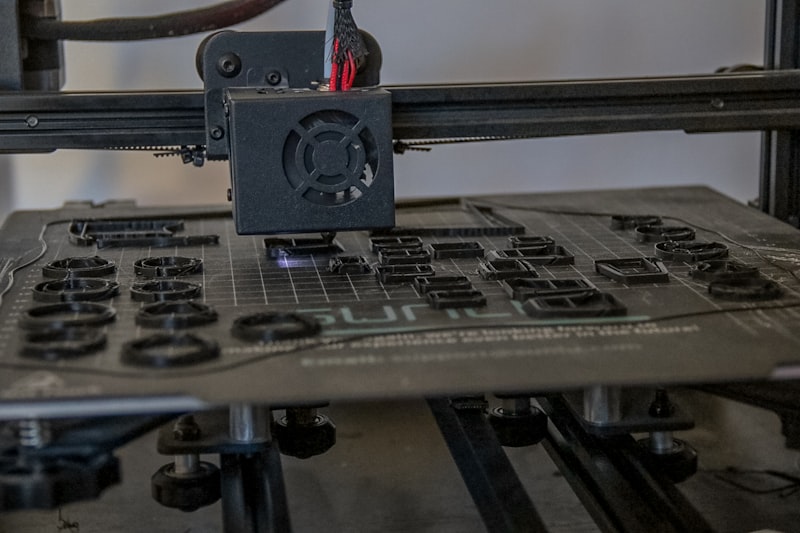
Using HIPS as Dissolvable Support Material
Slicer Setup for HIPS Supports
Setting up HIPS supports in your slicer is straightforward but requires attention to a few key parameters:
- Assign HIPS to your support extruder: In Cura, go to Extruder settings and assign your HIPS-loaded extruder as the “Support Extruder.” In PrusaSlicer, use the “Support material extruder” dropdown.
- Interface layers: Set 2-3 interface layers between supports and the model. This creates a clean separation surface.
- Support density: 15-20% is sufficient since you’re dissolving the supports anyway. Lower density means faster dissolving.
- Z distance: Set to 0 or one layer height. Since the support dissolves, you don’t need a gap for mechanical removal.
- Support pattern: Grid or lines work well. Zigzag is also fine. The pattern matters less when supports are dissolved.
The Dissolving Process
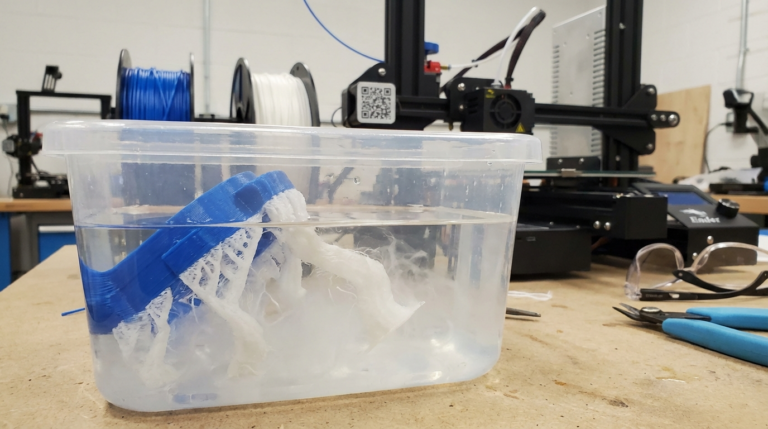
Dissolving HIPS supports requires d-Limonene, a natural solvent derived from citrus fruit peels. Here’s the process:
- Get d-Limonene: Available online or at specialty chemical suppliers. You’ll need enough to fully submerge your print. Food-grade d-Limonene works fine.
- Prepare the bath: Pour the limonene into a glass or HDPE plastic container. Don’t use polystyrene or ABS containers — the limonene will dissolve them too.
- Submerge the print: Place your ABS+HIPS print into the limonene bath. Make sure the HIPS sections are fully submerged.
- Wait: Dissolving takes 12-24 hours depending on the volume of HIPS, the concentration of limonene, and whether you’re agitating the bath. Warm limonene (30-40°C) dissolves faster.
- Agitate periodically: Stirring or using an ultrasonic cleaner speeds up the process significantly. Some users use a magnetic stirrer for hands-free agitation.
- Rinse and dry: Once the HIPS is fully dissolved, remove the part, rinse with water, and let it dry.
Safety Precautions
d-Limonene is generally considered safe — it’s the compound that gives oranges their smell — but it does require some precautions:
- Flammable: Keep away from open flames and heat sources.
- Ventilation: Work in a well-ventilated area. Prolonged exposure to concentrated vapors can cause headaches.
- Skin contact: Can cause irritation with prolonged contact. Wear gloves when handling.
- Reuse: Limonene can be reused several times before it becomes saturated with dissolved polystyrene. Filter through a coffee filter between uses.
Printing HIPS as a Standalone Material
While HIPS is primarily known as a support material, it has some compelling properties as a standalone filament:
- Lightweight: HIPS is about 25% lighter than ABS, making it great for large decorative pieces, cosplay props, and architectural models.
- Easy to sand and paint: HIPS machines and sands beautifully. It takes paint well without priming, and can be acetone-smoothed (though not as effectively as ABS).
- Good dimensional stability: Similar to ABS in terms of accuracy and tolerance.
- Food-grade potential: Unmodified polystyrene is used in food packaging, though FDM-printed parts aren’t food-safe due to layer lines harboring bacteria.
Troubleshooting HIPS Print Issues
Warping
The most common HIPS problem. Solutions: increase bed temperature to 110°C, use an enclosure, apply ABS slurry, add a wide brim, and turn off the part cooling fan completely for the first 10+ layers.
Poor Layer Adhesion
If layers are splitting, your nozzle temperature is too low. Increase by 5°C increments until layers bond properly. Also ensure your enclosure is maintaining a stable temperature — drafts are the enemy.
HIPS Not Bonding to ABS
When used as support material, HIPS should bond adequately to ABS but still separate during dissolving. If HIPS isn’t sticking to ABS at all, try increasing the HIPS nozzle temperature by 5-10°C and reducing the Z offset between the support interface and the model.
Stringing
HIPS strings similarly to ABS. Increase retraction distance by 1-2mm, reduce retraction speed slightly, and enable coasting in your slicer. A travel speed of 150+ mm/s also helps.
HIPS Not Dissolving
If the limonene isn’t dissolving the HIPS, check the concentration — old or contaminated limonene works slowly. Try fresh limonene, increase the bath temperature to 35°C, and ensure adequate agitation. If you used too much HIPS, you may need to change the bath partway through.
Best HIPS Filament Brands
Not all HIPS filament is created equal. Here are the brands I’ve had the best results with:
- eSUN HIPS: Excellent quality, consistent diameter, and good spool winding. My go-to recommendation.
- MatterHackers HIPS: Slightly more expensive but very reliable. Great for professional use.
- SUNLU HIPS: Budget-friendly option that works well for most applications. Occasionally inconsistent diameter.
- Gizmo Dorks HIPS: Available in many colors, decent quality, good value.
Cost Analysis: Is HIPS Worth It?
HIPS filament costs $20-30/kg, and d-Limonene runs about $15-25 per liter (reusable for several dissolving sessions). Compare this to the time you’d spend manually removing supports from complex prints — cutting, sanding, filling — and the cost pays for itself quickly on detailed prints.
For simple prints with easy-to-access supports, mechanical removal with breakaway supports is still faster and cheaper. HIPS really shines on prints with internal cavities, trapped supports, or surfaces where support marks are unacceptable.
Final Thoughts
HIPS is a somewhat underrated filament in the 3D printing community. As a dissolvable support material, it opens up design possibilities that are simply impossible with standard breakaway supports. And as a standalone material, it’s a lightweight, easy-to-finish option that deserves more attention.
If you’re already printing with ABS and want to take your support game to the next level, adding a second extruder and a roll of HIPS is one of the best upgrades you can make. Just remember to ventilate your workspace, keep the limonene away from flames, and enjoy the satisfaction of watching those supports dissolve away into nothing.