How to Fix 3D Printer Extruder Skipping Steps: Complete Troubleshooting Guide
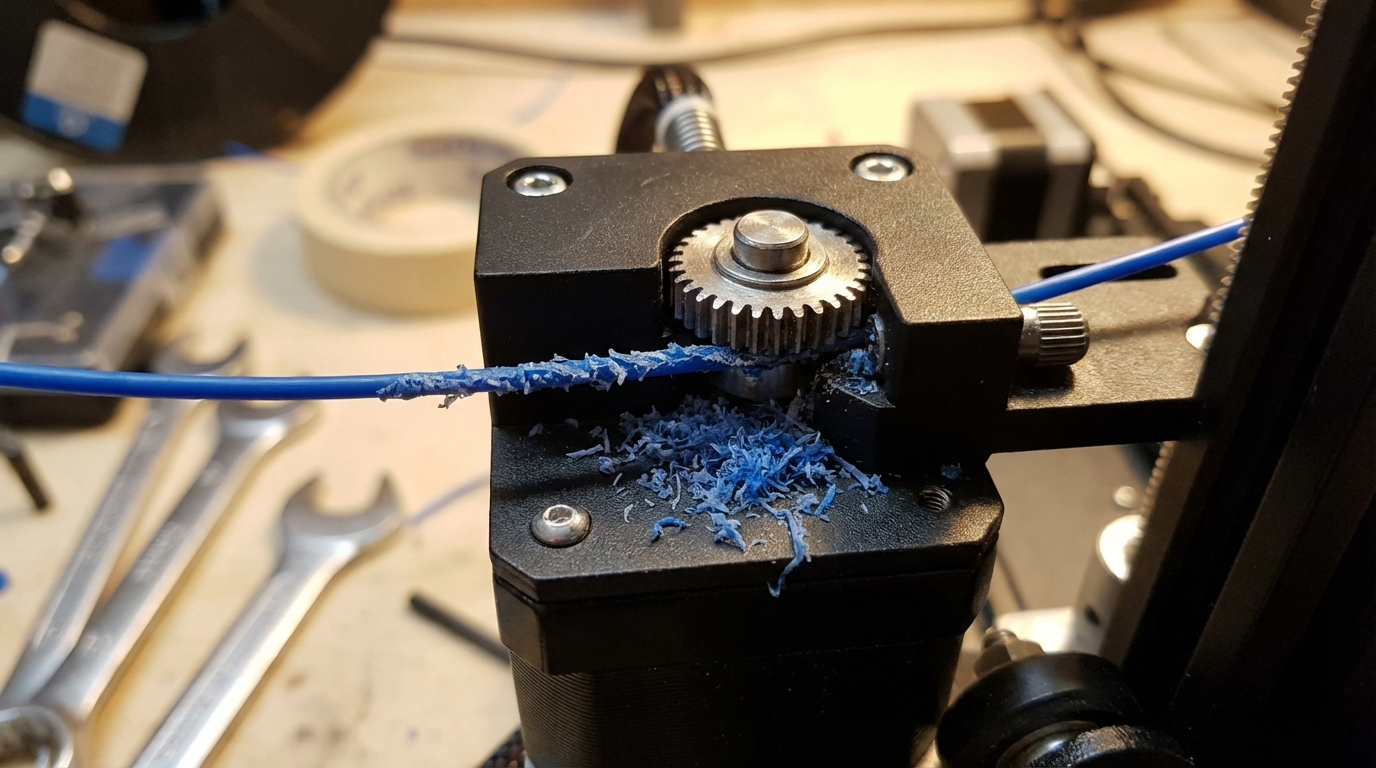
Your 3D printer is making that awful clicking or grinding noise from the extruder, and your prints are coming out with missing layers, gaps, or inconsistent extrusion. This is extruder skipping — one of the most frustrating problems in FDM printing — and it happens when the extruder motor can’t push filament through the hotend fast enough. The gear teeth slip against the filament, shaving off material and making that distinctive “click-click-click” sound.
The good news? This problem almost always has a fixable cause. I’ve dealt with extruder skipping on everything from budget Ender 3s to high-end CoreXY machines, and the root cause falls into a handful of categories every single time. Let’s walk through each one systematically so you can get back to printing.
What Causes Extruder Skipping?
Before you start tearing apart your hotend, it helps to understand what’s actually happening. Your extruder motor is a stepper motor — it moves in precise increments. When the resistance to pushing filament exceeds the motor’s torque, it physically can’t complete its step. Instead of rotating, the gear slips backward or the motor skips a step entirely. The result is under-extrusion at best, and a completely failed print at worst.
Here are the most common culprits, ranked roughly by how often I see them:
1. Partial or Full Nozzle Clog
This is far and away the number one cause. A partial clog restricts filament flow, meaning the extruder has to work harder to push material through a smaller opening. You might not even realize it’s clogged because filament still comes out — just not enough of it.
Signs of a clog causing skipping:
- Skipping gets worse at higher print speeds
- First layers print fine but skipping starts on upper layers
- Filament curls when you manually extrude rather than coming out straight
- You can see debris or discoloration at the nozzle tip
The fix: Start with a cold pull (also called an atomic pull). Heat your nozzle to printing temperature, push filament through manually, then let it cool to about 90°C for PLA or 160°C for PETG. Pull the filament out sharply. The tip should come out clean with a cone shape. Repeat until it comes out without discoloration. If cold pulls don’t clear it, use an acupuncture needle (0.3mm or 0.35mm for a 0.4mm nozzle) to clear debris from below while the nozzle is hot.
2. Printing Temperature Too Low
Every filament has an optimal temperature range, and printing at the low end — or below it — means the plastic isn’t melting fast enough. The extruder is trying to push solid or semi-solid filament through the hotend, which is like trying to squeeze toothpaste through a coffee straw.
The fix: Increase your nozzle temperature by 5°C increments and test. For PLA, try 210-215°C if you were at 200°C. For PETG, bump to 240-245°C. Print a temperature tower to find the sweet spot for your specific filament brand — even different colors from the same manufacturer can have slightly different optimal temps.
3. Print Speed Too Fast
Speed kills — or at least causes skipping. When you print too fast, the hotend can’t melt filament quickly enough to keep up with the extruder’s demand. This is especially common on printers with smaller hotends or lower-wattage heaters.
The fix: Reduce your print speed by 20-30% and see if the skipping stops. If it does, you’ve found your limit. You can also increase temperature slightly (5-10°C) to compensate for higher speeds, but don’t go so high that you introduce stringing or other heat-related issues.
4. Wet or Degraded Filament
Moisture-laden filament creates steam bubbles as it passes through the hotend. These bubbles create back-pressure that fights against the extruder. You’ll often hear popping or crackling sounds alongside the skipping, and you might see tiny bubbles or rough surfaces on your prints.
The fix: Dry your filament. PLA needs 4-6 hours at 45°C, PETG needs 4-6 hours at 65°C, and nylon needs 6-8 hours at 80°C. A dedicated filament dryer is ideal, but an oven set to the correct temperature works too — just make sure your oven is accurate at low temperatures (many aren’t). Going forward, store filament in sealed bags with desiccant.
5. Extruder Tension Issues
The spring or lever that presses filament against the drive gear needs to provide consistent pressure. Too little tension and the gear can’t grip the filament. Too much tension and you crush the filament, creating a flat spot that gets jammed. Both cause skipping.
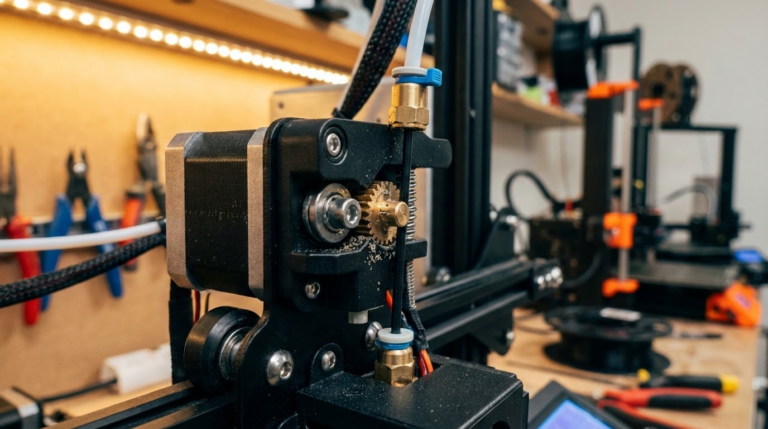
The fix: Check your extruder’s tension adjustment. On most printers, there’s a screw or spring that controls this. Tighten it just enough that you can feel resistance when pulling filament backward by hand, but not so tight that the filament deforms. If your extruder arm is cracked (extremely common on plastic Creality extruders), replace it with a metal dual-gear extruder — this is one of the best $15 upgrades you can make.
6. Bowden Tube Problems
If you’re running a Bowden setup, the PTFE tube creates its own set of challenges. A gap between the tube and the nozzle inside the hotend creates a pocket where molten filament accumulates and eventually causes a clog. A worn or kinked tube adds friction that the extruder has to overcome.
The fix: Remove the Bowden tube and inspect it. The end that sits inside the hotend should be cut perfectly flat — any angle creates a gap. Replace the tube if it’s discolored (especially at the hotend end), kinked, or if the inner diameter has expanded from heat exposure. Capricorn brand tubes have tighter tolerances and higher heat resistance than stock tubes.
7. Retraction Settings Too Aggressive
High retraction distances and speeds, combined with frequent retractions, can cause what’s called “heat creep grinding.” The filament gets pulled back and forth through the heat break zone, softening a wider section of filament than normal. This softened zone is harder to push through, causing — you guessed it — skipping.
The fix: Reduce retraction distance (3-5mm for Bowden, 0.5-2mm for direct drive) and limit retraction speed to 25-45mm/s. In your slicer, enable “maximum retraction count” if available — this limits how many times filament can be retracted within a given length, preventing the same section from being worked over and over.
Diagnosing the Root Cause
Rather than trying fixes randomly, here’s a systematic approach I use every time:
- Check the filament path first. Remove the filament and re-feed it. Does it go in smoothly? Any resistance points?
- Heat the hotend and manually extrude. Push filament by hand through the hot hotend. It should flow easily with moderate finger pressure. If it’s hard to push, you’ve got a clog or temperature issue.
- Listen to the extruder. Skipping that happens rhythmically on retractions points to retraction settings. Skipping that builds over time points to heat creep or gradual clogging. Skipping from the start of a print points to temperature or clog issues.
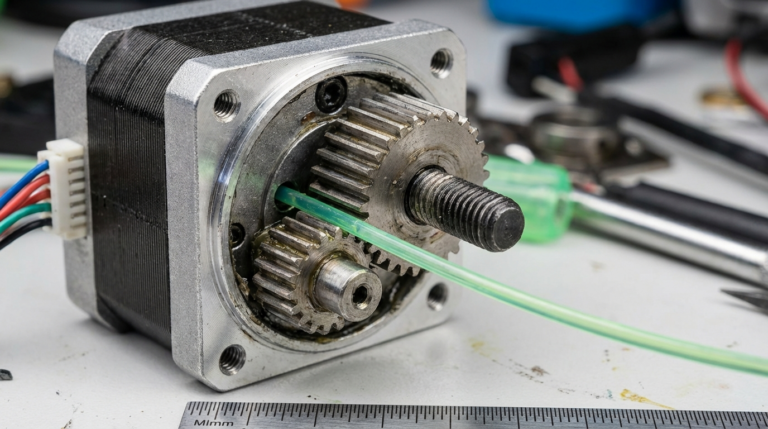
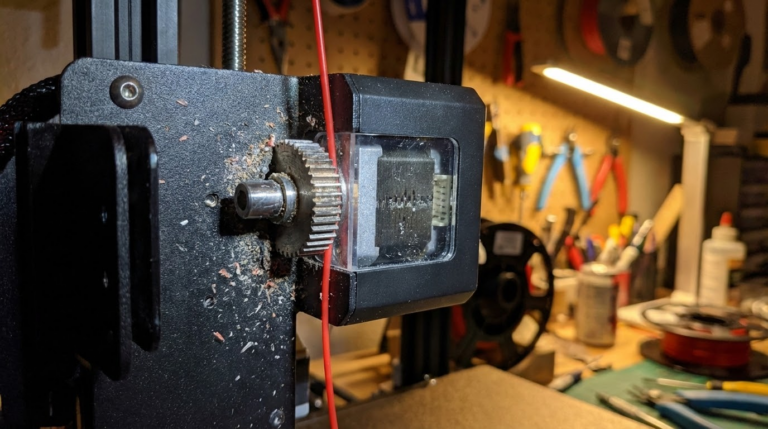
- Check the drive gear. Remove the filament and look at the teeth on the drive gear. Packed with filament shavings? Clean them with a small brush or compressed air. Worn down smooth? Replace the gear.
- Feel the motor. After a print with lots of skipping, touch the stepper motor. Warm is normal. Too hot to hold your finger on? The motor driver current might be too low, causing the motor to work harder than necessary.
When to Upgrade Your Extruder
If you’ve addressed all the above and still have intermittent skipping, it might be time for a hardware upgrade. The stock extruder on many budget printers is the weakest link in the system. Here’s what to consider:
- Dual-gear extruders ($10-20): Two gears grip the filament from both sides, providing significantly more grip than single-gear designs. This alone fixes most skipping issues on Ender 3-class printers.
- All-metal hotends ($30-50): Eliminate the PTFE tube from the hotend entirely, allowing higher temperatures and removing a common failure point.
- Direct drive conversion ($40-80): Puts the extruder motor directly on the printhead, reducing the filament path length and eliminating Bowden-related issues. The trade-off is added weight on the carriage.
Prevention: Keeping Skipping From Coming Back
Once you’ve fixed the immediate problem, these habits will keep extruder skipping at bay:
- Clean your nozzle regularly. Do a cold pull every few spools or whenever you switch filament types.
- Keep filament dry. Store it in sealed containers with desiccant. This prevents 90% of moisture-related issues.
- Don’t print at the absolute limits. Stay 10-15% below your printer’s maximum speed for reliable results.
- Maintain your extruder. Check gear tension monthly, clean filament debris from the gear teeth, and inspect the Bowden tube (or direct drive path) for wear.
- Calibrate your e-steps. An extruder that thinks it’s pushing more filament than it actually is will work harder for no reason. Mark 100mm on your filament, extrude 100mm, and adjust the steps/mm value until it’s accurate.
Extruder skipping is annoying, but it’s almost never a sign that something is seriously wrong with your printer. Treat it as your printer telling you that something in the filament path needs attention — because that’s exactly what it is. Work through the causes above systematically, and you’ll have it sorted in no time.