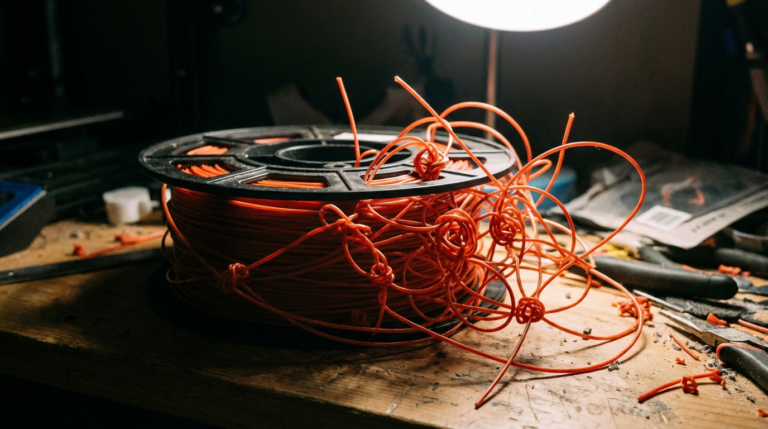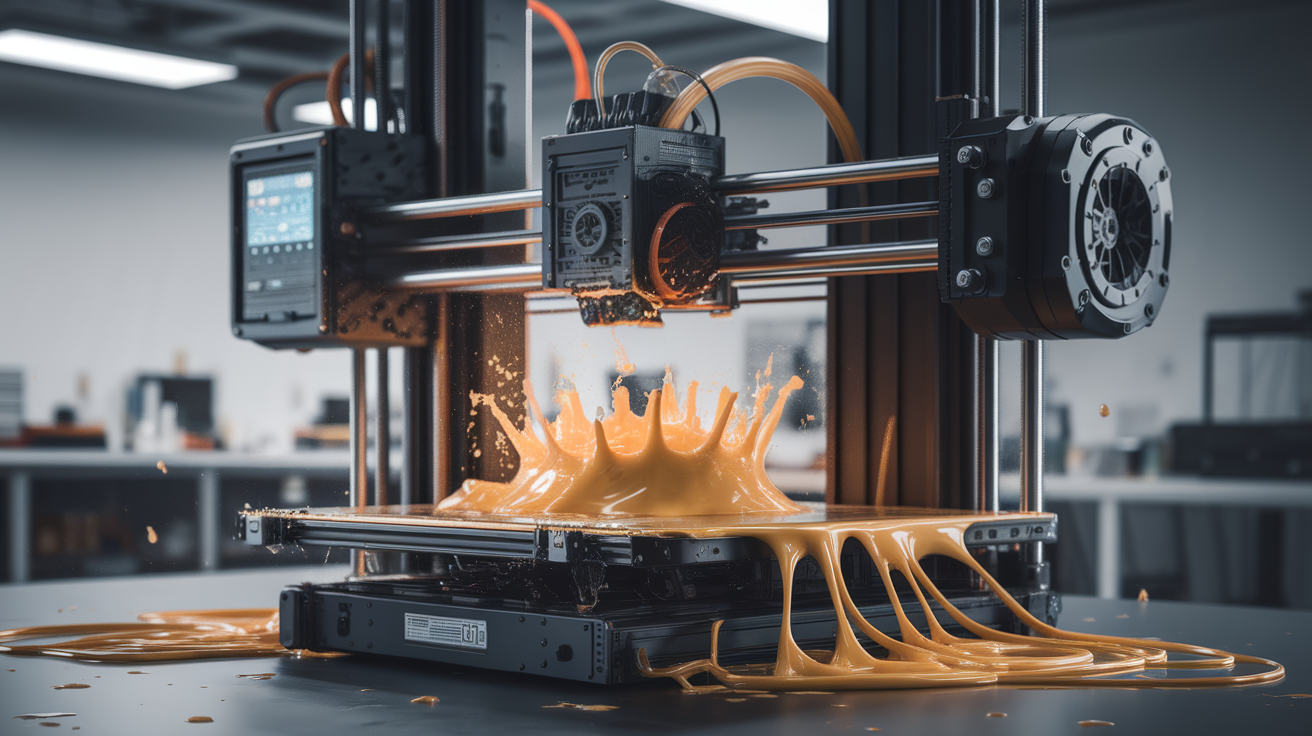
How Wet Filament Sounds and Looks During a Print — Real-Time Diagnosis Guide
The print is telling you the filament is wet — you just have to listen
Wet filament announces itself loudly to anyone paying attention, and quietly to anyone who is not. The signs are baked into the print process in real time, before the part comes off the bed and before any post-print measurement is needed. The challenge is not detecting wet filament after the fact — that is easy — but recognizing the signs while the print is still going so the print can be saved or aborted with minimal waste. The good news is that the signs are consistent across materials, predictable, and audible from across the room once you know what to listen for.
Filament absorbs water from ambient humidity at rates that vary by material. PLA absorbs slowly. PETG absorbs faster. Nylon absorbs aggressively, sometimes detectably wet within twelve hours of opening a sealed bag. ASA, polycarbonate, and any nylon-blend filament are in between. The water gets trapped in the polymer matrix and stays there until the filament is heated to extrusion temperature, at which point it flashes to steam inside the hotend and exits with the molten plastic. The escaping steam is what produces every audible and visual symptom of wet filament during a print.

The popping sound, in order of severity
The first audible sign is intermittent crackling — single sharp pops, a few seconds apart, coming from the hotend area. At this stage the filament has absorbed a small amount of water (perhaps half a percent by weight), and only the wettest segments along the strand are flashing to steam. The print may still come out usable, depending on how cosmetic the part needs to be. The crackling is most audible in a quiet room and is easy to miss if the printer fans are loud.
The second stage is sustained popping — pops every fraction of a second, like a slow popcorn pan. At this stage the filament is meaningfully wet (perhaps one percent by weight or more), and water is flashing to steam continuously. The print quality has already degraded; the surface will show artifacts when it comes off the bed, and the dimensions will be slightly off because the bubbles displace plastic where it should not be displaced.
The third stage is hissing combined with popping — a sustained background hiss with louder periodic snaps. The filament is now soaked. Water is escaping faster than the polymer can melt around it, and the extrusion is being interrupted by gas. Prints at this stage almost always come out with visible holes, blobs, and stringing, and the filament path inside the hotend is partially gas rather than plastic.
The fourth stage is sputtering — irregular extrusion punctuated by long quiet pauses, then sudden bursts. At this point the hotend is essentially clogged with water-saturated material, the heat break is being thermally stressed by sudden steam expansions, and the print is ruined. Aborting and drying the filament is the only path forward; trying to continue printing risks damaging the hotend.
The pattern is reliable enough that experienced printer operators can estimate filament moisture content from across the room with surprising accuracy, just by counting the pops per minute. Three pops per minute is borderline; thirty pops per minute is unprintable.
What to look at: surface artifacts you can spot in the first ten layers
Audio is faster, but the visual signs are unmistakable once you train your eye. The first ten layers of any wet-filament print show a distinctive surface pattern: tiny pinholes, irregular blobs, and rough patches that should not be there in a properly tuned print. The pinholes are where steam bubbles exited the molten extrusion. The blobs are where the bubbles momentarily blocked the nozzle, then released a glob of accumulated plastic. The roughness is the cumulative effect of dozens of micro-disruptions to the extrusion stream.
The pattern is most visible on smooth surfaces — top layers, vertical walls of the first few perimeters, anywhere the print should look glassy. PLA, which normally produces a near-mirror surface on top layers when properly tuned, shows wet-filament artifacts as a cratered moonscape rather than a smooth plain. PETG, which normally produces glossy walls, shows wet-filament artifacts as cloudy or hazy walls with visible texture under angled light.
Stringing between travel moves is another reliable visual sign. A properly dried filament strings minimally with tuned retraction. A wet filament strings dramatically even with the same retraction settings, because the steam bubbles continue exiting the nozzle during the travel move and pull stringy plastic out with them. If a part that previously printed clean is suddenly stringy, the first thing to check is filament moisture, not retraction settings.
For larger prints, a third visual sign appears: dimensional drift. A wet filament extrudes inconsistently, which means the actual material deposited per millimeter of travel is slightly less than the slicer expected. Over a long print, the result is a part that is slightly under-extruded, with thin walls, weak layer adhesion, and visible gaps. Measuring a print and finding it is consistently a fraction of a millimeter under spec is a strong indicator that the filament was wet.
The quick test that takes thirty seconds
If you suspect a spool is wet but want to verify before starting a long print, the fastest diagnostic is a thirty-second extrusion test. Heat the hotend to the filament’s normal print temperature, retract any loaded filament, then extrude a slow continuous strand directly into the air at about ten millimeters per second. Watch and listen.
A dry strand exits as a smooth glassy filament that drops cleanly to the build plate or the floor. A wet strand exits with visible bubbles, sometimes with steam visible against a dark background, with audible popping, and with a foamy or rough surface texture. The difference is unmistakable in side-by-side comparison: a dry strand is glass, a wet strand is bubblegum.
The thirty-second test catches even mild moisture before it costs you a print. A spool that passes the test is dry enough to print; a spool that fails goes into the dryer for four to six hours at the appropriate temperature for that material. The cost of the test is a meter of filament. The cost of skipping it can be a twenty-hour print that ruins on hour eighteen.
Material-specific behavior to watch for
Different materials show different combinations of wet-filament symptoms. PLA tends to show audible popping and surface pinholes prominently, but is relatively resistant to dramatic stringing. PETG shows stringing and surface haze prominently, with less audible popping than PLA at the same moisture level. Nylon shows all symptoms simultaneously and at lower moisture levels, with additional dimensional shift and inter-layer adhesion failure that can crack a part along layer lines days after printing.
ASA and ABS are the noisiest of the common materials when wet. They produce loud popping at moderate moisture levels and tend to show splattering rather than just pinholes. The splattering is dangerous because it can leave hot plastic deposits on the printer that are hard to clean.
TPU and other flexible filaments are the most easily ruined by moisture. Wet TPU prints with severe stringing, cobwebs across the print area, and visible voids in the part. The popping is less audible because TPU prints at lower temperatures, but the visual signs are dramatic.
PA-CF and other carbon-fiber-filled nylons show wet symptoms at extremely low moisture levels (a fraction of a percent by weight). They are the materials that benefit most from a pre-print drying cycle as standard practice rather than as troubleshooting.
What to do mid-print when you hear it
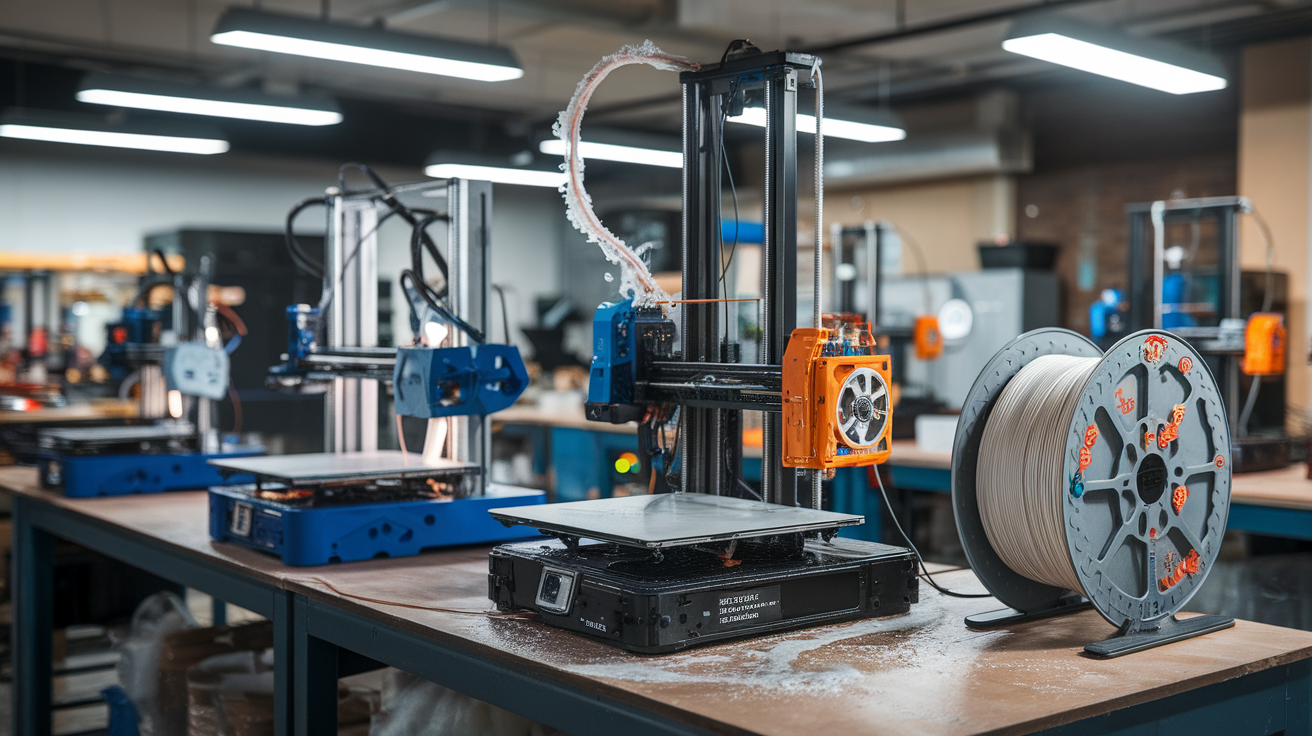
If you hear popping during a print, the decision tree is short. If the popping is occasional and the print is small (under two hours), let it finish; the part may be acceptable depending on its purpose. If the popping is sustained or the print is large, abort. Continuing a print with wet filament rarely produces a usable part, and the longer the print runs, the more material is wasted.
After aborting, dry the filament. Dry temperatures by material are roughly: PLA at forty-five degrees C for four hours, PETG at sixty-five degrees C for four hours, ASA at sixty-five degrees C for four hours, nylon at seventy degrees C for six to eight hours, TPU at fifty-five degrees C for four hours. A dedicated filament dryer like a Sunlu S2 or Polymaker PolyDryer is the easiest path; a home oven set to the lowest temperature can work for materials that don’t conflict with food contact.
After drying, repeat the thirty-second extrusion test before starting a new print. A dried spool that still pops in the test is not yet dry enough — return it to the dryer for another two hours and test again. Most spools dry in one cycle, but heavily soaked nylon can require two or three cycles to be reliably print-ready.
Prevention is cheaper than diagnosis
The print is the diagnostic of last resort. The cheapest path to never having to read this article in anger is to store filament correctly: in sealed bags or boxes with desiccant packs, ideally with a small hygrometer inside that reads under thirty percent relative humidity. A vacuum-sealed bag with fresh silica gel keeps a spool dry for months. An open spool sitting on a shelf in a humid garage is wet within a week.
Run an as-it-loads dryer (a heated enclosure that the filament feeds out of during printing) for any nylon, PA-CF, or TPU print, regardless of how the spool was stored. The cost of a feed-from-dryer setup is about thirty dollars per dryer. The savings, in prevented failed prints, pays for the dryer in roughly two prints. Treat the dryer as printer hardware rather than as an optional accessory, and the popping noises stop happening.