Klipper Macros Guide for Beginners: Automate Your 3D Printer
What Are Klipper Macros?
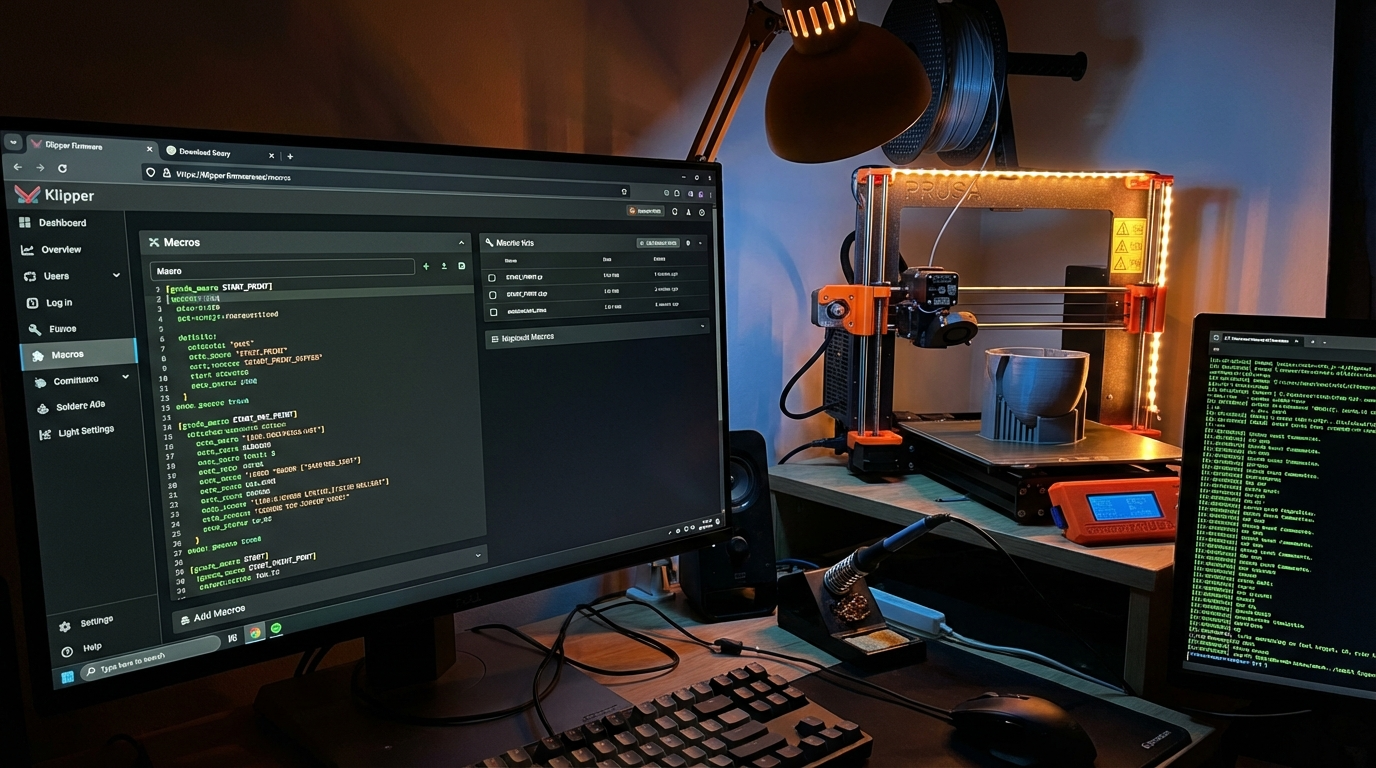
If you’ve switched to Klipper firmware (or you’re thinking about it), macros are one of the biggest quality-of-life improvements you’ll discover. A macro in Klipper is simply a custom G-code command that runs a sequence of other commands. Think of it as a shortcut — instead of typing (or remembering) ten lines of G-code, you type one word and Klipper handles the rest.
Macros can be simple (home all axes and heat the bed) or complex (automatically calibrate your Z-offset, load filament with a specific purge sequence, or run a complete print-start routine that adapts based on the filament type). They’re defined in your printer configuration files and can be triggered from the console, web interface, or your slicer’s start/end G-code.
This guide covers everything from your first macro to practical examples you can copy and customize for your own printer.
Macro Basics: Syntax and Structure
Klipper macros are defined in your printer.cfg file (or any included config file). Here’s the basic structure:
[gcode_macro MY_MACRO_NAME]
gcode:
    G28          ; home all axes
    G1 Z10 F600  ; move Z up 10mm
    M104 S200    ; set hotend to 200°C
Key rules:
- The macro name goes after
[gcode_macroand before] - All G-code lines under
gcode:must be indented (spaces, not tabs) - Comments use
;(semicolon) - Macro names are case-insensitive but conventionally UPPER_CASE
- You can call other macros from within a macro
Your First Practical Macros
PRINT_START — The Essential Macro
This is the most important macro you’ll create. It replaces the start G-code in your slicer with a clean, consistent startup sequence. The beauty of putting this in Klipper instead of your slicer is that you can modify the routine without re-slicing all your models.
[gcode_macro PRINT_START]
gcode:
    {% set BED_TEMP = params.BED_TEMP|default(60)|float %}
    {% set EXTRUDER_TEMP = params.EXTRUDER_TEMP|default(200)|float %}

    ; Start heating bed
    M140 S{BED_TEMP}

    ; Home all axes
    G28

    ; Wait for bed temperature
    M190 S{BED_TEMP}

    ; Bed mesh calibration (optional — remove if using saved mesh)
    BED_MESH_CALIBRATE

    ; Move to front-left corner
    G1 X5 Y5 Z10 F3000

    ; Wait for extruder temperature
    M109 S{EXTRUDER_TEMP}

    ; Prime line
    G1 Z0.3 F600
    G1 X100 E15 F1500
    G1 Y2 F3000
    G1 X5 E15 F1500

    ; Reset extruder
    G92 E0
In your slicer’s start G-code, you’d put:
PRINT_START BED_TEMP={first_layer_bed_temperature} EXTRUDER_TEMP={first_layer_temperature}This passes the slicer’s temperature settings to Klipper, so the macro adapts to whatever filament profile you’re using.
PRINT_END — Clean Shutdown
[gcode_macro PRINT_END]
gcode:
    ; Retract filament
    G91           ; relative positioning
    G1 E-5 F1800  ; retract 5mm
    G1 Z+10 F600  ; raise Z 10mm
    G90           ; absolute positioning

    ; Move to back corner
    G1 X10 Y200 F6000

    ; Turn off heaters
    M104 S0       ; hotend off
    M140 S0       ; bed off

    ; Turn off fans
    M106 S0

    ; Disable steppers (except Z to hold position)
    M84 X Y E
LOAD_FILAMENT and UNLOAD_FILAMENT
[gcode_macro LOAD_FILAMENT]
gcode:
    {% set TEMP = params.TEMP|default(200)|float %}
    M109 S{TEMP}    ; heat and wait
    G91              ; relative mode
    G1 E50 F300      ; push 50mm slowly
    G1 E30 F150      ; push 30mm extra slow for purge
    G90
    G92 E0           ; reset extruder

[gcode_macro UNLOAD_FILAMENT]
gcode:
    {% set TEMP = params.TEMP|default(200)|float %}
    M109 S{TEMP}
    G91
    G1 E10 F300      ; push a little to soften tip
    G1 E-80 F1800    ; retract 80mm fast
    G90
    G92 E0
Usage: LOAD_FILAMENT TEMP=230 for PETG, or just LOAD_FILAMENT for PLA default.
Variables and Jinja2 Templates
Klipper macros use Jinja2 templating — the same engine used by Ansible and Flask. This is where macros get powerful.
Parameters
Pass values to macros using parameters:
[gcode_macro PREHEAT]
gcode:
    {% set MATERIAL = params.MATERIAL|default('PLA')|string %}
    {% if MATERIAL == 'PLA' %}
        M140 S60
        M104 S200
    {% elif MATERIAL == 'PETG' %}
        M140 S80
        M104 S240
    {% elif MATERIAL == 'ABS' %}
        M140 S110
        M104 S250
    {% endif %}
Call it with: PREHEAT MATERIAL=PETG
Accessing Printer State
Macros can read current printer state:
[gcode_macro PARK]
gcode:
    {% set x_park = printer.toolhead.axis_maximum.x / 2 %}
    {% set y_park = printer.toolhead.axis_maximum.y - 10 %}
    {% set z_current = printer.toolhead.position.z %}
    {% set z_park = [z_current + 20, printer.toolhead.axis_maximum.z]|min %}

    G1 X{x_park} Y{y_park} Z{z_park} F6000
This PARK macro calculates the center of your bed, moves to the back, and raises Z by 20mm (but never beyond the max). It works on any printer regardless of bed size.
Practical Advanced Macros
Automatic Z-Offset Calibration
[gcode_macro CALIBRATE_Z]
gcode:
    G28
    ; Move to center of bed
    {% set x_center = printer.toolhead.axis_maximum.x / 2 %}
    {% set y_center = printer.toolhead.axis_maximum.y / 2 %}
    G1 X{x_center} Y{y_center} F6000

    ; Run probe calibration
    PROBE_CALIBRATE
Pause and Resume with Filament Park
[gcode_macro PAUSE]
rename_existing: BASE_PAUSE
gcode:
    ; Save current position
    {% set x = printer.toolhead.position.x %}
    {% set y = printer.toolhead.position.y %}
    {% set z = printer.toolhead.position.z %}
    {% set e = printer.gcode_move.gcode_position.e %}

    SET_GCODE_VARIABLE MACRO=RESUME VARIABLE=saved_x VALUE={x}
    SET_GCODE_VARIABLE MACRO=RESUME VARIABLE=saved_y VALUE={y}
    SET_GCODE_VARIABLE MACRO=RESUME VARIABLE=saved_z VALUE={z}
    SET_GCODE_VARIABLE MACRO=RESUME VARIABLE=saved_e VALUE={e}

    BASE_PAUSE
    G91
    G1 E-3 F1800    ; retract
    G1 Z10 F600      ; raise Z
    G90
    G1 X10 Y10 F6000 ; move to corner

[gcode_macro RESUME]
rename_existing: BASE_RESUME
variable_saved_x: 0
variable_saved_y: 0
variable_saved_z: 0
variable_saved_e: 0
gcode:
    G90
    G1 X{saved_x} Y{saved_y} F6000  ; return to position
    G1 Z{saved_z} F600
    G91
    G1 E3 F1800       ; un-retract
    G90
    BASE_RESUME
Timed Notifications
[gcode_macro M73]
rename_existing: M73.1
gcode:
    M73.1 P{params.P|default(0)}
    {% if params.P|int == 100 %}
        {action_respond_info("Print complete!")}
    {% elif params.P|int == 50 %}
        {action_respond_info("Print 50% complete")}
    {% endif %}
Delayed G-code: Timers and Loops
Klipper supports delayed G-code execution, useful for timed actions:
[delayed_gcode HEATER_TIMEOUT]
initial_duration: 0
gcode:
    {% if printer.idle_timeout.state == "Idle" %}
        M104 S0   ; turn off hotend if idle
        M140 S0   ; turn off bed
        {action_respond_info("Heaters turned off due to inactivity")}
    {% endif %}

[gcode_macro START_HEATER_TIMEOUT]
gcode:
    UPDATE_DELAYED_GCODE ID=HEATER_TIMEOUT DURATION=600  ; 10 minutes
Organizing Your Macros
Don’t dump everything into printer.cfg. Use separate files:
; In printer.cfg:
[include macros/print_start.cfg]
[include macros/filament.cfg]
[include macros/calibration.cfg]
[include macros/utilities.cfg]
This keeps your configuration clean and makes it easy to share or backup specific macro sets.
Debugging Macros
- Use RESPOND:
{action_respond_info("Debug: temp is " ~ printer.extruder.temperature)}prints to the console - Check syntax: Klipper throws errors on startup if macro syntax is wrong. Read the klippy.log for details
- Test incrementally: Build complex macros one command at a time, testing each addition
- Use RESTART: After editing config files, run
RESTARTin the console to reload
Common Mistakes
- Tabs instead of spaces: Klipper config files must use spaces for indentation. Tabs will cause parse errors
- Missing G91/G90: Forgetting to switch between relative and absolute positioning causes wild unexpected moves. Always be explicit
- Not resetting extruder: After manual extrusion in macros, use
G92 E0to reset the extruder position, or your slicer’s extrusion calculations will be off - Blocking commands in wrong order:
M109(wait for temp) blocks execution. Put non-blocking commands (movements, other settings) before blocking ones to run things in parallel
Where to Go From Here
The Klipper documentation (Command Templates) is the definitive reference for macro syntax. The Klipper Discord and Reddit communities share macro collections that you can adapt. Start with the basics — PRINT_START, PRINT_END, LOAD_FILAMENT — and expand as you identify repetitive tasks in your workflow. The best macro is one that automates something you do every single print.