Klipper vs Marlin Firmware: Which Is Better for Your 3D Printer?
The Firmware Debate That Won’t Die
If you spend any time in 3D printing forums, you’ve seen the Klipper vs. Marlin arguments. They get heated — sometimes literally, considering we’re talking about machines that melt plastic. Both firmwares control your printer’s movements, temperatures, and features, but they take fundamentally different approaches to the job. And the “right” choice depends entirely on what you want from your printer.
I’ve run both on multiple machines over the past few years, from budget Ender 3s to modified CoreXY builds. Here’s what actually matters when choosing between them — no fanboy nonsense, just practical differences.
How Marlin Works
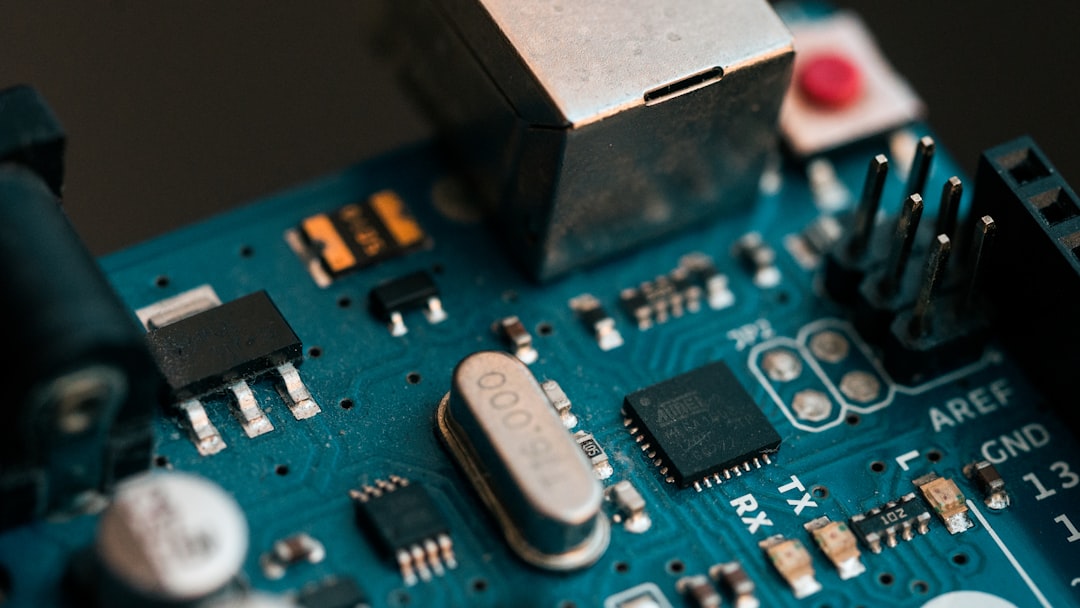
Marlin is the veteran. It’s been around since 2011, and it runs directly on your printer’s mainboard. When you slice a model and send G-code to your printer, Marlin interprets each command on the microcontroller itself — typically a 32-bit ARM chip on modern boards, or the older 8-bit ATmega chips on legacy hardware.
Marlin’s Strengths
- Universal compatibility: Marlin runs on virtually every FDM printer board ever made, from 8-bit Melzi boards to modern 32-bit SKR and BTT boards
- Self-contained: No external computer required. Flash it, configure it, print. The printer is fully standalone
- Massive community: With over a decade of development, nearly every edge case and hardware combination has been documented
- LCD/screen support: Native support for nearly every display type, including touchscreens
- Stability: Marlin 2.x is extremely mature and well-tested
Marlin’s Weaknesses
- Configuration requires recompiling: Every time you change a setting, you edit Configuration.h, recompile the firmware, and reflash the board. This gets tedious
- Processing limitations: On 8-bit boards, Marlin can struggle with complex calculations at high speeds, leading to stuttering on detailed curves
- No input shaping: Marlin lacks built-in resonance compensation, which limits maximum print speed on most setups
How Klipper Works
Klipper takes a completely different architectural approach. Instead of running everything on the printer’s microcontroller, Klipper splits the work: the heavy computation (path planning, kinematics, input shaping) runs on an external computer (usually a Raspberry Pi), while the microcontroller handles only the real-time motor stepping and sensor reading.
Klipper’s Strengths
- Speed: Input shaping and pressure advance let you print significantly faster with minimal quality loss. Speeds that would cause ringing on Marlin print clean on Klipper
- Configuration via text file: All settings live in printer.cfg. Edit, save, restart — no recompilation needed. This alone saves hours over a printer’s lifetime
- Advanced kinematics: Better support for CoreXY, delta, and other non-cartesian setups
- Web interface: Mainsail or Fluidd gives you a browser-based control panel with live webcam feeds, macro buttons, and real-time graphs
- Resonance compensation: Built-in input shaper eliminates ghosting/ringing at high speeds — the single biggest practical advantage over Marlin
- Multi-MCU support: Run multiple boards as one system (e.g., separate boards for the toolhead and bed)
Klipper’s Weaknesses
- Requires a host computer: You need a Raspberry Pi or similar SBC running 24/7 alongside your printer. If the Pi crashes or loses power, the print fails
- Steeper initial setup: Getting Klipper, Moonraker, and a web frontend running takes more effort than flashing Marlin
- LCD support is limited: Traditional LCD screens have basic support. Most Klipper users rely on the web interface instead
- Smaller (but growing) ecosystem: Some niche features and hardware support lag behind Marlin
Speed: Where Klipper Shines
Let’s talk about the elephant in the room. Klipper’s speed advantage isn’t just about setting a higher mm/s value in your slicer — it’s about maintaining quality at those speeds.
Input shaping measures your printer’s resonant frequencies (using an accelerometer) and then applies a filter that cancels out vibrations before they become visible as ringing or ghosting on your prints. This means you can push 150-300+ mm/s on a well-tuned machine without the ugly ripples you’d see on Marlin at the same speed.
Pressure advance (Klipper’s version of Marlin’s linear advance) is also more refined in Klipper, giving you cleaner corners and better retraction behavior at high speeds.
For context: a typical Ender 3 on Marlin prints well at 50-80mm/s. The same machine on Klipper with input shaping can often hit 120-150mm/s with comparable quality. CoreXY machines on Klipper routinely print at 200-500mm/s.
Ease of Use: It Depends on Your Definition
If “ease of use” means “minimal setup,” Marlin wins. Most printers ship with Marlin pre-installed, and you can start printing immediately. Changing settings requires downloading PlatformIO, editing C++ header files, and reflashing — but if you rarely change settings, this is a non-issue.
If “ease of use” means “ease of ongoing configuration and tuning,” Klipper wins by a mile. Editing a text file and hitting restart versus editing C++ code, compiling, and reflashing? No contest. Klipper also makes it trivial to create macros for common tasks like bed leveling, filament changes, and print start sequences.
When to Choose Marlin
- You want a standalone printer that doesn’t depend on an external computer
- You’re running an older 8-bit board and don’t want to upgrade hardware
- You print at moderate speeds (under 100mm/s) and are happy with the results
- You prefer a physical LCD/touchscreen interface over a web browser
- You value maximum stability and minimal complexity
When to Choose Klipper
- You want to print faster without sacrificing quality
- You enjoy tinkering and want maximum control over your printer
- You’re building or upgrading a CoreXY or other high-speed machine
- You have a Raspberry Pi (or similar) available
- You change settings frequently and hate recompiling firmware
- You want input shaping to eliminate ghosting and ringing
The Honest Verdict
For most hobbyists in 2025-2026, Klipper is the better choice — if you’re willing to invest a few hours in initial setup. The speed improvements from input shaping alone justify the switch for anyone who prints regularly. The text-based configuration makes ongoing adjustments painless. And the web interface is genuinely nicer to use than most printer LCDs.
But Marlin isn’t dead, and it’s not going anywhere. It’s still the right choice for standalone printers, simple setups where you just want to slice and print, and situations where adding a Raspberry Pi isn’t practical (workshop printers, print farms with many machines, etc.).
The good news? Your choice isn’t permanent. Both firmwares use the same hardware, so you can try Klipper and go back to Marlin if it’s not for you. Flash a new firmware, adjust your config, and you’re running a different system in under an hour. The barrier to switching has never been lower.
My personal setup? Klipper on my daily driver (a modified Voron 2.4), Marlin on my workshop Ender 3 that just needs to reliably print jigs and brackets without any fuss. Use the right tool for the job.