Skip to content

NozzleNerd

  • Home
  • Troubleshooting
  • Filament Guides
  • Tips & Tricks
  • Author
  • About
  • Contact
NozzleNerd
  • Best 3D Printer for TPU Flexible Filament (2025 Guide)
    Reviews

    Best 3D Printer for TPU Flexible Filament (2025 Guide)

    ByMike Reynolds February 24, 2026

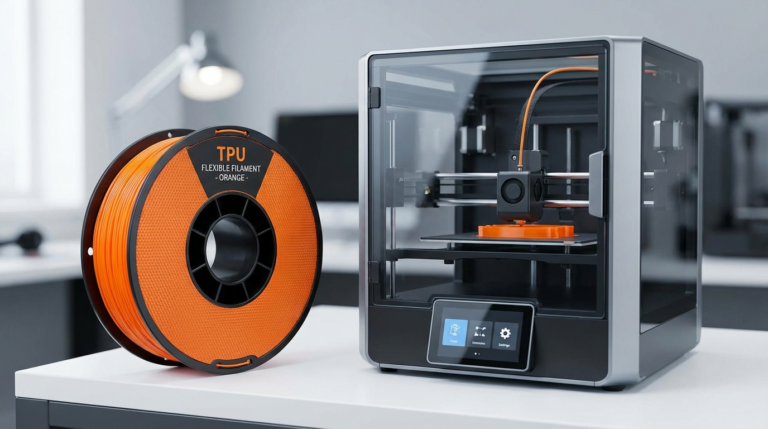
    Why TPU Needs a Different Kind of Printer Printing with TPU (thermoplastic polyurethane) is where FDM 3D printing gets interesting. Flexible phone cases, drone bumpers, shoe insoles, gaskets, vibration dampeners — TPU opens up a whole category of functional prints that rigid filaments simply can’t do. But it also introduces a whole category of printing…
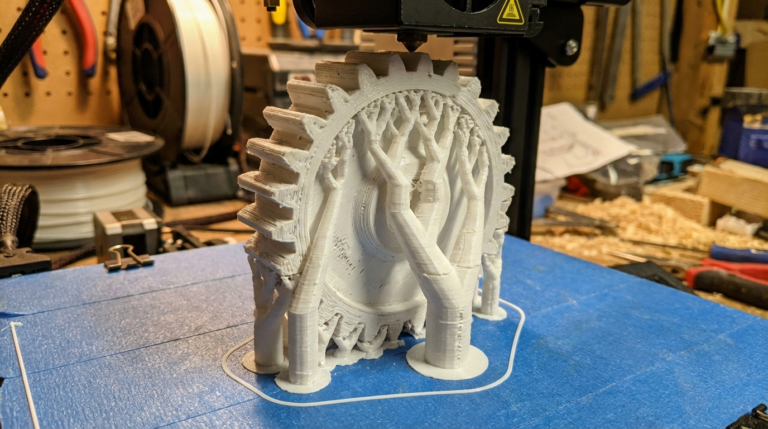
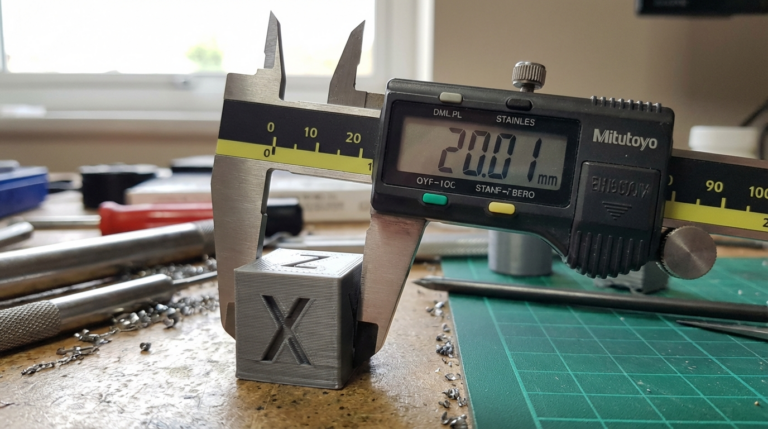
    Read More Best 3D Printer for TPU Flexible Filament (2025 Guide)Continue

  • 3D Print Not Sticking to Supports? Here Is How to Fix It
    Troubleshooting

    3D Print Not Sticking to Supports? Here Is How to Fix It

    ByMike Reynolds February 24, 2026

    Why Do 3D Prints Fail to Stick to Supports? Supports are supposed to hold up your overhangs and bridges while printing. But when your print doesn’t stick to the supports — or the supports don’t stick to the build plate — you end up with spaghetti, collapsed overhangs, or parts that look like they melted…

    Read More 3D Print Not Sticking to Supports? Here Is How to Fix ItContinue

  • How to Calibrate 3D Printer Dimensional Accuracy (Step-by-Step)
    Tips & Tricks

    How to Calibrate 3D Printer Dimensional Accuracy (Step-by-Step)

    ByMike Reynolds February 24, 2026

    Why Dimensional Accuracy Matters in 3D Printing You designed a box with a lid that fits perfectly in CAD. You printed it, and the lid doesn’t fit. Sound familiar? Dimensional accuracy is one of the most overlooked aspects of FDM 3D printing, and it’s the difference between parts that snap together on the first try…

    Read More How to Calibrate 3D Printer Dimensional Accuracy (Step-by-Step)Continue

  • Silk PLA Filament: Print Settings, Tips, and Best Brands
    Filament Guides

    Silk PLA Filament: Print Settings, Tips, and Best Brands

    ByMike Reynolds February 24, 2026

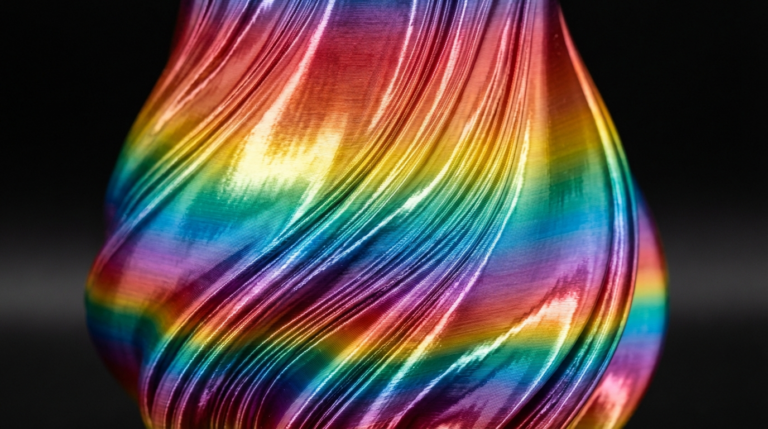
    What Makes Silk PLA Different From Regular PLA? Walk into any 3D printing forum and you’ll see the same question pop up every week: “Why do my silk PLA prints look terrible?” The answer usually comes down to one thing — people treat silk PLA like regular PLA, and it absolutely is not the same…

    Read More Silk PLA Filament: Print Settings, Tips, and Best BrandsContinue

  • OrcaSlicer Best Settings Guide for Beginners (2025)
    slicer-settings

    OrcaSlicer Best Settings Guide for Beginners (2025)

    ByMike Reynolds February 24, 2026

    What Is OrcaSlicer and Why Should You Use It? If you’ve been in the 3D printing world for a while, you’ve probably heard the buzz around OrcaSlicer. Originally forked from Bambu Studio (which itself grew out of PrusaSlicer), OrcaSlicer has quickly become a favorite among makers who want granular control over their prints without paying…

    Read More OrcaSlicer Best Settings Guide for Beginners (2025)Continue

  • 3D Printer Stepper Motor Overheating: Causes and Fixes
    Troubleshooting

    3D Printer Stepper Motor Overheating: Causes and Fixes

    ByMike Reynolds February 23, 2026

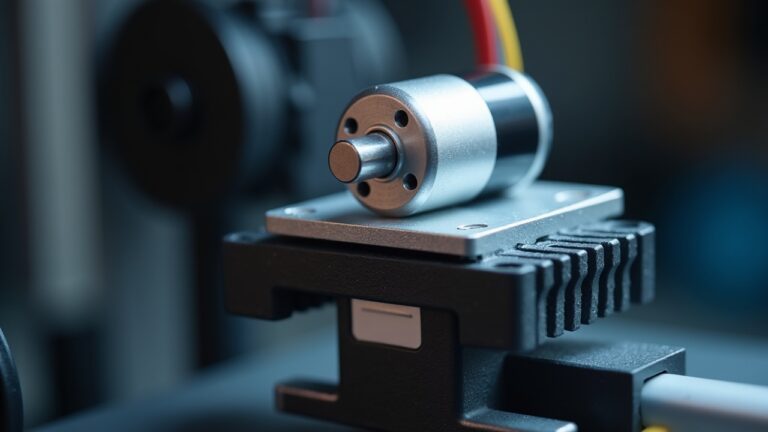
    What Are 3D Printer Stepper Motors and Why Do They Overheat? Stepper motors are the muscles of your 3D printer. They control every movement — X, Y, Z axes and the extruder. When they overheat, prints fail in ways that are often misdiagnosed: layer shifts, missed steps, grinding filament, or the printer simply stopping mid-print…

    Read More 3D Printer Stepper Motor Overheating: Causes and FixesContinue

  • How to Print PETG on Glass Bed Without Warping or Sticking
    Filament Guides

    How to Print PETG on Glass Bed Without Warping or Sticking

    ByMike Reynolds February 23, 2026

    Why PETG and Glass Beds Are a Tricky Combination PETG is an incredible filament — strong, heat-resistant, and easier to print than ABS. Glass beds are fantastic print surfaces — flat, durable, and reusable for years. But put them together without the right approach, and you’re in for either prints that won’t stick at all…

    Read More How to Print PETG on Glass Bed Without Warping or StickingContinue

  • 3D Printer Power Loss Recovery: How to Resume Failed Prints
    Tips & Tricks

    3D Printer Power Loss Recovery: How to Resume Failed Prints

    ByMike Reynolds February 23, 2026

    What Happens When Your 3D Printer Loses Power It’s every 3D printing enthusiast’s nightmare: you’re 18 hours into a 20-hour print, and the power flickers off. Maybe it’s a storm, a tripped breaker, or your cat stepping on the power strip. Whatever the cause, you’re staring at an incomplete print and wondering if those hours…

    Read More 3D Printer Power Loss Recovery: How to Resume Failed PrintsContinue

  • Best Bambu Lab P1S Settings for PLA, PETG, ABS and TPU
    slicer-settings

    Best Bambu Lab P1S Settings for PLA, PETG, ABS and TPU

    ByMike Reynolds February 23, 2026

    Why the Bambu Lab P1S Needs Proper Slicer Settings The Bambu Lab P1S is one of the most capable enclosed 3D printers under $700. Out of the box, it prints remarkably well with Bambu Studio’s default profiles. But if you’re using Cura, PrusaSlicer, or OrcaSlicer — or if you want to push your P1S beyond…

    Read More Best Bambu Lab P1S Settings for PLA, PETG, ABS and TPUContinue

  • How to Fix Visible Layer Lines on 3D Prints: Complete Guide
    Troubleshooting

    How to Fix Visible Layer Lines on 3D Prints: Complete Guide

    ByMike Reynolds February 23, 2026

    What Causes Visible Layer Lines on 3D Prints? Every FDM 3D print is built layer by layer — that’s the fundamental nature of the technology. But when those layers become distractingly visible, something’s off. Visible layer lines (sometimes called “banding” or “ribbing”) can turn an otherwise good print into something that looks rough and unfinished….

    Read More How to Fix Visible Layer Lines on 3D Prints: Complete GuideContinue

Page navigation

Previous PagePrevious 1 … 11 12 13 14 15 … 23 Next PageNext

© 2026 NozzleNerd. All rights reserved. | Practical 3D Printing Guides

  • Home
  • Troubleshooting
  • Filament Guides
  • Tips & Tricks
  • Author
  • About
  • Contact