Skip to content

NozzleNerd

  • Home
  • Troubleshooting
  • Filament Guides
  • Tips & Tricks
  • Author
  • About
  • Contact
NozzleNerd
  • Nozzle Scraping the Print: Causes and Fixes
    Troubleshooting

    Nozzle Scraping the Print: Causes and Fixes

    ByMike Reynolds February 16, 2026

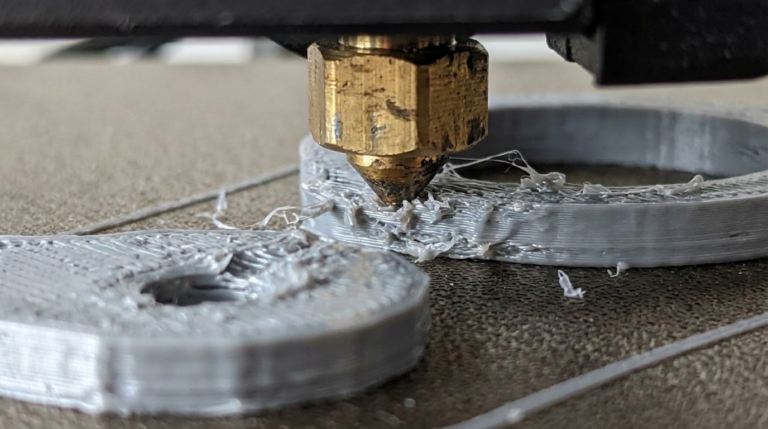
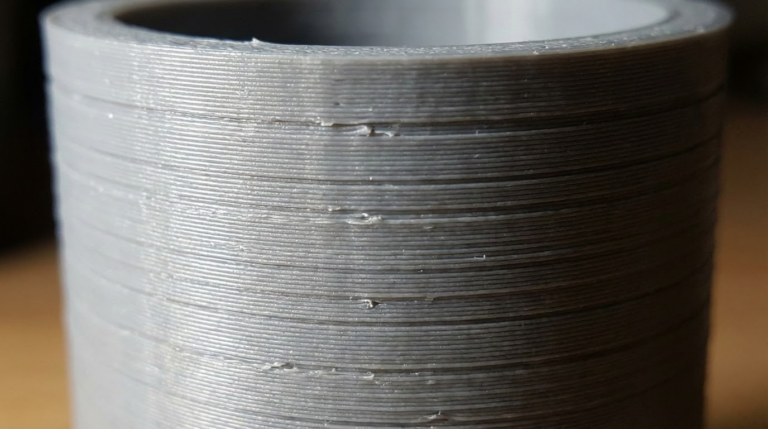
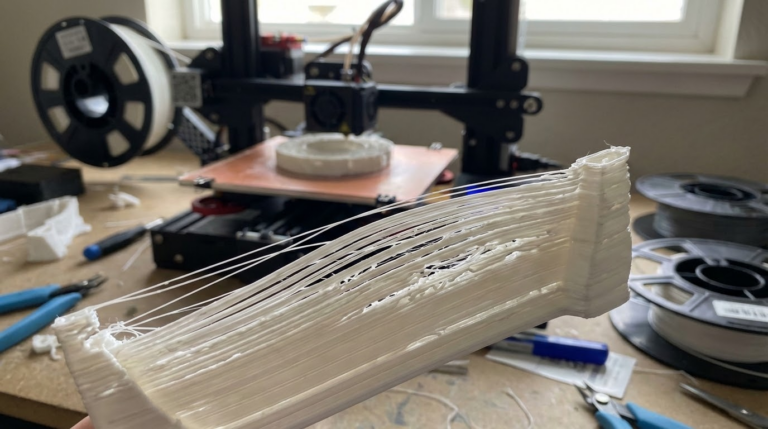
    Nozzle Scraping the Print: Causes, Fixes, and How to Stop It for Good If you hear the nozzle dragging across your print, stop and fix it. I’m Mike Reynolds, and nozzle scraping is one of the fastest ways to ruin a build and damage a hotend. It usually means the print is higher than expected—either…
    Read More Nozzle Scraping the Print: Causes and FixesContinue

  • Z Banding in 3D Printing: Causes and Fixes
    Troubleshooting

    Z Banding in 3D Printing: Causes and Fixes

    ByMike Reynolds February 16, 2026

    Z Banding in 3D Printing: Causes, Fixes, and How to Get Smooth Walls Z banding—those repeating horizontal lines that show up on vertical walls—is one of the most frustrating surface issues. I’m Mike Reynolds, and in most cases, Z banding isn’t a slicer problem at all. It’s mechanical. Something in the Z-axis motion isn’t smooth,…

    Read More Z Banding in 3D Printing: Causes and FixesContinue

  • How to Fix Inconsistent Extrusion in 3D Printing
    Troubleshooting

    How to Fix Inconsistent Extrusion in 3D Printing

    ByMike Reynolds February 16, 2026

    How to Fix Inconsistent Extrusion in 3D Printing (Gaps, Thin Lines, and Random Weak Spots) Inconsistent extrusion is one of those issues that ruins prints slowly. You’ll see thin lines, weak layers, or random gaps in walls—and it’s never the same place twice. I’m Mike Reynolds, and in my shop this problem almost always comes…

    Read More How to Fix Inconsistent Extrusion in 3D PrintingContinue

  • 3D Printer Filament Grinding: Causes, Fixes, and Prevention
    Troubleshooting

    3D Printer Filament Grinding: Causes, Fixes, and Prevention

    ByMike Reynolds February 16, 2026

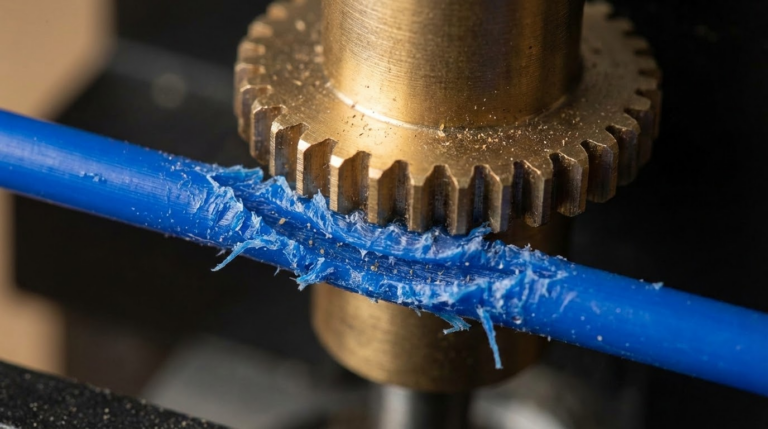
    3D Printer Filament Grinding: Causes, Fixes, and Prevention When you find chewed-up filament dust near the extruder, you’re dealing with grinding. I’m Mike Reynolds, and grinding is one of the most common “hidden” failure modes in FDM printing. The printer looks like it’s running, but the filament is being crushed instead of fed. The result…

    Read More 3D Printer Filament Grinding: Causes, Fixes, and PreventionContinue

  • 3D Printer Extruder Clicking Fix: Causes, Settings, and Quick Solutions
    Troubleshooting

    3D Printer Extruder Clicking Fix: Causes, Settings, and Quick Solutions

    ByMike Reynolds February 16, 2026

    3D Printer Extruder Clicking Fix: A Practical Checklist That Actually Works When the extruder starts clicking, it’s the machine’s way of saying, “I’m trying to push plastic and it’s not moving.” I’m Mike Reynolds, and I’ve heard that click a thousand times across Enders, Prusas, and bargain-bin machines. The good news: extruder clicking is rarely…

    Read More 3D Printer Extruder Clicking Fix: Causes, Settings, and Quick SolutionsContinue

  • 3D Printer Stops Extruding Mid Print: Fixes That Work
    Troubleshooting

    3D Printer Stops Extruding Mid Print: Fixes That Work

    ByMike Reynolds February 15, 2026

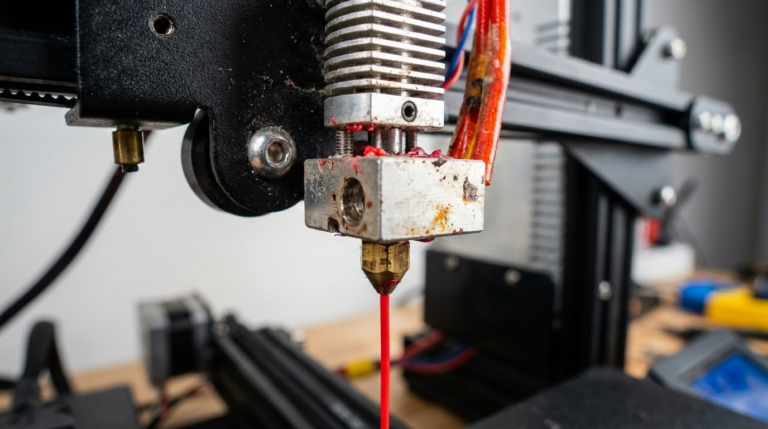
    By Mike Reynolds Few things are more frustrating than a print that starts perfectly and then stops extruding halfway through. The printer keeps moving, but no filament comes out. This is a classic mid‑print extrusion failure, and it’s usually caused by heat creep, a jam, or a feeding issue. In this guide, I’ll walk you…

    Read More 3D Printer Stops Extruding Mid Print: Fixes That WorkContinue

  • Over-Extrusion in 3D Printing: Causes and Fixes
    Troubleshooting

    Over-Extrusion in 3D Printing: Causes and Fixes

    ByMike Reynolds February 15, 2026

    By Mike Reynolds Over‑extrusion is one of the easiest 3D printing problems to spot—and one of the easiest to fix once you understand the cause. If your prints have blobby surfaces, rough walls, and bulging corners, you’re likely pushing too much plastic. This guide breaks down the root causes and gives you a clean, step‑by‑step…

    Read More Over-Extrusion in 3D Printing: Causes and FixesContinue

  • Thermal Runaway Error: Causes, Fixes, and Safety Checks
    Troubleshooting

    Thermal Runaway Error: Causes, Fixes, and Safety Checks

    ByMike Reynolds February 15, 2026

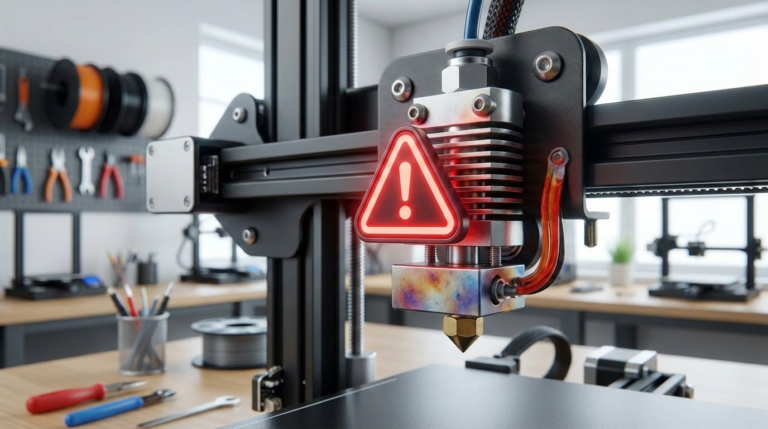
    By Mike Reynolds Thermal runaway is the most serious warning your 3D printer can throw. It means the printer thinks the hotend or bed temperature is out of control—either heating when it shouldn’t or failing to heat when it should. Good firmware will shut the printer down to prevent a fire. If you see “Thermal…

    Read More Thermal Runaway Error: Causes, Fixes, and Safety ChecksContinue

  • Z Wobble and Z Banding: How to Fix It for Good
    Troubleshooting

    Z Wobble and Z Banding: How to Fix It for Good

    ByMike Reynolds February 15, 2026

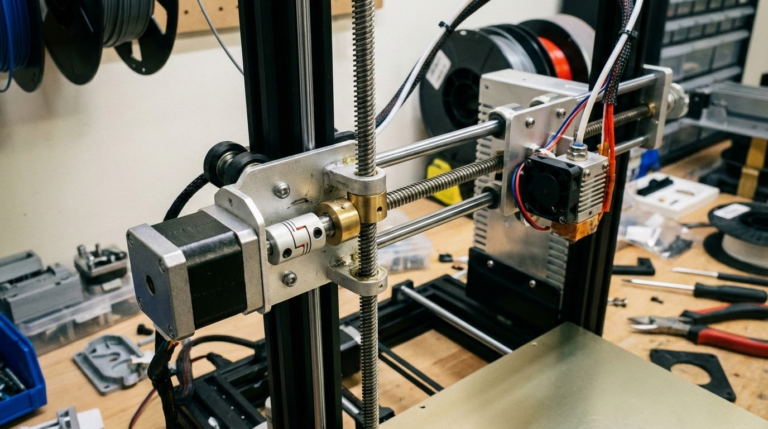
    By Mike Reynolds Z wobble and Z banding can ruin an otherwise perfect print. You’ll see repeating horizontal lines, ripples, or a “stair‑step” texture on vertical walls. The pattern often matches the pitch of your lead screw. The good news: Z banding is almost always mechanical and fixable. In this guide I’ll show you the…

    Read More Z Wobble and Z Banding: How to Fix It for GoodContinue

  • 3D Printer Heat Creep: Symptoms, Causes, and Fixes
    Troubleshooting

    3D Printer Heat Creep: Symptoms, Causes, and Fixes

    ByMike Reynolds February 15, 2026

    By Mike Reynolds Heat creep is one of those sneaky 3D printing problems that feels like a clogged nozzle, a slipping extruder, and a moody slicer all rolled into one. The printer starts fine, then halfway through the job you hear the extruder clicking, filament grinds, and the hotend stops feeding. You pull the filament…

    Read More 3D Printer Heat Creep: Symptoms, Causes, and FixesContinue

Page navigation

Previous PagePrevious 1 … 15 16 17 18 19 … 23 Next PageNext

© 2026 NozzleNerd. All rights reserved. | Practical 3D Printing Guides

  • Home
  • Troubleshooting
  • Filament Guides
  • Tips & Tricks
  • Author
  • About
  • Contact