Skip to content

NozzleNerd

  • Home
  • Troubleshooting
  • Filament Guides
  • Tips & Tricks
  • Author
  • About
  • Contact
NozzleNerd
  • How to Fix Blobs on Corners and Edges in 3D Printing
    Troubleshooting

    How to Fix Blobs on Corners and Edges in 3D Printing

    ByMike Reynolds March 12, 2026

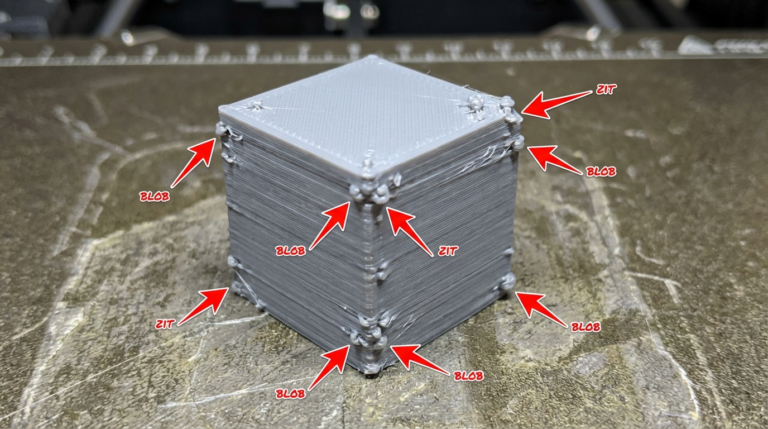
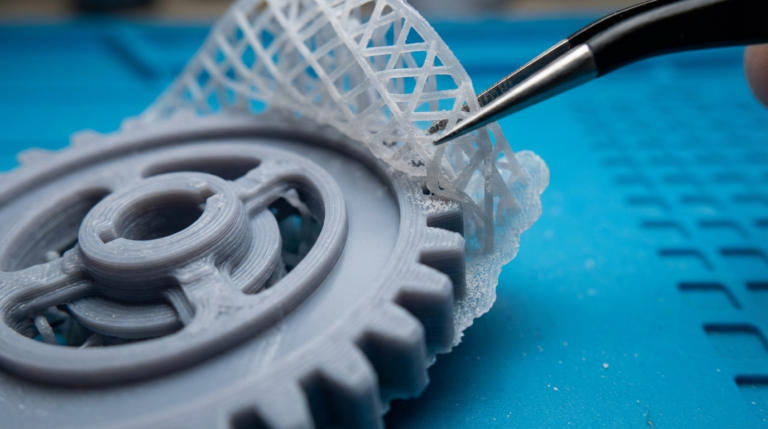
    What Causes Blobs on Corners and Edges? You’ve dialed in your temperatures, leveled your bed, and most of your print looks great — except for those annoying bumps, blobs, and zits that keep appearing on corners and edges. These small material buildups are one of the most common cosmetic issues in FDM 3D printing, and…
    Read More How to Fix Blobs on Corners and Edges in 3D PrintingContinue

  • 3D Print Support Interface Settings: The Complete Optimization Guide
    slicer-settings

    3D Print Support Interface Settings: The Complete Optimization Guide

    ByMike Reynolds March 12, 2026

    What Are Support Interface Settings? If you’ve ever torn supports off a 3D print only to find a rough, scarred surface underneath, you’re not alone. Default support settings in most slicers are a compromise — they stick well enough to hold up overhangs but leave ugly marks when removed. The secret to clean support removal…

    Read More 3D Print Support Interface Settings: The Complete Optimization GuideContinue

  • Best Enclosed 3D Printers for ABS in 2026: Budget to Premium
    Reviews

    Best Enclosed 3D Printers for ABS in 2026: Budget to Premium

    ByMike Reynolds March 12, 2026

    Why You Need an Enclosed 3D Printer for ABS If you’ve ever tried printing ABS on an open-frame printer, you already know the pain: warped corners, cracked layers, parts popping off the bed mid-print, and that unmistakable chemical smell filling your workspace. ABS is a fantastic engineering material — tough, heat-resistant, and acetone-smoothable — but…

    Read More Best Enclosed 3D Printers for ABS in 2026: Budget to PremiumContinue

  • How to Strengthen 3D Printed Parts: Settings, Materials & Post-Processing
    Tips & Tricks

    How to Strengthen 3D Printed Parts: Settings, Materials & Post-Processing

    ByMike Reynolds March 12, 2026

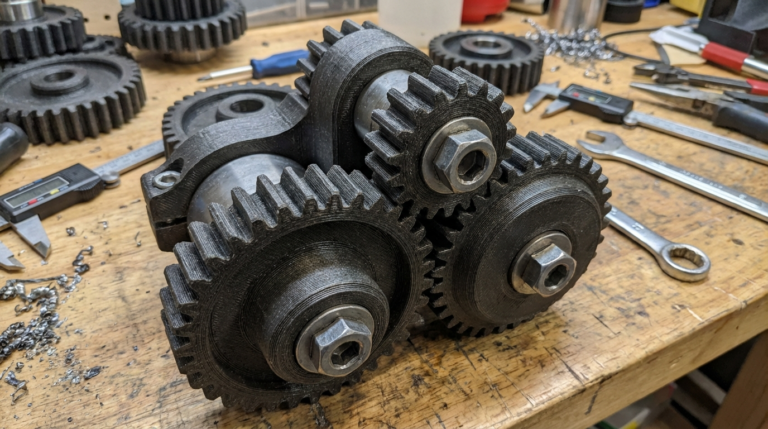
    Why 3D Printed Parts Break — And What You Can Do About It 3D printing gives you incredible design freedom, but let’s be honest: most prints straight off the bed aren’t winning any strength competitions. A standard PLA print with default slicer settings can snap, crack, or delaminate under loads that would barely register on…

    Read More How to Strengthen 3D Printed Parts: Settings, Materials & Post-ProcessingContinue

  • 3D Printer Hotend Not Heating Up? Here’s How to Fix It
    Troubleshooting

    3D Printer Hotend Not Heating Up? Here’s How to Fix It

    ByMike Reynolds March 12, 2026

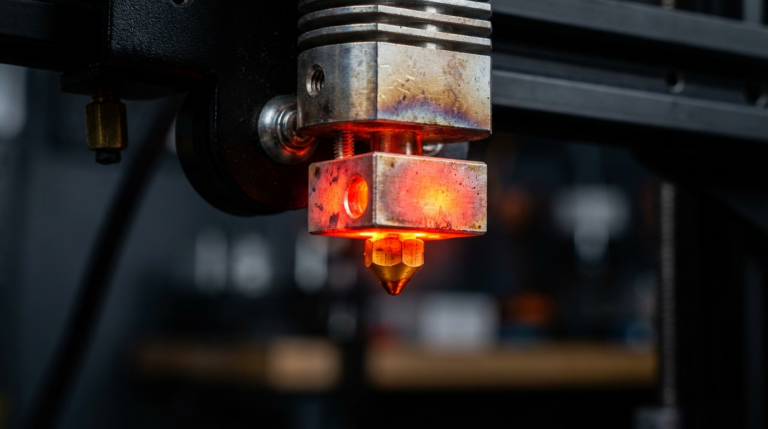
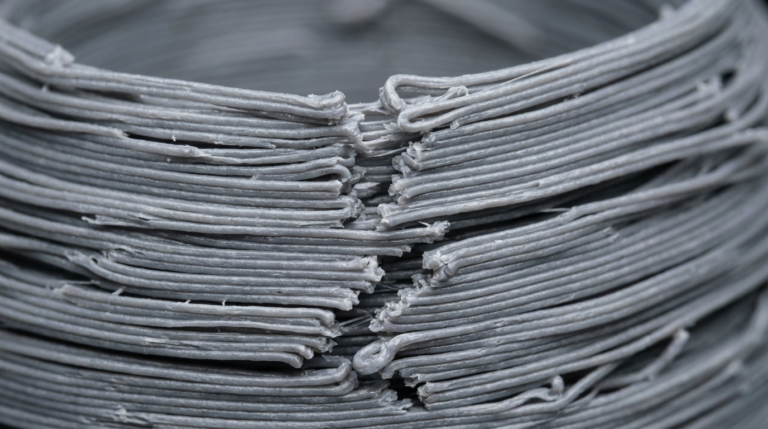
    Why Won’t My 3D Printer Hotend Heat Up? You slice a model, load your filament, hit print — and nothing happens. The hotend temperature stays stuck at room temperature, or climbs painfully slowly before throwing an error. A hotend that refuses to heat is one of the most frustrating 3D printing problems because it stops…

    Read More 3D Printer Hotend Not Heating Up? Here’s How to Fix ItContinue

  • Best PETG Filament Brands Ranked for 2026: Tested and Compared
    Filament Guides

    Best PETG Filament Brands Ranked for 2026: Tested and Compared

    ByMike Reynolds March 11, 2026March 11, 2026

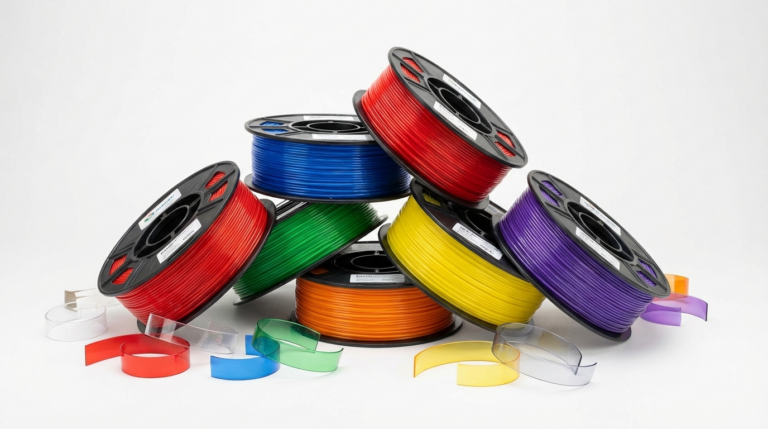
    Why PETG Filament Choice Matters PETG has earned its spot as the go-to filament for functional prints. It’s stronger than PLA, more forgiving than ABS, and doesn’t need an enclosure. But not all PETG is created equal. The difference between a great PETG brand and a mediocre one shows up in print consistency, stringing behavior,…

    Read More Best PETG Filament Brands Ranked for 2026: Tested and ComparedContinue

  • Klipper Macros Guide for Beginners: Automate Your 3D Printer
    Tips & Tricks

    Klipper Macros Guide for Beginners: Automate Your 3D Printer

    ByMike Reynolds March 11, 2026March 11, 2026

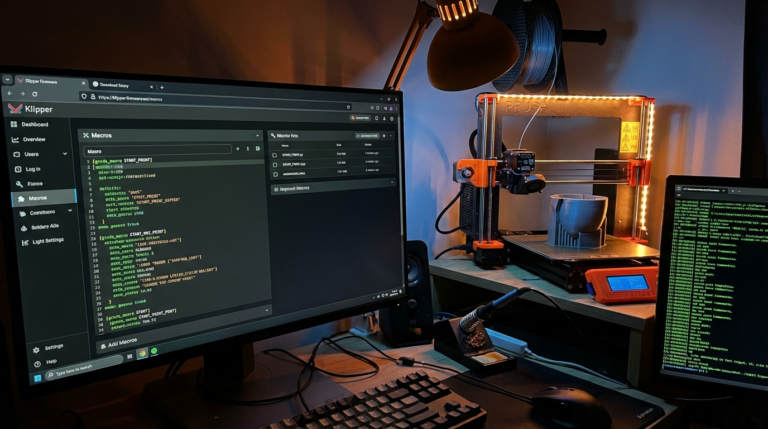
    What Are Klipper Macros? If you’ve switched to Klipper firmware (or you’re thinking about it), macros are one of the biggest quality-of-life improvements you’ll discover. A macro in Klipper is simply a custom G-code command that runs a sequence of other commands. Think of it as a shortcut — instead of typing (or remembering) ten…

    Read More Klipper Macros Guide for Beginners: Automate Your 3D PrinterContinue

  • 3D Print Poor Layer Adhesion: Why Your Layers Split and How to Fix It
    Troubleshooting

    3D Print Poor Layer Adhesion: Why Your Layers Split and How to Fix It

    ByMike Reynolds March 11, 2026

    When Layers Don’t Bond Layer adhesion is what makes the difference between a solid functional part and a fragile decoration that snaps the first time you apply any force. Poor layer adhesion — sometimes called delamination or layer splitting — means the bond between printed layers is weak. Parts crack along layer lines, walls separate…

    Read More 3D Print Poor Layer Adhesion: Why Your Layers Split and How to Fix ItContinue

  • Best Multi-Color 3D Printers in 2026: AMS, MMU, and Tool Changers Compared
    Reviews

    Best Multi-Color 3D Printers in 2026: AMS, MMU, and Tool Changers Compared

    ByMike Reynolds March 11, 2026March 11, 2026

    Multi-Color 3D Printing Has Finally Grown Up Two years ago, multi-color 3D printing was a novelty reserved for tinkerers willing to babysit their machines through endless filament jams. In 2026, it’s become genuinely practical. Multiple manufacturers now offer reliable multi-material systems, and the technology has split into three distinct approaches: automated material systems (AMS), multi-material…

    Read More Best Multi-Color 3D Printers in 2026: AMS, MMU, and Tool Changers ComparedContinue

  • 3D Printer Partial Clog: Symptoms, Causes, and How to Fix It
    Troubleshooting

    3D Printer Partial Clog: Symptoms, Causes, and How to Fix It

    ByMike Reynolds March 11, 2026March 11, 2026

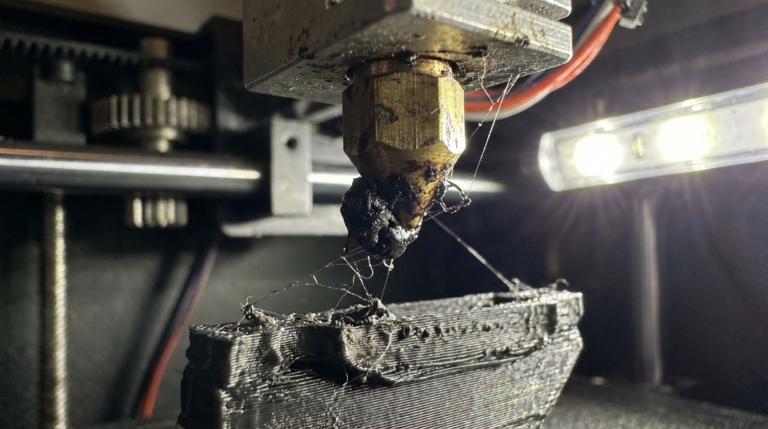
    What Is a Partial Clog? A partial clog is one of the sneakiest problems in 3D printing. Unlike a full clog where nothing comes out at all, a partial clog lets some filament through — just not enough, and not consistently. Your prints look rough, under-extruded in random spots, and the surface quality bounces between…

    Read More 3D Printer Partial Clog: Symptoms, Causes, and How to Fix ItContinue

Page navigation

Previous PagePrevious 1 … 4 5 6 7 8 … 23 Next PageNext

© 2026 NozzleNerd. All rights reserved. | Practical 3D Printing Guides

  • Home
  • Troubleshooting
  • Filament Guides
  • Tips & Tricks
  • Author
  • About
  • Contact