Skip to content

NozzleNerd

  • Home
  • Troubleshooting
  • Filament Guides
  • Tips & Tricks
  • Author
  • About
  • Contact
NozzleNerd
  • 3D Printer WiFi Connection Problems: Complete Troubleshooting Guide
    Troubleshooting

    3D Printer WiFi Connection Problems: Complete Troubleshooting Guide

    ByMike Reynolds March 6, 2026

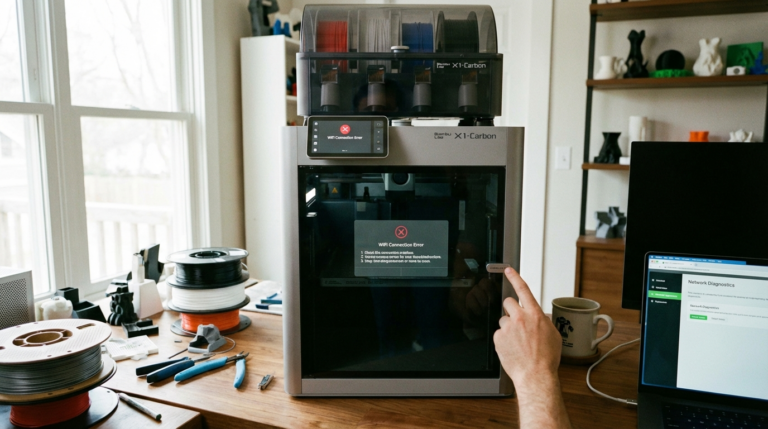
    Why WiFi Matters for Modern 3D Printers WiFi-enabled 3D printers have transformed the workflow for hobbyists and professionals alike. No more shuffling SD cards, walking to the printer to start a job, or wondering if your print is still running. Remote monitoring, cloud slicing, and wireless file transfer are now standard features on printers from…
    Read More 3D Printer WiFi Connection Problems: Complete Troubleshooting GuideContinue

  • Marble PLA Filament: Best Print Settings for Stunning Stone Effects
    Filament Guides

    Marble PLA Filament: Best Print Settings for Stunning Stone Effects

    ByMike Reynolds March 6, 2026

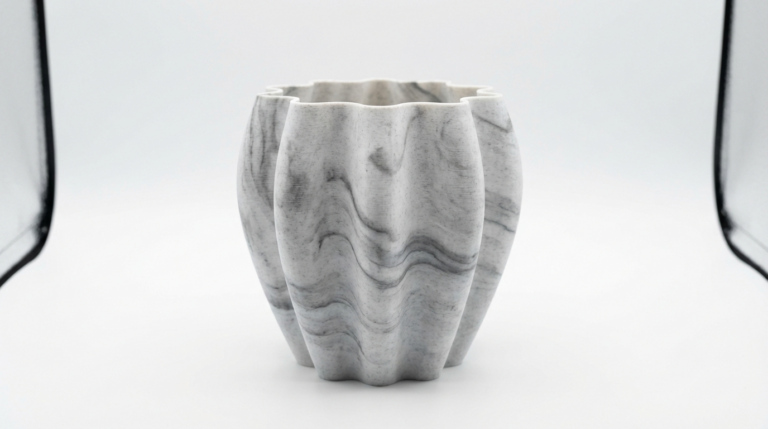
    What Is Marble PLA Filament? Marble PLA is a specialty filament that produces prints with a natural stone-like appearance — swirling veins of color running through a white or cream base, mimicking real marble. The effect comes from mixing two or more pigments into the PLA in a way that creates random, non-repeating patterns during…

    Read More Marble PLA Filament: Best Print Settings for Stunning Stone EffectsContinue

  • Glow-in-the-Dark Filament 3D Printing Guide: Settings, Tips, and Best Brands
    Filament Guides

    Glow-in-the-Dark Filament 3D Printing Guide: Settings, Tips, and Best Brands

    ByMike Reynolds March 6, 2026

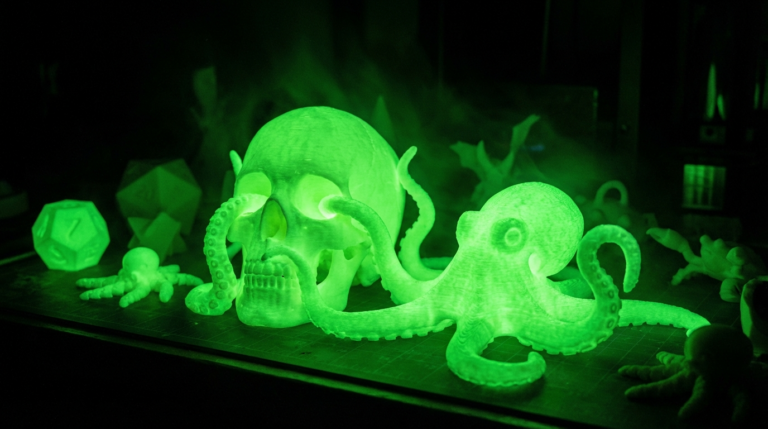
    What Makes Glow-in-the-Dark Filament Different? Glow-in-the-dark (GITD) filament is regular PLA or PETG loaded with strontium aluminate phosphorescent particles — the same compound used in watch dials and exit signs. These particles absorb light energy and slowly release it as a green, blue, or occasionally orange glow. It looks incredible in the dark, making it…

    Read More Glow-in-the-Dark Filament 3D Printing Guide: Settings, Tips, and Best BrandsContinue

  • PTFE Tube Replacement for 3D Printers: When and How to Do It
    Tips & Tricks

    PTFE Tube Replacement for 3D Printers: When and How to Do It

    ByMike Reynolds March 6, 2026

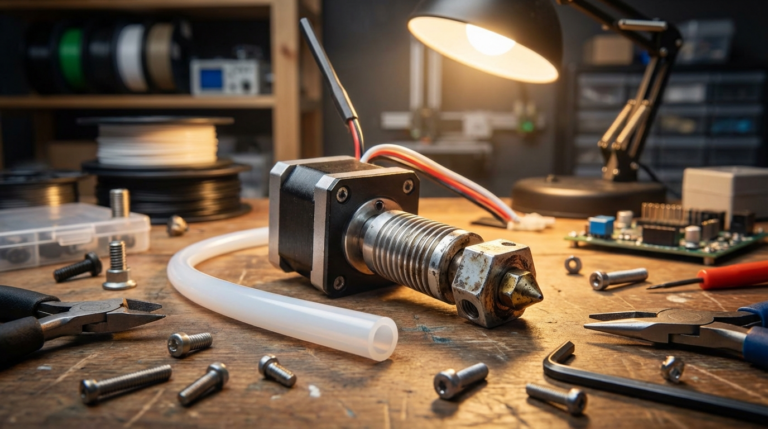
    What Does a PTFE Tube Do in a 3D Printer? The PTFE (polytetrafluoroethylene) tube — that small, white tube running from your extruder to the hotend — is one of the most critical components in any Bowden-style 3D printer. It guides the filament from the extruder motor to the melt zone with minimal friction, and…

    Read More PTFE Tube Replacement for 3D Printers: When and How to Do ItContinue

  • How to Prevent 3D Print Failure on Overnight and Long Prints
    Tips & Tricks

    How to Prevent 3D Print Failure on Overnight and Long Prints

    ByMike Reynolds March 6, 2026

    Why Overnight 3D Prints Fail (And How to Stop It) There’s nothing worse than waking up to a pile of spaghetti where your 12-hour print should be. Overnight and long-duration prints carry unique risks — from power outages to filament tangles, thermal creep to adhesion failure. After years of running printers around the clock, I’ve…

    Read More How to Prevent 3D Print Failure on Overnight and Long PrintsContinue

  • How to Fix 3D Printer Vibration, Wobble, and Ringing: Complete Guide
    Troubleshooting

    How to Fix 3D Printer Vibration, Wobble, and Ringing: Complete Guide

    ByMike Reynolds March 5, 2026

    Vibration is one of the most underestimated enemies of 3D print quality. When your printer wobbles, shakes, or resonates, it shows up in your prints as ringing, ghosting, layer inconsistencies, and surface artifacts that no amount of slicer tweaking can fix. The good news is that vibration problems have mechanical solutions, and most of them…

    Read More How to Fix 3D Printer Vibration, Wobble, and Ringing: Complete GuideContinue

  • Creality K1 Max Best Settings Guide 2026: PLA, PETG, ABS Optimized
    slicer-settings

    Creality K1 Max Best Settings Guide 2026: PLA, PETG, ABS Optimized

    ByMike Reynolds March 5, 2026

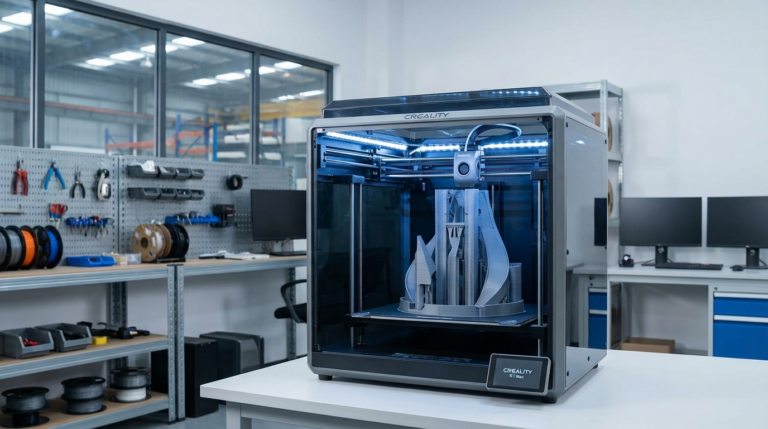
    The Creality K1 Max is one of the most ambitious printers Creality has ever built — a large-format CoreXY machine that promises 600mm/s print speeds and a 300x300x300mm build volume. Out of the box, the default settings are decent, but they leave a lot of performance on the table. The K1 Max is capable of…

    Read More Creality K1 Max Best Settings Guide 2026: PLA, PETG, ABS OptimizedContinue

  • 3D Print Heat-Set Threaded Inserts: Complete Installation Guide
    Tips & Tricks

    3D Print Heat-Set Threaded Inserts: Complete Installation Guide

    ByMike Reynolds March 5, 2026

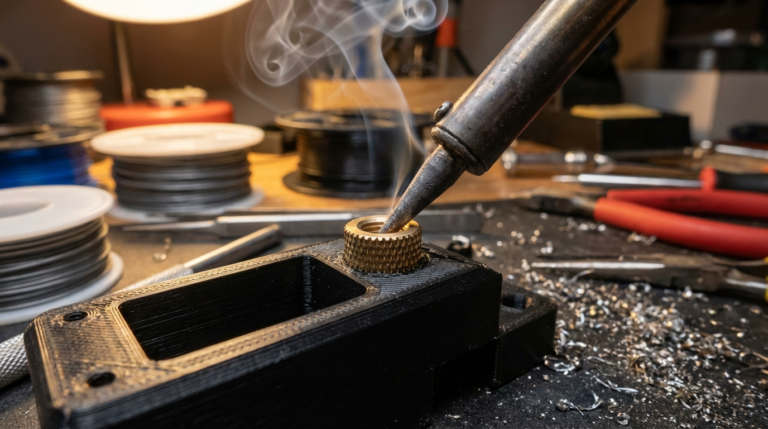
    If you’ve ever tried to bolt something to a 3D printed part, you know the pain: screws strip out of plastic, threads crack under load, and the whole assembly feels flimsy. Heat-set threaded inserts solve this problem completely. These small brass inserts melt into your 3D printed parts using a soldering iron, creating strong, reusable…

    Read More 3D Print Heat-Set Threaded Inserts: Complete Installation GuideContinue

  • PEEK Filament 3D Printing Guide: Settings, Tips, and Equipment
    Filament Guides

    PEEK Filament 3D Printing Guide: Settings, Tips, and Equipment

    ByMike Reynolds March 5, 2026

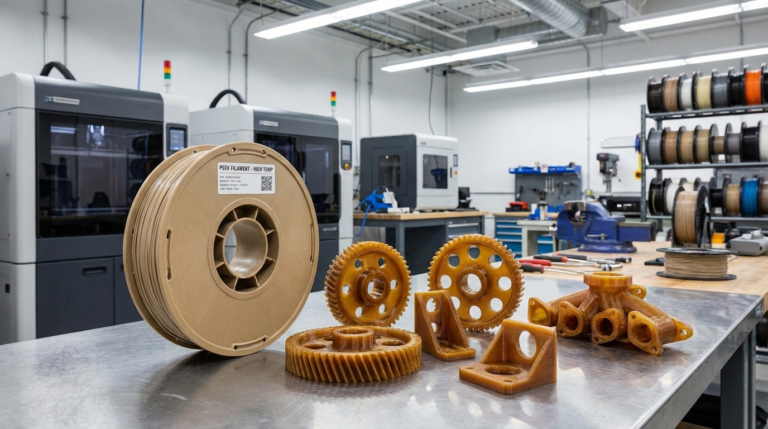
    PEEK (Polyether Ether Ketone) is the Mt. Everest of 3D printing filaments. It’s one of the highest-performing thermoplastics you can print at home — offering heat resistance up to 250°C, chemical resistance that rivals metals, and mechanical properties that make it a genuine replacement for aluminum in many applications. But printing it successfully requires serious…

    Read More PEEK Filament 3D Printing Guide: Settings, Tips, and EquipmentContinue

  • How to Fix 3D Print Scars and Marks on Surface: Complete Guide
    Troubleshooting

    How to Fix 3D Print Scars and Marks on Surface: Complete Guide

    ByMike Reynolds March 5, 2026

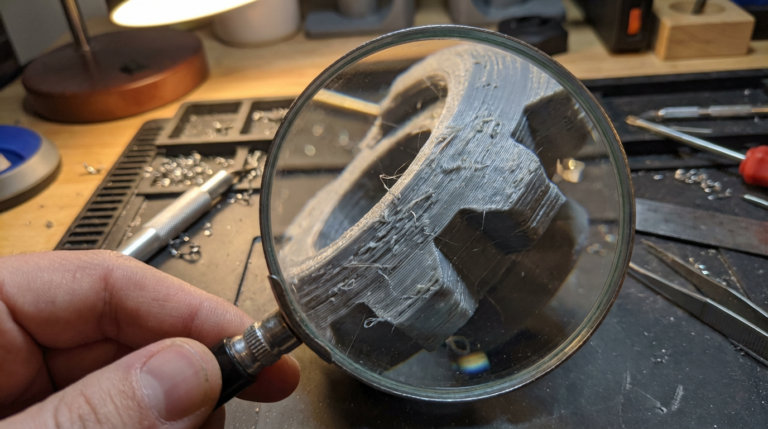
    If you’ve been 3D printing for any length of time, you’ve probably noticed those annoying scars, marks, and blemishes that show up on your print surfaces. These imperfections — often called travel marks, seam lines, or surface scarring — can turn an otherwise perfect print into something that looks rough and unfinished. The good news?…

    Read More How to Fix 3D Print Scars and Marks on Surface: Complete GuideContinue

Page navigation

Previous PagePrevious 1 … 7 8 9 10 11 … 23 Next PageNext

© 2026 NozzleNerd. All rights reserved. | Practical 3D Printing Guides

  • Home
  • Troubleshooting
  • Filament Guides
  • Tips & Tricks
  • Author
  • About
  • Contact