PTFE Tube Replacement for 3D Printers: When and How to Do It
What Does a PTFE Tube Do in a 3D Printer?
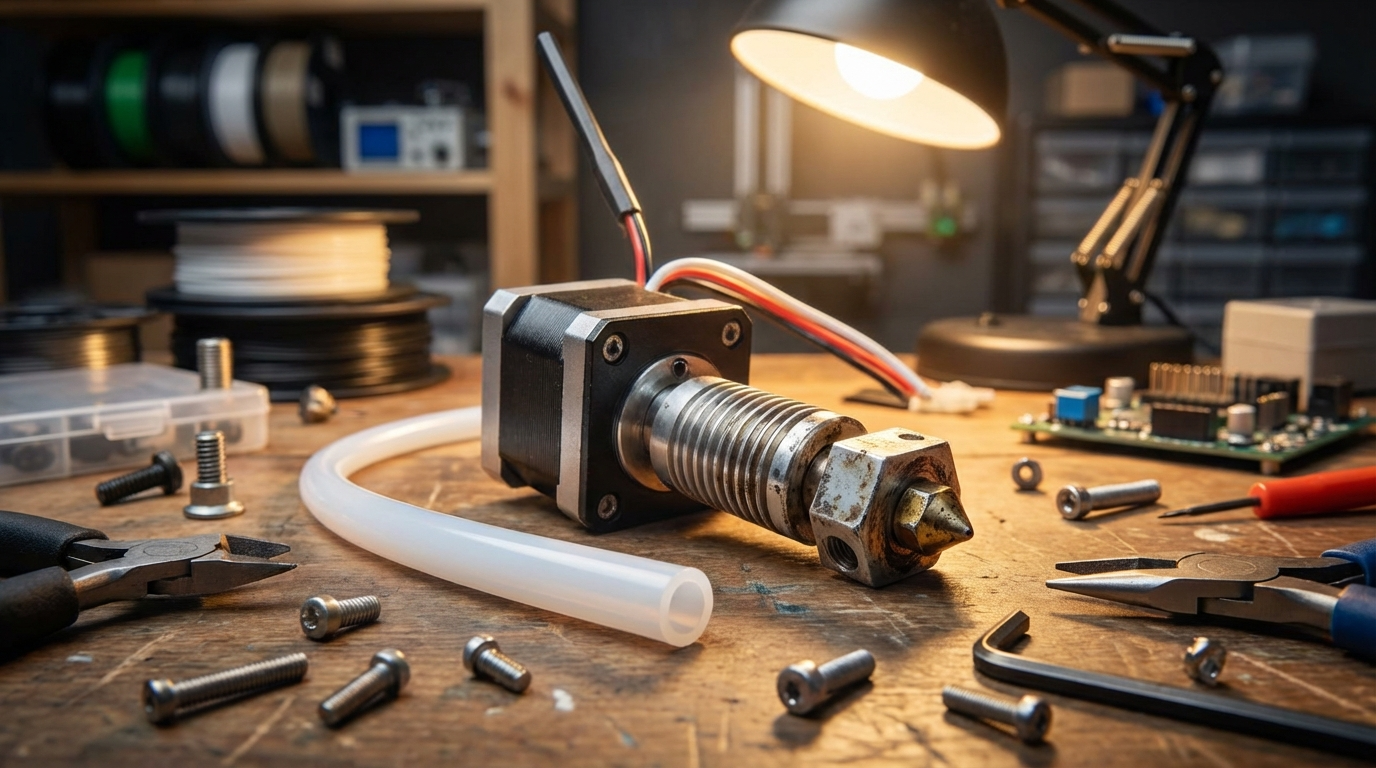
The PTFE (polytetrafluoroethylene) tube — that small, white tube running from your extruder to the hotend — is one of the most critical components in any Bowden-style 3D printer. It guides the filament from the extruder motor to the melt zone with minimal friction, and its condition directly affects print quality. When it degrades, you’ll see a cascade of seemingly unrelated problems: clogs, under-extrusion, stringing, and inconsistent layers.
Even direct drive printers use a short PTFE liner inside the hotend (unless you have an all-metal hotend). Understanding when and how to replace this tube is essential maintenance that too many users overlook.
Signs Your PTFE Tube Needs Replacement
1. Increased Friction and Grinding
A healthy PTFE tube has an incredibly slippery inner surface. When it degrades, the filament meets more resistance, and your extruder starts working harder. You might hear clicking sounds from the extruder motor as it skips steps trying to push filament through a worn tube. If you pull the filament out and see grinding marks or flat spots, friction is likely the culprit.
2. Discoloration
New PTFE tubes are bright white. Over time, the end near the hotend turns yellow, then brown. This discoloration indicates thermal degradation — the PTFE is breaking down from heat exposure. If you remove your tube and see brown or charred areas near the hotend end, it’s past due for replacement.
Important safety note: PTFE begins to degrade above 240°C and releases toxic fumes above 260°C. Never print at temperatures above 240°C with a PTFE-lined hotend. If you need higher temperatures (for ABS, nylon, or polycarbonate), switch to an all-metal hotend.
3. Random Clogs
When PTFE degrades, tiny particles can flake off inside the tube, creating partial blockages. The symptoms are maddening: prints work fine for a while, then suddenly under-extrude, then recover, then fail again. If you’re experiencing intermittent clogs that cold pulls only temporarily fix, suspect the PTFE tube.
4. Gap Between Tube and Nozzle
In Bowden setups, the PTFE tube must seat firmly against the back of the nozzle. Over time, heat cycling causes the tube end to deform, creating a gap. Molten filament seeps into this gap, cools, and forms a plug. This is the number one cause of hotend jams in Bowden printers. If you’re getting frequent jams, this is where to look first.
5. Inconsistent Extrusion
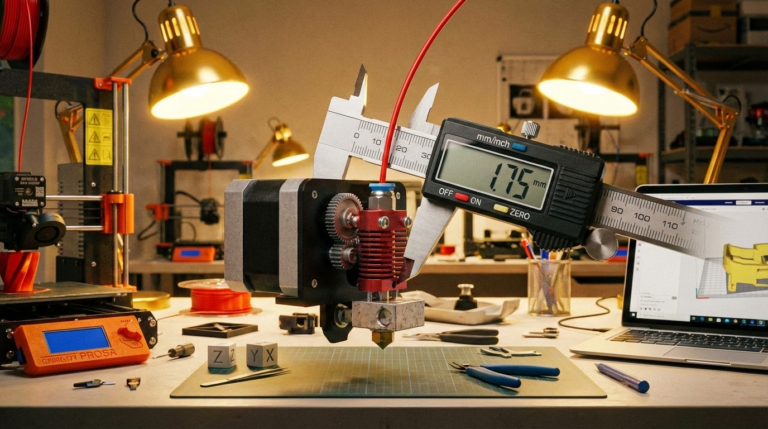
A worn or deformed tube has a variable inner diameter. Instead of a consistent 2mm bore, some sections might be slightly wider or narrower. This causes inconsistent extrusion — thin walls in some places, blobby surfaces in others — that no amount of slicer tuning can fix.
How Often Should You Replace It?
There’s no universal answer because it depends on your printing temperatures and how often you print. Here are general guidelines:
- PLA only (190-210°C): Every 6-12 months or ~500 print hours
- PETG (220-240°C): Every 3-6 months or ~300 print hours
- Near the limit (235-240°C): Every 1-3 months or ~100 print hours
- All-metal hotend with PTFE liner: Similar schedule, though the liner is shorter and cheaper to replace
These are conservative estimates. Some people get much more life out of their tubes, while heavy users might replace them more frequently. The key is to inspect regularly rather than waiting for failure.
Choosing the Right Replacement Tube
Capricorn vs. Generic PTFE
Not all PTFE tubes are created equal. The stock white tubes that come with budget printers are functional but have wider tolerances and lower heat resistance than premium options.
Capricorn XS Series (blue tube) is the gold standard for Bowden printers. It offers:
- Tighter inner diameter (1.9mm vs. 2.0mm standard) — reduces play and improves retraction
- Higher temperature resistance — rated to 260°C vs. ~240°C for generic
- Smoother inner surface — less friction means less extruder load
- Better roundness tolerance — more consistent filament feeding
At $10-15 for a 1-meter length, it’s one of the best upgrades you can make to a Bowden printer.
Step-by-Step PTFE Tube Replacement
Tools You Need
- New PTFE tube (correct outer diameter — usually 4mm)
- PTFE tube cutter or sharp razor blade
- Small wrench for the pneumatic fittings (usually 7mm or 8mm)
- Optional: spare pneumatic couplers
The Replacement Process
- Heat the hotend to printing temperature — this softens any filament stuck inside.
- Retract and remove the filament — pull it out completely.
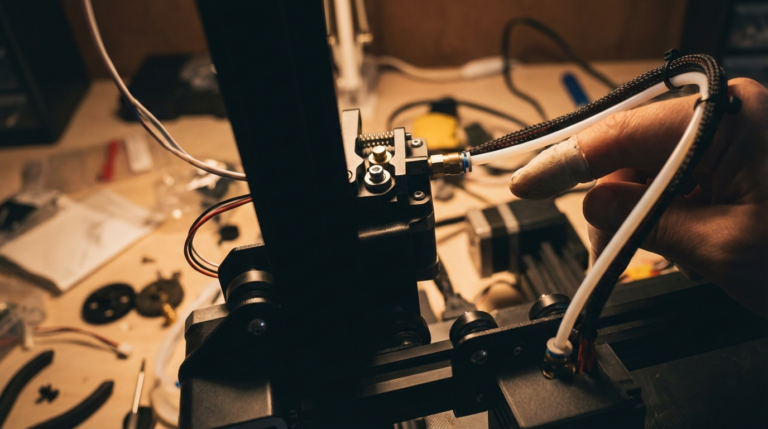
- Release the old tube — push down on the pneumatic coupler’s collet (the ring around the tube) and pull the tube out. Do this at both ends.
- Inspect the old tube — look at the hotend end. Is it discolored? Deformed? Swollen? This tells you how severe the degradation was.
- Cut the new tube to length — measure against the old tube. The cut must be perfectly square — an angled cut creates a gap at the nozzle. Use a dedicated PTFE cutter if possible. A razor blade works but requires more care.
- Insert the new tube — push it into the hotend side first, making sure it seats firmly against the nozzle. You should feel it bottom out. Then connect the extruder end.
- Test with a cold pull — heat to 200°C, insert filament, let it cool to 90°C, then pull firmly. A clean, cone-shaped pull means the tube is seated correctly.
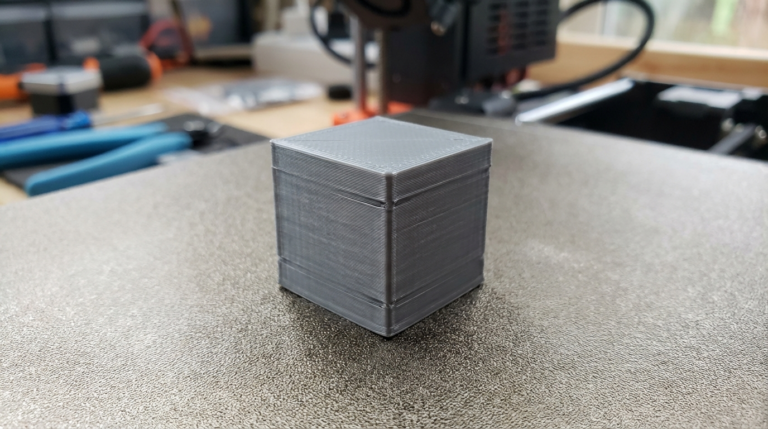
- Print a test cube — check for consistent extrusion, proper retraction, and no stringing.
The Luke’s Hotend Fix (Bowden Printers)
For Bowden printers with recurring gap issues, the “Luke’s Hotend Fix” is a popular modification. It uses a small piece of Capricorn tube inside the hotend, secured with a modified coupler, to maintain a zero-gap seal even as components wear. This doesn’t eliminate the need for tube replacement, but it dramatically reduces the frequency of gap-related clogs.
When to Skip PTFE Entirely: All-Metal Hotends
If you frequently print above 230°C or want to eliminate PTFE maintenance entirely, an all-metal hotend is the answer. Options like the Micro Swiss, Slice Engineering Mosquito, or E3D V6 with all-metal heatbreak remove the PTFE from the hot zone entirely.
Trade-offs to consider:
- Pros: No PTFE degradation, higher temperature printing, longer maintenance intervals
- Cons: Slightly more prone to heat creep with PLA, may need retraction re-tuning, costs $30-80
For users who primarily print PLA, a quality PTFE tube with regular replacement is perfectly fine. For mixed-material users, an all-metal upgrade is worth the investment.
Preventive Maintenance Tips
- Track your print hours — use OctoPrint or a simple spreadsheet to know when replacement is due
- Inspect during nozzle changes — any time you swap nozzles, pull the tube and check the end
- Keep spares on hand — PTFE tubes are cheap. Buy 2-3 at a time so you’re never waiting for a delivery
- Don’t over-tighten pneumatic fittings — they should be snug, not gorilla-tight. Over-tightening deforms the tube
- Store spare tube properly — keep it straight and away from heat sources
Final Thoughts
PTFE tube replacement is one of those maintenance tasks that’s easy to forget because it’s not dramatic — your printer doesn’t suddenly stop working. Instead, quality slowly degrades over weeks until you’re troubleshooting phantom issues that all trace back to a $5 tube. Put it on a schedule, keep spares in your toolkit, and you’ll avoid a lot of headaches.