Resin vs FDM 3D Printing: Complete Comparison Guide
Two Technologies, One Goal
Walk into any 3D printing community and ask “resin or FDM?” and you’ll start a debate that makes Mac vs. PC look civilized. The truth is both technologies have clear strengths, clear weaknesses, and clear use cases where one absolutely dominates the other.
I’ve been printing with both for several years now, and I keep both types of printers running because neither one can fully replace the other. In this guide, I’ll break down every meaningful difference so you can make an informed decision — or understand why you might eventually want both.
How Each Technology Works
FDM (Fused Deposition Modeling)
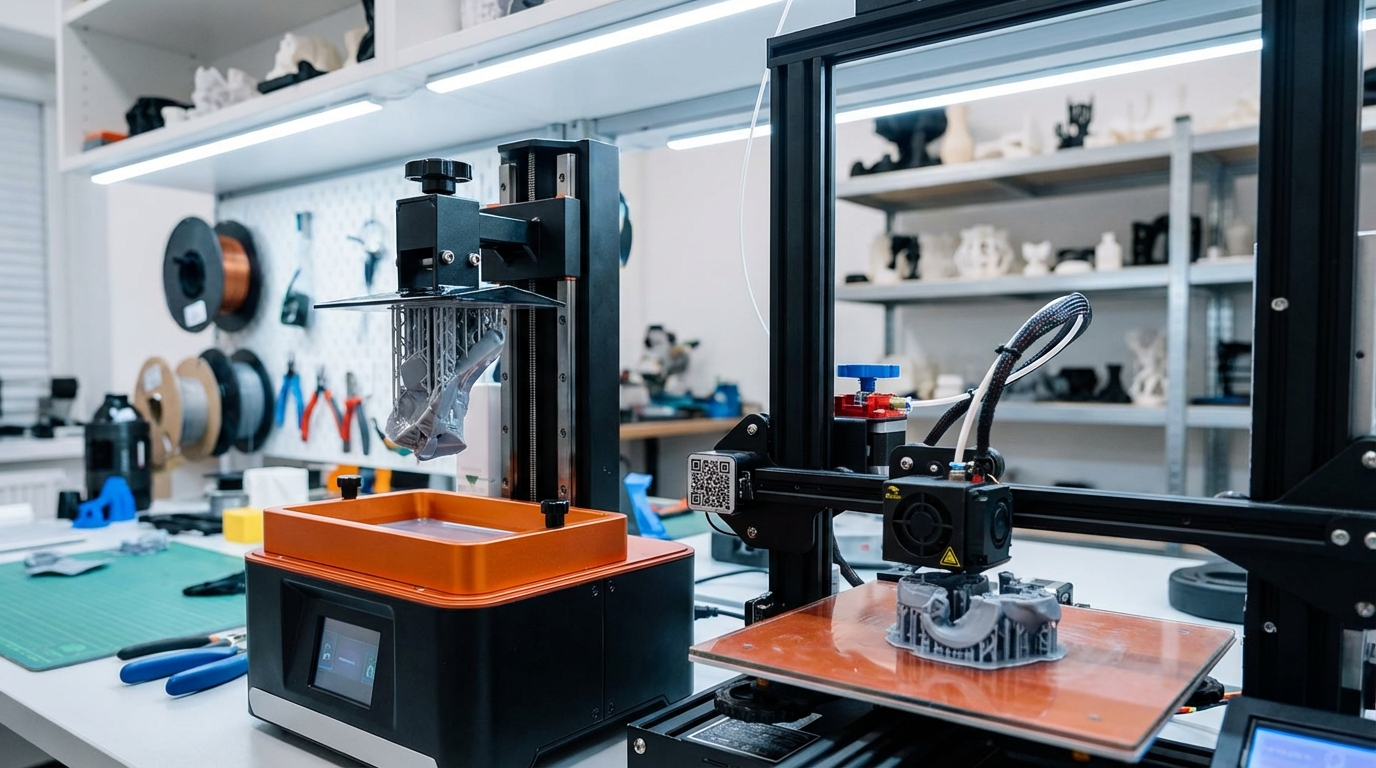
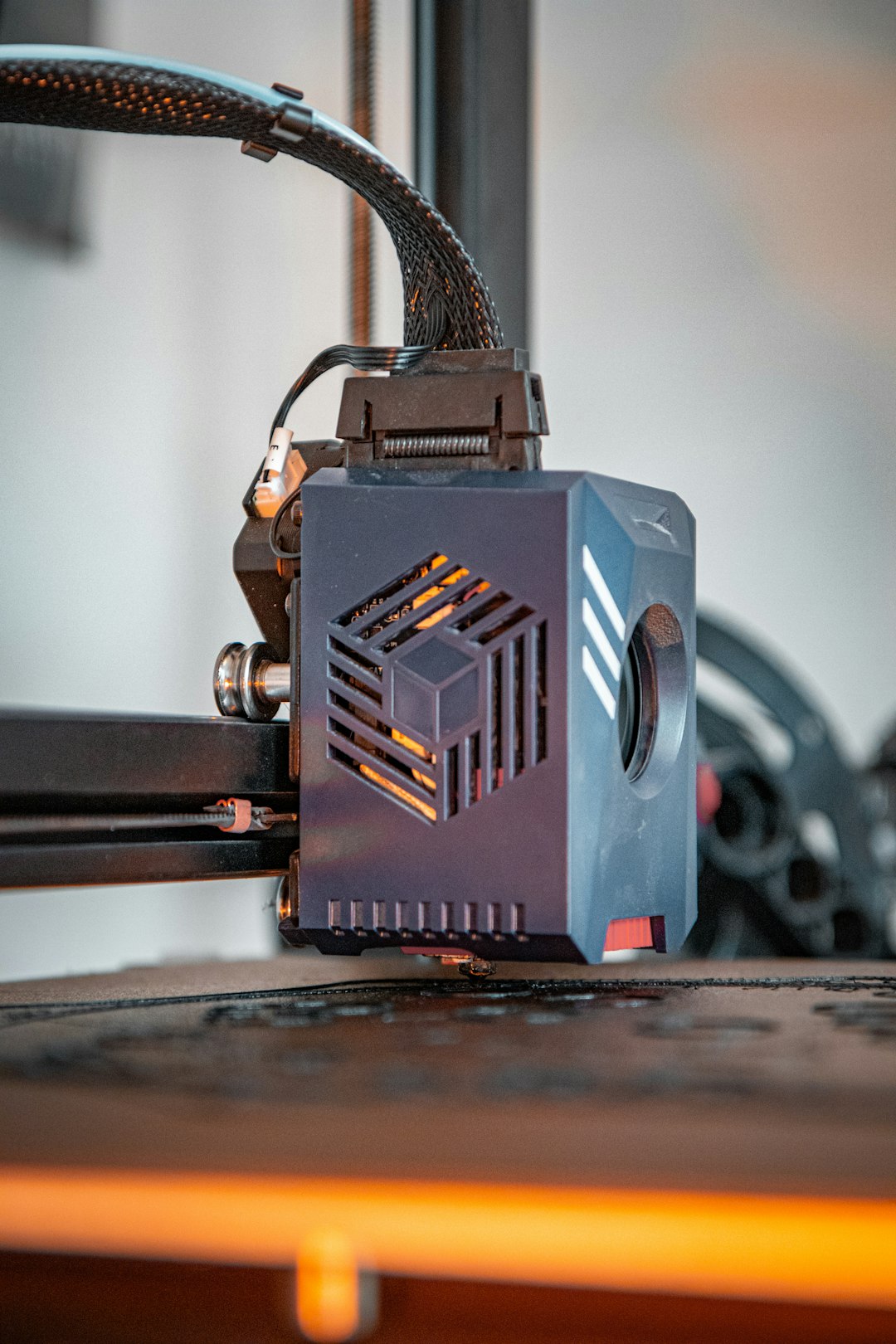
FDM printers work by melting a plastic filament (usually 1.75mm diameter) and extruding it through a hot nozzle that moves in precise patterns to build an object layer by layer. Think of it as a very precise hot glue gun controlled by a computer. The filament comes on spools, and material options include PLA, PETG, ABS, TPU, Nylon, and many specialty blends.
Resin (MSLA/SLA)
Resin printers use liquid photopolymer resin that’s cured (hardened) by UV light. In MSLA printers (the most common consumer type), an LCD screen displays a UV image of each layer, curing the entire layer at once. The build plate lifts, the screen displays the next layer, and the process repeats. The result is extremely fine detail because each pixel on the LCD screen is only 15-50 microns across.
Print Quality and Detail
Winner: Resin, by a wide margin.
The smallest feature an FDM printer can produce is limited by its nozzle diameter — typically 0.4mm, or 0.2mm with a fine nozzle. Resin printers work at the pixel level, with modern 8K-14K screens achieving 15-22 micron XY resolution. That’s roughly 10-20x finer than FDM.
In practice, this means resin prints have virtually invisible layer lines, can reproduce text as small as 2-3mm tall, and capture details like fabric texture, facial expressions, and intricate patterns that FDM simply cannot match. For miniatures, jewelry, dental models, and anything where surface finish matters, resin is the clear choice.
FDM prints always show some layer lines unless post-processed. At 0.12mm layer height, they’re subtle. At 0.2mm, they’re visible. At 0.3mm, they’re obvious. Sanding, filling, and painting can minimize them, but it’s extra work that resin doesn’t require.
Strength and Functional Parts
Winner: FDM, decisively.
FDM parts made from materials like PETG, ABS, Nylon, or carbon fiber composites are genuinely strong. They can serve as functional brackets, enclosures, gears, jigs, and tools that withstand real mechanical stress. Layer adhesion on well-tuned FDM prints is good enough for parts that bear load.
Standard resin prints are brittle. They look great but shatter under impact or sustained stress. Engineering resins (tough resin, ABS-like resin) improve this considerably, but they’re more expensive and still don’t match the impact resistance and fatigue life of FDM materials like PETG or Nylon.
If you’re printing functional parts, replacement components, or anything that needs to survive real-world use, FDM is the only sensible choice.
Build Volume
Winner: FDM.
Budget FDM printers commonly offer 220×220×250mm build volumes, and larger machines (like the Ender 5 Plus or CR-10) go up to 400-500mm in one dimension. Resin printers are physically limited by their LCD screens, and large-format resin printers are significantly more expensive.
A typical consumer resin printer has a build volume of roughly 150×85×175mm. The larger ones (like the Saturn 4 Ultra) reach about 220×125×260mm, but that’s still less than a basic Ender 3.
Material Cost
Winner: FDM.
A 1kg spool of quality PLA costs $15-25 and goes a long way. PETG and ABS are in the same range. Specialty filaments cost more, but the baseline is very affordable.
Resin costs $25-50 per liter (roughly 1.1-1.2 kg), but you also consume IPA or cleaning solution for washing, FEP film replacements for the vat, and curing energy. The per-print cost for resin is typically 2-4x higher than FDM for equivalent-volume parts.
For large functional parts, FDM is dramatically cheaper. For small detailed pieces, the gap narrows because resin prints are so much smaller and need minimal post-processing.
Safety and Workspace Requirements
Winner: FDM.
FDM printing is essentially safe to do in a normal room. PLA produces minimal fumes (though ventilation is still recommended), and the materials are non-toxic when solid. ABS produces more noticeable fumes and benefits from an enclosure with ventilation, but it’s manageable.
Resin printing requires more care. Uncured resin is a skin irritant and sensitizer — repeated exposure can cause allergic reactions. The fumes are unpleasant and potentially harmful with prolonged exposure. You need nitrile gloves, safety glasses, and good ventilation (ideally a dedicated space with an exhaust fan). Resin waste must be cured before disposal.
None of this makes resin printing dangerous if you follow basic safety practices, but it’s undeniably more involved than plugging in an FDM printer and hitting go.
Ease of Use
Winner: FDM (but it’s closer than it used to be).
Modern FDM printers like the Bambu Lab A1 and Prusa MK4S are essentially plug-and-play. Auto bed leveling, auto flow calibration, and well-tuned stock profiles mean you can be printing within 15 minutes of unboxing.
Resin printers have gotten much easier too, but the workflow is inherently more complex: pour resin, level the build plate, slice with specific settings, print, wash in IPA, cure under UV, and clean up. Each step has potential failure points. And if a resin print fails, you’ve got a vat full of partially cured goo to clean out.
FDM print failures are annoying but clean. A failed FDM print is a blob of solid plastic you pull off the bed. A failed resin print can mean scraping cured resin off the FEP film, filtering the vat for debris, and re-leveling the build plate.
Speed
Winner: It depends.
FDM printers have gotten much faster in recent years. Bambu Lab machines print at 200-500mm/s with input shaping. A typical FDM print might take 2-4 hours for a medium-sized part.
Resin print speed is independent of how many objects are on the build plate — because each layer is cured all at once. This means printing one miniature takes the same time as printing 20 miniatures (as long as they all fit on the plate). For batch production of small items, resin is faster. For single large parts, FDM is often faster.
When to Choose FDM
- Functional parts, brackets, enclosures, and mechanical components
- Large prints (anything over ~150mm in any dimension)
- Prototyping where strength matters more than surface finish
- Printing with specialty materials (TPU, carbon fiber, wood fill, etc.)
- Budget-friendly everyday printing
- Beginners who want the simplest possible workflow
- Families with kids (safer materials, no chemical handling)
When to Choose Resin
- Miniatures, figurines, and tabletop gaming models
- Jewelry models and casting masters
- Dental and medical models
- Any application where surface detail and smoothness are critical
- Batch production of small, detailed parts
- Display pieces and artistic models
Can You Get Just One?
Yes, and for most people I’d recommend FDM first. It’s more versatile, safer, cheaper to operate, and easier to learn on. Once you’ve got the basics of 3D printing down and know you specifically need resin-quality detail, add a resin printer to your setup.
The exception: if your primary interest is miniature painting, jewelry design, or dental/medical modeling, go straight to resin. FDM will frustrate you trying to achieve detail levels it’s not designed for.
Both technologies are at an incredible point in terms of price-to-performance ratio. A $200 printer in either category today outperforms machines that cost $2,000 just five years ago. The best time to get into 3D printing was five years ago. The second best time is now.