TPU Shore Hardness Explained: 95A vs 85A vs 70A Settings and Use Cases Compared
You’ve decided to print with TPU. You’ve probably heard it’s “flexible filament.” But flexible is a spectrum — and the difference between a phone case that feels like a car tire and one that bends like silicone comes down to one number: Shore hardness.
Understanding Shore hardness is the difference between a successful TPU project and a frustrating waste of filament and time. In this guide, I’ll break down what Shore hardness means, compare the most common TPU grades (95A, 85A, and 70A), and give you the exact settings each one needs to print reliably.
What Is Shore Hardness?
Shore hardness is a standardized measurement of how resistant a material is to indentation — basically, how hard or soft it is. The Shore A scale is used for flexible materials like rubber, TPU, and silicone. The number runs from 0 (extremely soft, like a gel insole) to 100 (very firm, like a shopping cart wheel).
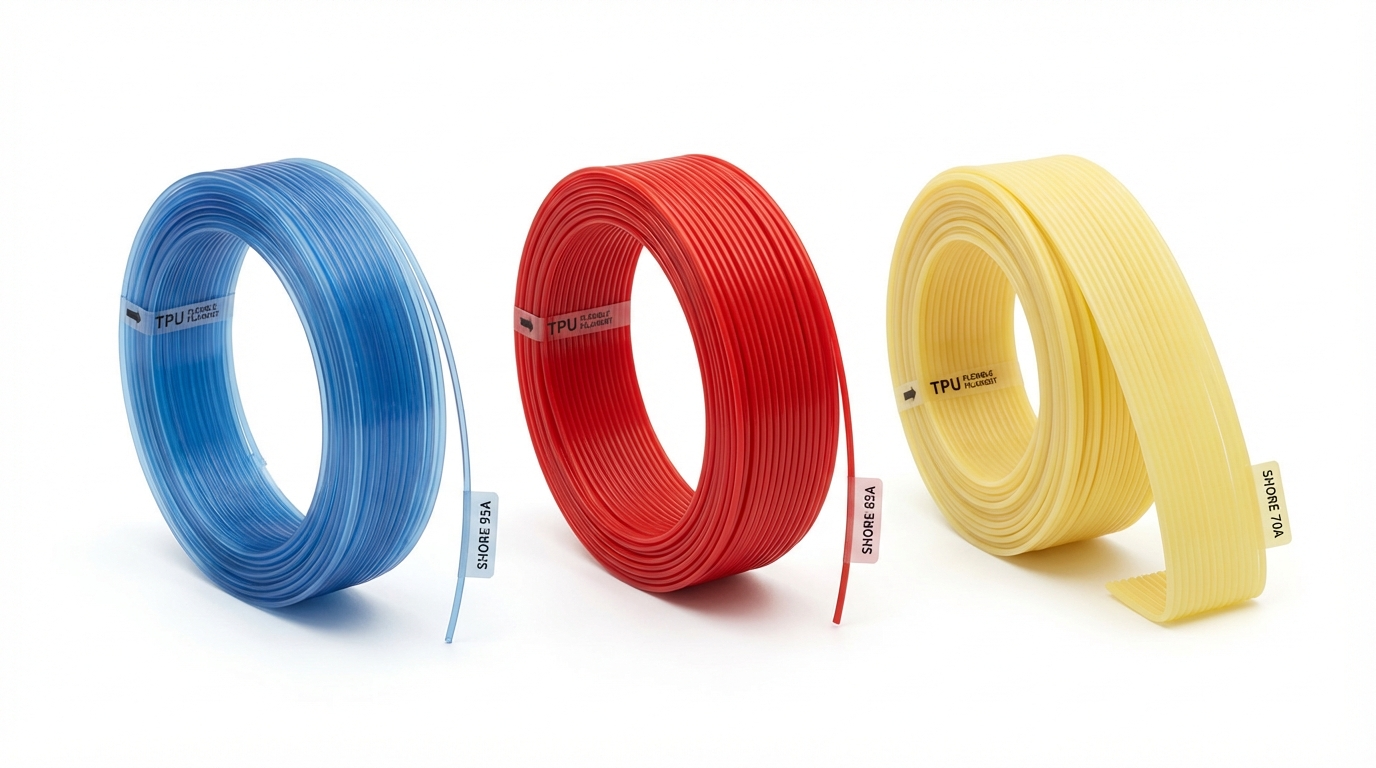
For 3D printing, Shore A ratings typically fall into three categories:
- Shore 95A: Semi-flexible, like a thick rubber band or a solid phone case. This is the stiffest TPU you’ll commonly print and the easiest to handle.
- Shore 85A: Moderately flexible, like a soft shoe sole or a stress ball. Noticeably softer than 95A, requires more careful printer settings.
- Shore 70A: Very flexible, like a pencil eraser or a soft silicone spatula. Challenging to print, but produces parts with genuine rubber-like flexibility.
Shore 95A TPU: The Starting Point
If you’ve never printed TPU before, start here. Shore 95A is the “training wheels” of flexible filament — it’s forgiving, widely available, and compatible with most FDM printers including Bowden setups (with some patience).
Properties
95A TPU feels firm when you handle it. A printed part will flex slightly under pressure but springs back immediately. It’s not what most people would call “rubber-like” — it’s more like tough, impact-resistant plastic with some give. Think protective phone cases, vibration dampening feet, or tool handles that need a non-slip grip.
Tensile strength: 30–45 MPa (comparable to some rigid plastics)
Elongation at break: 300–500%
Abrasion resistance: Excellent
Chemical resistance: Good against oils, greases, and many solvents
Print Settings for Shore 95A
- Nozzle temperature: 220–235°C
- Bed temperature: 50–60°C (or unheated with good adhesion surface)
- Print speed: 25–35mm/s (direct drive can go up to 40mm/s)
- Retraction: 0.5–2mm for direct drive, 3–5mm for Bowden (or disable)
- Retraction speed: 20–25mm/s (slow to prevent buckling)
- Cooling: 30–50% fan speed
- Flow rate: 100–105% (TPU can benefit from slight over-extrusion)
- Infill: 15–30% for flexible parts, 100% for solid, rigid applications
Best Use Cases
Phone cases, drone bumper guards, vibration dampening pads, protective covers, flexible hinges, cable management clips, non-slip feet for electronics, and any application where you need impact resistance with slight flex.
Shore 85A TPU: The Sweet Spot
85A is where TPU starts feeling genuinely flexible. Parts printed in 85A TPU can be bent, twisted, and compressed significantly without permanent deformation. This is the sweet spot for most people who specifically want “flexible” prints.
Properties
85A TPU feels like a firm rubber band or a dense foam. You can easily squeeze a printed cube between your fingers and watch it spring back. It has excellent elongation — you can stretch a thin-walled part to several times its length before it breaks.
Tensile strength: 20–35 MPa
Elongation at break: 400–700%
Abrasion resistance: Very good
Chemical resistance: Good
Print Settings for Shore 85A
- Nozzle temperature: 215–230°C (slightly lower than 95A to reduce ooze)
- Bed temperature: 40–55°C
- Print speed: 20–25mm/s (speed kills with soft TPU)
- Retraction: 0–1mm for direct drive only (disable for Bowden)
- Retraction speed: 15–20mm/s
- Cooling: 50–80% fan speed
- Flow rate: 100–110%
- Infill: 10–20% for maximum flexibility, higher for structure
Critical note: At 85A, Bowden extruders become unreliable. The filament is soft enough to buckle in the long PTFE tube between the extruder motor and the hotend. A direct drive extruder is strongly recommended. If you must use Bowden, keep the tube as short as possible and print extremely slowly (15mm/s).
Best Use Cases
Watch bands, shoe insoles (prototyping), gaskets and seals, flexible keycaps, compliant mechanisms, soft-touch grips, bellows and accordion folds, wearable accessories, and custom orthotics prototypes.
Shore 70A TPU: Maximum Flexibility
70A is where 3D printing starts approaching the feel of soft silicone or natural rubber. Parts printed in 70A TPU are dramatically soft — you can squish them, fold them, and stretch them extensively. This is also where printing difficulty increases substantially.
Properties
70A TPU feels like a soft pencil eraser or a firm gummy bear. Printed thin, it drapes and bends almost like fabric. This makes it ideal for applications where genuine elasticity is needed, not just impact resistance.
Tensile strength: 10–25 MPa
Elongation at break: 500–900%
Abrasion resistance: Good
Chemical resistance: Moderate to good
Print Settings for Shore 70A
- Nozzle temperature: 210–225°C
- Bed temperature: 35–50°C
- Print speed: 10–20mm/s (this is not a typo — go slow)
- Retraction: Disabled or maximum 0.5mm (direct drive only)
- Retraction speed: 10–15mm/s
- Cooling: 70–100% fan speed
- Flow rate: 105–115% (soft filament compresses in the hotend)
- Infill: 5–15% for extremely flexible parts
Critical note: Shore 70A is direct-drive-only territory. Do not attempt this with a Bowden extruder — the filament will buckle, jam, and waste your time. Even with direct drive, use a constrained filament path (like a Bondtech CHT nozzle with a guided entry) to prevent the soft filament from wrapping around the drive gear.
Best Use Cases
Tire prototypes, soft seals and O-rings, medical device prototypes, soft robotics components, custom earphone tips, soft-touch buttons, shock absorbers, and any application requiring genuine elasticity.
Head-to-Head Comparison
Here’s how the three grades stack up across key metrics:
- Ease of printing: 95A (easy) > 85A (moderate) > 70A (challenging)
- Flexibility: 70A (most flexible) > 85A > 95A (least flexible)
- Print speed: 95A (25–40mm/s) > 85A (20–25mm/s) > 70A (10–20mm/s)
- Bowden compatible: 95A (yes, with care) > 85A (barely) > 70A (no)
- Strength: 95A (strongest) > 85A > 70A (softest)
- Stringing: 70A (worst) > 85A > 95A (least)
- Layer adhesion: All three have excellent layer adhesion — TPU bonds to itself well
General TPU Printing Tips (All Hardnesses)
Extruder Setup
Direct drive is king. If you’re printing TPU regularly, a direct drive extruder is the single best upgrade you can make. It eliminates the #1 source of TPU failures — filament buckling in the Bowden tube.
Constrain the filament path. Any gap between the drive gear and the hotend entry point is a place where soft filament can escape. Use extruders with a tight filament path, and consider 3D-printed filament guides for any open gaps.
Reduce extruder spring tension. Too much tension crushes soft filament, causing it to expand and jam. Back off the tension spring until you can barely feel the filament being gripped. You want enough to push it, not enough to deform it.
Bed Adhesion
TPU sticks to everything — sometimes too well. On glass beds, it can bond so strongly that removal damages the print or the bed surface. Use a release agent like painter’s tape, PVA glue stick (thin layer), or a PEI sheet. PEI with a textured surface provides good adhesion during printing but releases cleanly when cooled.
Stringing Management
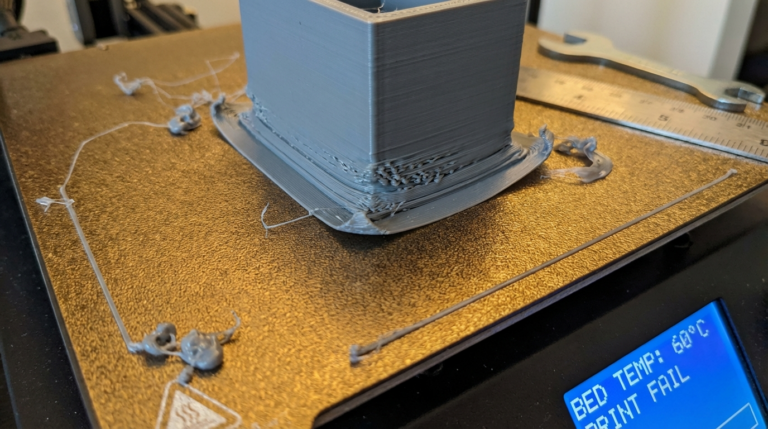
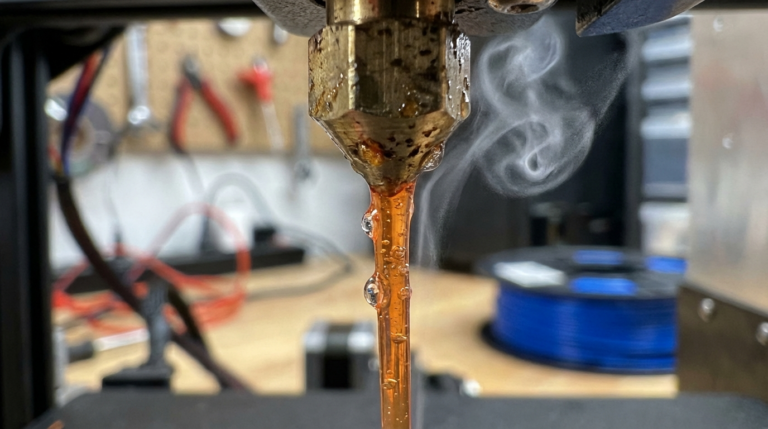
TPU strings. A lot. Especially at lower Shore hardnesses. Since retraction is limited or disabled, you need other strategies:
- Lower nozzle temperature — cooler TPU is less runny
- Increase travel speed — faster moves mean less time for ooze to form strings (200+ mm/s travel, even when print speed is 20mm/s)
- Use Z-hop — lifts strings away from the surface
- Enable combing — keeps travel moves inside the print boundary
- Post-process with a heat gun — a quick pass with a heat gun at low setting melts away thin strings
Infill and Wall Strategy
The flexibility of a TPU print is heavily influenced by infill percentage and wall count:
- 0–10% infill, 1–2 walls: Maximum flexibility, paper-thin parts that bend like fabric
- 15–30% infill, 3 walls: Balanced flexibility and structural integrity
- 50–100% infill, 4+ walls: Rigid-feeling parts with impact resistance
Gyroid infill is particularly good for TPU because it provides consistent resistance from all directions, making the flex behavior more predictable than linear or grid patterns.
Top TPU Filament Brands by Shore Hardness
Shore 95A: NinjaTek Cheetah, Polymaker PolyFlex TPU95, Overture TPU 95A, SainSmart TPU — all reliable, well-tested options
Shore 85A: NinjaTek NinjaFlex (the original, still excellent), Fiberlogy Fiberflex 40D, SainSmart TPU 85A — fewer options, but these are proven performers
Shore 70A: NinjaTek Chinchilla, Recreus Filaflex 70A — this is niche territory with limited options, but both brands deliver consistent quality
When to Choose Each Grade
Ask yourself: “How soft does this part need to be?” If you’re not sure, start with 95A. You can always reprint in a softer grade if it’s too stiff. Going the other direction — spending hours dialing in 70A settings only to realize you needed something firmer — is more frustrating.
And remember: infill percentage can dramatically change how a printed part feels. A 95A part at 10% infill can feel softer than a 70A part at 80% infill. Shore hardness sets the baseline, but your print settings determine the final feel.
Final Thoughts
TPU printing isn’t hard once you understand the material. The key insight is that softer = slower = less retraction. Every step down in Shore hardness requires more patience from both you and your printer. But the results are worth it — there’s something deeply satisfying about 3D printing a part that flexes, stretches, and bounces back like injection-molded rubber.
For more flexible filament tips, check out our guides on how to print TPU flexible filament and fixing TPU stringing.