Similar Posts
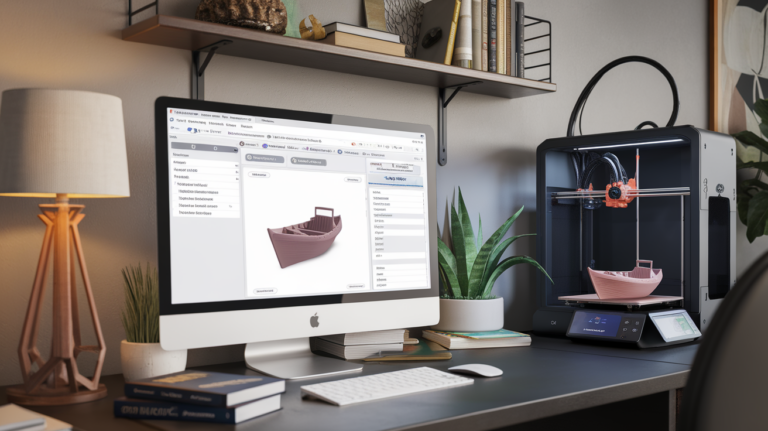
Best Cura Settings for Ender 3: A Beginners Guide That Actually Works
When I got my first Ender 3, I spent two weeks fighting with default Cura settings before I started getting consistently good prints. The stock profiles are a decent starting point, but they leave a lot of quality on the table. After printing thousands of hours on various Ender 3 models, I’ve zeroed in on…
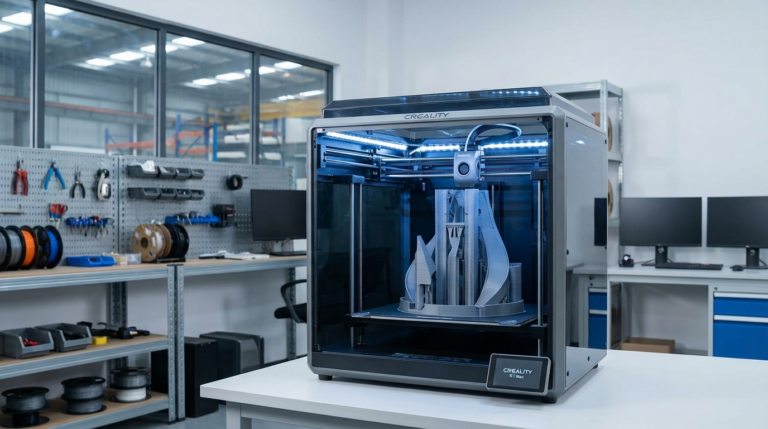
Creality K1 Max Best Settings Guide 2026: PLA, PETG, ABS Optimized
The Creality K1 Max is one of the most ambitious printers Creality has ever built — a large-format CoreXY machine that promises 600mm/s print speeds and a 300x300x300mm build volume. Out of the box, the default settings are decent, but they leave a lot of performance on the table. The K1 Max is capable of…
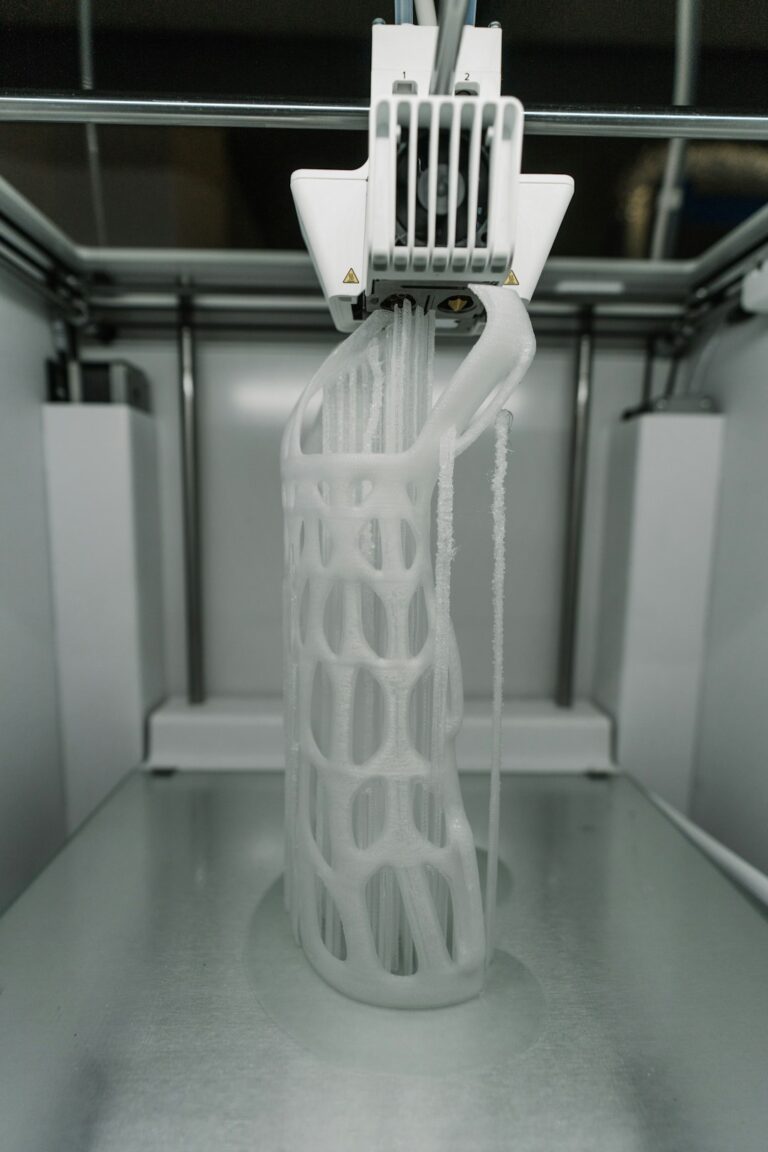
How to Reduce 3D Print Time Without Losing Quality
The Print Time Problem You slice a model, check the estimated time, and see 14 hours. The immediate instinct is to crank up the speed, but that usually leads to ringing, layer adhesion issues, and a print that looks like it went through a blender. There’s a better way. Reducing print time without sacrificing quality…
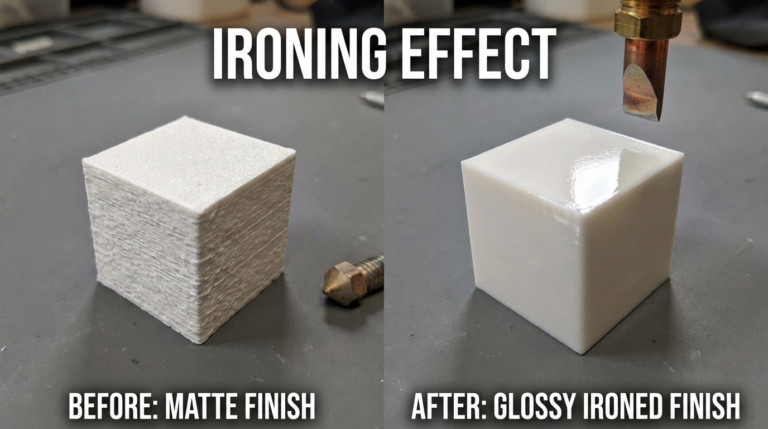
How to Use Ironing in Cura for Glass-Smooth 3D Print Top Surfaces
If you’ve ever looked at the top surface of an FDM print and wished it was smoother, ironing is the answer. This Cura feature runs the hot nozzle back over the top layer with minimal extrusion, effectively melting and flattening the surface. The result is a noticeably smoother, more professional finish — and it adds…
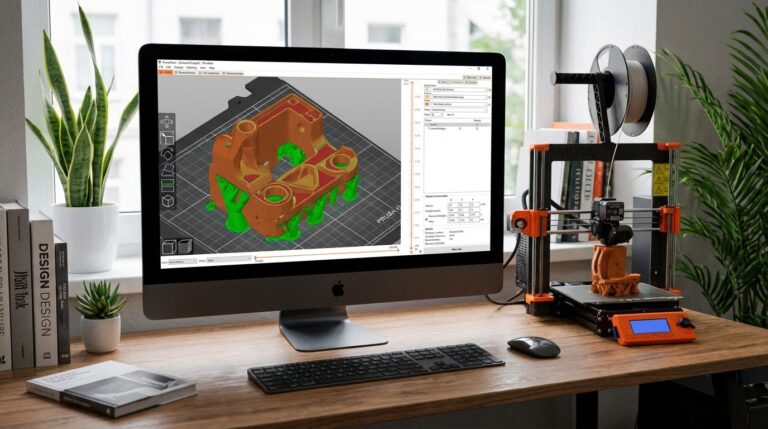
Best PrusaSlicer Settings for Beginners: Complete Setup Guide
Why PrusaSlicer? PrusaSlicer has quietly become one of the best slicing software options available — and not just for Prusa printer owners. Built on the open-source Slic3r engine, it offers powerful features that rival (and in some cases surpass) Cura, while maintaining a cleaner interface that’s less overwhelming for newcomers. Whether you own a Prusa,…
Best Bambu Lab P1S Settings for PLA, PETG, ABS and TPU
Why the Bambu Lab P1S Needs Proper Slicer Settings The Bambu Lab P1S is one of the most capable enclosed 3D printers under $700. Out of the box, it prints remarkably well with Bambu Studio’s default profiles. But if you’re using Cura, PrusaSlicer, or OrcaSlicer — or if you want to push your P1S beyond…