Running a Five-Printer Classroom Fleet — Operations Playbook for Schools
One classroom printer is a hobby; five classroom printers is an operations problem
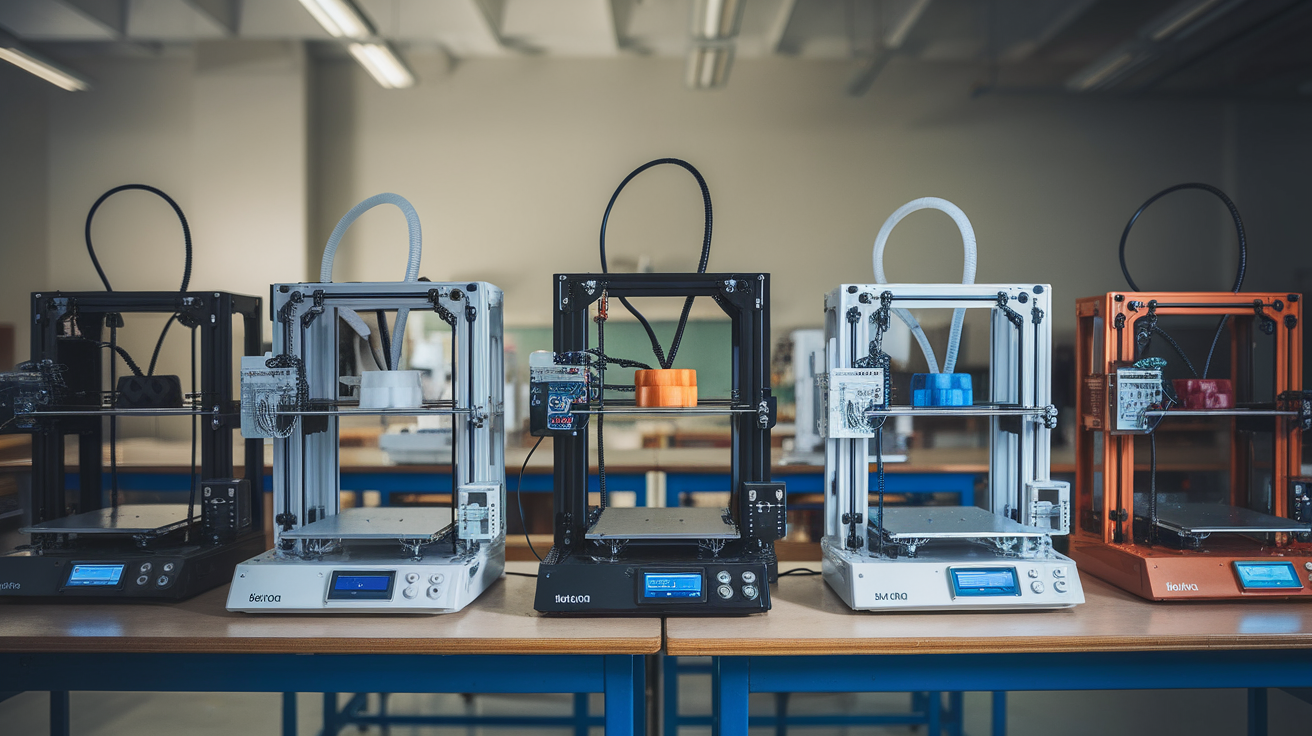
Schools that buy a single 3D printer almost always treat it the same way they treat the laser cutter or the band saw: a special-occasion tool, locked in a closet, used by one teacher who has been to a workshop. That model works for one printer. It collapses the moment a school adds the second printer, and by the time a STEM lab has five machines, the maker who handles them is no longer doing 3D printing — they are running a small print farm. The skills that work for one machine (custom slicer profiles, manual filament selection, per-print babysitting) do not scale. The skills that scale are the unglamorous operations skills: standardization, queueing, stocking, and student rotation.
The schools that successfully run fleets do three things differently from schools that do not. They standardize hardware so any failure is fungible. They standardize materials and slicer profiles so any student print works on any printer. They make printer time a queued resource rather than a free-for-all, and they teach students to design for the queue rather than for an idealized machine. None of those decisions are about the printer itself; they are about how the classroom operates around the printer.
Choose one printer model and buy several of it
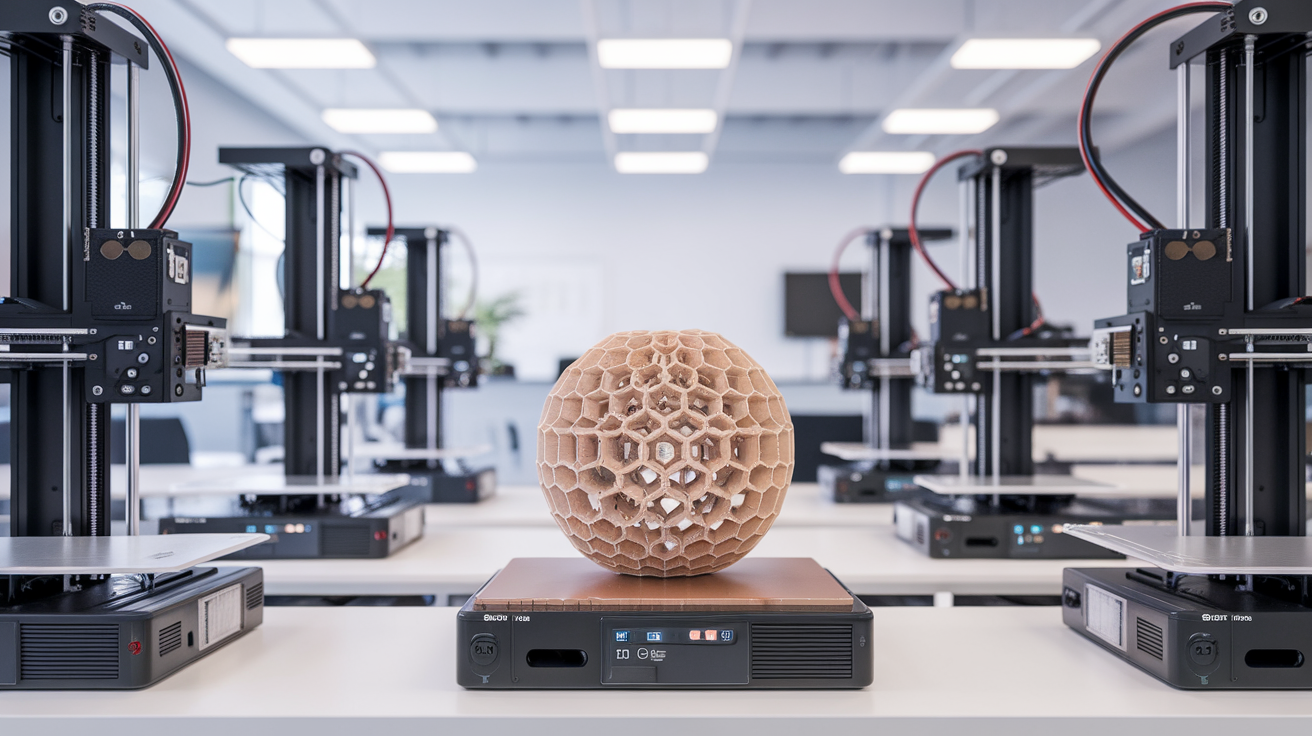
The temptation in the first year of a classroom 3D printing program is to buy variety — one Bambu, one Prusa, one Creality, “to give students exposure to different machines.” Resist it. The variety pays back at zero, and the per-printer learning curve multiplies by the number of distinct models. Five identical printers means one slicer profile, one set of consumables, one repair manual, one set of failure modes, one training video for new student operators, and complete part-swap interchangeability when one machine breaks down.
The correct sequence is to buy one printer first, run it for a semester, and then buy four more of exactly the same model the following semester. The first printer is the test bed; the next four are the fleet. Any printer that has shipped consistently for at least eighteen months and has a spare-parts ecosystem will work for a school context. The specific model matters less than the consistency of having only one model.
Spare parts deserve a budget line of their own. Hotends, bowden tubes, build plates, fans, thermistors, and stepper drivers all fail eventually, and a school cannot wait three weeks for a manufacturer RMA. Stocking one spare of each commonly-failing part per printer (so a fleet of five carries five spare hotends, five build plates, etc.) is the difference between a fleet that runs through the semester and a fleet that loses a printer at midterm and never recovers it.
Standardize materials, especially the unfun ones
The other temptation in the first year is to let students bring their own filament. Resist this too. The problem is not the cost; it is the slicer-profile explosion. Every brand of filament has a slightly different optimal print temperature, retraction setting, and bed adhesion behavior, and in a classroom setting students do not have the experience to recognize when a print is failing because of filament rather than design. The fix is to standardize on two or three filaments for the entire fleet, all from the same manufacturer, all with vetted slicer profiles.
The standard fleet stack that works is PLA in three colors (one neutral, one bright, one dark), PETG in one color (typically white) for any part that lives outside the classroom, and TPU at 95A for any flexible piece. Three filaments cover roughly ninety-five percent of student print needs, and the remaining five percent of “I want to print PEEK” requests get redirected to a different project or postponed until the student has a justified need. Variety is not the goal; reliability is.
Buy filament in case quantities (eight to ten kilograms per case) at wholesale prices rather than per-spool retail. The savings on cost are real, but the bigger win is consistency: filament from the same case has the same diameter tolerance, the same color batch, and the same moisture history. Mixed-batch filament is the single biggest source of “this printer is broken” complaints from teachers, when in fact the printer is fine and the filament has shifted between batches.
The print queue is the actual classroom tool
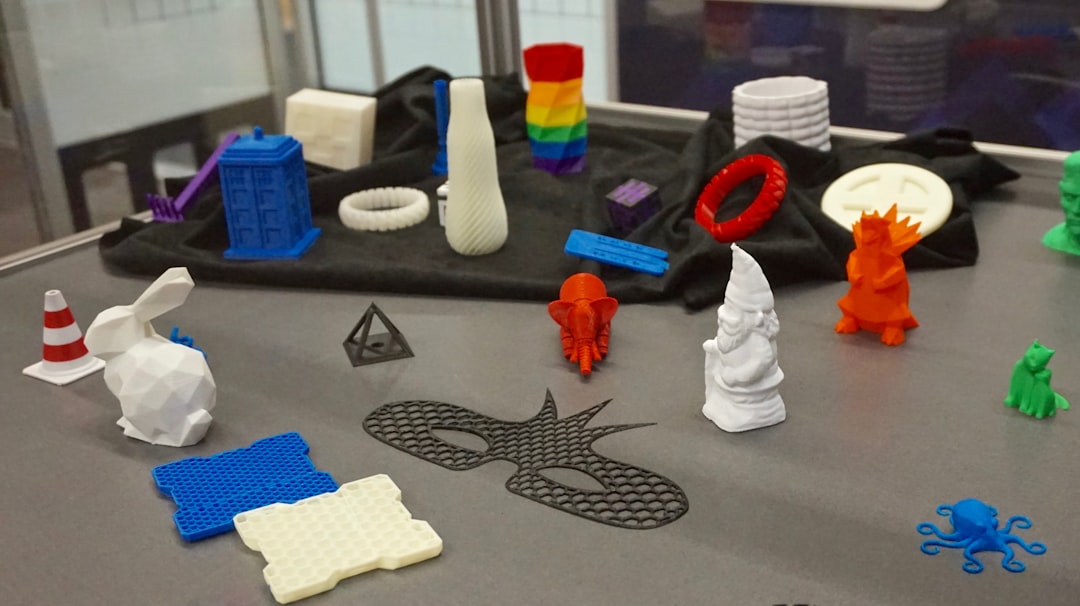
The single most undervalued component of a school 3D printer fleet is a print queue management system. Without one, students walk up to printers, find them busy, and leave their files on USB sticks that get lost or mixed up. With one, students upload sliced files to a shared folder, the queue manager schedules them across the fleet, and prints come back labeled with student names and class periods. The difference in classroom function is enormous.
Free queue managers exist. OctoPrint with the OctoFarm or PrinterAttendant plugin manages multiple printers from a single Pi or web interface. Bambu Studio’s own farm management works for Bambu fleets. Klipper-based fleets can use Mainsail or Fluidd with multiple printer endpoints in a single browser tab. None of these are perfect, but any of them is dramatically better than no queue at all. The criterion is “can a student see the queue, see where their print is in line, and see when it will be done”; if the answer is yes, the system is sufficient.
The queue should also enforce a print-size limit appropriate for the classroom. A two-day print job for a student final project is sometimes appropriate; a two-day print job for a casual class assignment is not. Setting a default cap of four hours per student print, with longer prints requiring teacher approval, prevents fleet starvation by a single user and forces students to design around printable-in-a-class-period chunks.
Train students as operators, not just designers
The classroom that runs five printers smoothly has six to ten student operators trained to do basic printer maintenance: load and unload filament, level the bed (or run the auto-level cycle), clear a clog with the cold-pull procedure, and recognize when to escalate to the teacher rather than try a fix. These students are not the most advanced designers; they are the most reliable hands. They form a rotation, with two on duty during any given class period, and the teacher only intervenes when something is genuinely broken.
Operator training takes about two weeks of after-school sessions or one focused unit during a semester. The investment pays back across the rest of the year because the operators handle the routine maintenance that would otherwise consume the teacher’s time. A teacher who does all the printer maintenance personally cannot scale beyond two printers. A teacher with a student operator team scales to ten.
The student operator role is also the strongest pedagogical lever the printer fleet provides. Students who serve as operators learn troubleshooting, decision-making under uncertainty, and basic maintenance — skills that transfer to every other tool in the school. The cohort of students who served as printer operators in middle school tends to be the cohort that runs the maker space in high school, because the operations mindset transfers across tools.
Budget realistically and replace, do not repair forever
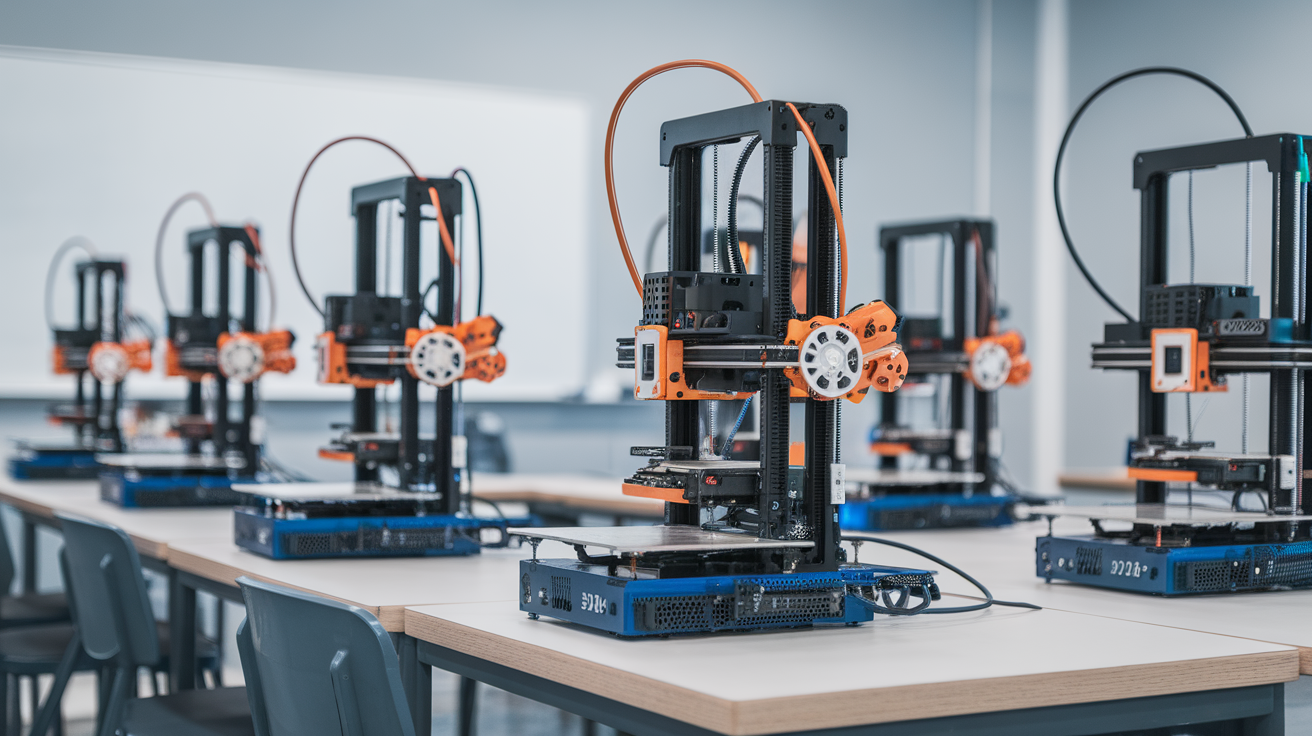
The honest budget for a five-printer classroom fleet has three lines: hardware, consumables, and replacement. Hardware is the upfront cost (five printers plus spares). Consumables is the ongoing cost (filament, build plates, hotend wear). Replacement is the line every district forgets: printers wear out, and after about three years of school usage, replacement is cheaper than continued repair. A printer that has had two hotend swaps, three bowden replacements, and a build plate replacement is approaching the cost of a new printer, and the new printer will be more reliable.
The realistic five-printer budget at modern prices comes out to roughly two thousand dollars in hardware (five mid-tier printers around four hundred each) plus three hundred dollars in spare parts, six hundred dollars per year in filament, and a fifty percent reserve for the inevitable broken build plate or shipping-damaged printer. A district that approves three thousand dollars for the first year and one thousand dollars per year of operations will have a functioning fleet for as long as the program runs.
Replacement happens on a five-year cycle in well-run programs. In year five, the original five printers are sold or scrapped, and five new units (often the same model now in a refreshed version, or the next model up if the manufacturer has obsoleted the original) replace them. The student operators trained on the old machines transfer their knowledge to the new ones in a few weeks, and the cycle continues. Schools that try to keep the original printers running into year seven and beyond find themselves spending more on parts than the printers cost new.
The metric that proves the program works
The most useful single metric for a school 3D printing program is “prints completed per student per semester.” A program where every student in a class completes at least one design-print-iterate cycle per semester is functioning. A program where prints get queued and never come out, where students give up after a failed first attempt, or where the printer is broken half the year is not, no matter how impressive the gallery of best-of-class prints looks.
The fleet exists to enable iteration. A student who iterates three designs in a semester learns more than a student who designs one perfect-looking model and never sees it print. The fleet management decisions in this article all serve that one outcome: more iterations, completed reliably, by more students, with the teacher freed up to teach rather than firefight. Treat the fleet as operations infrastructure rather than a series of hobby projects, and the program scales.