Best 3D Printer for the Classroom STEM Lab in 2026: Fleet Management and Safety
Buying for a Classroom Is a Different Problem Than Buying for Yourself
The buyer guides aimed at hobbyists assume one user, one printer, and patience for the occasional failed print. A teacher buying printers for a STEM lab is solving a fundamentally different problem: 25 students rotating through the lab in 50-minute periods, parallel print jobs running on a fleet of 5 to 10 printers, hardware that has to survive being operated by people who do not yet understand it, and a budget that is approved once and not easily revisited. The “best printer for schools” question is really a fleet management question wrapped in a printer purchase.
This guide ranks five printer models that we believe make the strongest case for a 2026 STEM-lab classroom deployment, with a heavy weight on fleet ergonomics: how easily a teacher can supervise five units running simultaneously, how the failure modes behave, what the per-print cost looks like at classroom scale, and what happens when a student does something that voids the warranty on a hobbyist machine.
Bambu Lab P1S — The Default Classroom Pick
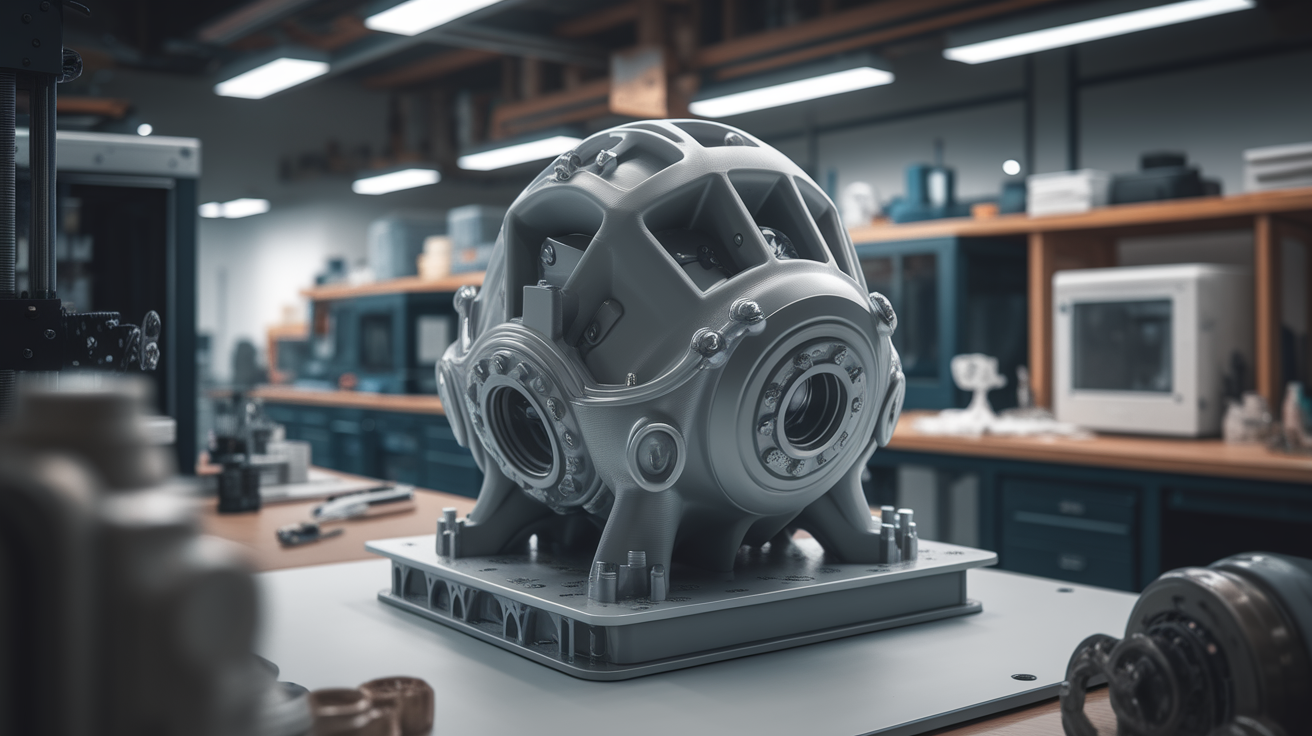
The Bambu P1S earns the default recommendation through a combination of factors that matter dramatically more at classroom scale than they do for a single hobbyist. The enclosed build chamber prevents students from accidentally touching a hot nozzle. The integrated camera plus AI failure detection lets a teacher monitor five printers from a single tablet view. The Bambu Handy app sends per-printer status notifications to the teacher’s phone, which means a class of 25 students working at 25 stations can run simultaneous prints with the teacher periodically checking a single dashboard.
The acquisition cost ($699 base, $949 with AMS) is meaningfully higher than what most school budgets historically allocated for printers. The argument for the P1S is the lifecycle cost: a Bambu printer that prints reliably for 100 student jobs needs less teacher intervention per job than a budget printer that fails 15% of the time. Time spent un-jamming a printer or scraping failed prints from a bed is teacher time, and at classroom scale that time dominates the budget calculation.
Bambu’s educational pricing program offers school-district discounts that bring the per-unit cost down meaningfully when ordering 5+ units. Teachers should reach out to Bambu’s education sales channel before ordering retail.
Prusa MK4S — When Long-Term Repair Matters More Than Convenience
For school-district IT departments that have been burned by hobbyist-grade hardware that lacks long-term parts support, the Prusa MK4S ($1,099 assembled, $799 kit) is the alternative pick. Prusa’s parts pipeline is the longest-supported in consumer 3D printing, and a printer purchased in 2026 will still have nozzle-replacement, hot-end, and motherboard parts available in 2030. For a classroom that expects the printer to last the full eight-year capital depreciation cycle, this matters.
The MK4S lacks the polished mobile-app monitoring of the Bambu lineup. It compensates with PrusaConnect, which provides web-based fleet monitoring including print preview, status, and pause/resume control across multiple printers from a single browser tab. A teacher running five MK4S units can monitor them through one browser pane, which is good enough for classroom use even if it falls short of Bambu Handy’s polish.
The MK4S is open hardware. For school districts that have technology procurement requirements around right-to-repair or open-source software, this is a meaningful consideration. The printer ships open-bed by default; school districts that need an enclosed build for safety can add the official enclosure ($199) or a third-party drape kit.
Creality K1 SE — The Budget Fleet Pick
For a classroom deploying 8-10 printers on a constrained budget, the Creality K1 SE ($399) makes a defensible argument as the cheapest competent enclosed printer in 2026. The K1 SE is faster than its predecessor, ships with auto bed leveling, and the enclosed chamber addresses the safety concern that drives many teachers away from open-bed printers in student environments.
The drawback is fleet management. Creality’s app and web monitoring are visibly behind Bambu’s and Prusa’s, which means a teacher running 8 K1 SE units cannot get the same single-pane-of-glass status view. The community has bridged this gap with Mainsail/Fluidd installs (since the K1 SE runs Klipper internally), but doing so requires technical competence that most teachers should not have to acquire.
For a school district with an IT department willing to deploy a custom Mainsail dashboard, the K1 SE delivers most of the Bambu fleet experience at a third of the cost. For a district where the teacher is the IT department, the management gap matters and a Bambu unit is worth the price difference.
Snapmaker A350T — The All-In-One Workshop Pick
For STEM labs that want to deliver more than just FDM printing — laser cutting and CNC routing as part of the same workshop — the Snapmaker A350T 3-in-1 ($1,599) presents a different value proposition. One footprint, one budget line, three machine types. The trade-off is that the A350T is a worse FDM printer than a similarly-priced single-purpose unit and a worse laser cutter than a similarly-priced single-purpose laser. Each function is “good enough” rather than excellent.
The classroom case for the A350T is space-constrained STEM labs that would otherwise need three machines on three desks. For a lab with one bench available, the A350T delivers a curriculum that a fleet of single-purpose printers cannot. For a lab with floor space and budget for separate machines, you should buy separate machines.
Anycubic Kobra 3 Combo — When Multi-Color Is the Curriculum
For a classroom curriculum focused on design education, where students are expected to produce visually striking final projects (architectural models, package design prototypes, character figurines), the Anycubic Kobra 3 Combo ($349) makes multi-color printing accessible at a price point that fits classroom procurement. Bambu’s AMS-equipped units are a third more expensive per unit; the K3 Combo gives you 80% of the multi-color capability at 70% of the price.
The Anycubic ecosystem is less polished than Bambu’s, the multi-color material handling has more failure modes, and the slicer integration is not as smooth. For a curriculum where the goal is “students learn what 3D printing can do,” these are acceptable trade-offs. For a high-utilization production environment, they are not.
Fleet Management Practicalities
Buying the right printers is half the problem. The other half is operating them in a classroom. A few patterns are worth implementing regardless of which printer you choose.
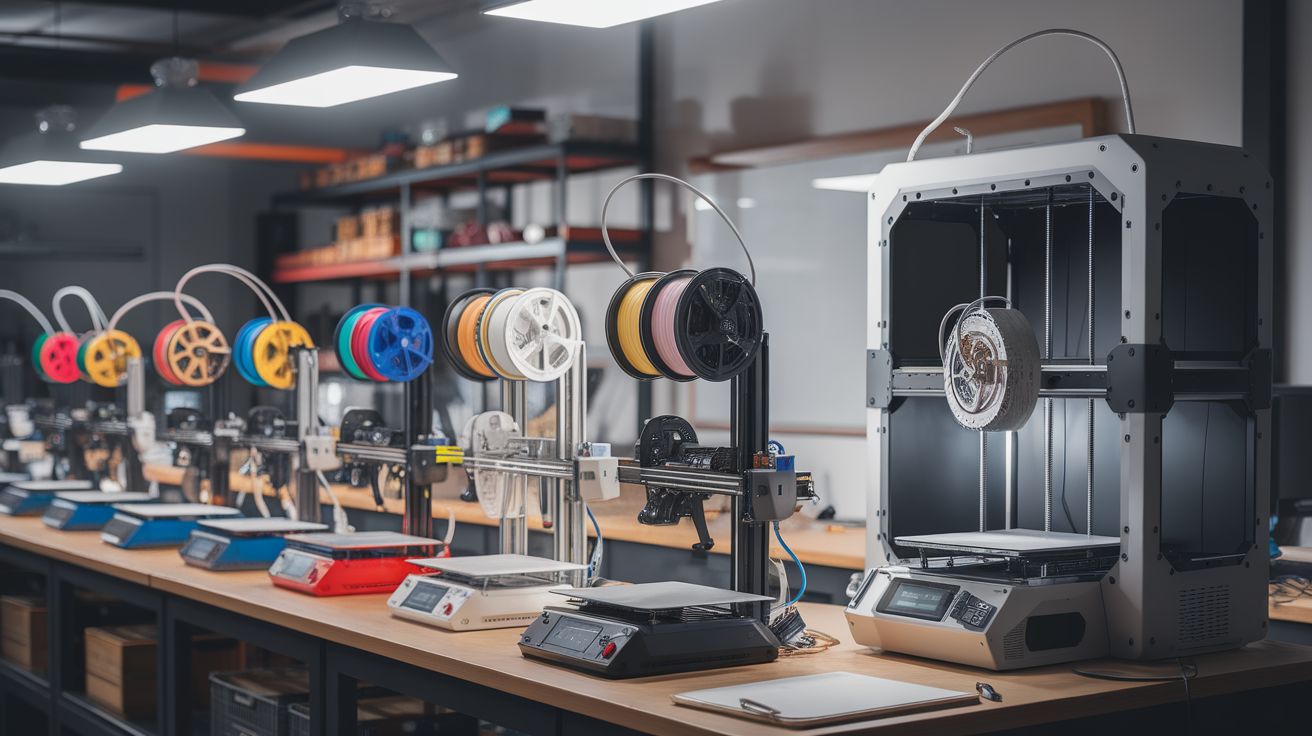
Single filament SKU per printer fleet. If you have eight printers, run them all on the same brand and color of PLA. Mixing filaments across the fleet introduces tuning differences that compound across student work and produce inconsistent results that students will (correctly) interpret as mysterious failures. Bambu Basic PLA Black, eSun PLA+ White, and Polymaker PolyTerra are all defensible classroom defaults at quantity.
Standardize one slicer profile. Every printer in the fleet should print from the same slicer, with the same per-printer profile, on the same nozzle size. The classroom that has six printers each running a slightly different profile is a classroom where troubleshooting becomes impossible. Pick a slicer (Bambu Studio for Bambu fleets, OrcaSlicer for Klipper fleets, PrusaSlicer for Prusa fleets) and write down the profile.
Plan for the consumables budget. A classroom of 8 printers running 200 print hours per semester goes through 30-50 kg of filament per academic year. Build plates need replacement every 12-18 months at this utilization level. Hardened nozzles wear out in 9-12 months even on PLA-only fleets. Budget for these recurring costs explicitly rather than discovering them mid-semester.
Safety and Supervision
The most underestimated cost of a classroom printer fleet is supervision. A printer that requires the teacher to physically visit it to start a job, monitor it during printing, and clear failures takes meaningful teacher attention. A fleet of 8 printers that each demand 5 minutes of teacher time per print job consumes 40 minutes of every classroom hour — time that should go to instruction.
The Bambu and Prusa picks above optimize for this. The teacher starts a job from a tablet, the printer reports completion to the teacher’s phone, and student-driven failures (filament runs out, bed adhesion fails, model orientation is wrong) trigger automatic notifications rather than silently ruining the next 90 minutes of bed time. For STEM labs where the printer fleet is core to the curriculum, this remote-monitoring capability is the single feature that determines whether the fleet scales or whether teachers burn out managing it.
An enclosed chamber matters less for fire safety than the marketing implies — modern thermal runaway protection in any 2026 firmware handles the actual fire-risk scenario. The enclosed chamber matters for keeping student fingers away from a 220°C nozzle, for limiting fume exposure with engineering filaments, and for providing a noise barrier in a classroom that is doing other things. All three are real benefits at classroom scale.
Procurement Notes for District Buyers
School districts ordering through formal procurement should request quotes directly from manufacturer education sales rather than retail channels. Bambu Lab, Prusa, Creality, and Anycubic all maintain education-specific pricing programs that produce 10-25% lower per-unit costs at quantity 5+. Most education programs also include tighter SLA support, replacement-part air freight, and curriculum partnership resources that retail channels do not provide. The procurement-officer time spent reaching out to education sales is genuinely repaid in unit cost and ongoing support quality, even for fleets as small as five units.