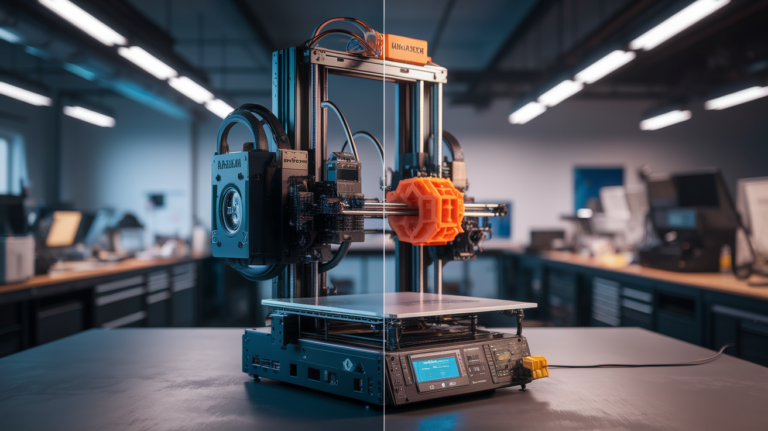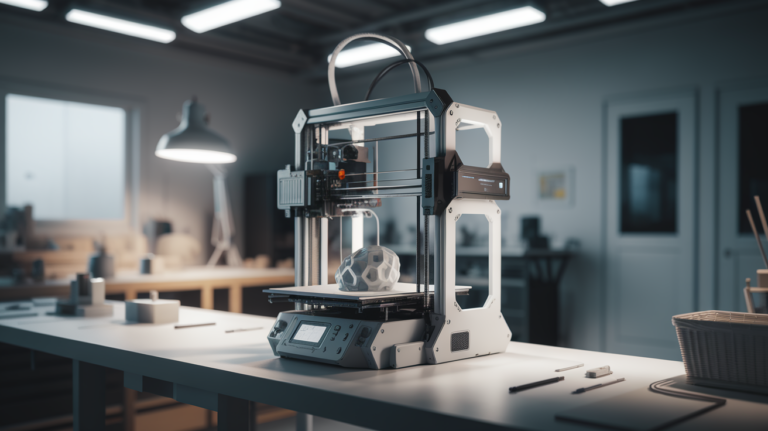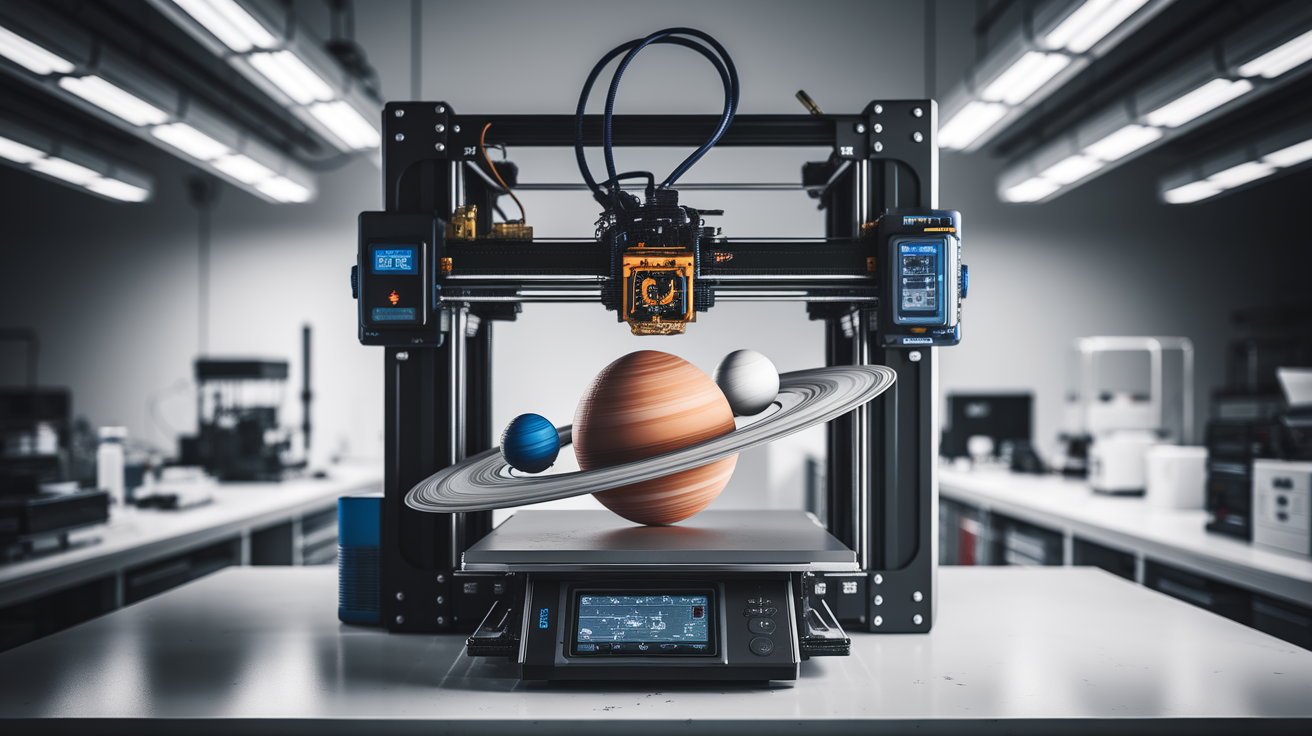
3D Printer Education Buying Guide: STEM Classroom Setup 2026
What Schools Actually Need from a 3D Printer in 2026
Buying a 3D printer for a classroom is not the same problem as buying a 3D printer for a hobbyist. The dominant variables flip: durability and safety move ahead of speed and feature count, cost-per-student matters more than cost-per-printer, and teacher software literacy bounds what can actually be used. A printer that looks great on a hobbyist forum may be entirely wrong for a middle school maker space, and the printer that wins in classrooms is rarely the one with the highest review scores.
This guide is structured around the actual decisions a school administrator or technology teacher faces in 2026: how many printers for how many students, which models survive classroom use, what software workflow works for teachers who are not 3D printing experts, and how to manage a multi-printer environment without it becoming a part-time IT job.
Cost-Per-Student, Not Cost-Per-Printer
A classroom buying $500 of 3D printing equipment for 30 students has $16 per student to work with. A school district with $20,000 to spend across five schools has $80 per student across a 50-student cohort per school. These very different budgets demand very different strategies. The cheapest sustainable strategy is usually a small fleet of moderately priced printers (3-5 units in the $300-500 range), not one premium printer ($2000+) or a large fleet of bargain units ($150 each).
The reason is throughput. One $500 printer serving 30 students produces a bottleneck — each student waits 4-6 hours for a typical project print, and one printer breakdown stalls the whole class. Three $300 printers serving the same 30 students give more like 30-60 minutes wait per student and resilience against one printer being down. The cost is the same, but the educational experience is much better with the small fleet approach.
For elementary schools, the cost-per-student should focus on simplicity and safety. For middle and high schools, the cost-per-student should focus on throughput and capability — older students do more sophisticated projects and need more printer time. For university or community college maker spaces, premium printers become viable because the user pool is smaller per machine and the projects are more complex.
The Models That Actually Survive Classroom Use
The Bambu Lab A1 Mini is the best classroom printer in the under-$400 segment in 2026. It is fully enclosed, has auto-calibration, prints reliably out of the box, and has the smallest “things to learn before students can use it” footprint of any current printer. The downside is build volume (180 mm cube) which limits some larger projects.
The Anycubic Kobra 3 Combo at around $450 adds multi-color printing through the ACE Pro filament system, which is a strong educational draw because students can produce visibly differentiated final products. The reliability is good but the multi-color setup adds complexity that should not be exposed to younger students.
The Prusa Mini+ at $429 remains a strong classroom option for its reliability and the documentation quality. The print speed is lower than the Bambu and Anycubic, but the support ecosystem (community, troubleshooting, replacement parts) is best-in-class. For a teacher who wants to learn alongside students, Prusa is a defensible choice.
Avoid bargain printers under $200 for classrooms in 2026. The reliability difference between a $180 printer and a $350 printer is large, and the time cost to a teacher of constantly troubleshooting bargain hardware exceeds the unit cost savings. The school’s most expensive resource is teacher attention; do not waste it on hardware that needs constant intervention.
For high-end classroom or maker space deployments, the Bambu X1 Carbon at $1500 offers enclosed printing of engineering filaments and is the right tool for a small number of advanced projects per year. Do not put X1 Carbon class printers in front of beginner students; the capability is wasted on basic projects and the cost-per-student is too high.
Safety: The Non-Negotiable Layer
Classroom printers must be enclosed for any K-8 environment. Open-frame printers like the Ender 3 series, which dominate hobbyist recommendations, are not appropriate for younger students because the hot end is accessible. Enclosed printers (Bambu Lab series, Anycubic Kobra 3 in the enclosed variant, Prusa with the official enclosure) add the physical safety layer that lets a teacher trust the machine in a room of mixed-attention children.
Air quality is the second safety layer. PLA printing produces ultrafine particles even at safe temperatures; ABS and other engineering filaments produce styrene and other volatile compounds that should not be released into a classroom. Print PLA-only as the default classroom material, run printers in a separate ventilated room or near an exhaust hood, and never print ABS or ASA in a classroom without dedicated extraction. The Bambu Lab carbon filter accessory is helpful but not a substitute for ventilation when printing engineering materials.
The third safety layer is teacher supervision policy. A printer in a classroom should not run unattended overnight or on weekends without fire-safety measures (smoke detection in the printer room, scheduled checks, official school policy on after-hours operation). Most school insurance policies have language about heating-element devices left unattended; check yours before establishing the operations policy.
Software Workflow for Teachers Who Are Not Experts
The classroom 3D printing software stack should be as flat as possible. Students design or download a model, the teacher slices it, the print runs, the student gets the result. Tools that try to make every student a slicer expert add a class period of learning before any printing happens, which is rarely the right educational trade.
For design, Tinkercad remains the best classroom CAD tool in 2026. Browser-based, free, account management compatible with school Google or Microsoft accounts, and the right complexity level for K-12 students. For older students, Onshape Education adds parametric CAD without the install hassles of Fusion 360.
For slicing, the printer’s first-party slicer (Bambu Studio, Anycubic Slicer, PrusaSlicer) is the right choice rather than a generic third-party slicer. The first-party tools have profiles tuned for the specific printer and reduce the chance of mis-configured prints. Cura is also a defensible choice but requires more setup for each printer model.
For multi-printer management in larger deployments, PrusaConnect or Bambu Handy with the cloud account features lets one teacher monitor a fleet of printers from a single dashboard. This is the time-saver that makes a 5+ printer classroom manageable; without it, the teacher spends their day walking between printers to check status.
Multi-Printer Operations and Maintenance
Plan for printer maintenance the way you plan for vehicle maintenance — scheduled, not reactive. A classroom printer needs nozzle replacement every 6-12 months of heavy use, belt tension check monthly, lubrication of linear rails quarterly, and a full cleaning at the end of each semester. None of these tasks require expertise, but they require time blocked in the calendar.
Spare parts should be kept on hand: at least two spare nozzles per printer, one spare hot end assembly per printer model, a spare PTFE tube, and a spare build plate. The cost of these spares is minimal compared to printer downtime during a teaching unit; have them before you need them rather than ordering them when something breaks.
Filament storage in classroom settings benefits from dry boxes more than in hobby settings, because filament rolls are partially used and then sit on a shelf between class sessions. PLA is forgiving but PETG and any nylon-blend filaments degrade noticeably after a few weeks of open-air storage in a classroom. Inexpensive dry boxes ($15-30 per box, holds 4 rolls) extend filament life substantially.
The Curriculum Question
The buying decision should be informed by the curriculum, not the other way around. For a curriculum focused on basic design literacy and one final project per student per semester, one or two printers is enough. For a curriculum where students iterate on designs multiple times — design, print, evaluate, redesign — the printer count needs to be high enough that iteration is not gated by waiting in line. Three to five printers serving 30 students per period is the right ratio for iterative project work.
For STEM curricula integrating with science labs (physics models, biology models, chemistry molecule models), the print volume needs are different — usually fewer prints per student but each more carefully designed. One reliable mid-range printer per lab is often sufficient.
For art and design curricula, the multi-color printers (Bambu A1 Mini AMS, Anycubic Kobra 3 Combo) earn their cost premium by producing visibly more sophisticated student outputs. The educational value of a multi-color print versus a single-color print, in motivation terms, is large for art-focused programs.
The Practical Recommendation for 2026 Schools
For a typical middle or high school classroom serving 25-35 students per class with a basic 3D printing unit (one project per student per quarter): three Bambu Lab A1 Mini printers ($1200 total) with single-color filament rolls (PLA, $25 per kg). This setup supports iterative project work, has the safety profile for K-12, and the teacher overhead is manageable.
For an elementary school deployment serving K-5 students with introductory exposure: one or two Bambu A1 Mini units in a supervised lab setting, with prints managed by the teacher or media specialist rather than student-driven. The educational goal is exposure to the technology, not student-managed prints.
For a high school engineering or maker space program serving advanced students: a mixed fleet of three to four entry-level printers for general use plus one premium printer (Bambu X1 Carbon or Prusa MK4S with enclosure) for engineering filament work. The total budget is $3000-5000 and the capability is meaningfully higher than a single-printer-class fleet.
The mistakes to avoid are: buying one expensive printer when you needed several cheap ones (throughput problem), buying many ultra-cheap printers when you needed several reliable ones (reliability problem), and buying without budgeting for filament, replacement parts, and teacher training time (operations problem). Plan the operations budget alongside the hardware budget at roughly 30 percent of the hardware cost annually, and the deployment will succeed.