Best 3D Printer Under $300 with Auto Bed Leveling: 2026 Hands-On Picks
Why Auto Bed Leveling Is the Feature That Matters Most Under $300
The under-$300 3D printer category in 2026 has matured to a point where most machines in the price bracket print acceptable PLA, ship with reasonable build volumes, and include the basic features (heated bed, all-metal extruder, decent display) that were premium add-ons just a few years ago. The single feature that still varies meaningfully across the budget tier is auto bed leveling — and for hobbyists new to 3D printing, auto bed leveling is the difference between a printer that produces successful prints from day one and a printer that consumes a weekend of frustration before the first print works.
This guide ranks five sub-$300 printers shipping in 2026 that include working auto bed leveling, evaluated specifically against beginner needs: how reliable the auto-leveling actually is, how forgiving the printer is to setup mistakes, what print quality looks like out of the box without tuning, and what the failure modes are when problems do happen. Manual-leveling printers are excluded from this list — at this price point, in 2026, there is no longer a defensible reason to buy one for a beginner.
Bambu Lab A1 Mini ($199-249) — The Top Pick
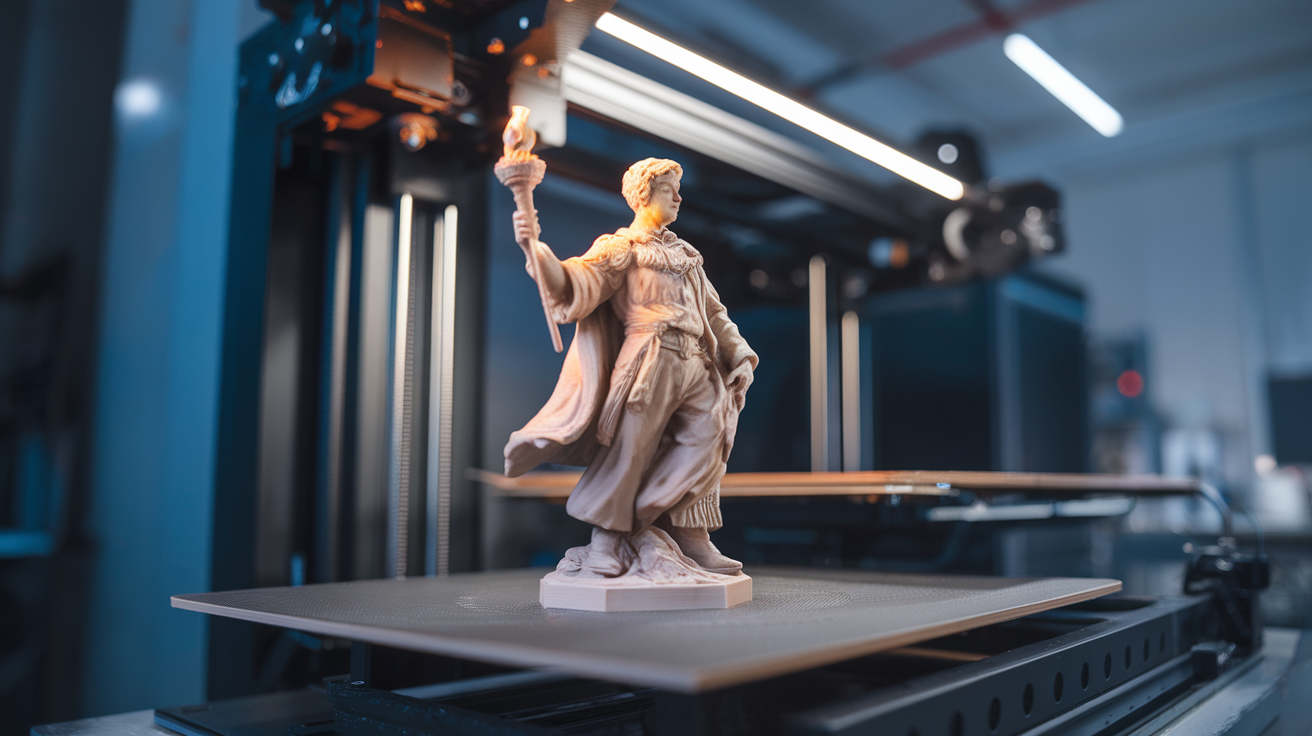
The A1 Mini at $249 (often discounted to $199-229 during sales) is the strongest single recommendation for a beginner buying their first 3D printer in 2026. The auto bed leveling is 196-point and runs automatically before each print without user intervention — the experience is closer to a desktop laser printer than to traditional 3D printer setup. Print quality out of the box rivals printers two to three times the price, and the Bambu Studio ecosystem provides slicer-printer integration that takes the printer-tuning step entirely off the beginner’s plate.
Build volume is 180×180×180 mm — smaller than the typical 220×220×250 mm of larger budget printers, which is the trade-off for the A1 Mini’s price and polish. For most beginner projects (small functional parts, miniatures, decorative prints, learning-process work), the build volume is sufficient. For hobbyists who specifically know they need a larger build volume (full-size cosplay armor pieces, large display models), the A1 Mini’s smaller bed becomes a real limitation and the next pick on this list deserves consideration.
The A1 Mini is also the printer most likely to make a beginner enjoy 3D printing rather than fight with it. The combination of automatic setup, reliable first prints, polished mobile app, and active community resources produces a beginner experience that minimizes frustration and maximizes successful project completion. For “I want to start 3D printing this weekend” buyers, this is the recommendation.
Anycubic Kobra 3 ($269-299) — The Multi-Color Budget Pick
The Kobra 3 at $299 brings multi-color printing capability into the under-$300 tier through Anycubic’s ACE Pro multi-color system. The auto bed leveling uses a 25-point CR Touch-style probe and works reliably after the initial calibration. Print quality is competent though somewhat behind the A1 Mini in surface finish; the multi-color capability is the differentiator that justifies the slightly higher price for design-focused hobbyists.
Build volume is 220×220×260 mm, larger than the A1 Mini and competitive with the rest of the budget tier. The Kobra 3 prints PLA, PETG, TPU, and ABS in an enclosed-with-add-on configuration, with the multi-color system supporting up to four spools through the AMS-equivalent attachment.
The drawbacks are predictable budget-printer issues: Anycubic’s slicer (Anycubic Slicer Next) is competent but less polished than Bambu Studio, the mobile app’s status and notification system is less reliable than Bambu Handy, and the multi-color system has more failure modes (filament jams, color-change purge artifacts) than Bambu’s AMS. For a beginner who specifically wants multi-color capability at this price point, the Kobra 3 is the only realistic option in 2026; for a beginner who does not need multi-color, the A1 Mini delivers a more polished single-color experience.
Creality Ender 3 V3 SE ($179-219) — The Bargain Bin Pick
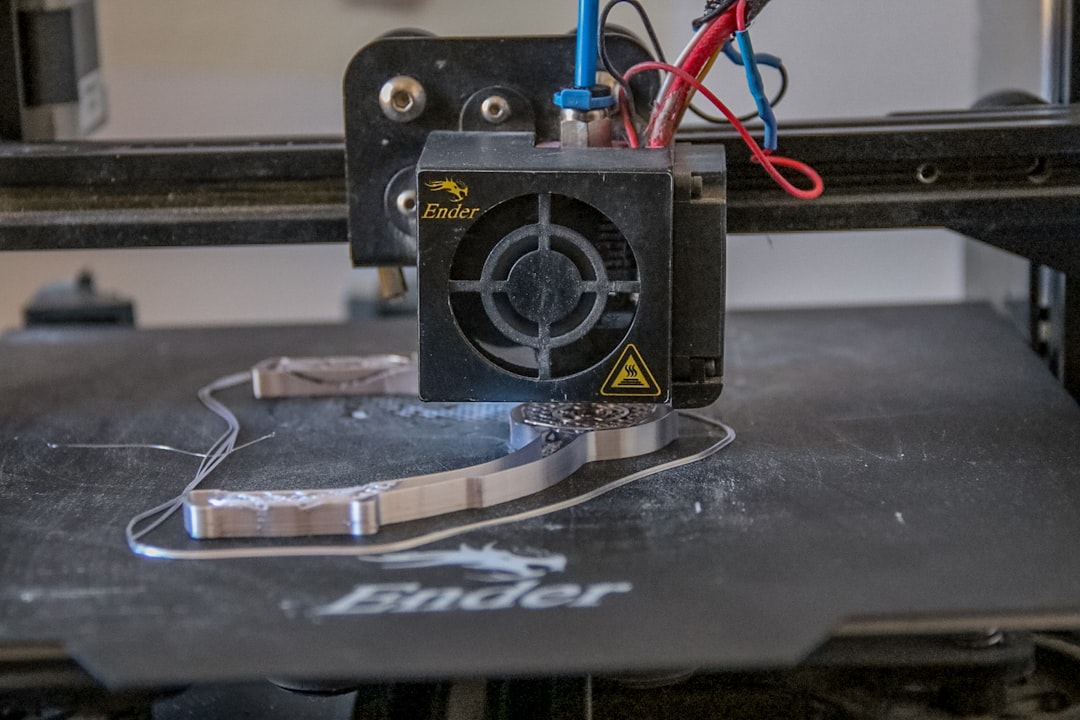
The Ender 3 V3 SE at $219 (often discounted to $179-199) is the cheapest competent auto-leveling printer in 2026. The CR Touch-based 16-point auto level works reliably, and the printer ships with sensible defaults that produce acceptable PLA prints out of the box. Build volume is 220×220×250 mm — the budget-tier standard.
The drawbacks are the predictable budget compromises. The display is the basic 3.2-inch knob-driven LCD that Creality has shipped for years, the mobile app is essentially unusable, and the slicer integration relies on Cura or PrusaSlicer with hand-configured profiles rather than a vendor-tuned slicer. For a beginner willing to invest some learning time into printer setup, the Ender 3 V3 SE delivers genuine value at the lowest price in the tier. For a beginner wanting a polished out-of-the-box experience, the A1 Mini is worth the price difference.
The Ender 3 V3 SE is also the printer most likely to be a hobbyist’s gateway to the full Creality ecosystem (firmware mods, Klipper conversion, custom hot ends, build plate upgrades). For hobbyists who specifically want a printer they will modify and tune as part of the learning experience, this is the best budget pick — its open architecture and large community make modifications well-supported.
Sovol SV07 Plus ($289) — The Klipper Budget Pick
The Sovol SV07 Plus brings Klipper firmware (rather than Marlin) to the budget tier at $289. The auto bed leveling is 36-point and works reliably; the Klipper-driven workflow includes input shaping, pressure advance, and resonance compensation tuning available through the bundled Mainsail web interface. Build volume is 300×300×340 mm — the largest in the budget tier and the SV07 Plus’s primary differentiator.
The Klipper firmware is genuinely useful for hobbyists who want to learn modern 3D printing workflows, and the printer’s print quality at high speeds (up to 250 mm/s on small parts) is genuinely better than the Marlin-based competitors at the same price point. The SV07 Plus is the printer for hobbyists who specifically want Klipper without paying mid-tier prices.
The drawbacks center on Sovol’s smaller community and less-mature ecosystem than Creality or Bambu. Documentation is thinner, troubleshooting resources are sparser, and replacement parts are slower to ship. For a hobbyist who is comfortable troubleshooting independently, the SV07 Plus delivers genuine value; for an absolute beginner, the support gap relative to A1 Mini or Ender 3 V3 SE is meaningful.
Elegoo Centauri Carbon 2 (Promo $279) — The Engineering Filament Pick
The Centauri Carbon 2 at $279 (promotional 2026 price) is the only sub-$300 printer with chamber temperature control sufficient for ABS, ASA, and CF-reinforced filaments. The auto bed leveling is 49-point and works reliably; the chamber heater reaches 60°C, which is enough for ABS and ASA without warping issues. Build volume is 250×250×250 mm.
For hobbyists specifically wanting to print engineering filaments at the lowest possible price in 2026, the Centauri Carbon 2 has no real competitor at this price point. PLA-only beginners will find the A1 Mini or Ender 3 V3 SE delivers a better PLA experience for less money; hobbyists who specifically need ABS, ASA, or CF capability will find the Centauri Carbon 2 delivers capability that the cheaper printers cannot match.
The drawbacks are the polish gap relative to Bambu. The Elegoo slicer integration is less seamless, the mobile app is functional but sparse, and the print quality on PLA is slightly behind the A1 Mini at default settings. For hobbyists buying specifically for engineering filament use, the trade-offs favor the Centauri Carbon 2; for general-purpose hobby printing, the A1 Mini remains the better pick.
What All Five Picks Share
All five printers in this list ship with working auto bed leveling that does not require manual intervention before each print. All five include heated beds rated for at least 70°C (sufficient for PLA and PETG). All five include all-metal hot ends (Centauri Carbon 2 with hardened steel for CF filament compatibility). All five ship with at least one starter spool of PLA, allowing day-one printing without separately purchasing filament.
All five also share the limitation that the budget tier is what it is — these are not premium printers, and hobbyists who buy at this price point should not expect mid-tier polish. The printers fail occasionally, the slicer ecosystems have more friction than premium offerings, and the mobile apps range from “good” (A1 Mini) to “barely there” (Ender 3 V3 SE). The value proposition of the budget tier in 2026 is access to working 3D printing technology at an accessible price, not premium polish.
The Beginner Default Recommendation
For a beginner buying their first 3D printer in 2026 with a $300 budget and no specific use case requirements: Bambu A1 Mini at $249. Best out-of-the-box experience, best mobile-first workflow, lowest setup friction, highest probability of producing successful prints in the first weekend. The smaller build volume is the primary trade-off, and for the typical beginner project mix, it is acceptable.
For beginners with specific requirements: Anycubic Kobra 3 if multi-color matters, Ender 3 V3 SE if budget is the dominant factor, Sovol SV07 Plus if larger build volume and Klipper firmware appeal, Centauri Carbon 2 if engineering filaments are the goal. The under-$300 tier in 2026 has a competent option for almost every beginner use case, which was not true even two years ago.