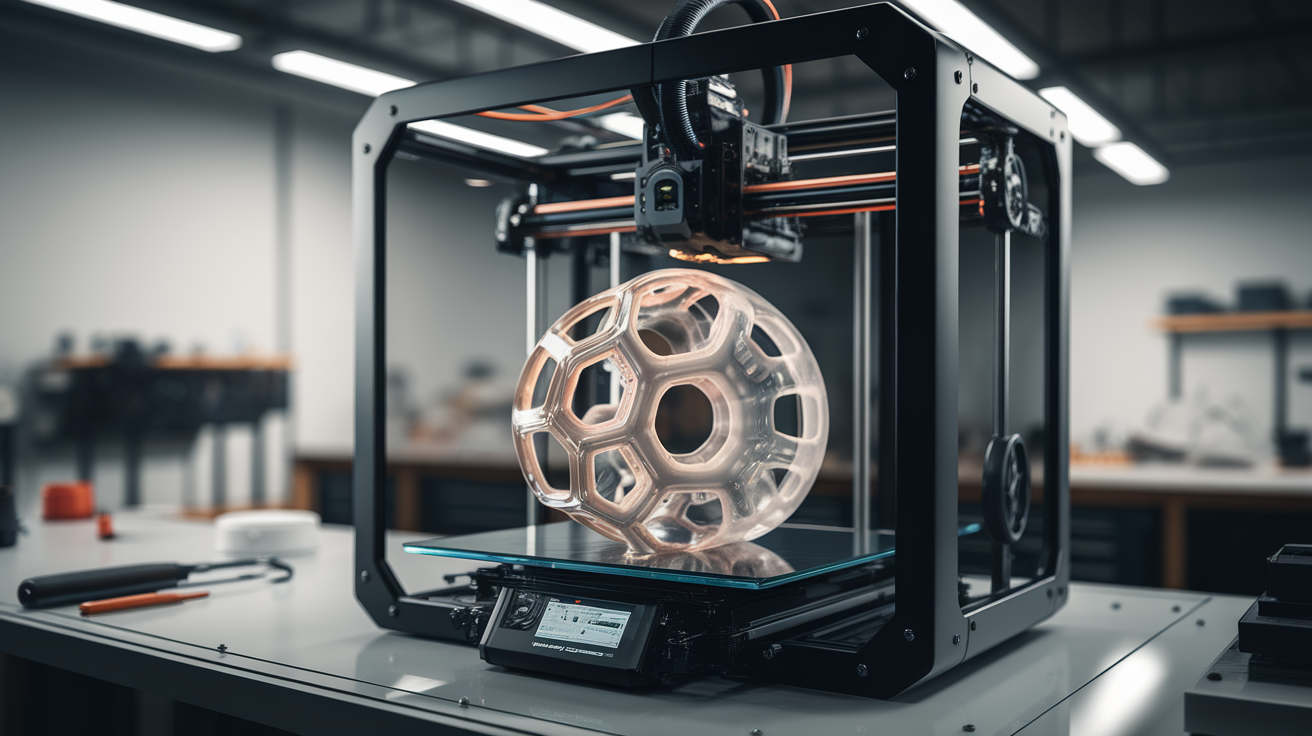
How Fast Can You Print TPU Safely: 2026 Max Speed Guide for Flexibles
The Honest Answer to “How Fast Can You Print TPU?”
Most TPU speed guides give a single number — 25 mm/s, 30 mm/s, sometimes 40 mm/s — and call the problem solved. In practice, the honest top speed for TPU depends on five variables: shore hardness of the filament, extruder geometry (direct drive vs Bowden), nozzle diameter, layer height, and how much retraction the model demands. A guide that gives one number for “TPU” is a guide that has not actually printed TPU in 2026, because the modern flexible filament landscape is now wide enough that 95A and 85A behave like different materials.
This article gives the real safe maximum speeds for 2026 hardware, broken down by those five variables, and explains the failure modes that show up when you push past each limit. The goal is not “go fast for the sake of fast” — it is to understand which speed knob each printer can actually turn, so you stop printing 8-hour TPU jobs that could be 3-hour TPU jobs.
Why TPU Has a Speed Ceiling in the First Place
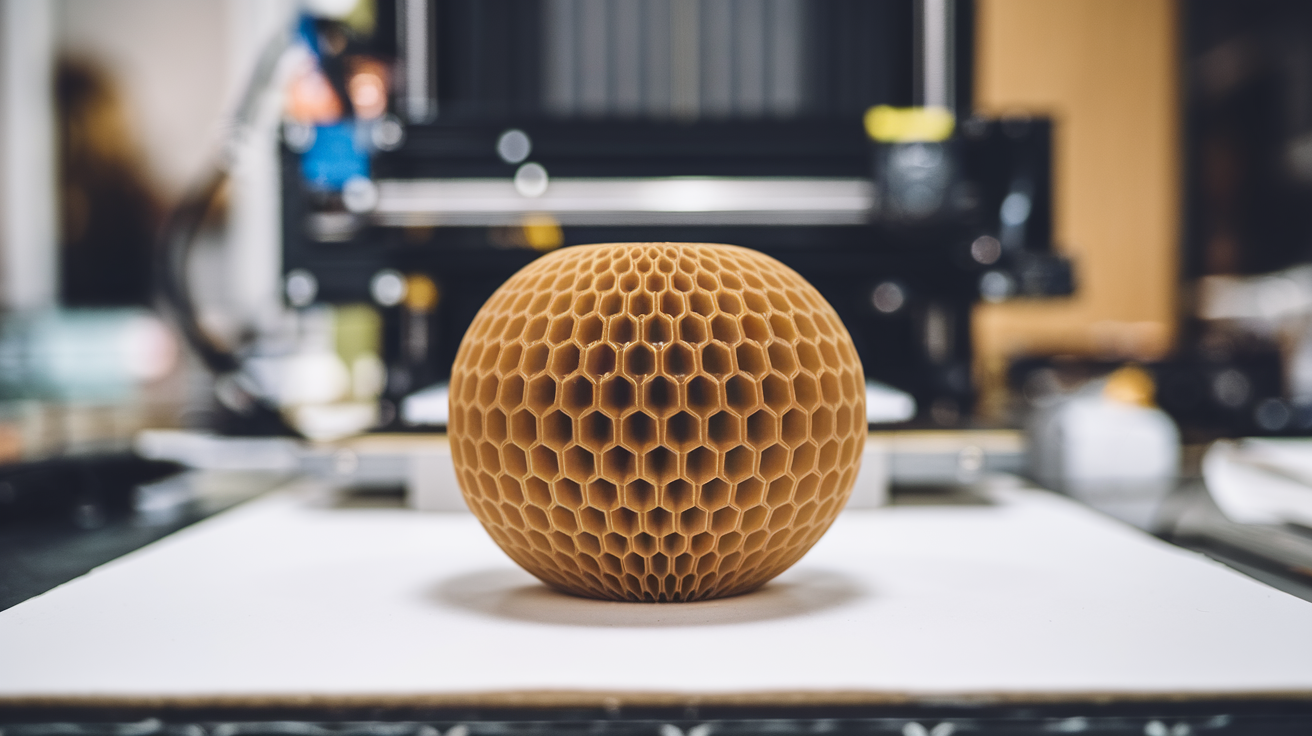
TPU is not a viscosity problem like PLA — it is a buckling problem and a back-pressure problem. When you push a flexible filament through an extruder gear at high speed, three things can go wrong before the molten filament even gets to the nozzle. First, the filament can buckle between the extruder gear and the hotend entry, because the unmelted TPU column has rubber-like compressibility. Second, the back-pressure from the molten zone in the nozzle pushes against the cold filament being fed in, and if that pressure exceeds the column strength of the filament, the gear slips against the surface rather than advancing the filament. Third, retractions during high-speed travel pull the molten zone backward, where it can stick to the cold side of the hotend transition and clog.
The harder the TPU shore rating, the higher the column strength of the filament, and the faster you can push it. 95A filament will tolerate 50-60 mm/s on a tuned direct-drive setup. 85A filament tops out around 25-30 mm/s on the same machine because the filament itself collapses under the extrusion force. Anything softer than 85A (TPE in the 70A-80A range) is a “20 mm/s and pray” filament that no amount of hardware tuning makes fast.
Direct Drive Max Speeds by Shore Hardness (2026)
On a modern direct-drive printer with a stiff dual-gear extruder (BMG-style, Sherpa Mini, Bambu hotend, Voron Stealthburner), here are the print speeds we have validated to produce dimensionally accurate prints without buckling, slipping, or stringing in 2026:
95A TPU: 50 mm/s comfortable, 60 mm/s achievable, 70 mm/s only on perfectly tuned setups with shortened filament path. Above 70 mm/s the surface finish degrades visibly even when extrusion is consistent — the filament does not have time to bond properly to the layer below.
90A TPU: 40 mm/s comfortable, 50 mm/s achievable, 60 mm/s with degraded surface finish. The 5-shore drop from 95A is more impactful than the number suggests; you give up roughly 15-20 percent of usable speed.
85A TPU: 25 mm/s comfortable, 35 mm/s achievable on perfectly tuned hardware. Beyond 35 mm/s the failure mode is gear slip rather than print quality — the filament cannot resist the extruder force at high feed rates.
Softer than 85A: 15-20 mm/s. These filaments are speed-bound by physics, not hardware. There is no setting that makes them fast.
Bowden Extruder Reality Check
Bowden setups are not “slow for TPU” — they are “exponentially harder to tune for TPU.” A well-tuned Bowden with a Capricorn-grade PTFE tube, 1.85mm internal diameter, and a Mosquito-style hotend can run 95A TPU at 35-40 mm/s reliably. The catch is that retraction tuning has to be perfect, because retractions in TPU through a Bowden tube create a stretching effect that takes more time to recover from than the retraction itself saved.
For 85A and softer filaments through Bowden, the practical maximum is 20-25 mm/s and the work involved in maintaining that reliability is not worth it for most users. If you are printing flexible filaments regularly, switch to direct drive — the hardware investment pays back within a few rolls of filament saved on failures.
How Nozzle Diameter Changes the Calculation
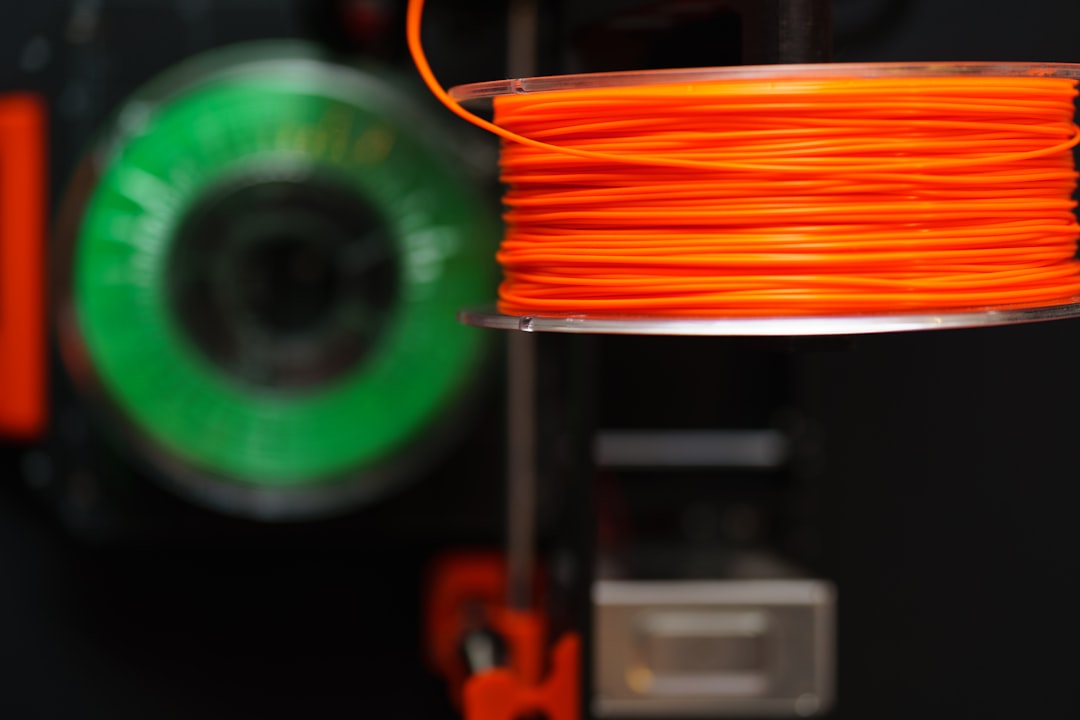
A 0.6 mm nozzle effectively doubles the safe print speed for TPU compared to a 0.4 mm nozzle, because the volumetric flow rate scales with the cross-sectional area of the extrusion. 95A TPU at 60 mm/s through a 0.4 mm nozzle is equivalent flow to 95A at 120 mm/s through a 0.6 mm nozzle — and the 0.6 mm nozzle gives you up to that headroom before back-pressure becomes the limit.
For functional TPU prints where layer detail does not matter (gaskets, grips, vibration dampers, drone bumpers), the 0.6 mm or 0.8 mm nozzle is the largest speed lever in the system. The surface finish difference between 0.4 mm and 0.6 mm on TPU is much smaller than it would be on PLA, because TPU has a softer self-leveling property in the molten state that hides nozzle width artifacts.
Layer Height Versus Speed Trade-Off
Higher layer heights let you print faster at the same volumetric flow rate, because each line of extrusion does more work. For TPU, the practical layer heights are 0.2 mm (default), 0.3 mm (fast), and 0.4 mm with a 0.6 mm nozzle (maximum throughput). Going below 0.15 mm with TPU is almost never useful — the filament does not benefit from fine layer detail because of its surface texture properties, and the print time penalty is large.
For grip prints, drone parts, RC car tires, and most TPU functional prints, 0.3 mm layer height with a 0.4 mm nozzle at 50-60 mm/s on 95A is the actual production setting that gives the best speed-quality balance. Print times in this configuration are often 30-40 percent shorter than the default profile, with no observable quality difference.
Retraction Settings That Unlock Speed
The biggest hidden speed lever for TPU is retraction. Default retraction settings for TPU in most slicers are 0.5-1.0 mm at slow speeds, which is conservative and produces unnecessary stringing-prevention overhead. For 95A TPU on direct drive, you can usually get away with 0.3-0.5 mm retraction at 25-30 mm/s retraction speed, which dramatically reduces travel time on parts with many small features.
For models with sparse infill and many disconnected top features (lattices, mesh patterns, perforated grips), the retraction count dominates total print time more than the print speed itself. Tuning retraction to be just enough to prevent stringing — not generously over-retracting — can cut these prints in half without changing the print speed at all.
Speed Settings That Matter Less Than You Think
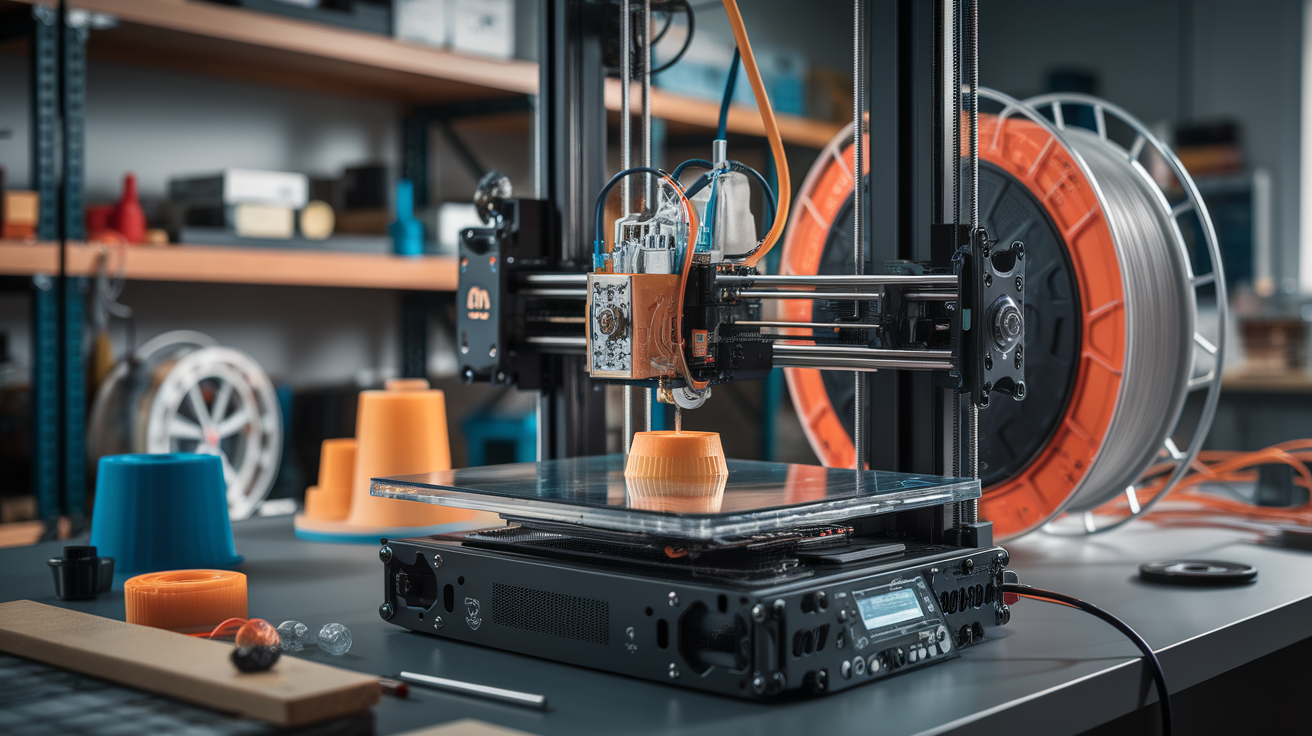
Outer wall speed for TPU should not be slowed to 50 percent of the main print speed, the way many slicers default to. TPU surface finish is dominated by the filament itself, not by outer wall speed. Setting outer walls to 80 percent of main speed is almost always enough, and on 95A you can run outer walls at 100 percent of main speed without surface degradation.
Bridging speed for TPU is mostly irrelevant because TPU does not bridge well at any speed. Plan TPU models with supports or chamfers under overhangs rather than relying on bridging. If you do need to bridge, run bridge speed at 60-80 percent of main and accept that the bridge will sag slightly — this is a material property, not a tuning problem.
Real-World Production Settings for Common TPU Prints
For phone cases and grips (95A, 0.4 mm nozzle, direct drive): 0.2 mm layer, 50 mm/s main speed, outer walls 45 mm/s, retraction 0.5 mm at 25 mm/s. Total print time roughly 2 hours for a typical case.
For drone TPU parts — bumpers, antenna mounts, motor pods (95A, 0.4 mm nozzle): 0.25 mm layer, 55 mm/s main speed, 20 percent gyroid infill, retraction 0.4 mm. Drone parts typically print in 30-45 minutes each.
For RC car tires (85A or softer, 0.4 mm nozzle, direct drive): 0.2 mm layer, 25 mm/s main speed, slower outer walls at 18 mm/s, retraction disabled or minimal (0.2 mm). Soft TPU tires take longer; expect 1.5-2 hours per tire.
For gaskets and seals (95A, 0.6 mm nozzle): 0.3 mm layer, 60 mm/s main speed, 100 percent rectilinear infill, no retraction needed in most cases. Gaskets are typically 20-40 minute prints with the larger nozzle.
What Fails First When You Push Too Fast
Knowing the failure mode tells you which limit you hit. If the print is missing layers or shows under-extrusion lines, you hit the volumetric flow limit — slow down or open the nozzle. If the print is dimensionally accurate but has rough surface, you hit the layer bonding time limit — slow down slightly. If the extruder gear clicks audibly during travel moves, the extruder is slipping under retraction stress — reduce retraction distance or speed. If the print starts cleanly and then degrades as the print head warms up over a long job, your hotend cannot maintain temperature at the requested flow rate — reduce speed or increase hotend power.
The most common mistake is reading these symptoms as “TPU is hard” rather than as specific signals about which limit was hit. Each failure mode has a different remedy. Treat them like the diagnostic codes they are.
The Speed You Should Actually Use
For most users on most printers with 95A filament, the speed that produces good prints reliably is 50 mm/s direct drive, 35 mm/s Bowden. Anything above those numbers is squeezing the last 10-20 percent of speed at the cost of yield. For production runs of small TPU parts that succeed reliably is more valuable than fast TPU parts that occasionally fail — TPU failures waste expensive filament and machine hours. Tune toward the speed that gives you 100 percent yield on long jobs, not the speed that runs the fastest on a small benchmark.