ABS on FDM 3D Printers: Complete Settings, Hardware, and Workflow Guide
Why ABS Still Matters for FDM 3D Printing in 2026
ABS (Acrylonitrile Butadiene Styrene) is one of the oldest thermoplastics used in FDM 3D printing, and despite the rise of PETG, ASA, and high-performance nylons, it remains a favorite for heat-resistant enclosures, automotive mockups, mechanical prototypes, and anything that will benefit from acetone vapor smoothing. Printing ABS successfully on an FDM machine is well within reach of most home setups — but only if you understand the specific hardware and settings the material demands.
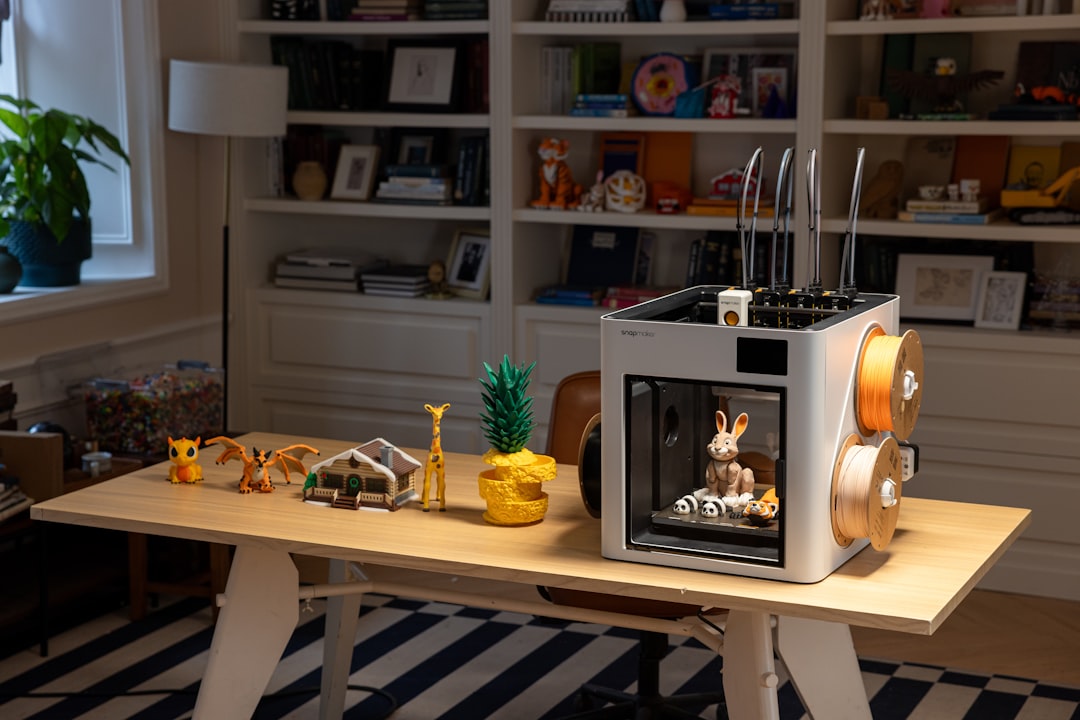
This guide covers everything: printer requirements, optimal slicer settings, bed adhesion strategies, enclosure setup, ventilation, and common troubleshooting.
ABS Printer Hardware Requirements
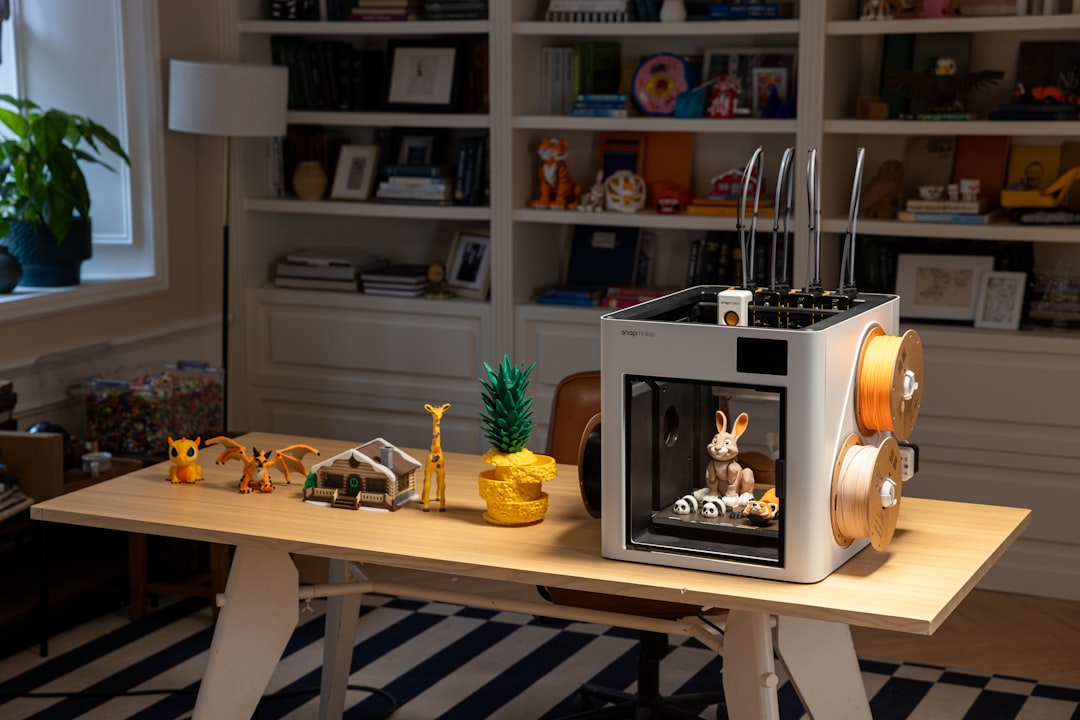
ABS puts more demand on your FDM printer than PLA or PETG. Three hardware features are essentially mandatory:
1. Heated bed capable of 100-110 C. Most modern printers have this, but older budget machines may cap at 90 C, which is insufficient for ABS.
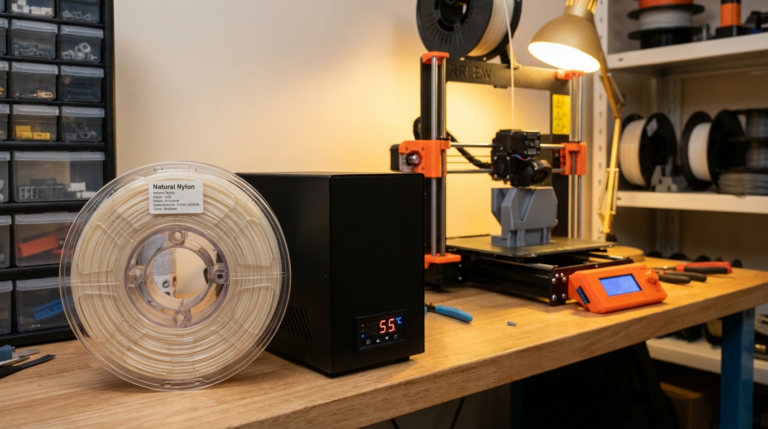
2. Enclosure. ABS contracts significantly as it cools. Without a warm, still air environment around the print, outer layers cool faster than inner ones, creating internal stresses that cause warping and delamination. An enclosure traps waste heat from the bed and nozzle, maintaining the air inside at 35-45 C — exactly what ABS needs.
3. All-metal hotend capable of 250 C+ reliably. PTFE-lined hotends can print ABS at 230-235 C but will degrade faster at these temperatures. An all-metal hotend is the safer, long-term choice.
Recommended Printers for ABS
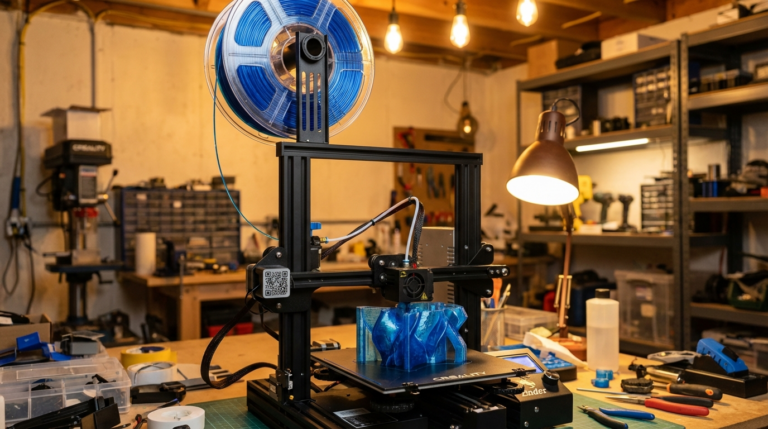
Printers that ship ready for ABS include the Bambu Lab P1S, X1 Carbon, QIDI X-Plus 3, Prusa MK4S with its Enclosure, and Creality K1 Max. Ender 3 class printers can print ABS with a third-party enclosure and minor tuning, but results are more hit-or-miss.
Slicer Settings for ABS
Start with these baseline settings and adjust based on results:
- Nozzle temperature: 245 C (first layer), 240 C (subsequent layers)
- Bed temperature: 105 C (first layer), 100 C (subsequent)
- Print speed: 40-50 mm/s. Slower is better for layer adhesion.
- Fan speed: 0% for the first 5 layers, then 20-30% maximum. ABS wants minimal cooling.
- Retraction: 3-4 mm at 35-40 mm/s for Bowden; 0.8-1.2 mm at 30 mm/s for direct drive.
- Layer height: 0.2 mm is the sweet spot. 0.12 mm for fine detail, 0.28 mm for speed.
- Wall line count: 3-4 walls for strong parts.
- Infill: 20-30% gyroid or cubic for functional parts.
Bed Adhesion for ABS
Getting ABS to stick to the build plate — and stay stuck — is half the battle. Proven combinations:
- PEI sheet + 105 C bed: Best modern solution. Wipe with IPA between prints.
- Glass + ABS slurry: Dissolve a small amount of ABS scrap in acetone; paint a thin layer. Nuclear adhesion.
- Glass + glue stick: Simple and effective; reapply every few prints.
- Garolite (G10): Specialized surface favored by nylon printers; works with ABS too.
Add a brim of 5-8 mm for tall or thin-walled parts. A raft is rarely necessary if your first layer is properly tuned.
Warping: The #1 ABS Problem
Warping happens when the bottom of the print cools unevenly. The fix is consistent temperature throughout the print volume. If you see corners lifting:
- Close the enclosure door; stop opening it during the print
- Turn off or greatly reduce part cooling
- Increase bed temperature by 5 C
- Use a brim
- Clean your build surface thoroughly with IPA
Extreme cases may benefit from a draft shield — a 0.4 mm thick single-wall skirt around the entire part, as tall as the object, which traps warm air locally.
Ventilation and Safety
ABS emits styrene and ultrafine particles when printing. These are not acutely toxic but are irritants and should not be inhaled over long periods. Minimum requirements:
- Print in a well-ventilated room or garage
- Use an enclosed printer with a carbon-filtered exhaust (Bambu enclosure kits, BentoBox filters)
- Avoid being in the room during multi-hour prints
Some printing enthusiasts use a carbon filter combined with an inline fan venting to a window — effective and inexpensive.
Post-Processing: Acetone Vapor Smoothing
One of the greatest advantages of ABS is how beautifully it finishes with acetone vapor. The process:
- Place your print on a stand inside a sealed chamber (glass jar or metal bucket work well)
- Add 50-100 ml of acetone to the bottom, not touching the part
- Warm gently for 15-30 minutes until you see gloss develop
- Remove and let cure for 24 hours before handling
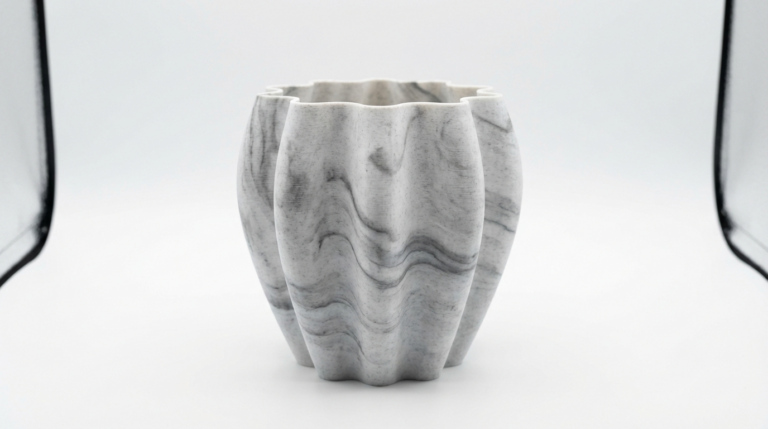
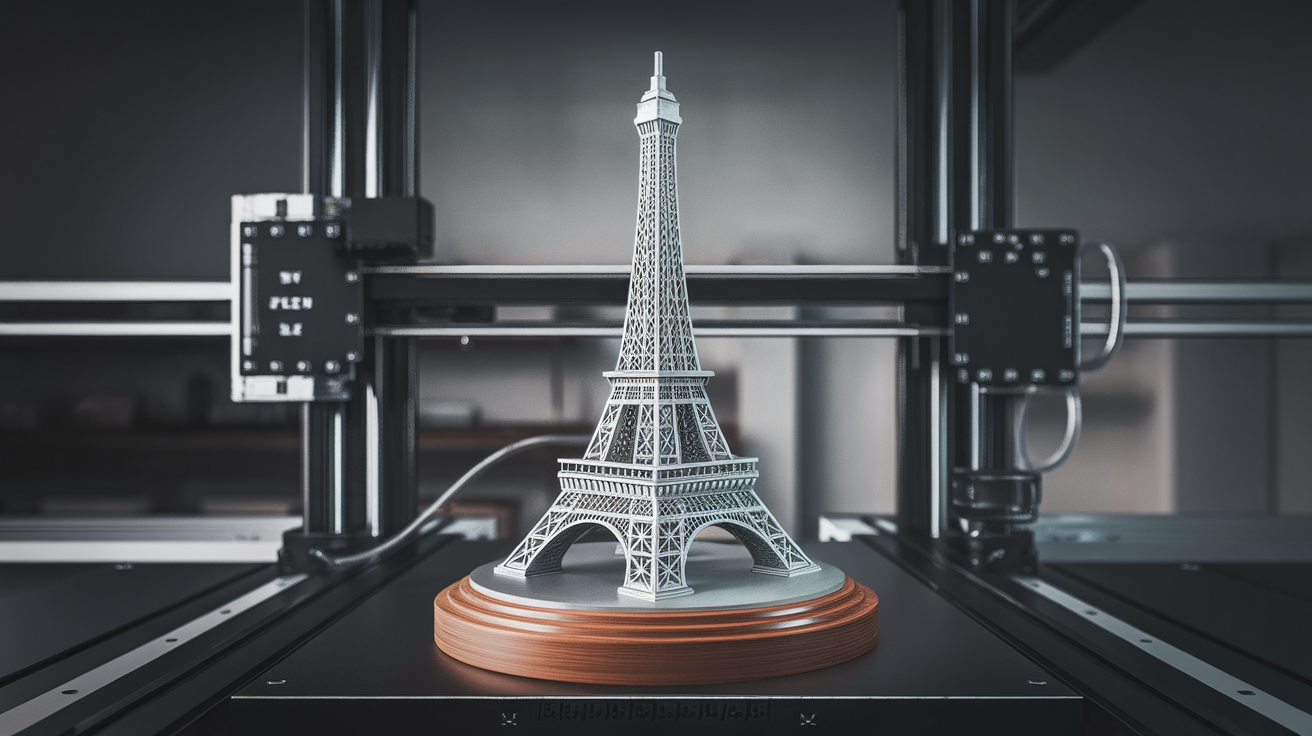
The result is a near-injection-molded finish impossible to replicate with PLA or PETG.
Common ABS Print Failures and Fixes
Layer splitting: Enclosure is not maintaining enough heat. Raise bed temperature, close doors, reduce cooling fan.
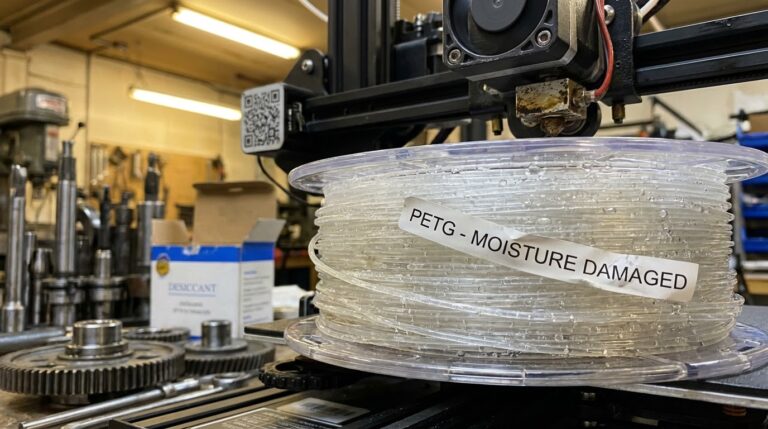
Stringing: Filament is wet. Dry at 65 C for 4 hours. Also ensure nozzle is clean of burnt residue.
Cracks during printing: Classic enclosure issue. The top of the print cools faster than the bottom. Enclose and insulate the printer.
Poor first layer: Bed is not hot enough, or glue/slurry is old. Clean and reapply.
Under-extrusion: Hotend is not hot enough for the speed. Slow down or raise to 245 C.
ABS vs Alternatives in 2026
If you just need heat resistance without acetone smoothing, ASA is easier to print, more UV-stable, and has nearly identical mechanical properties. PETG is easier still but melts around 80 C. Polycarbonate and PC blends print at higher temps and offer much higher strength.
Choose ABS when you specifically want vapor smoothing, when legacy compatibility matters, or when cost per kg is the driver — ABS is often the cheapest engineering filament available.
Final Thoughts
ABS is not the easiest filament to print on FDM machines, but with the right hardware, patience, and attention to temperature stability, it produces some of the most attractive and functional parts available to hobbyists. Start with a closed enclosure, tuned first layer, and slow print speeds, and you will find ABS far more forgiving than its reputation suggests.