Wet Filament Symptoms: 9 Warning Signs Your Spool Absorbed Moisture
Why Wet Filament Is the Silent Killer of 3D Prints
Filament is hygroscopic — it absorbs water from the air. When even a small amount of moisture infiltrates a spool, the consequences are visible in your prints almost immediately. Stringing triples. Surfaces turn fuzzy. Popping noises emerge from the hotend. Yet many printing enthusiasts misdiagnose these symptoms as retraction problems, nozzle clogs, or temperature issues and spend hours tuning when the real fix is as simple as drying the spool.
This guide walks through the 9 most common wet filament symptoms, from the obvious to the subtle, so you can diagnose moisture damage in minutes instead of hours.
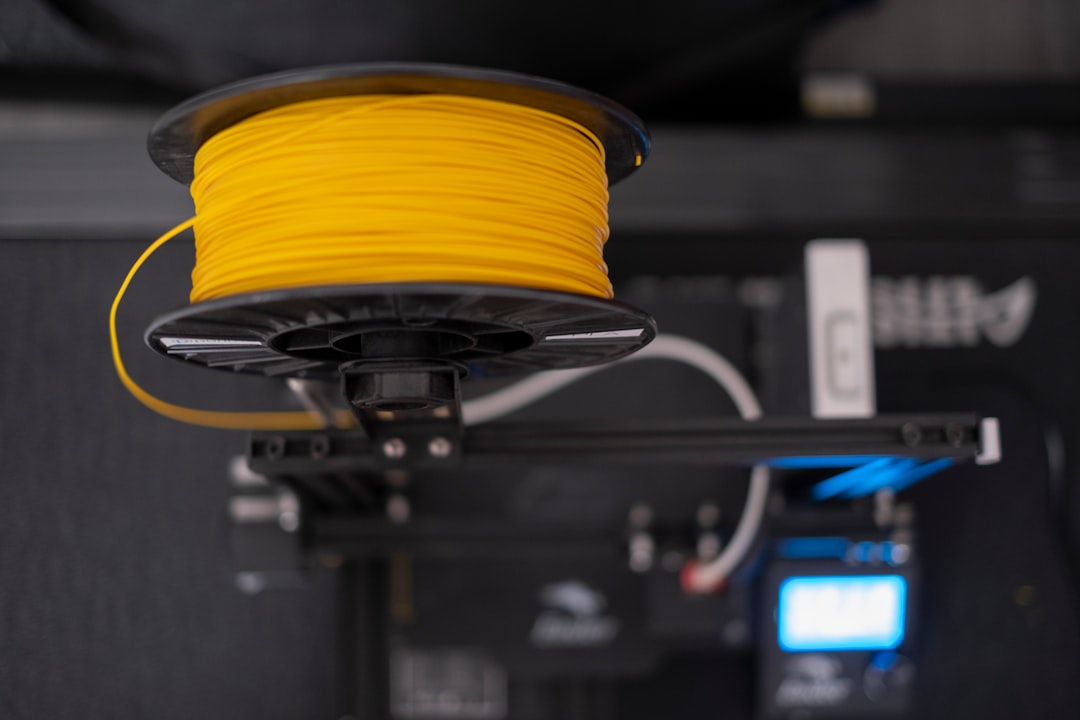
Symptom 1: Audible Popping or Crackling from the Hotend
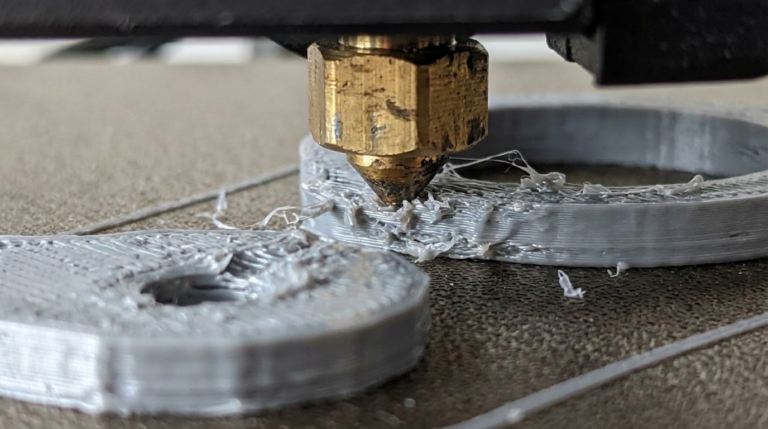
This is the single most diagnostic sign of wet filament. As water-filled filament reaches the melt zone, trapped water vaporizes and escapes explosively, producing a soft popping or crackling sound as if tiny bubbles are bursting inside the nozzle. You may also see steam rising from the hotend during printing.
If you hear popping: stop printing and dry the spool. Printing through it will damage layer adhesion and leave voids in your parts.
Symptom 2: Stringing That Was Never There Before
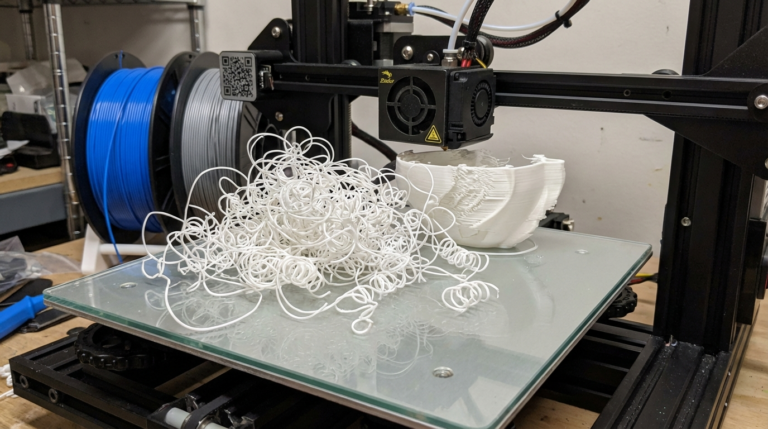
Suppose you dialed in retraction months ago and prints were clean. Now the same settings, same model, same printer produce fine hairs and cobwebs between features. The most likely cause is not a printer issue at all — it is moisture.
Water in the filament lowers viscosity and makes the molten plastic ooze even during retraction. No retraction setting can compensate for wet filament. Dry it first, then tune.
Symptom 3: Fuzzy, Textured Surfaces on Parts That Should Be Smooth
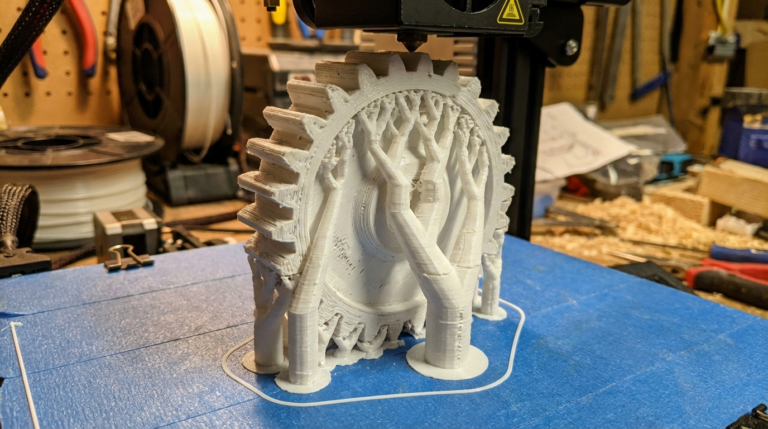
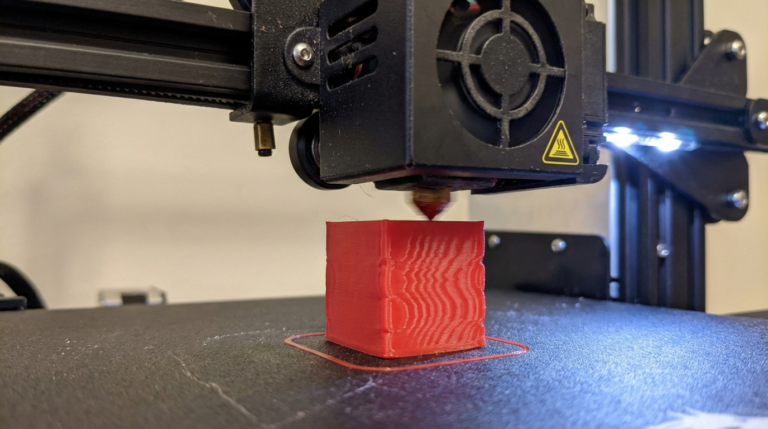
Wet PLA, PETG, and especially nylon will produce surfaces that look rough, pebbled, or “almost blurry” compared to what you remember from the same filament months ago. The cause is micro-explosions of water vapor disrupting the smooth laydown of each extrusion line.
This symptom is most common on top surfaces and perimeter walls where even small imperfections are visible.
Symptom 4: Brittle Filament That Snaps When You Bend It
Take a short length of filament from the spool and try to bend it into a loop. Fresh PLA will flex and only break at very tight radii. Wet PLA will snap cleanly at a gentle bend. The same goes for ABS, though nylon actually becomes softer and more limp when wet — a useful counter-indicator.
This test is fast, requires no tools, and catches moisture damage even in spools that have not been printed yet.
Symptom 5: Under-Extrusion and Blobs on the Print
Water vapor in the melt zone creates pressure fluctuations that disrupt consistent extrusion. The result is under-extruded layers — gaps between perimeters, visible lines, and layers that do not bond — alternating with over-extruded blobs where the pressure catches up. Tuning flow rate will not solve this; only drying will.
Symptom 6: Layer Adhesion Failures
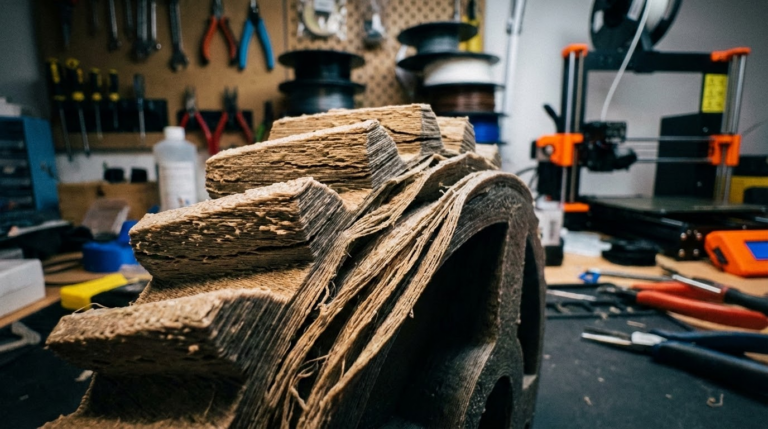
Water vapor acts like a release agent between layers. Prints that should be strong and rigid snap under hand pressure along clean layer lines. This is especially dangerous on functional parts such as drone frames, RC car chassis, and load-bearing brackets where the part may look fine but fail catastrophically under load.
Symptom 7: Visible Steam or Smoke from the Nozzle
In well-lit conditions, especially with a dark background, you can sometimes see a faint haze or “ghosting” above the nozzle when wet filament is extruded. This is steam — a dead giveaway that moisture has infiltrated your spool.
Symptom 8: First-Layer Adhesion Fails Without Explanation
You leveled your bed yesterday. Your PEI sheet is clean. Your temperatures are correct. Yet today the first layer refuses to stick or starts lifting at the corners. Wet filament reduces how well the molten plastic wets the build surface — it cools faster and crystallizes unevenly, producing poor adhesion.
Symptom 9: Discoloration and Oddly Translucent Sections
Some filaments, especially transparent PETG and white PLA, will develop cloudy or hazy spots when printed wet. Micro-bubbles of water vapor scatter light and change the material’s optical properties. If you are seeing inconsistency in transparent prints, moisture is a likely cause.
How to Confirm Wet Filament
The fastest confirmation: extrude 100 mm of filament manually at printing temperature while listening carefully. If you hear any popping, see steam, or notice the extruded noodle is bumpy rather than smooth, your filament is wet. You can also weigh a spool when new and compare to current weight — wet filament can absorb 1-2% of its weight in water.
How to Fix It
Dry the spool in a dedicated filament dryer at the correct temperature:
- PLA: 45-50 C for 4-6 hours
- PETG: 55-65 C for 4-6 hours
- ABS: 65 C for 4 hours
- Nylon: 70-80 C for 12 hours or more
- TPU: 50 C for 6-8 hours
If you do not own a filament dryer, a food dehydrator works well. A kitchen oven can be used cautiously for PLA at its lowest stable temperature, but oven temperatures are often unreliable and can deform spools.
How to Prevent Wet Filament
Prevention is cheaper than cure. Store filament in sealed containers — 5-gallon buckets with gamma-seal lids and silica gel work fantastically. Use dry boxes while printing long jobs in humid environments. Keep a hygrometer in your storage container; you want relative humidity below 20%.
Rotate your stock. Buy what you will use in 3-6 months rather than stockpiling 50 spools that slowly take on moisture.
Final Thoughts
If you recognized any of the 9 symptoms above in your recent prints, stop troubleshooting your hardware and dry the filament first. It costs nothing to check, takes a few hours to correct, and will solve print quality problems that no amount of retraction tuning ever could. Wet filament is one of the most common and most misdiagnosed issues in 3D printing — know the signs and you will save yourself days of frustration.