Bambu Lab A1 Kinematics: Bed Slinger or CoreXY? (Full Answer)
The Short Answer
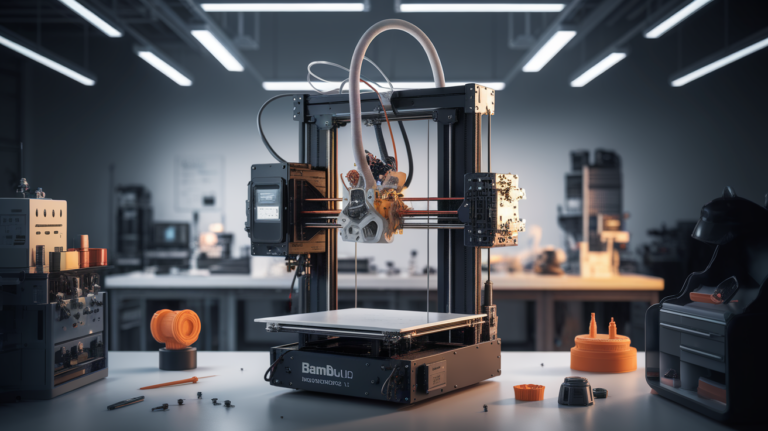
The Bambu Lab A1 is a bed slinger, not a CoreXY. Its Y-axis motion is handled by moving the print bed forward and backward on linear rails, while the print head moves only in the X and Z directions. This is the same fundamental architecture as the Creality Ender 3, Prusa MK4, and every Cartesian bed-slinger going back to the original RepRap.
This matters because Bambu’s reputation was built on their CoreXY printers — the X1 Carbon, X1E, and P1 series. When the A1 launched in late 2023, it was Bambu’s first bed slinger in the modern era, and the kinematics question became the single most common pre-purchase confusion. Let’s break down exactly what’s happening mechanically and what it means for your prints.

Bed Slinger vs CoreXY: The Mechanical Difference
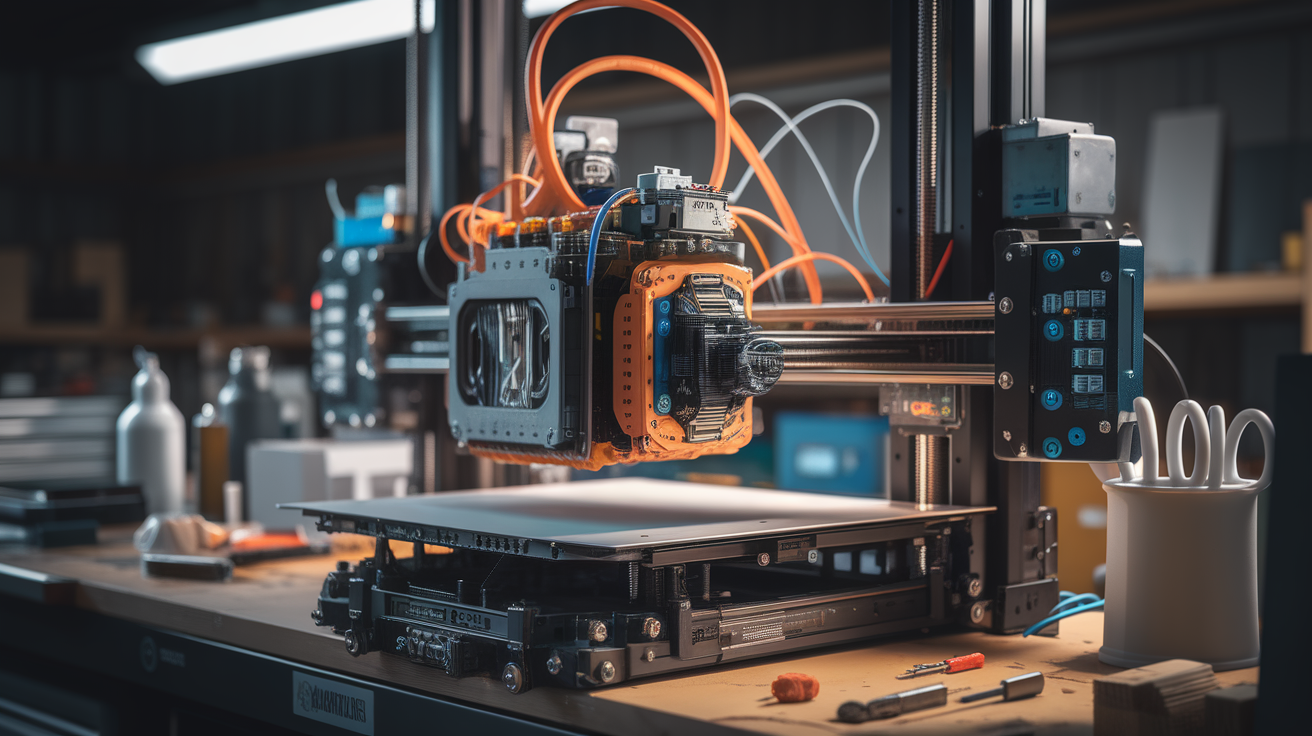
A bed slinger moves the build plate along the Y axis. The print head handles only X and Z. One Y motor drives the bed, typically via a belt or lead screw, and the bed is the heaviest moving part of the machine.
A CoreXY machine keeps the bed stationary (except for Z height adjustments) and moves the print head in both X and Y using two synchronized belts driven by two motors mounted at the back corners. The math of the belt routing means neither motor has to move — a critical weight-saving trick.
Bed slingers are simpler: fewer belts, cheaper to manufacture, easier to assemble. CoreXY machines are stiffer at high speeds because they can keep the print head light while the heavy parts stay fixed. This is why high-speed enthusiast CoreXY printers like the Voron 2.4 and the Bambu X1 Carbon can maintain surface quality at 300–500mm/s where a typical bed slinger starts showing ringing past 150mm/s.
Why Bambu Chose Bed Slinger Architecture for the A1
Three reasons dominate:
Price. Bambu wanted a sub-$500 printer, and CoreXY frames require more linear rails, a more rigid chassis, and more precise assembly tolerances. Bed slingers hit the price target without cutting too much capability.
Footprint. The A1 family is marketed to hobbyists with limited desk space. Bed slingers have a smaller enclosed volume than CoreXY designs of the same build size — the bed moves out from the back of the machine rather than being fully contained.
Enclosure trade-offs. Enclosed CoreXY printers (the X1C, P1S) are excellent for ABS and other temperature-sensitive filaments. Open bed slingers are better for PLA cooling, less susceptible to warped prints from temperature differentials on the top layers, and generate less noise overall. The A1 was always meant to be an “open PLA and PETG workhorse,” not a chamber-dependent ABS machine.
How This Compares to the Bambu Lab A1 Mini
The A1 Mini is also a bed slinger with a 180x180x180mm build volume compared to the A1’s 256x256x256mm. Same kinematic family, smaller scale. If you’re comparing the two, the choice comes down to build volume and filament system compatibility (both support the AMS Lite), not kinematics. Both are Cartesian bed slingers using the same Y-rail approach.
How This Compares to the X1 Carbon and P1S
The X1 Carbon, X1E, P1S, and P1P are all CoreXY machines with enclosed build volumes. They share almost nothing mechanically with the A1 beyond slicer and firmware ecosystem compatibility. If you need to print ABS, polycarbonate, or carbon-fiber-filled nylon reliably, the CoreXY enclosed Bambu lineup is the right home — the A1 isn’t the answer even if the price is tempting.
If you mostly print PLA, PETG, and PLA-CF, the A1 frequently outperforms the entry P1P at the same price because its active bed leveling, flow calibration, and noise profile are all more refined on the newer platform.
Does Bed Slinger Architecture Hold the A1 Back?
Less than you’d expect. Bambu engineered the A1 with several tricks that mitigate classic bed-slinger problems:
Dual Y-axis motors. The bed is driven symmetrically rather than from one side. This eliminates the Y-axis racking that plagues cheaper bed slingers like base-model Enders.
Integrated input shaping. Every A1 runs Bambu’s active vibration compensation, calibrated automatically at the start of each print. This reduces the ringing artifacts that CoreXY evangelists usually point to as the reason to avoid bed slingers.
Direct-drive extruder. The print head uses a compact direct-drive system rather than Bowden, giving more reliable retraction and broader filament compatibility (including TPU at lower speeds).
Linear rails on all axes. No V-slot wheels. The stiffness-per-dollar of the A1 is uncomfortably good for manufacturers in the $300–500 bracket.
The one place the A1 does lose to Bambu’s CoreXY lineup: top-end print speed. Practical A1 speeds land around 250mm/s before surface quality starts to degrade. A well-tuned X1 Carbon prints at 500mm/s with better surface finish. For hobby use, most people never hit the A1’s speed ceiling.
Who Should Buy the A1 Knowing It’s a Bed Slinger?
The A1 is the correct pick if:
- Your primary filaments are PLA, PETG, PLA-CF, or PETG-CF
- You have desk space but not a dedicated enclosure for ABS-grade work
- You want Bambu’s ecosystem (AMS Lite, slicer, app) without paying X1C money
- You value quiet operation for home or bedroom printing
- Print speed above 250mm/s isn’t a hard requirement
Pick an X1C, X1E, or P1S instead if:
- ABS, ASA, polycarbonate, or high-temp nylon is on your material list
- You want maximum speed with minimal tuning
- You need a fully enclosed chamber for warp-prone prints
- Noise control via enclosure matters more than the compact open footprint
Common Misconceptions Worth Addressing
“Bambu printers are all CoreXY.” False. The A1 and A1 Mini are bed slingers. This is a recent product line expansion and older buyer’s guides haven’t caught up.
“Bed slingers can’t do high-quality prints.” Also false. A well-calibrated bed slinger with input shaping produces prints indistinguishable from CoreXY output at moderate speeds. The differences show up in time-lapse speed and in materials that need chamber heat.
“The A1 is just a rebranded Ender.” False. The A1 shares the Cartesian bed-slinger kinematic family with the Ender but almost nothing else — frame, rails, extruder, electronics, software, and calibration automation are all purpose-designed.
Print Speed Reality Check: What You’ll See on the A1
Marketing numbers for the A1 list 500mm/s maximum travel and 10000mm/s² acceleration. Real print speeds are lower once quality constraints kick in. On PLA with stock Bambu settings, expect:
- Inner walls: 270–300mm/s
- Outer walls: 200mm/s
- Infill: 270–300mm/s
- Small-feature perimeters: 50–80mm/s
- First layer: 50mm/s
On PETG, drop each number by roughly 20%. On TPU, drop by 50% and expect to tune retraction carefully for the first spool of each brand. Actual total print time for a 30g PLA functional part lands around 50–70 minutes on the A1, which is comparable to an X1 Carbon on quality-first settings and significantly faster than an Ender 3 V3 SE printing the same file.
Pushing the A1 beyond these speeds is technically possible with tuning, but surface quality degrades quickly and the bed-slinger architecture’s Y-axis inertia becomes the limiting factor. For genuinely speed-critical workflows, the X1E and P1S still outperform the A1 by a comfortable margin.
What This Means for First-Time Buyers
If this is your first printer and you’ve been weighing A1 against an entry-level Ender or Prusa Mini+, the kinematic architecture isn’t the deciding factor. All three are bed slingers. What sets the A1 apart is the automation stack: first-layer inspection with a camera, automatic flow calibration, adaptive bed-mesh adjustment each print, and a slicer that actually lives on the printer instead of requiring constant file transfers. That stack matters more in daily use than whether your Y axis moves the bed or moves the head.
If you’re a returning buyer coming from an older Ender 3 or an Anet A8, the A1 will feel like a generational leap specifically because of what Bambu added on top of the standard bed-slinger formula. You’re not giving up CoreXY by buying A1 — you were never going to own a CoreXY machine at this price tier anyway.
Common Upgrades and Modifications Worth Knowing
The A1 is less upgrade-oriented than Ender-class printers because its engineering is already refined, but a few tweaks earn their keep. Replacing the stock nozzle with Bambu’s hardened steel version is essential before running any carbon-fiber filament. Adding the AMS Lite expands filament versatility through multi-material printing without fundamentally changing the machine. A third-party filament dryer (Sunlu S4 or similar) sitting next to the printer addresses the biggest quality issue most A1 users encounter — wet PETG in the original spool.
Mechanical modifications are unusual. The A1’s frame doesn’t accept many aftermarket parts, which is intentional — Bambu designed the machine as a closed appliance rather than a tinker platform. If you want to modify extruders, belts, or electronics, the P1P or an open-source CoreXY kit is a better starting point.
Final Answer for Your Search
The Bambu Lab A1 uses bed-slinger kinematics: the bed moves on Y, the head moves on X and Z. It’s not a CoreXY machine. That said, Bambu’s engineering around the bed-slinger constraint — dual Y motors, input shaping, direct-drive, and auto-calibration — produces prints that hold their own against CoreXY machines costing twice as much for typical PLA and PETG workflows. The kinematic architecture is the starting point, not the final verdict. Judge the machine on print results and workflow, not the belt topology.