Best Beginner 3D Printer 2026: Five Picks Ranked by Friction Profile
What “Beginner-Friendly” Actually Means in 2026
The phrase “beginner 3D printer” carried a very different meaning five years ago, when the implied purchase was an Ender 3 kit, a YouTube tutorial playlist, and a weekend of bed leveling before the first print. The 2026 beginner buyer is shopping in a market where the entry-level machine boots up calibrated, prints in under five minutes, and rarely demands the kind of mechanical troubleshooting that used to be table stakes. The trade-off: those convenience-first printers cost more than the sub-$200 kits that used to define the budget tier, and their ecosystems often lock the user into proprietary slicer profiles and filament spool formats. Picking the right beginner machine in 2026 is no longer about getting the cheapest box that prints — it is about choosing the friction profile you want to live with for the next year of learning.
This guide ranks five 3D printers that we believe are the most defensible beginner picks for 2026, weighted by setup time, print reliability out of the box, slicer ergonomics, repair accessibility, and the available community when something inevitably goes wrong. None of these picks are bleeding-edge enthusiast machines; all of them are the kind of printer you can hand to someone whose only previous 3D printing experience was watching a friend’s Bambu print a phone stand at a barbecue.
Bambu Lab A1 Mini — The Default Recommendation
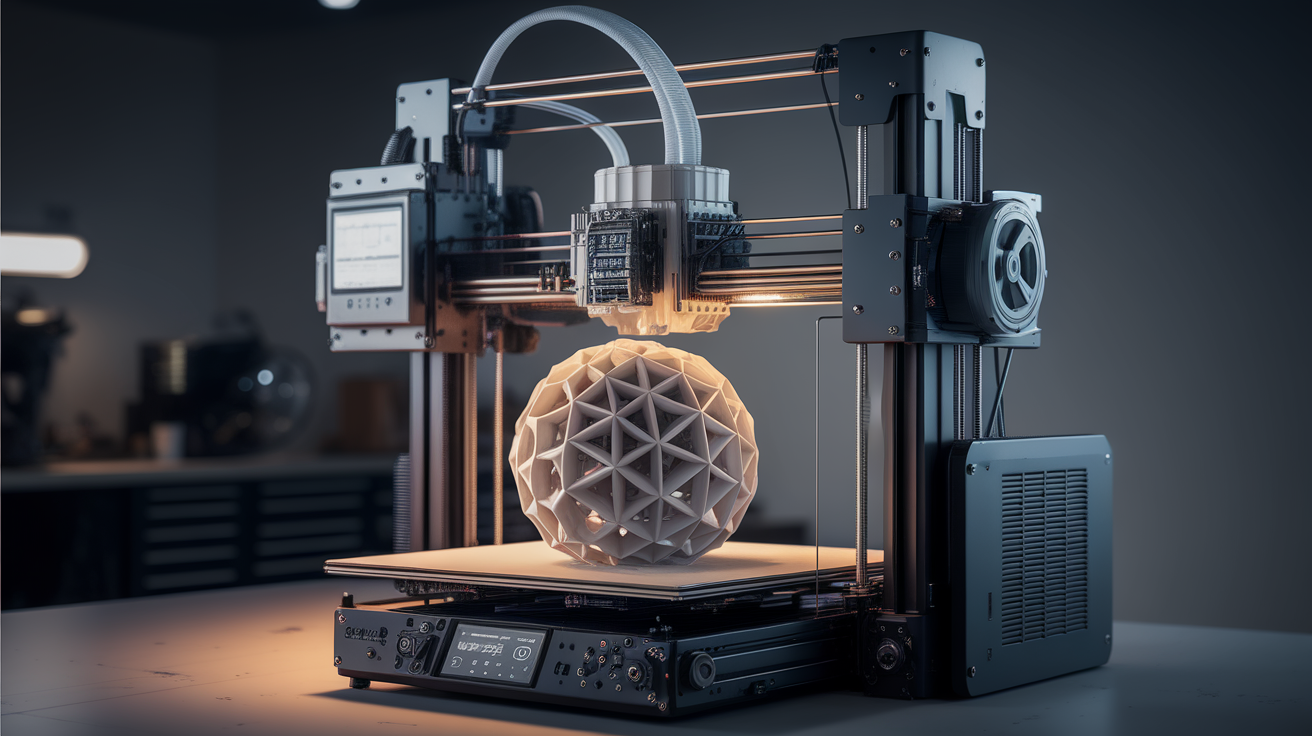
The A1 Mini has become the genuine answer to the question “what should my non-technical friend buy?” Out of the box, the A1 Mini takes about ten minutes from unboxing to a successful Benchy. Auto bed leveling runs at the start of every print. The integrated camera and AI failure detection catches most spaghetti failures before they fully ruin the print bed. The 180×180×180 mm build volume is small enough to be honest about the printer’s limitations — beginners who buy it for cosplay armor or large vases will be quickly frustrated, and that is a feature for buyers who do not yet know which use case will stick.
The drawbacks: the A1 Mini’s MFR (multi-color printing) requires the AMS Lite accessory at additional cost, the build plate sticker degrades faster than the printer’s marketing implies, and the slicer (Bambu Studio) is a fork of PrusaSlicer that pushes users toward Bambu’s filament profiles. None of these are dealbreakers for a first printer. Price as of mid-2026 sits around $269 for the base unit, $469 with AMS Lite. For the typical hobbyist who wants to print phone stands, board game inserts, and replacement parts for household objects, the A1 Mini is the printer that produces the fewest “now what do I do?” moments.
Creality K1C — When You Need a Bigger Bed
Some beginners buy a 3D printer specifically because they have a larger project in mind — a cosplay helmet, a custom enclosure for an electronics project, a series of organizers that do not fit a 180 mm bed. For those buyers, the Creality K1C ($479) extends the build volume to 220×220×250 mm without sacrificing the auto-calibration ergonomics that make modern printers approachable. The K1C ships with a hardened nozzle, which means it can handle carbon-fiber-reinforced filaments out of the box if the buyer wants to experiment with engineering materials later.
The K1C’s weakness is software polish. Creality’s slicer (Creality Print) lags Bambu Studio in user experience, and the printer’s touchscreen interface occasionally requires firmware updates that are not as seamless as Bambu’s. The community is large and the spare parts ecosystem is mature — Creality has shipped enough printers globally that any failure mode has a fix within a forum search. For a beginner who knows they want to grow into bigger prints and is willing to tolerate a slightly less polished software experience, the K1C earns its place on this list.
Prusa Mini+ — For the Buyer Who Wants Long-Term Repairability
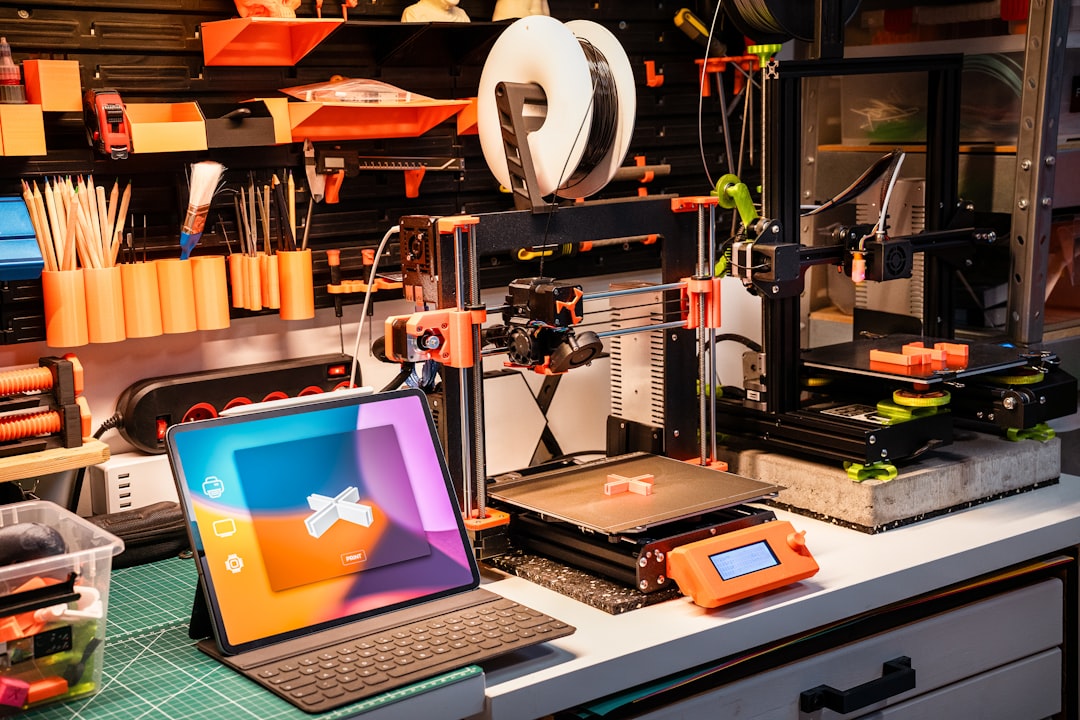
Prusa’s Mini+ is the slow-burn pick on this list. It costs more than the Bambu A1 Mini ($479 assembled, $399 kit), prints noticeably slower out of the box, and lacks the polished mobile-app integration that Bambu has refined over multiple firmware generations. The reason it remains on a 2026 beginner list at all is that Prusa has demonstrated, across more than a decade, that they will keep selling spare parts for printers they no longer manufacture. A Mini+ purchased in 2026 will still have replacement hot ends, build plates, and motherboards available in 2030.
For a beginner who values “I can fix this printer in five years” over “this printer is the fastest at unboxing,” the Mini+ is the right answer. The print quality at default settings is at least as good as the Bambu A1 Mini, the open-source firmware (Prusa’s fork of Marlin) is well-documented, and the Prusa user community has produced more troubleshooting articles than any other ecosystem. The trade-off is patience: the Mini+ will print a phone stand in 90 minutes that the A1 Mini prints in 35 minutes. For some buyers, that is irrelevant. For others, it is enough to push them to Bambu.
Sovol SV08 — Larger Build Volume on a Budget
The Sovol SV08 ($499) earns its slot on this list as the largest-build-volume option that remains beginner-approachable. With a 350×350×345 mm build volume, the SV08 prints helmet-scale objects in a single piece — a job that would require splitting and gluing on any of the printers above. The SV08 ships with Klipper firmware preinstalled, which means it boots into a modern web UI rather than the crusty marlin LCD interface that older Sovol machines used.
The SV08 is honest about being a 2026-era CoreXY machine: print speed reaches 700 mm/s in benchmark tests, and even normal printing happens at 300+ mm/s. For a beginner this is mostly irrelevant — the speed mostly matters when you have queued multiple parts and want the printer to free up sooner. The reason the SV08 belongs on a beginner list is that the larger build volume means you outgrow the machine slower than you would the A1 Mini. The downsides: the SV08’s auto bed leveling requires periodic calibration tuning, the build plate adhesion is finicky with PETG, and the fan noise during high-speed printing is louder than the smaller machines on this list.
Anycubic Kobra 3 — The Sub-$300 Pick With Multi-Color Support
For the beginner who wants multi-color printing as the headline feature without paying Bambu prices, the Anycubic Kobra 3 Combo ($349 with ACE Pro material system) is the most defensible 2026 budget pick. The print quality is below the Bambu A1, the slicer (Anycubic Slicer Next) is less polished, and the multi-color material handling system is louder and less reliable than Bambu’s AMS. Despite all of that, the Kobra 3 Combo is a printer that produces multi-color output for $120 less than an A1 Combo, with a community willing to share tuning notes.
If your beginner buyer is specifically motivated by multi-color printing — funko-style figurines, board game minis with painted accents, household items in custom color schemes — the Kobra 3 deserves consideration over the A1 Mini. If multi-color is not the headline goal, the A1 Mini is a better single-extruder printer at a lower price. The Kobra 3’s value proposition is narrow but real.
What to Skip in 2026
Several 2026 launches have been heavily marketed to beginners but do not earn a spot on this list. The Elegoo Centauri Carbon, while a capable enclosed printer, presents too many enclosed-printing complications for a first-time user. The original Ender 3 V3 lineup has been replaced by Creality’s newer K-series and is no longer the value proposition it once was. The new wave of $150 budget printers from less-established brands (the Tronxy XY-2 Pro Titan, the FlyingBear Ghost 7) cut corners in the bed leveling system that result in calibration friction beginners should not have to navigate.
The Sovol SV06+ deserves a specific call-out: it is a competent printer for the price ($269), but it ships with a smaller community and less mature firmware than the picks above. It is a defensible second printer for someone who already understands 3D printing — not a defensible first printer.
Picking Between the Five
The decision tree most beginners face: do you want the easiest unboxing experience (A1 Mini), the largest cheap build volume (SV08), the longest-term repairability (Prusa Mini+), an enclosed bed for engineering filaments (K1C), or affordable multi-color (Kobra 3)? Each of these printers has earned its place by being the best in its slice of the budget.
For most readers of this guide, the answer is the Bambu A1 Mini, because the most common beginner failure mode is to give up after a frustrating first month. The A1 Mini minimizes friction better than any of its competitors. If you are confident you will not give up, and you want to optimize for any other axis — repairability, build volume, multi-color — the table above tells you which one to pick.
For deeper context on Bambu’s lineup specifically, see our Bambu A1 vs A1 Mini comparison. For the broader budget tier, our best 3D printer under $200 in 2026 covers the sub-$200 picks that did not quite make this list.