High Temperature 3D Printing Materials: The Complete 2026 Category Guide
What counts as “high temperature” in 3D printing
The term “high temperature” in FDM 3D printing refers to two overlapping properties: the temperature the nozzle needs to reach to melt the filament (the extrusion temperature), and the temperature the finished part can withstand before it deforms (the heat deflection temperature, or HDT). A material that melts at 300 °C but sags at 60 °C is not a high-temperature material in any useful sense. A material whose HDT is 180 °C — regardless of its extrusion temperature — is.
This article is the umbrella explainer for the entire high-temperature filament category. For specific product rankings see our 2026 high-temp filament rankings. Here we focus on what each material class actually does, what hardware you need to print it, and how to choose between them.

The five material classes that dominate the category
High-temperature FDM filaments in 2026 fall into five broad categories, each with distinct chemistry and use cases.
Engineering blends: ABS, ASA, polycarbonate. HDT 90-115 °C. Extrusion 240-280 °C. The workhorse bracket — these are the materials engineers actually print when they need heat resistance and toughness without jumping to exotic chemistry. ABS softens at 95 °C, ASA at 98 °C, polycarbonate at 115-135 °C depending on blend. All three are printable on any enclosed consumer machine.
Nylon family: PA6, PA12, PA-CF. HDT 150-190 °C (fibre-reinforced variants much higher). Extrusion 250-290 °C. Nylons bring toughness, wear resistance, and heat resistance together at a mid-tier premium. PA-CF (carbon-fibre-filled nylon) reaches HDT 195-220 °C and competes with injection-moulded engineering thermoplastics.
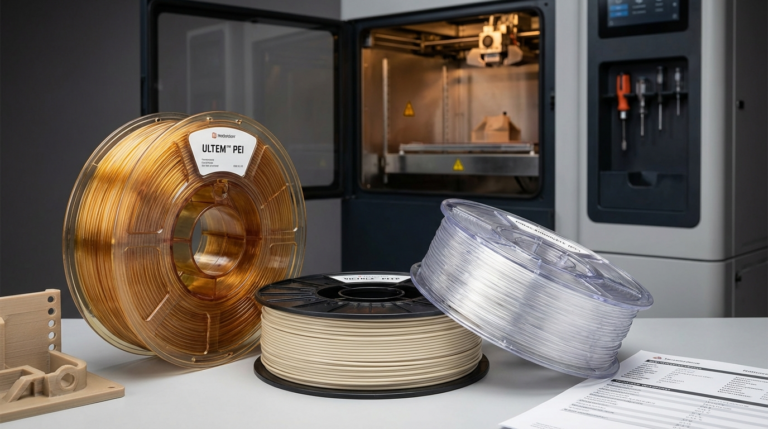
High-temperature amorphous polymers: PEI (Ultem), PES, PPSU. HDT 190-220 °C. Extrusion 340-400 °C. These are the aerospace and medical filaments — expensive, requiring industrial hardware (high-temperature extruder, heated chamber, polycarbonate build plate), but capable of continuous use at temperatures that destroy every plastic above them.
High-temperature semi-crystalline polymers: PEEK, PEKK, PAEK. HDT 150-160 °C unannealed, 300+ °C annealed. Extrusion 370-440 °C. The absolute performance tier — fully annealed PEEK parts replace machined metal in some aerospace applications. Hardware requirements are severe: heated chamber at 150 °C, tool steel or ruby nozzles, all-metal hot ends rated to 450 °C.
High-temperature PLA variants: HTPLA, annealed PLA+. HDT 100-115 °C after annealing. Extrusion 210-230 °C. The outlier category — these use PLA’s low-temp printability but gain ABS-like heat resistance through a heat-treatment step after printing. A workflow compromise, but cheap to adopt.
What hardware each class requires
Hardware requirements escalate sharply as you move up the temperature ladder. The rule of thumb: the nozzle temperature tells you the hot end, the chamber temperature tells you the printer.
Up to 280 °C nozzle (ABS, ASA, PC, nylon, HTPLA): any consumer direct-drive or Bowden hot end with all-metal construction works. PTFE-lined hot ends fail here because PTFE degrades above 250 °C. You need a heated bed to 80-110 °C, and for ABS/ASA an enclosure is non-negotiable (40-50 °C chamber).
280-340 °C nozzle (PC blends, nylon-CF): hardened steel nozzle because carbon fibres and some glass fillers abrade brass nozzles in days. Full aluminium heat block with good thermal coupling. Heated chamber at 50-60 °C for consistent warp control.
340-400 °C nozzle (PEI, PES, PPSU): specialised high-temp hot end (E3D Volcano Pro, Slice Engineering Mosquito Magnum, or OEM-integrated designs from QIDI/Raise3D/Intamsys). Actively heated chamber to 80-120 °C. Polycarbonate or Garolite build plate; standard PEI sheets deform at these temperatures.
370-440 °C nozzle (PEEK, PEKK): industrial-grade printer. Heated chamber at 150 °C. Tool steel or ruby nozzle. Enclosure with fire safety. Filament drying oven integrated or external. The machines for this tier (Intamsys Funmat series, Roboze, 3DGence) start at $10,000 and climb to $80,000.
How to choose: matching the material to the application
The mistake most newcomers make is over-specifying. If ABS would work, you do not need PEEK, and spending 10x the material cost plus buying an industrial printer is a poor tradeoff.
Walk through the decision this way:
- What is the maximum sustained temperature the part sees? Pick the lowest-cost material whose HDT exceeds this by a 20 °C safety margin.
- Is mechanical toughness important? If yes, prefer nylon or PA-CF over ABS at the same HDT bracket.
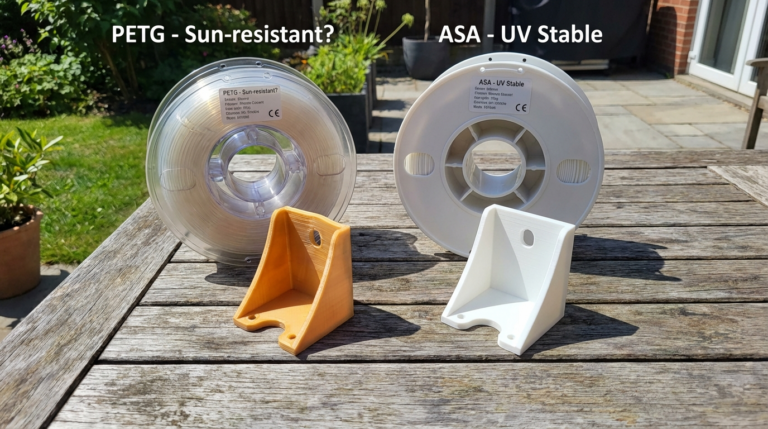
- Is UV stability important? ASA beats ABS outdoors. For UV-critical applications above 100 °C, PC blends with UV inhibitors are standard.
- Is creep under load important? PEEK dominates semi-crystalline performance. For long-term loaded parts at high temperature, nothing else comes close.
- What is your realistic print hardware budget? This usually decides the tier more than the application does.
The real-world workflow differences
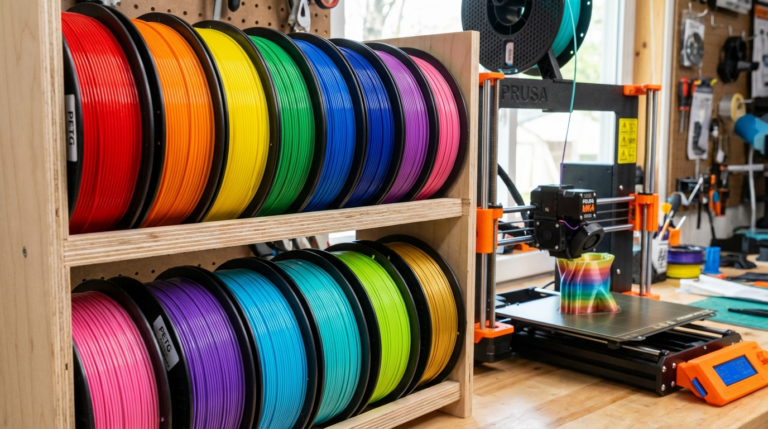
The engineering tier (ABS, ASA, PC, nylon) adopts cleanly into hobby-level workflows. An enclosed consumer printer like a QIDI Q1 Pro or Bambu X1 Carbon handles all four materials without hardware changes beyond maybe swapping to a hardened steel nozzle for CF variants. Drying routine is important: nylon absorbs moisture aggressively and must be printed dry or you get popping and poor layer adhesion.
The high-temperature amorphous tier (PEI, PES, PPSU) requires either a specialised consumer printer like the QIDI X-Plus 3 (up to 350 °C nozzle and passive enclosure) or a genuine industrial machine. Annealing is optional for most parts but recommended for demanding applications.
The PEEK/PEKK tier is a different world operationally. Every spool costs $200-600. Every failed print is meaningful money. Dry chamber storage is continuous, not occasional. Annealing post-process is mandatory for structural parts. The learning curve is months, not weekends.
The HTPLA workaround tier deserves a note of its own: it is cheap and approachable but has real limits. Annealed HTPLA parts gain heat resistance but also shrink 1-3% anisotropically during annealing, so you either design with shrink compensation or accept dimensional drift. For prosumers needing PLA’s ease with modest heat resistance, HTPLA is fine. For anything load-bearing above 100 °C, move to the engineering tier.
A quick sanity check on what you actually need
Boil it all the way down, and high-temperature 3D printing is a spectrum of expense and capability:
- Part sits near a motor, in a car, in direct sun: ABS, ASA, or annealed HTPLA. $20-40/kg filament, consumer enclosed printer, $300-1000 total.
- Part is a functional engineering prototype up to 150 °C: PA-CF or polycarbonate-CF. $60-120/kg filament, mid-tier enclosed printer with hardened nozzle, $1000-3000 total.
- Part is a short-run aerospace or medical fixture up to 220 °C: PEI or glass-filled nylon. $200-400/kg filament, specialised high-temp machine, $5000-15000 total.
- Part replaces machined metal in extreme environments: PEEK or PEKK. $300-600/kg filament, industrial printer, $15000-80000 total.
Most hobbyists never leave the first bracket, and that is completely reasonable — ABS and ASA solve the vast majority of “my part needs heat resistance” problems. Engineering prototypes and small-shop production tend to plateau in the second bracket with nylon-CF. Only a narrow slice of users actually need the top two tiers, and those users know who they are because their applications (jet engine components, surgical guides, chemical processing parts) justify the hardware spend.
The high-temperature filament category is wider and more accessible in 2026 than it has ever been, but choosing well means matching material to application rather than buying the most exotic plastic you can afford. Start at the bottom of the pyramid and climb only as far as your part actually demands.
Post-processing, annealing, and why the spec sheet lies
Every manufacturer publishes two HDT numbers for high-temperature materials, and the gap between them matters. The lower number is “as printed” — the part straight off the bed. The higher is “after annealing” or “after crystallisation” — after the part has gone through a controlled heat cycle that lets the polymer chains reorganise into their final heat-resistant configuration. For PEEK and PEKK the gap is dramatic: PEEK as-printed has HDT around 150 °C; fully annealed, it rises to 310 °C. A spec sheet quoting “HDT 310 °C” without flagging the annealing requirement is technically true and practically misleading.
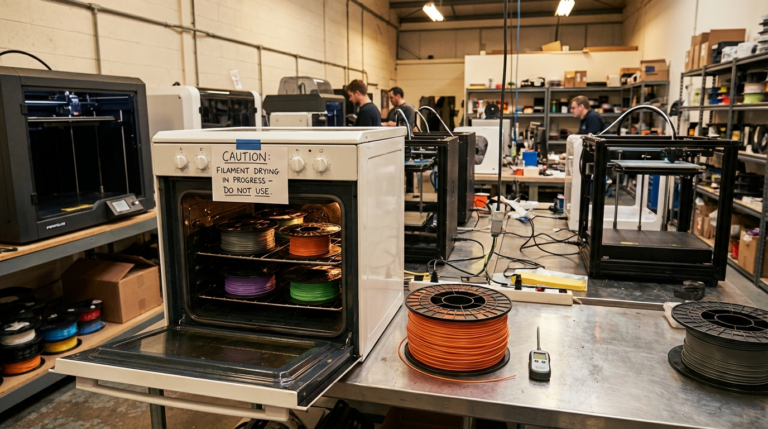
Annealing is not exotic but it does require discipline. The basic procedure: put the part in a temperature-controlled oven, ramp slowly to the specified annealing temperature (typically 150-200 °C for engineering materials, 180-200 °C for PEEK), hold for 1-4 hours, then cool slowly. A cheap countertop convection oven with a thermocouple and a ramp controller works for parts under 200 mm. Larger parts need industrial ovens and longer cycles.
Two things to watch. First, annealing shrinks the part anisotropically — typically 0.5% in X and Y, 1-2% in Z. For tight-tolerance parts design with shrink compensation in the CAD model, or machine the critical features after annealing. Second, parts printed too quickly have more internal stress and warp more during annealing. If a part is going to be annealed, print it conservatively: 40-60 mm/s, 100% infill for structural work, extra walls at stress concentrators.
Finally, not every application needs annealing. A bracket sitting in an enclosed electronics rack at 80 °C ambient will be fine in as-printed ABS or PC. Annealing is worth the process effort when the operating temperature is within 20 °C of the as-printed HDT, or when the part sees repeated thermal cycling. For the rest, skip the step and save the oven time.