What Is a CoreXY Printer? The Kinematics, Tradeoffs, and Machines to Know
The definition that actually matters
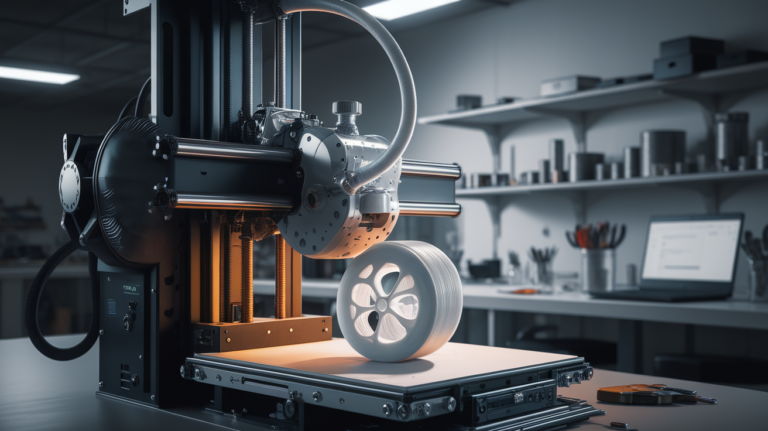
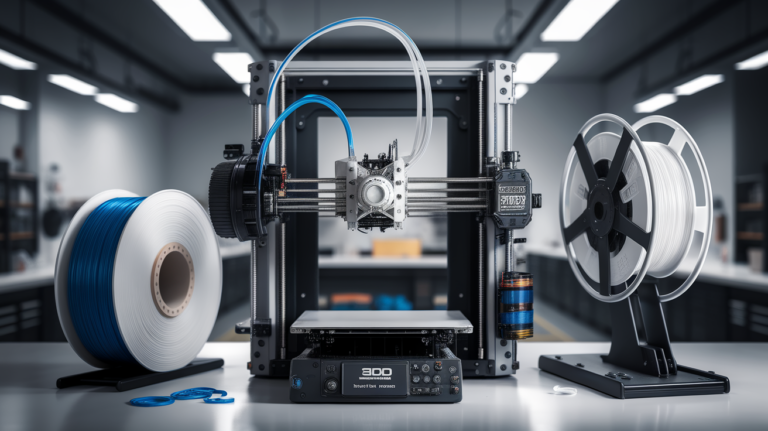
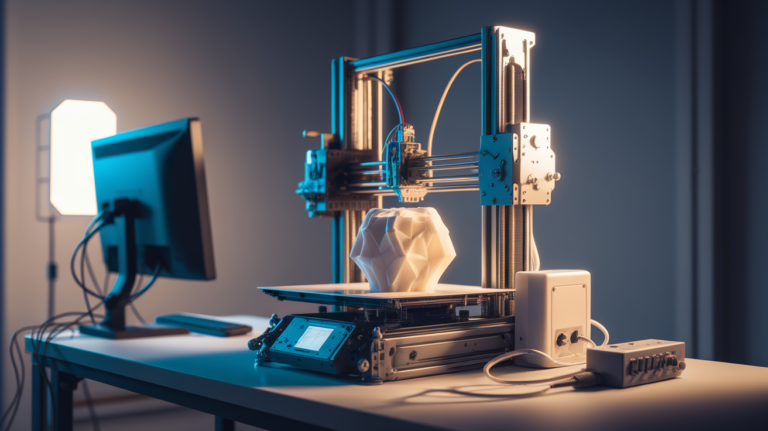
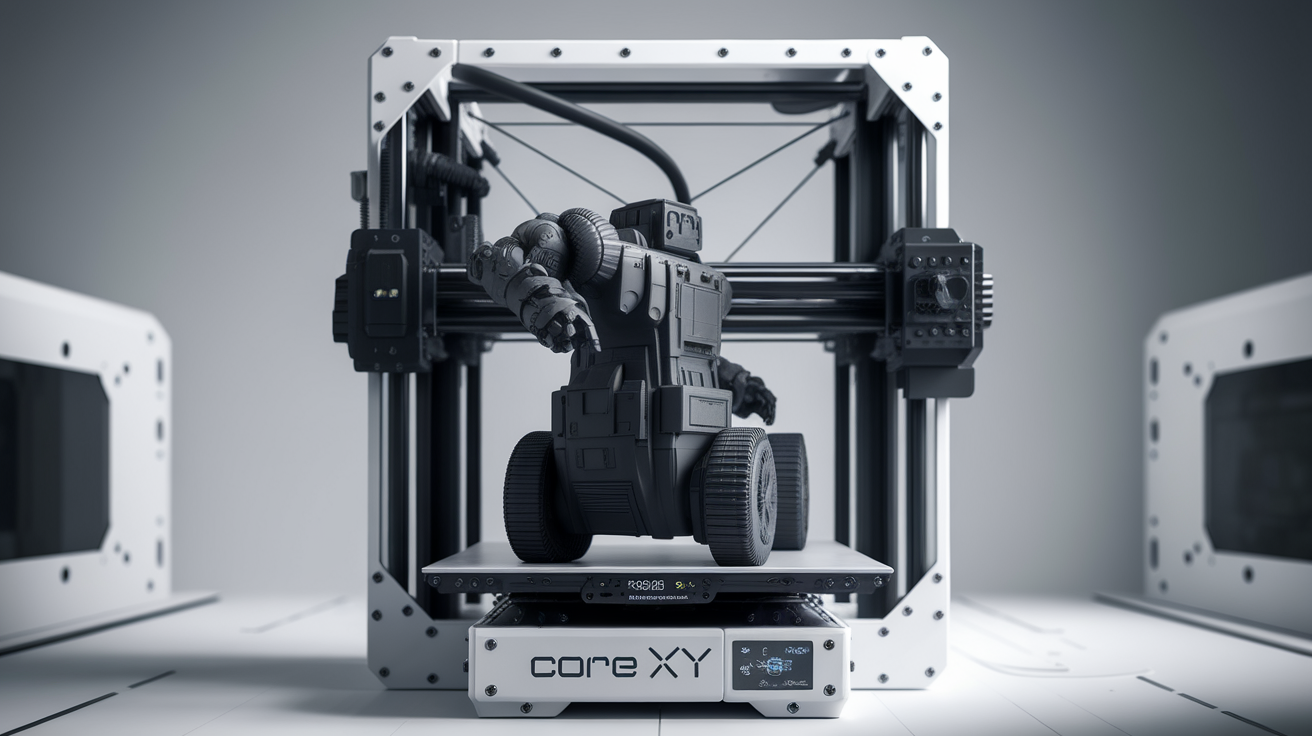
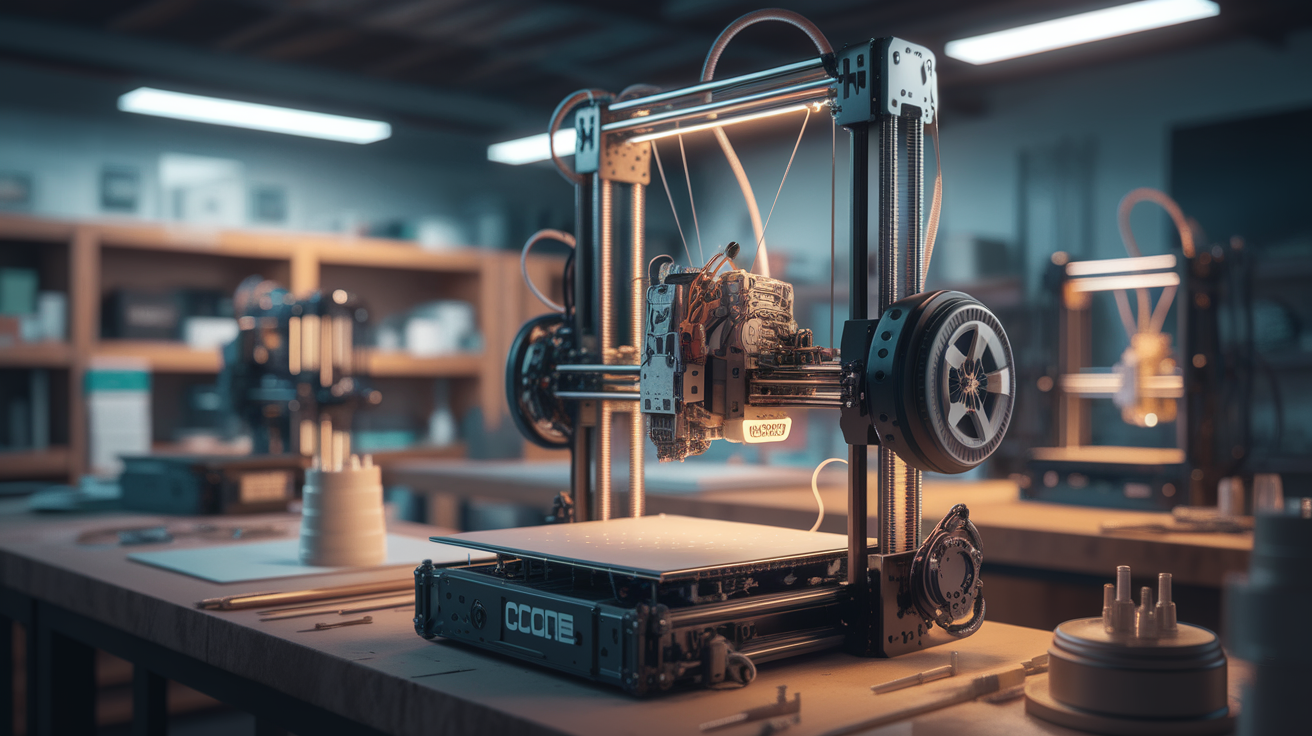
A CoreXY printer is an FDM 3D printer that moves its toolhead in both the X and Y axes using two stationary motors and a crossed belt system, while keeping the bed fixed in the horizontal plane. That is the whole definition. Everything about CoreXY — its speed, its complexity, its cost premium — flows from those two choices: keep the bed stationary, and drive two axes from shared motors.
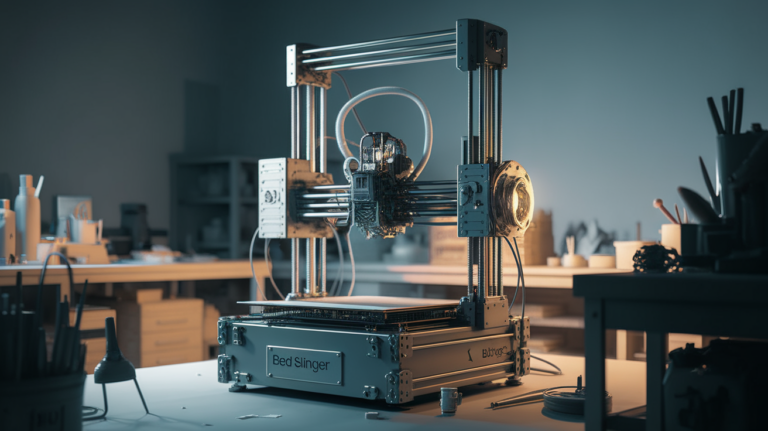
Yesterday I wrote about the opposite approach — the bed slinger — which moves the whole plate on the Y axis. Reading that first will make this article click faster, because CoreXY is not “better” than a bed slinger; it is a different set of tradeoffs optimised for speed and height over cost and simplicity.
How the belts move the toolhead
The magic of CoreXY is that X and Y motion come from the combined action of two motors, not one motor per axis. Call them motor A and motor B. Each drives its own belt loop, and those belts cross each other at the toolhead. When both motors spin in the same direction, the toolhead moves purely along the X axis. When they spin in opposite directions, the toolhead moves purely along the Y axis. Any diagonal move is just a weighted combination of both motors spinning at different rates.
This matters practically because the motors themselves can be bolted to the frame, not carried on a moving gantry. On a bed slinger, the Y motor has to move with the bed; on a Cartesian (Prusa-style) machine, the X motor moves with the toolhead. On a CoreXY, both motors sit stationary at the rear of the frame, and only the lightweight toolhead moves. Less mass to accelerate means faster direction changes, less ringing, and crisper prints at high speed.
The belt path itself is the trickiest part of CoreXY design. Each belt snakes around multiple idler pulleys to route through the toolhead gantry, and the two belts have to be the same length and tensioned identically or the diagonal motion will drift. A properly tuned CoreXY is magic; a poorly tuned one prints parallelograms.
Why CoreXY printers print faster than bed slingers
The speed advantage of CoreXY is not abstract. Three concrete mechanical reasons compound.
Lower moving mass. The toolhead on a CoreXY weighs around 200-500 g (hot end, extruder, small fan shroud). That is the entire mass the printer accelerates on X and Y moves. On a bed slinger, the moving mass on Y is the whole heated bed — often 1500-2500 g with glass or aluminium — plus the print itself as it grows. CoreXY accelerates less mass, so motion is both faster and smoother.
Stationary print. A bed slinger whips the print back and forth. At low speed this is fine, but at 200+ mm/s the print flexes every time the bed reverses direction — and the taller the print, the worse the flexing. A CoreXY leaves the print motionless; the toolhead does all the work. This eliminates the entire class of “wobble on tall prints at speed” artifacts.
Shared motor power. Because both motors contribute to diagonal moves, the available force on diagonals is roughly 1.4× what each motor alone provides. Corner acceleration is better. Input shaper tuning gets more headroom. The same motor package does more useful work.
Actual numbers: a well-tuned CoreXY like a Voron 2.4 or Bambu Lab X1 Carbon runs 300-500 mm/s in real daily printing. A well-tuned bed slinger like a Prusa MK4 or Ender 3 V3 KE tops out around 200-250 mm/s before quality collapses. The advantage is real, consistent, and measurable.
What CoreXY costs you
Speed is not free. CoreXY printers are more expensive, more mechanically complex, and harder to service than bed slingers. The cost multiplier comes from several places:
- More belts, more idlers, tighter tolerances. A CoreXY needs at least eight pulleys (four corner idlers plus the two motor drive pulleys and two tensioners). All of them must be aligned within a fraction of a degree for the belts to stay parallel.
- Rigid frame required. A bed slinger can live with a wobbly frame because only one axis pushes the frame around. A CoreXY’s crossed belts pull on both axes simultaneously; any frame flex immediately shows up as print distortion. CoreXY frames are almost always extruded aluminium with cross-bracing, and they are heavier and more expensive than bed slinger frames.
- Harder to debug. When a CoreXY prints a parallelogram instead of a square, the root cause could be belt length mismatch, belt tension mismatch, idler misalignment, or frame racking. Experienced users solve it in an hour; newcomers spend a weekend learning the vocabulary.
That complexity premium shows up in pricing: a Bambu Lab A1 (bed slinger) retails around $399, a Bambu Lab X1 Carbon (CoreXY) retails around $1200. Both print well; they occupy different price-performance points.
Common CoreXY printers in 2026
The CoreXY population has grown dramatically over the last three years. The main machines to know:
- Bambu Lab X1 Carbon, P1S, P1P. The commercial success story — enclosed or semi-enclosed CoreXY with AMS, fast, turnkey, and pricing that brought CoreXY into reach for hobbyists.
- Voron 2.4 and Voron Trident. Open-source community designs that are self-sourced and built. Gold standard for serious hobbyists; six months of build time; unmatched upgradeability.
- Prusa XL. Prusa’s first CoreXY, with multi-toolhead options and a huge build volume.
- QIDI X-Max 3, X-Plus 3. Enclosed CoreXY at mid-tier pricing, solid Klipper-based firmware.
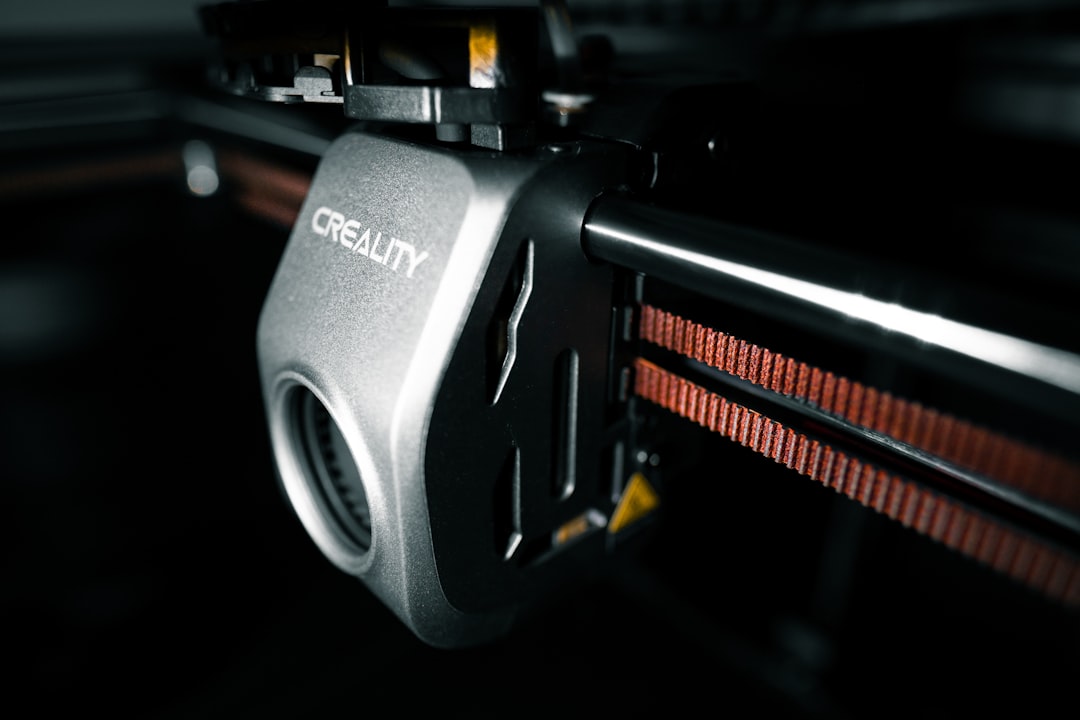
- Creality K1, K1 Max, K2 Plus. Creality’s CoreXY line — budget-friendly but with ongoing QC variance.
- Sovol SV08. A clone-adjacent Voron 2.4-style machine at a fraction of the build cost, shipping pre-assembled.
When a CoreXY is the right choice
A CoreXY makes sense when:
- Print speed matters to your workflow. Production runs, prototyping sprints, or just impatience.
- You print tall prints frequently. Anything over 200 mm tall benefits dramatically from stationary bed mechanics.
- You run engineering plastics. Enclosed CoreXYs are the standard for ABS, ASA, PC, and carbon-fibre materials.
- You want the print to look clean at speed. Ringing and ghosting on fast prints is noticeably reduced on a well-tuned CoreXY.
It is the wrong choice when you are buying your first printer on a tight budget (a Bambu A1 or Ender 3 V3 at $200-400 teaches the same 3D printing concepts at half the cost), when you want to tinker and upgrade (bed slingers are more user-serviceable and have more aftermarket parts), or when you primarily print small decorative PLA models where the speed advantage is wasted.
One last thing about the term itself
“CoreXY” is often confused with related designs that share some properties. H-bot uses a similar shared-belt concept but with a different belt routing, and most manufacturers that call their machines “H-bot” mean something closely related but not identical. MarkForged’s original printers used a modified CoreXY. Ultimaker’s printers use a different cross-gantry design that looks similar but drives X and Y independently (not CoreXY). Reading “CoreXY” in marketing copy is usually accurate for Bambu, Voron, and QIDI, and usually vaguely correct for Creality K-series and newer budget brands.
In the end, the thing to remember is that CoreXY is a kinematic style, not a quality rating. A well-built CoreXY is a great printer. A badly built CoreXY is worse than a well-built bed slinger. The architecture buys you speed potential; whether a specific machine delivers that potential is a question of execution, and that is where brand reputation and review scores actually matter.
Tuning a CoreXY that arrives in a box
If you are switching from a bed slinger, three tuning habits translate directly and three are new. The ones that translate: first-layer calibration is identical (adjust Z offset until the extrusion looks good), extrusion multiplier calibration is identical (print a single-wall cube and measure), and temperature tower procedure is identical.
The new skills:
- Belt tension matching. On a CoreXY, both belts must be at equal tension — not just “tight enough”. A 5 Hz difference in belt resonant frequency shows up as skewed prints. Buy a cheap phone app like the Gates Tension Meter and match both belts to within 1 Hz.
- Input shaper calibration. CoreXY machines benefit enormously from input shaping because the low moving mass makes the mechanical resonance dominant at high speeds. Running a Klipper input-shaper calibration with an accelerometer (or built-in, as Bambu and QIDI do automatically) nets 20-30% speed improvement without quality loss.
- Frame square check. Use a Voron-style square-checking jig or print one. A CoreXY frame that is 0.5 mm out of square over 300 mm will print rhombuses that every firmware-level correction can only partly mask.
Most turnkey CoreXY machines (Bambu, QIDI) ship with enough factory calibration that you can print day one and tune later. Self-built machines (Voron, Annex) require these skills from the first print. Neither approach is wrong — they sell to different buyers — but be honest with yourself about which category you want to be in before you commit to a frame kit.