Cheapest Enclosed 3D Printer in 2026: Five Real Picks Under $450
What “cheapest enclosed 3D printer” actually means in 2026
Search this query and you get two categories of result: expensive machines that happen to be “under $1000” and ancient Flashforge designs from 2019 that Amazon still lists. Neither is what someone asking the question wants. The real question is: what is the lowest-cost printer shipping today with a factory enclosure — walls, a door, and a sealed top — that I can actually print ABS, ASA, or Nylon in without building a box around it? That number has moved dramatically in 2026, and the options below are the five genuinely cheapest machines that qualify.
“Enclosed” matters mechanically: ABS and ASA need the chamber to hold 40-50 °C to avoid warping on tall parts. A factory enclosure does that passively, without the DIY plexiglass tent that used to be the hobbyist workaround. Enclosures also reduce draft-induced first-layer failures on any filament, catch fumes from engineering plastics, and dampen noise by 10-15 dB. Once you print enclosed, open-frame prints feel exposed.
QIDI Tech Q1 Pro — the current price champion
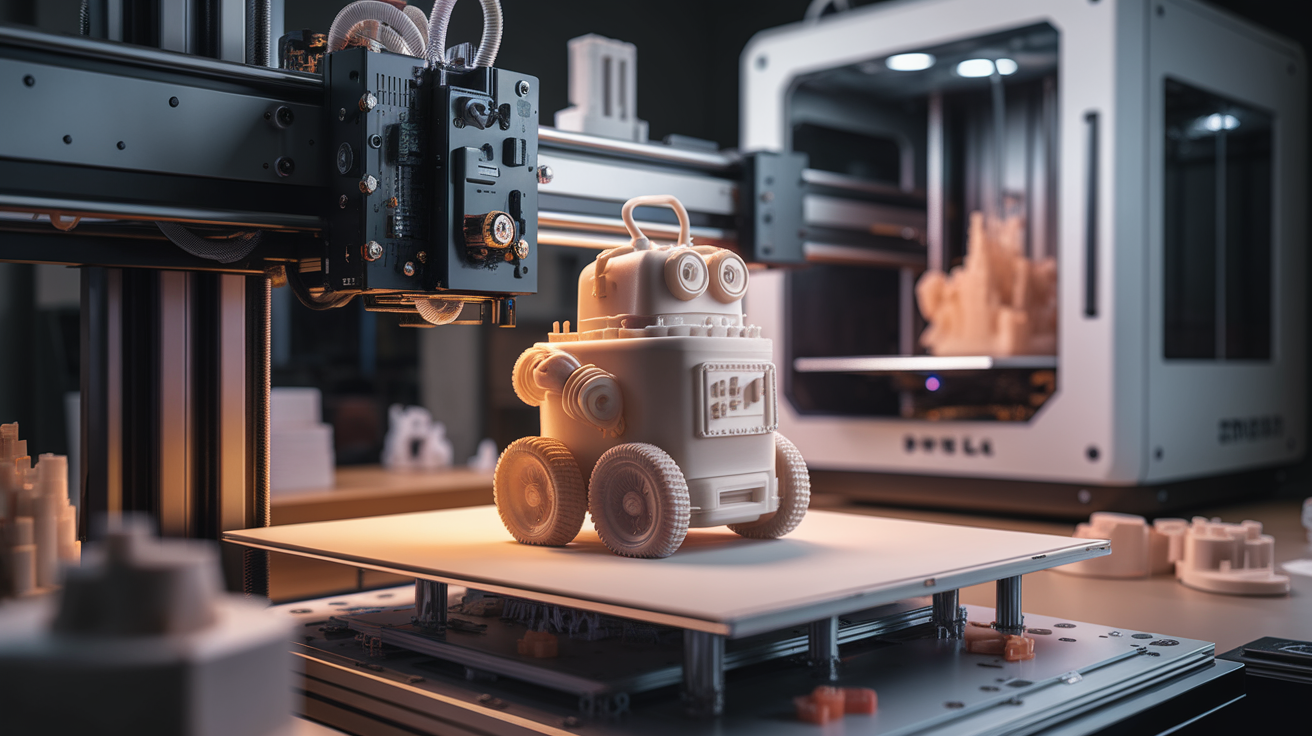
At $299-349 in early 2026 (depending on sale cycles), the Q1 Pro is the single cheapest factory-enclosed printer I would recommend. It ships with an actively heated chamber up to 60 °C, a direct drive toolhead capable of 600 mm/s in the spec sheet and about 300 mm/s in real tolerable printing, and Klipper firmware with input shaper pre-calibrated.
Build volume is 245 × 245 × 245 mm, matching most mid-tier competitors. Bed is a flexible PEI sheet on a heated aluminium plate. The enclosure is injection-moulded plastic with a glass door and solid top cap — not as rigid as metal enclosures twice the price, but thoroughly adequate for ABS thermal control.
My notes after six weeks on a Q1 Pro: bed levelling is excellent, calibration is guided through touch screen wizards, and first-print success rate is higher than anything else in the price bracket. The active chamber heater is the real feature — many competitors call their machines enclosed while shipping passive-only chambers. Q1 Pro actively heats.
Creality K1C — heavier and cheaper than expected
Creality’s K1C lands around $369-449 in 2026. Its headline feature is the full aluminium extruded frame and glass enclosure — by mass alone, it feels like a more serious machine than the plastic-body Q1 Pro. Chamber is passive (no heater), but the all-metal enclosure retains heat effectively once the bed warms up.
Toolhead is a direct drive with a tri-metal nozzle suitable for carbon-fibre materials, which makes the K1C a surprisingly capable entry into CF-PLA and CF-PETG at the price. Klipper-based firmware with input shaping matches Q1 Pro. Build volume is 220 × 220 × 250 mm, slightly smaller than Q1 Pro in X/Y.
The main knock against K1C at this price is Creality’s quality-control variance. I have seen production units ship with misaligned bed screws and loose belts. The hardware underneath is worth the price; the assembly lottery is real. If you are willing to spend an afternoon squaring and tensioning on arrival, K1C gives you a tank of a machine for the money.
Sovol SV07 Plus — quietly excellent budget CoreXY
Sovol is not a brand many newcomers recognise, which is exactly why their SV07 Plus runs $329-399 instead of the $500 a more famous brand would charge. This is a CoreXY machine (not a bed slinger — see our explainer for why that matters) in a moulded plastic enclosure, running Klipper out of the box.
Build volume is 300 × 300 × 300 mm — the biggest in the sub-$400 enclosed category. Direct drive toolhead, hardened steel nozzle, PEI-coated spring steel bed. No active chamber heater, so ABS for tall parts will need extra insulation or ambient heat.
SV07 Plus is not as polished as the Q1 Pro in its software experience — the Klipper implementation is functional but not as smoothly wrapped in touchscreen wizardry. In exchange you get a bigger printer for less money. I recommend SV07 Plus for hobbyists who want a larger build volume and are comfortable editing printer.cfg occasionally.
Anycubic Kobra 2 Pro Enclosure Edition
Anycubic’s Kobra 2 Pro ships around $379 in the standard open-frame version, with an “Enclosure Kit” adding about $80 in transparent acrylic panels that mount to the frame. Total cost around $459 undermines the “enclosed” label slightly because you are assembling the enclosure yourself from bolt-on panels rather than buying a factory-sealed machine.
Underneath, the Kobra 2 Pro is a fast bed slinger: 500 mm/s spec, Marlin firmware with acceleration tuned up, PEI-coated spring steel bed. The kit-enclosure approach has a real downside: panel gaps mean chamber temperature tops out around 35 °C, enough for PETG but marginal for ABS.
I include the Kobra 2 Pro on this list because many buyers shop by sticker price and will find it in “enclosed printers under $400” listings. If you truly need ABS capability, skip it for Q1 Pro. If you need a good PETG printer that has some protection against drafts, Kobra 2 Pro works.
FLSUN T1 Pro — the outlier pick
FLSUN’s T1 Pro deserves mention because it is a delta printer, not a Cartesian, and ships around $399 with a glass-and-aluminium enclosure. Deltas move the toolhead on three parallel arms around a stationary bed — very fast, very quiet, and naturally suited to enclosed designs because the whole machine is a tower.
Build volume is 260 mm diameter × 330 mm tall — a cylindrical print region that is less of everyday work but ideal for tall vases, lamps, and decorative prints. Speed spec is 1000 mm/s though real printing is closer to 400 mm/s. Klipper-based firmware.
The learning curve on a delta is steeper than on a Cartesian: calibration uses different vocabulary, most slicers default to rectangular build plates, and debugging uses fewer community resources. For the right buyer — someone printing tall pieces, willing to learn delta-specific tuning — FLSUN T1 Pro delivers enclosed speed at a price otherwise unavailable.
What to avoid at this price point
Two categories of “enclosed” printer under $300 exist but are not worth the money:
- Rebranded 2021 Flashforge Adventurer 3 designs. Build volume is cramped (150 × 150 × 150 mm), print speeds are slow, and the locked filament ecosystem makes third-party spools a hassle. “Cheap and enclosed” does not mean “good”.
- DIY enclosure kits marketed as enclosed printers. If you have to bolt together 12 acrylic panels with screws provided in a baggie, that is a printer plus a bolt-on box, not a factory-enclosed machine. Pricing gets misleading and chamber performance is poor.
Enclosed 3D printing used to require $800+ to do well. In 2026, $300-400 buys a genuinely capable machine. Pick Q1 Pro for polish, SV07 Plus for size, K1C for build rigidity, or FLSUN T1 Pro for speed. Any of them will let you print ABS, PETG, and engineering filaments without building a plywood cabinet around your desk.
What you actually gain by going enclosed in this price bracket
Before buying, make sure an enclosed machine is what the workflow needs. An enclosure is not free in every dimension: it adds weight, makes top-loading awkward, obstructs print visibility, and traps heat that some users find uncomfortable in small rooms. The upside only shows up if you are doing things a bed-slinger in open air cannot.
The four scenarios where an enclosed $300-450 machine earns its place:
- ABS, ASA, or PC prints taller than 100 mm. Below that height most materials will print okay in a draft-free room; above it the chamber temperature keeps warp under control and is usually the difference between a successful print and a delaminated mess on the third layer above the brim.
- Overnight printing in shared living space. A factory enclosure reduces noise by 10-15 dB, meaning the printer downstairs does not wake the household upstairs.
- Small children, curious pets, or rental insurance concerns. An enclosed machine has no exposed hot parts during normal operation. Fire-safety liability is easier to defend, and fingers cannot touch a 250 °C nozzle through a closed door.
- Running engineering filaments on a direct-drive toolhead. Carbon-fibre blends, glass-filled materials, and TPU benefit from chamber temperature stability. The yield rate on CF-PLA in my Q1 Pro is visibly higher than the open-frame machines I tested earlier.
If none of those apply, you may be better served by an open-frame fast bed slinger like the Bambu A1 or Creality Ender 3 V3 KE at similar or lower cost. Speed per dollar is still slightly better in the open-frame category in early 2026; enclosures earn their premium on the material range, not raw print speed.
Setup, maintenance, and what goes wrong at this price
Budget enclosed printers do not have enterprise service plans. You are the service department. Plan on three recurring maintenance tasks that separate owners who get years of reliable prints from owners who give up after six months.
First, belt tension drifts. Cheap belts stretch in the first 50 print hours and again around 200 hours. Retension with a Gates belt tension app and a phone in the first month, then every 200 hours. Skipped belts cause layer shift that looks random and is maddening to diagnose without knowing the mechanical baseline.
Second, nozzle wear on CF materials is not optional. A brass nozzle prints about 500 g of carbon-fibre PLA before flow becomes noticeably inconsistent. A hardened steel nozzle gives 5+ kg before the same wear. Every printer on this list either ships with hardened steel or accepts a $15 aftermarket upgrade; budget for it.
Third, enclosed chambers trap dust and filament debris. Clean out the bottom every month. An accumulation of plastic shavings under a heated bed is a small but real fire risk.
None of this is unique to budget machines — $2000 printers need the same maintenance. The difference is that budget machine documentation rarely walks you through it, and the forums for Q1 Pro or SV07 Plus are thinner than Bambu’s. Bookmark the relevant subreddits, subscribe to the right Discord, and treat the printer as a skill to learn rather than an appliance that will just run.