Klipper Z Offset Auto Calibration With a Sensor: Probes, Commands, and Saved Configs
Why Klipper Z offset auto calibration with a sensor matters more than people admit
The Klipper Z offset auto calibration sensor workflow is the single biggest quality-of-life upgrade you can make to a 3D printer that already prints. A manual Z offset is a piece of paper, a lot of squinting, and a number you can never quite reproduce. A probe-based Z offset is a single command, a known number, and a first layer that lands the same on Monday as it did on Friday. The reason most beginners struggle with Klipper bed leveling is not Klipper itself — it is the half-step between “I have a probe wired in” and “Klipper trusts that probe.” That half-step is exactly what this guide covers.
Probes are not all the same, and the calibration command you run depends on which physical type you have. The five common categories on a Klipper printer in 2026 are BLTouch / 3DTouch, CR-Touch, inductive (PINDA / SuperPinda), Klicky / Annex, Voron Tap, and eddy current sensors like the BTT Eddy or Beacon. Each sets the z_offset in the printer.cfg differently, and each has a quirk that bites first-time users. None of them are hard once you understand what Klipper is actually asking you to confirm.
What the Z offset actually represents in a Klipper config
In Klipper, the Z offset is not the distance from the nozzle to the bed — it is the distance from the trigger point of your probe to the bed surface. The nozzle is offset from the probe by an X/Y distance defined under x_offset and y_offset, so when the probe triggers at one point, Klipper translates that to where the nozzle is at a different X/Y point on the bed. The Z offset bridges that geometry.
This matters because a wrong sign here is the most common Klipper mistake on the internet. If your probe triggers above the bed (BLTouch, CR-Touch, Klicky), the Z offset must be a positive number — that is the distance Klipper must lower the nozzle past the trigger point. If your probe triggers below the bed (Voron Tap, where the nozzle itself is the probe), the Z offset is effectively zero or slightly negative. Eddy current sensors land in between because they trigger at a measured distance you calibrate during setup.
The PROBE_CALIBRATE workflow nobody explains correctly
The single command that does Klipper Z offset auto calibration sensor work is PROBE_CALIBRATE. You run it from the Mainsail or Fluidd console after a G28 (home all axes). Klipper drops the probe to the bed, triggers it, lifts a few millimeters, and then prompts you to enter the manual probe interface — meaning you fine-tune the nozzle height with the babystepping commands TESTZ Z=-0.1 and TESTZ Z=+0.05 until the nozzle is at exactly the height you want for a perfect first layer.
This is the part that confuses people. The “auto” in auto calibration refers to Klipper running the probe trigger automatically — not the final nozzle-to-bed distance. You still have to use the paper test or a feeler gauge to confirm zero, because every nozzle, bed surface, and filament has a slightly different ideal first-layer squish. Klipper is not going to guess that for you. What it does is convert your final nozzle position into a single saved Z offset that holds across all subsequent prints.
When the nozzle is where you want it, run ACCEPT and then SAVE_CONFIG. The SAVE_CONFIG command rewrites your printer.cfg with the new Z offset and triggers a Klipper restart. Confirm that your printer.cfg gained an entry under the probe section that looks like z_offset = 1.842 or whatever value the calibration produced.
Z_OFFSET_APPLY_PROBE — the per-print babystep saver
The second command worth memorizing is Z_OFFSET_APPLY_PROBE. After a print starts, you may notice the first layer is slightly off — the squish is too tight, or the lines are too tall — and you babystep with SET_GCODE_OFFSET Z=-0.05 mid-print to fix it. That live offset only applies to the current print. To make the babystep stick, run Z_OFFSET_APPLY_PROBE after the print finishes. Klipper bakes the babystep into the saved Z offset.
This workflow turns Z offset tuning into a continuous-improvement loop instead of a one-time event. After three or four prints across different filaments, your Z offset is dialed in and you stop thinking about it. This is how a properly tuned Klipper printer gets its reputation for boringly perfect first layers.
BLTouch / CR-Touch — the most common case
BLTouch and CR-Touch behave identically from a Klipper config perspective. Both are deployable pin probes that drop a metal needle onto the bed and trigger when the needle deflects. In your printer.cfg the section is [bltouch] regardless of which exact probe — the protocol is the same.
The gotcha with BLTouch in Klipper is that the probe pin must fully retract before any toolhead move, or the moving bed will snap the pin. The standard BED_MESH_CALIBRATE macro handles this, but custom macros sometimes do not. If you see the pin still extended when the toolhead moves, your stow command is missing — add BLTOUCH_DEBUG COMMAND=pin_up at the end of your homing macro and the issue goes away.
For most users with one of these probes the entire setup is: run PROBE_CALIBRATE, paper-test the nozzle, run ACCEPT, run SAVE_CONFIG. Five minutes total. If you want to deepen your understanding of the related pressure-advance tuning workflow, our Klipper pressure advance calibration guide walks through the same SAVE_CONFIG pattern for a different parameter.
Inductive probes — PINDA and SuperPinda
Inductive probes detect the metal of the bed itself, not the surface. That means they only work on steel build plates (or build plates with a steel sheet underneath), and the trigger distance varies with bed temperature because the steel expands as it heats. PINDA probes from Prusa drift roughly 0.05 mm between cold and 60°C, which is enough to ruin a first layer if your calibration was done cold and your print is hot.
The fix is to always run PROBE_CALIBRATE with the bed at the temperature you actually print at. Heat the bed to 60°C (PLA), 70°C (PETG), or 100°C (ASA) before homing and calibrating. SuperPinda from Prusa includes a thermistor and Klipper has a config block that compensates for bed temperature automatically — set up the temperature drift compensation if your hardware supports it.
Klicky / Annex — the magnetically attached probe
Klicky probes are a Voron community design where a microswitch is held against the toolhead by magnets. The toolhead picks up the probe at the start of a print, uses it to map the bed, and drops it off in a parking dock when done. This eliminates the constant probe weight on the toolhead during printing — which improves input shaper performance.
For Klipper Z offset auto calibration sensor work with a Klicky, the macro library does the mechanical attach/detach for you, and PROBE_CALIBRATE behaves like any other probe. The gotcha is that if the probe fails to attach (a magnet got dirty, the dock shifted), the homing routine will crash the toolhead into the bed. Always verify the probe is attached before allowing a Z move — most Klicky macros include a verification step that tests the probe trigger before homing Z.
Voron Tap — the nozzle-as-probe approach
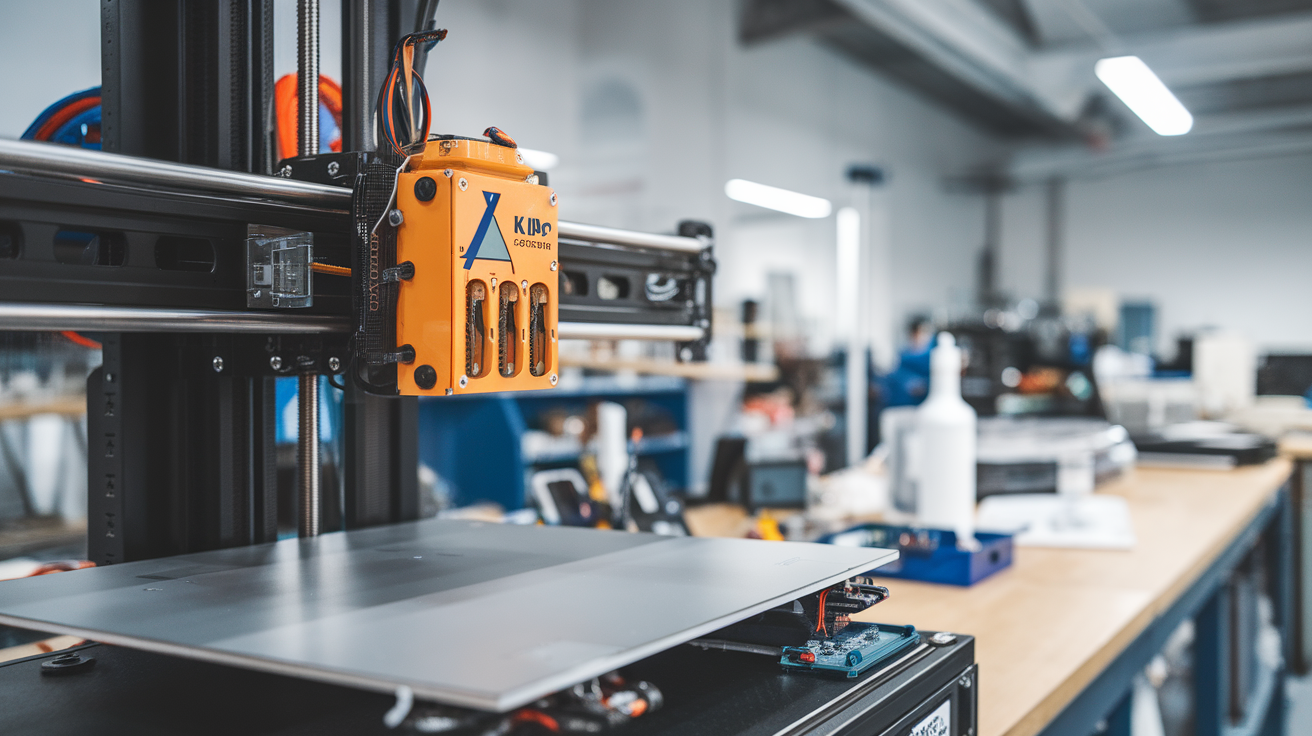
Voron Tap moves the entire toolhead vertically on a small spring system, with an optical sensor detecting the moment the nozzle touches the bed. The nozzle becomes the probe, eliminating any X/Y offset between probe and nozzle. Tap calibration is therefore the simplest of all — there is no x_offset or y_offset to worry about, and the Z offset is effectively the small mechanical delay between contact and sensor trigger, usually under 0.1 mm.
The advantage is repeatability — Tap is widely considered the most accurate probe in the hobbyist space. The disadvantage is sensitivity to nozzle cleanliness; a blob of plastic on the nozzle changes the trigger point and produces a wrong Z offset until you wipe the nozzle. Always run a nozzle wipe macro before PROBE_CALIBRATE on a Tap printer.
Eddy current sensors — Beacon and BTT Eddy
Eddy current sensors measure bed distance continuously rather than triggering at one point. Beacon and BTT Eddy can do bed mesh calibration without ever touching the bed, scanning the entire surface in seconds. The Z offset workflow is similar but adds an initial sensor calibration step — the sensor itself needs to learn the relationship between its raw reading and physical distance, which is done by touching the bed once at known points.
Once that one-time setup is done, Klipper Z offset auto calibration sensor work with eddy current is the fastest of any probe — a full bed mesh and Z offset in under 30 seconds. The only quirk is that eddy current readings drift if the bed gets too hot for the sensor’s rated range; check your sensor’s datasheet and avoid running ABS bed temperatures (110°C+) on cheap clones that are only rated to 80°C.
Per-filament Z offset macros
Different filaments want different first layer squishes. PETG likes a slightly higher first layer than PLA — the polymer drags less when not pressed firmly. ASA and ABS want a tighter squish for bed adhesion. You can build per-filament Z offset macros that apply a small SET_GCODE_OFFSET at the start of a print based on the filament loaded.
The pattern looks like a single line in your slicer’s filament start gcode: SET_GCODE_OFFSET Z=0.04 MOVE=1 for PETG, SET_GCODE_OFFSET Z=-0.02 MOVE=1 for ASA, no offset for PLA. Combine this with the macros from our Klipper macros guide for beginners and your printer adjusts itself per material without ever touching SAVE_CONFIG again.
What to check when calibration disagrees with reality
If PROBE_CALIBRATE finishes, you accept the value, save the config, and the very next print has a terrible first layer — the probe is lying. The four most common reasons are a loose probe mount (BLTouch/CR-Touch wobble), a dirty bed surface (oils change the trigger point on inductive probes), a probe at the wrong temperature (PINDA cold-to-hot drift), or an inconsistent probing routine that does not average enough samples. Set samples: 3 and samples_result: median in your probe config to filter out the worst single-shot errors.
Re-run PROBE_CALIBRATE after fixing the underlying issue. Probes do not lie randomly — they lie consistently in one direction, and once the cause is fixed the new saved Z offset will be reliable for hundreds of prints.
Final sanity checks before you trust the saved offset
Run a 20mm calibration cube. If the first layer lines fuse cleanly without gaps and without elephant-foot bulge at the bottom, your Z offset is correct. Run the same cube in PETG. If it still works, your offset generalizes. Save the SAVE_CONFIG output to git or an off-printer backup — Klipper users have lost calibrated configs to SD card death and rebuilt them takes time. Once you have a known-good Z offset, treat it like the firmware-level value it is.