Wet Filament: How to Diagnose, Dry, and Prevent Moisture in 3D Printing
What wet filament actually is and why it ruins prints
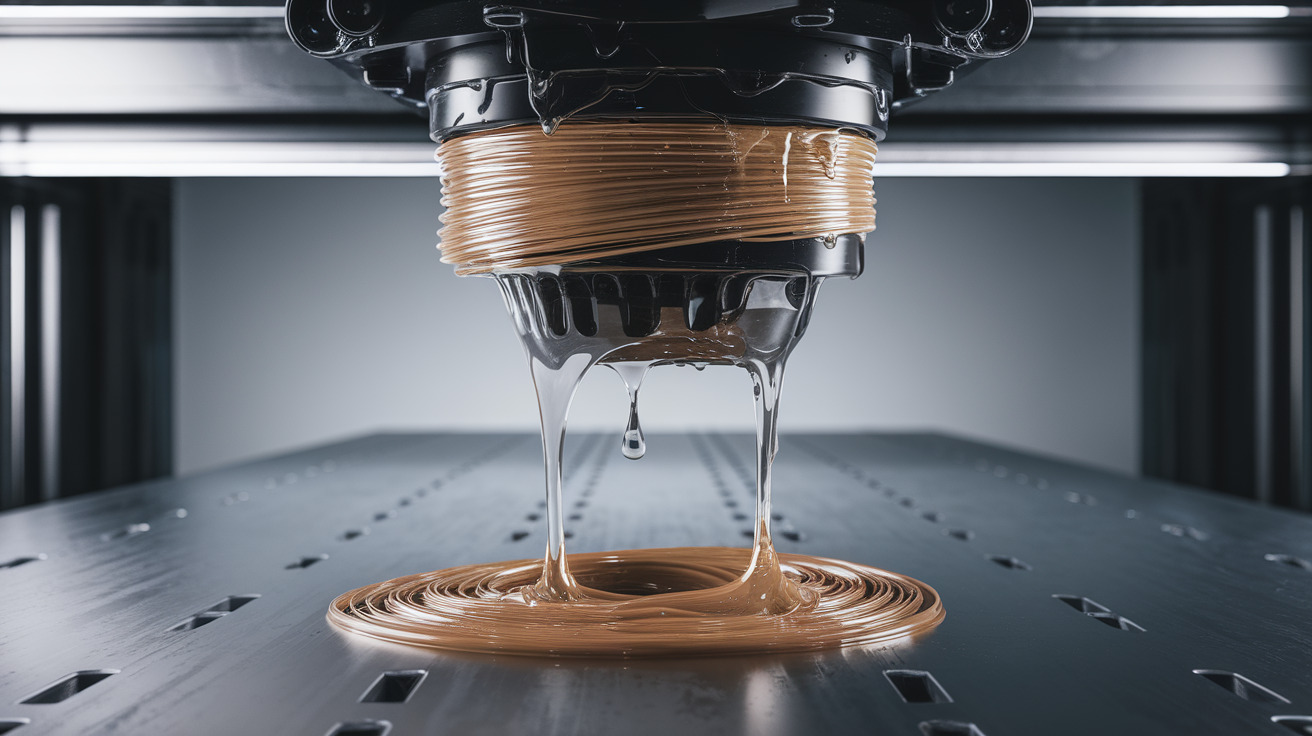
“Wet filament” is the hobby term for a 3D printing filament that has absorbed atmospheric moisture. All the plastics we print — PLA, PETG, ABS, ASA, TPU, nylon, polycarbonate — are hygroscopic to varying degrees, meaning they pull water vapor out of the air and hold it in the polymer. That absorbed water changes how the filament behaves at melt temperature: instead of a clean extrusion, the moisture flashes to steam inside the hot end and you get bubbling, stringing, rough surfaces, weak layer bonds, and inconsistent diameter.
I have been printing for eight years and moisture management was the single upgrade that improved my print quality more than any hardware change. A $40 filament dryer does more for my prints than $400 worth of hot end upgrades did before I understood the problem. This guide covers everything I would tell a new hobbyist about wet filament — how to spot it, how to fix it, how to prevent it, and how to decide when a roll is beyond saving.
How moisture gets into filament
Filament absorbs moisture through its surface whenever it is exposed to humid air. The rate depends on material and humidity:
- PLA: Slowly hygroscopic. Takes weeks in dry climates, days in humid ones. Commonly “damp” after months on an open shelf.
- PETG: Moderately hygroscopic. Noticeable effects within a week in humid weather.
- ABS / ASA: Moderate. Similar to PETG. ABS tolerates slight moisture better than PETG does.
- TPU: Very hygroscopic. Can ruin itself in 48 hours of exposure in a humid room.
- Nylon: Extremely hygroscopic. Ruins itself in under 24 hours out of sealed storage. Must be dried before every print.
- Polycarbonate: Very hygroscopic. Similar to nylon in humidity sensitivity.
The giveaway that filament has been wet for a while is visible: under the right light, the surface looks slightly cloudy or matte instead of smooth and glossy. A fresh roll looks like candy; a waterlogged one looks like chalk.
How to tell if your filament is wet
Three diagnostic methods, ranked from casual to rigorous:
The audible test. Start a print. Listen to the hot end. Fresh filament extrudes silently. Wet filament crackles, hisses, or pops as steam escapes. You can hear this from three feet away if the filament is noticeably wet.
The visual test. Heat your nozzle and extrude 50 mm of filament into open air. Dry filament exits as a smooth glossy noodle. Wet filament comes out rough, bubbly, and may include visible steam whisps. On bad rolls the extruded noodle will be covered in tiny surface bubbles like bread that did not finish rising.
The print-pattern test. A temperature tower or simple 20 mm calibration cube printed at normal settings. Wet filament produces excessive stringing between islands, rough top surfaces, visible layer-line voids, and weaker parts that snap more easily than expected. If every calibration issue suddenly appeared on a roll that was printing fine last month, suspect moisture first.
Six symptoms of wet filament that people misdiagnose
- Stringing that resurfaces after you fixed it. You dialed in retraction months ago. A new roll strings again. This is almost always moisture, not settings drift.
- Crackling noises from the hot end. Unmistakable once you have heard it. Steam escaping the melt pool.
- Blobs and zits on surfaces. Steam momentarily disrupts extrusion flow, creating extrusion discontinuities that show as surface defects.
- Rough top surfaces on ironed prints. Ironing is sensitive to extrusion consistency. Wet filament ironing looks pebbled instead of mirror-smooth.
- Parts that are weaker than expected. Moisture disrupts layer fusion. A bracket printed in wet PETG may snap at 40% of its normal load.
- Under-extrusion that recovers when you lower print speed. Wet filament extrudes inconsistently; dropping speed gives steam time to escape and may mask the problem briefly.
How to dry wet filament: three methods ranked
Method 1: Dedicated filament dryer (recommended). Sunlu S2/S4, Creality Space Pi, eSun eBox, or Polymaker PolyDryer. $40-100. Controlled temperature, designed exposure time, sometimes fan-assisted. Drop the spool in, set the preset (PLA 50°C, PETG 65°C, nylon 75°C), walk away for 4-8 hours. This is what I use and recommend to everyone.
Method 2: Food dehydrator. A $50 mesh-tray food dehydrator works almost as well as a dedicated filament dryer if you can fit a spool in it. Pros: versatile appliance, can dry desiccant too. Cons: not all filaments tolerate the 65-75°C you get in a cheap food dehydrator without deforming.
Method 3: Oven (use with caution). Set the oven to 50°C for PLA, 65°C for PETG, 75°C for nylon. Keep a thermometer in there — cheap ovens overshoot by 20°C, which will melt a PLA spool. Leave for 4-6 hours with the door cracked an inch to let moisture escape. I use the oven only for emergency drying of nylon; for anything else a dedicated dryer is safer.
Method 4 (not recommended): putting rice / desiccant in a sealed box. This works for preventing moisture ingress, not for removing moisture that is already in the polymer. The polymer’s water equilibrium is too strong for passive desiccant to pull it back out in useful timeframes.
Drying temperatures and times by material
| Material | Temperature | Time | Notes |
|---|---|---|---|
| PLA | 45-50°C | 4-6 h | Higher temp softens PLA. Do not exceed 55°C. |
| PETG | 60-65°C | 4-6 h | Most dryers’ PETG preset is correct. |
| ABS / ASA | 60-70°C | 4-6 h | Lower moisture sensitivity — shorter cycles often fine. |
| TPU | 50-60°C | 6-8 h | Low temp / long time. High temp bonds spool layers. |
| Nylon | 75-80°C | 8-12 h | Print direct from dryer. Absorbs moisture while cooling. |
| Polycarbonate | 75-80°C | 8-12 h | Same profile as nylon. |
Printing directly from the dryer for nylon and TPU
Nylon and TPU re-absorb moisture fast enough that drying before a print is not enough — you need to print from the dryer itself. Most dedicated dryers have a filament pass-through hole on the side for this. The spool stays warm and dry through the whole print, feeding straight into the hot end.
If your dryer lacks a pass-through, a cheap dry box (airtight Pelican-style container with a bulkhead fitting) with fresh silica desiccant will hold a dried spool for hours of printing before moisture climbs back up.
How to prevent filament from getting wet
Prevention is easier than recovery:
- Vacuum-sealed bags with desiccant. The original packaging is fine if you put it back in when you stop printing. Reusable food-vacuum bags work as well for long-term storage.
- Dry boxes with rechargeable desiccant. Orange-to-green indicator silica you can bake back to dryness is the low-effort ongoing solution.
- Climate control. If your print room runs above 55% relative humidity, a $100 dehumidifier will extend every spool’s useful life dramatically.
- Do not leave spools on the printer between prints. An open spool sits in equilibrium with the room; a sealed one does not.
Dry boxes versus filament dryers: which for what
Newcomers conflate these two products. They solve different problems.
Filament dryers actively remove moisture. They apply heat to drive water out of the polymer. They are a tool for recovery and for keeping hygroscopic filaments dry while they print.
Dry boxes are storage containers with desiccant inside. They slow moisture re-ingress but cannot remove moisture that is already inside a spool.
The correct setup for someone printing hygroscopic materials:
- One filament dryer for the spool you are currently printing.
- A shelf of dry boxes with rechargeable desiccant for the rest of your inventory.
- Vacuum-sealed bags for unopened spools you are not actively rotating.
Owning a dryer without a dry box means your filament rehydrates between prints. Owning dry boxes without a dryer means you cannot rescue a spool that was left out. Both matter.
Humidity by region: what to expect
The speed filament absorbs moisture depends dramatically on your local climate. A rough guide based on average indoor relative humidity in different regions:
- Arid climates (Arizona, inland Spain, Central Asia) at 20-30% RH: PLA can sit on an open shelf for months. PETG for weeks. Only TPU and nylon need active management.
- Temperate climates (most of Europe, US Midwest, Australia inland) at 40-55% RH: All filaments should live in sealed storage. Active drying recommended monthly for spools you reuse.
- Humid climates (US Southeast, Japan, Southeast Asia, UK coastal) at 60-80% RH: Every spool sealed, every time. TPU and nylon dried before every print. Consider a room dehumidifier.
- Extreme humidity (tropical year-round) above 80% RH: Some hobbyists print in a dehumidified room or a closet with a low-wattage space heater. PLA that worked fine in 40% RH climates may need drying cycles even when “fresh.”
Check your indoor humidity with a $10 hygrometer if you have never measured it. The number often surprises people — a basement in summer can easily run 70%+.
When to throw a spool away
Two scenarios where I give up on a roll:
- Visible surface degradation. The filament is cloudy, flaky, or has dust stuck to it. Moisture has caused chemical degradation, not just absorption. Drying will not reverse this.
- Still crackles and prints badly after two full drying cycles. Occasionally a filament has degraded beyond recovery. If two 8-hour dries at spec temperature produce no improvement, move on. You are worth more than your time trying to rescue a $15 spool.
The quick reference
Suspect wet filament? Listen for crackling, check for surface stringing. Confirm? Dry at the right temp for the right time. Prevent? Keep spools sealed with desiccant. Ruined? Throw it out. That is the entire discipline of moisture management, and once you build it into your workflow, a whole category of print problems disappears from your life.