
How Easy Are 3D Printer Control Interfaces in 2026? LCDs, Touchscreens, Apps, and Web UIs Compared
The four interface generations shipping in 2026
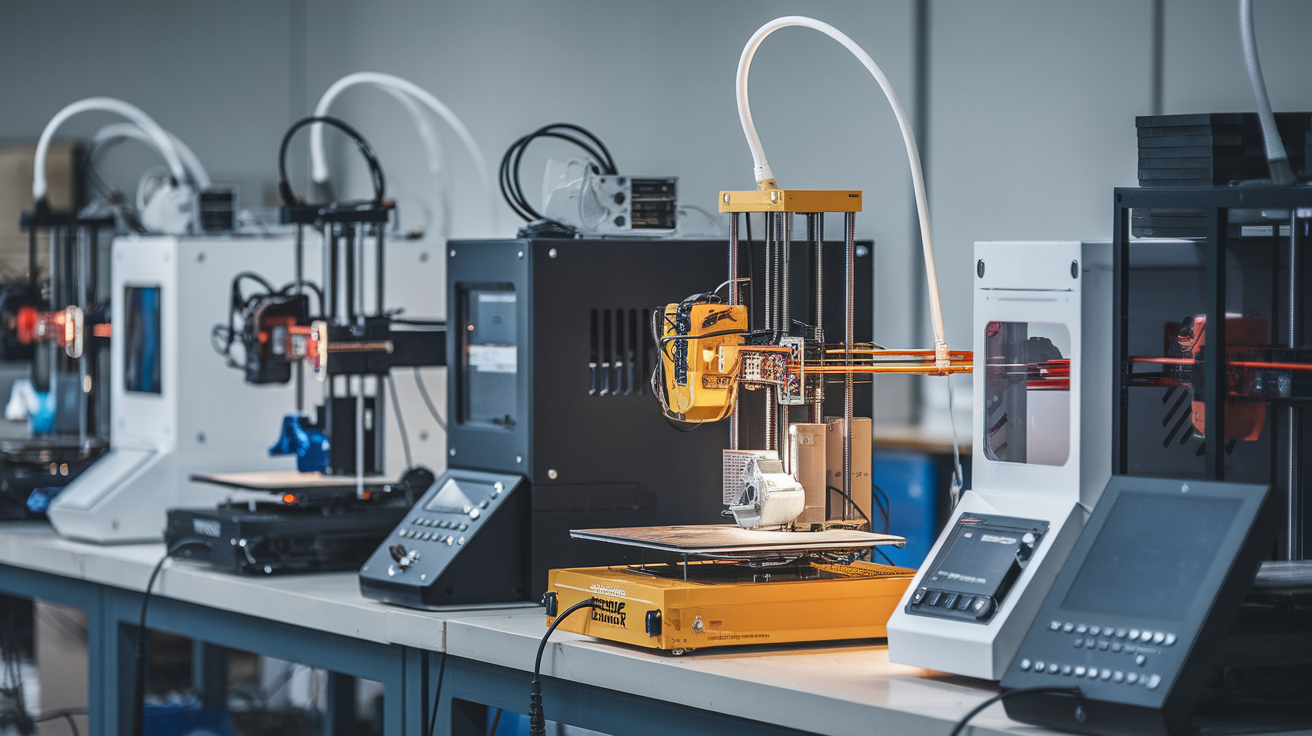
Buyers in 2026 are choosing between four distinct generations of 3D-printer control interface, often without realising the choice is happening. The oldest survivor is the click-wheel LCD: a 128×64 monochrome screen with a rotary encoder, found on Ender 3 V2, the Prusa MK3S+, and a long tail of clones. The next generation is the colour touchscreen, three to seven inches diagonal, that ships on most printers above $300 in 2026 (Prusa MK4S, Bambu A1, Sovol, Anycubic Kobra). Above that is the app-only or app-first generation: the printer has a minimal touchscreen but the real control surface is a phone app, exemplified by Bambu’s Handy and the Anycubic Cloud workflow. And finally there is the web-interface generation: OctoPrint, Klipper Mainsail, and Fluidd, where the printer’s onboard hardware is intentionally minimal because the user interacts via a browser tab.
“Ease of use” depends entirely on which generation a user grew up on. A maker who started in 2017 finds the click-wheel LCD instinctive and the app-first model awkward; a buyer in 2026 whose only previous device was a smartphone finds the click-wheel LCD baffling and the app workflow obvious. Neither is universally easier; they target different users, and the printer market in 2026 is large enough to support all four.
Click-wheel LCDs and why they refuse to die
The click-wheel LCD is the cheapest control interface a printer maker can ship, with a parts cost under five dollars and decades of code maintenance behind it. It is reliable in the sense that the physical encoder rarely fails, and it works in environments where touchscreens struggle (greasy fingers, gloved hands, very cold workshops where capacitive screens get unreliable). The LCD has predictable navigation: rotate to scroll, click to select, hold to go back. It does not require firmware updates to keep working.
The downside is information density and discoverability. A 128×64 screen can show four lines of text. Browsing a print job list of fifty files takes a measurable amount of wrist effort. Diagnostic information — temperatures, target temperatures, fan speed, filament status — competes for screen space with the menu being navigated. New users describe the interface as “confusing” not because the menus are badly designed but because they are forced into many layers by the screen size constraint.
For the user who already knows their printer and wants reliable, predictable hardware, the click-wheel LCD is genuinely easier than a touchscreen. For the user who is buying their first printer in 2026 and expects the thing to behave like a smartphone, it is the worst possible choice. Buy click-wheel-LCD printers if you value mechanical durability over interface niceties; avoid them if you are gifting a printer to someone who has never used one.
Touchscreens: the dominant default in 2026
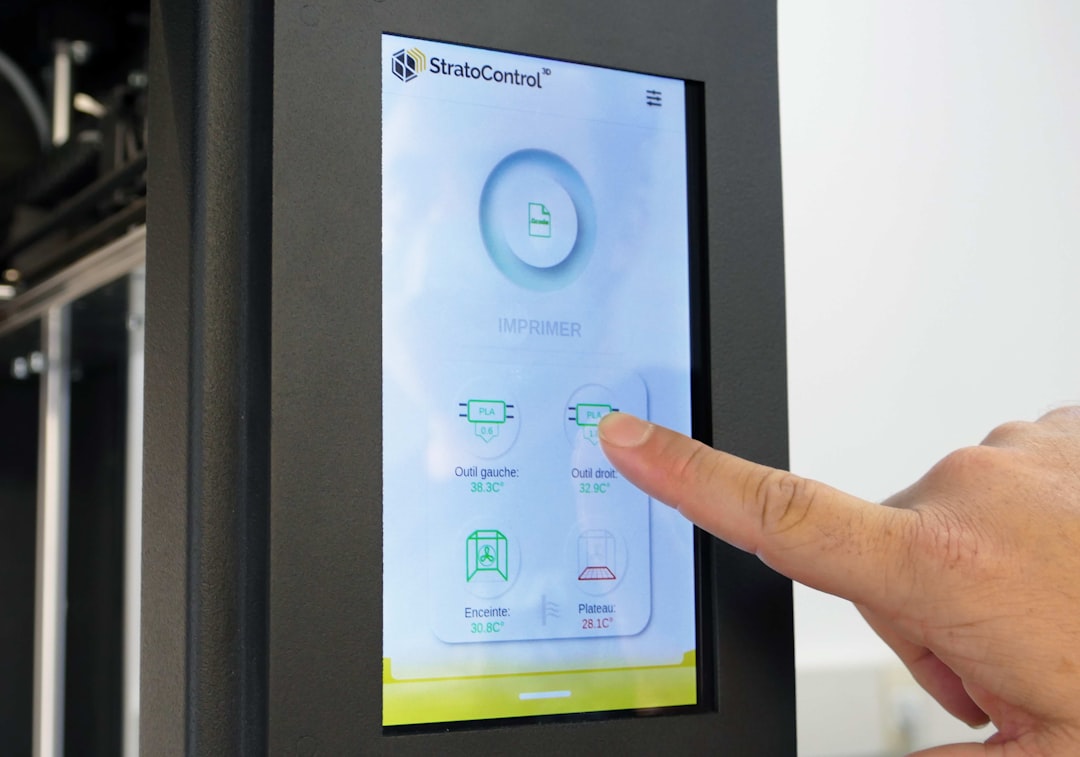
A four-inch colour touchscreen is the default expectation for any printer above $300 in 2026. The interface paradigms have converged: a horizontal navigation bar with a few large icons (Print, Files, Tools, Settings), big tap targets, swipe gestures for scrolling, and visual feedback on every action. Bambu Lab’s printer screens, Prusa’s MK4S touchscreen, Anycubic Kobra’s interface, and Creality K1’s all use variations of the same template.
The genuine ease-of-use win is print preview. A list of files on a click-wheel LCD shows file names; the same list on a touchscreen shows thumbnail previews of each model, sorted by recency. New users find the right file in seconds rather than scrolling through cryptic abbreviated names. Print history shows previous prints with success status. Filament loading walks through a guided animation rather than expecting the user to know which menu hides the temperature setpoint.
The downside is that touchscreens fail in ways click-wheel LCDs do not. A cracked screen makes the printer unusable until repaired. Touchscreen firmware bugs introduce occasional unresponsiveness — the screen freezes, the printer keeps printing, the user reaches for a power cycle which is not actually safe to do. Touchscreens are also more reflective in bright workshops; a click-wheel LCD reads cleanly in direct sunlight while a glossy capacitive panel washes out. For users who care about workshop ergonomics rather than first-impression novelty, these are real considerations.
Mobile-app-first control: Bambu Handy and friends
Bambu Handy on iPhone or Android is genuinely easier than any printer-side interface for the workflows it covers. Slicing, sending the job, monitoring temperatures, watching the camera, getting a notification when the print finishes, scheduling a re-print of a previous job — all of it works smoothly. The printer’s own touchscreen becomes a status display rather than a primary control surface. For users who are already comfortable with phone apps, this generation is the lowest-friction interface available.
The catch is dependency. The app routes through Bambu’s cloud servers; if those go down (it has happened) the app cannot reach the printer. Bambu has added local network mode to mitigate this, but the local mode is awkward to enable and many users never bother. Anycubic’s app workflow has similar dependencies. The implicit deal is “give us cloud access in exchange for a great phone interface”.
For users who are uncomfortable with cloud-connected appliances or who run printers in environments without reliable internet (a school, a maker space with poor wifi), the app-first generation becomes a liability rather than an ease-of-use win. The printer’s onboard touchscreen is intentionally minimal because the manufacturer assumed app usage; running the printer fully offline reveals how thin the local interface really is. Worth considering before buying.
Web interfaces: OctoPrint, Mainsail, Fluidd
OctoPrint, Mainsail, and Fluidd are browser-tab interfaces that run on a Raspberry Pi or similar host computer next to the printer. They are extremely capable — full G-code preview, real-time graphs of temperature and resonance, plugin ecosystems for everything from filament tracking to spaghetti-detection cameras — and extremely overwhelming for first-time users. The interface is a wall of information designed for users who want to know everything; it is the opposite of “ease of use” for someone who just wants to start a print.
The genuine ease-of-use advantage of web interfaces is workflow. Slicing on the laptop, sending the job to the printer over the LAN, watching it from the same laptop, intervening if something goes wrong — all of this is faster on a browser than on any printer-side interface. For experienced users running multiple printers, a single Mainsail or OctoPrint dashboard managing five printers is dramatically easier than walking between them.
For new users, web interfaces are the worst choice. The setup requires Linux familiarity, the interface assumes G-code knowledge, and small mistakes (wrong filament profile, forgotten retraction setting) produce confusing failure modes. Avoid this generation entirely until you have run a printer for six months on a touchscreen or app interface and feel limited by them. At that point web interfaces unlock real productivity gains.
Which interface is genuinely easiest for a brand-new user
For a buyer in 2026 who has never operated a 3D printer, the easiest interface is a colour touchscreen paired with an optional phone app. Bambu A1, Bambu A1 Mini, and Prusa MK4S all fit this description and all sit in the $300-$800 price band. The touchscreen handles printer-side operations (filament loading, calibration, picking a file) with guided animations; the phone app handles remote monitoring without forcing the user to engage with web-interface complexity.
The user does not need to know about G-code, slicing parameters, or stepper microstepping. The first six prints can be completed without ever touching a setting beyond filament choice. By the time the user wants to do something the interface does not support — multi-colour, custom support placement, rare materials — they will have learned enough about printing to handle a slicer’s settings tab without panic. This is the genuine ease-of-use path in 2026: start with a touchscreen-and-app printer, learn at your own pace, never feel forced into a web interface unless you actively want one.
The hidden cost of “easy” interfaces
Every easy interface hides something. Touchscreens hide G-code. Apps hide local network details. Web interfaces hide nothing but assume you want to see everything. The cost of “easy” is that when something breaks, the user does not have the mental model to debug it. A failed print on a Bambu A1 produces a friendly error message and a suggested fix; if the suggested fix does not work, the user is stuck because the underlying mechanism is hidden by the interface.
Click-wheel LCD users debug faster because the interface forces them to understand temperature setpoints, retraction values, and Z-offsets directly. Web-interface users debug fastest of all because they have full instrumentation. App-only users have the smoothest experience until something breaks, at which point they have the worst experience. Before buying, decide how much debugging you want to do. The ease-of-use ranking changes if “ease” includes failure recovery rather than just first-print success.
Recommendations by user type
Gift-buyer for a non-technical recipient: Bambu A1 Mini or Bambu A1. Touchscreen plus app, almost no setup, almost no debugging surface area. Hobbyist who plans to learn the craft: Prusa MK4S or Creality K1C. Touchscreen plus optional Klipper-stack web interface for when curiosity grows. Maker space or school: Prusa MK4S without the web layer. Touchscreens are the most resilient against multiple users and accidental damage. Power user printing daily: any printer plus a Mainsail or OctoPi setup; the web layer pays for itself in productivity within the first month. Industrial or production: skip this market segment of guides entirely and buy machines with proper queue management and material tracking software.