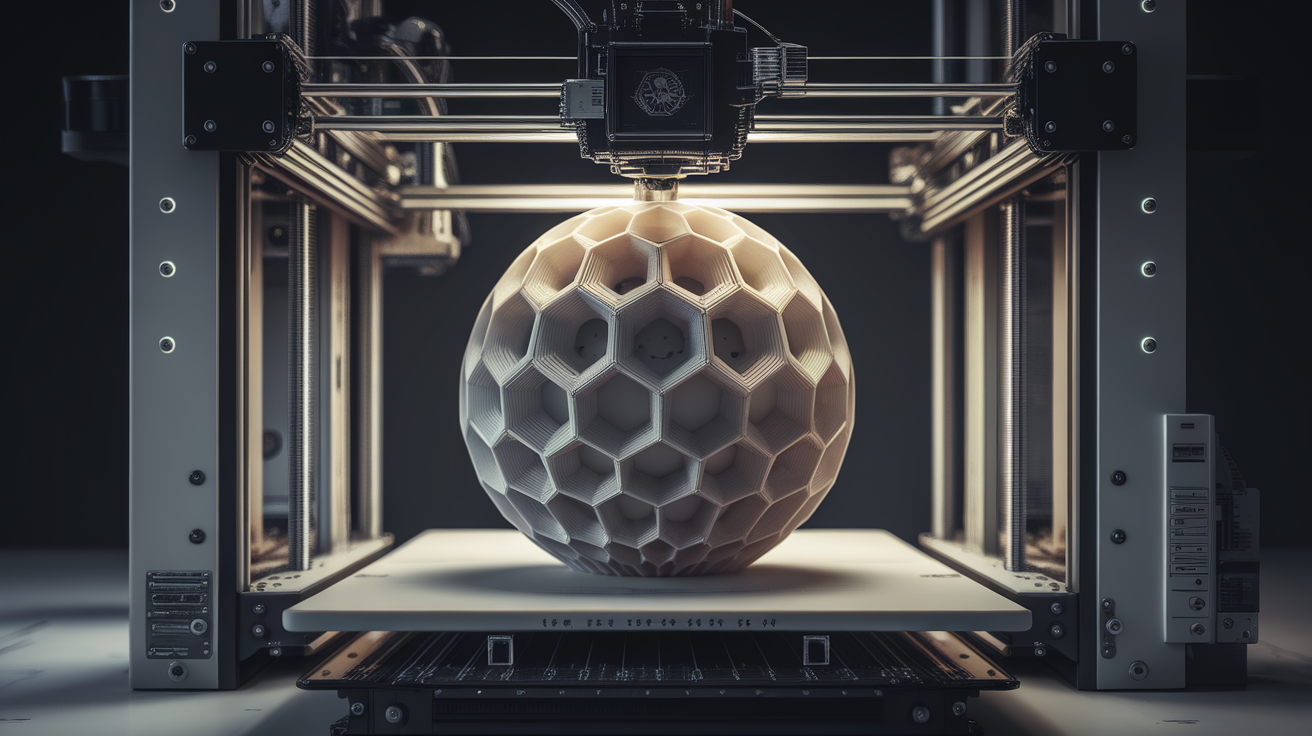
ABS FDM 3D Printer Buyer’s Guide: Best Enclosed Machines for ABS Printing 2026
Why ABS Needs a Specific Type of FDM Printer
ABS (Acrylonitrile Butadiene Styrene) is a thermoplastic beloved for its toughness, heat resistance, and machinability—it’s the plastic LEGO bricks are made of, and for decades was the default industrial prototyping filament. But printing ABS reliably is nothing like printing PLA. ABS shrinks as it cools (about 0.8% linearly), which translates into warped corners, delaminated layers, and cracked tall walls if your printer can’t maintain a stable hot ambient environment. A “3D printer” that can print PLA beautifully may fail at ABS 90% of the time because it lacks the specific hardware needs ABS imposes.
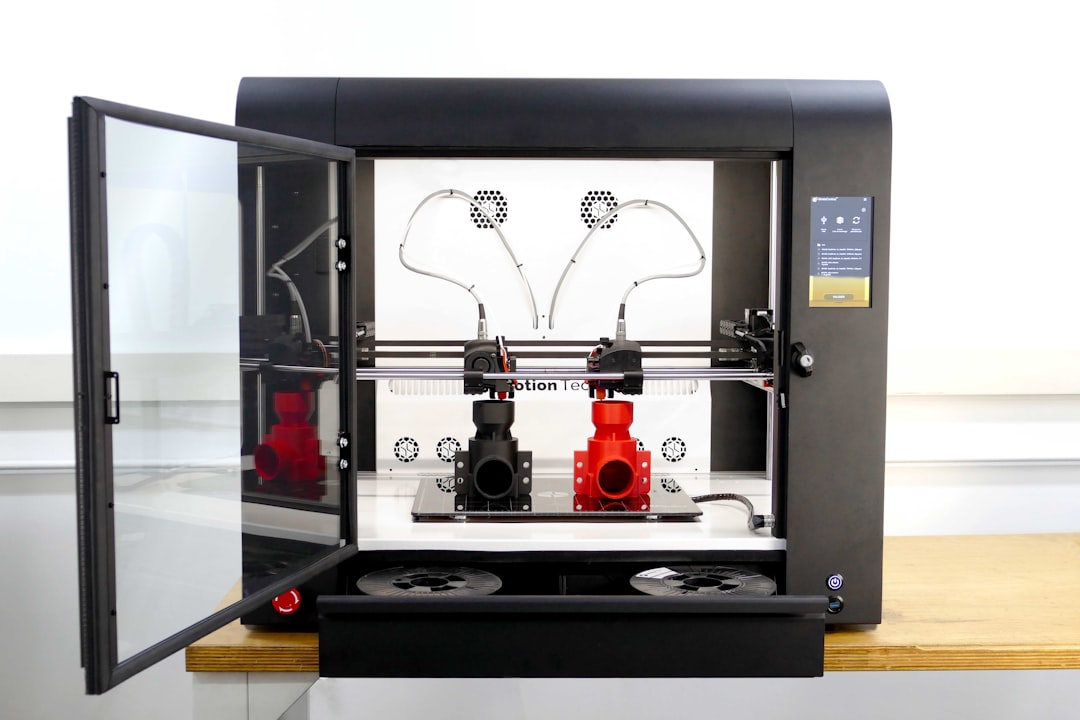
An ABS-capable FDM printer is defined by three must-haves: an enclosed build chamber that holds 40-60°C ambient temperature, a heated bed that reaches and sustains 100-110°C, and an all-metal hotend capable of stable 240-260°C extrusion. Without all three, ABS printing becomes a lottery. This guide names the machines that actually deliver on these requirements at various price points, and explains what specifications to watch when comparing them.
What to Look for in an ABS FDM Printer
Fully Enclosed Chamber
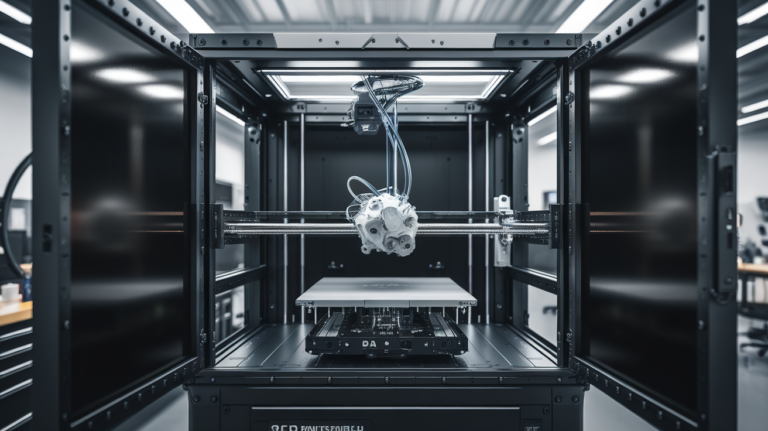
This is the single most important feature. The chamber does not need to be actively heated (some high-end machines are), but it must trap heat from the bed and the hotend to raise the ambient temperature inside the chamber. Drafts from an open printer cool the outer walls of your print unevenly, causing cracks and warping. An enclosure can be metal, glass, acrylic, or polycarbonate—what matters is that all sides are sealed and there’s no open gap at the top or around the spool.
Heated Bed at 110°C Minimum
ABS adheres best to surfaces held at 100-110°C. A bed that tops out at 80°C (common on budget machines) cannot provide the adhesion ABS requires. Verify the actual achievable bed temperature under load, not the firmware’s maximum setting, which may be lower than the nameplate suggests. PEI or garolite sheets give the most reliable ABS adhesion; smooth glass needs a dedicated adhesive like Magigoo ABS or ABS slurry.
All-Metal Hotend
PTFE-lined hotends (common on cheap Creality and older Ender 3 machines) start to outgas at 240°C and the PTFE liner degrades rapidly, risking both toxic fumes and nozzle clogs. All-metal hotends like the E3D V6, Revo, Bondtech CHT, or the Bambu stock 260°C hotend handle ABS’s typical 240-255°C print temperatures without issue. Any 2026-released printer marketed as ABS-capable will have this.
Active Filtration (Nice to Have)
ABS releases styrene vapor during printing, and carbon + HEPA filtration reduces both smell and UFP (ultrafine particle) emissions. Bambu P1S, X1C, and QIDI X-Plus 3 include this. Budget machines skip it, but you can DIY by adding a fan-assisted carbon filter to the exhaust port on most enclosures.
Silent Stepper Drivers
ABS prints are long (100mm cube at normal speeds: 12+ hours). A printer with quiet TMC2209 drivers and vibration-dampened frames makes the difference between a productive print farm and a household irritant.
Best ABS FDM Printers by Price Tier, April 2026
Under $500: Entry to ABS
Creality Ender 3 V3 KE with Official Enclosure Kit ($349 printer + $99 enclosure). The KE ships with a 260°C all-metal hotend, 110°C bed, and Klipper firmware out of the box. Paired with the official polycarbonate enclosure, it handles ABS reliably in a climate-controlled room. Build volume 220 × 220 × 240 mm.
Sovol SV06 Plus with DIY Enclosure ($279 + $80 acrylic enclosure). Direct drive, all-metal hotend, and a 110°C bed in a budget package. Sovol makes solid hardware for the money, and the Plus has a 300 × 300 × 340 mm build volume. You’ll need to buy or build an enclosure separately.
$500-$1,000: The Sweet Spot
Bambu Lab P1S ($699). Our top recommendation in this tier. Fully enclosed, carbon-fiber filtration, 100°C bed, hardened steel nozzle ready for ABS or CF filaments, auto-bed leveling, CoreXY kinematics for fast prints. The AMS upgrade ($349) adds multi-color but ABS is challenging with color changes due to temperature cycling.
QIDI X-Plus 3 ($899). Actively heated chamber up to 65°C, which is unusual at this price. 280°C hotend, 120°C bed, 280 × 280 × 270 mm build volume, Klipper-based with input shaping. If you’re going to print a lot of ABS, PC, or nylon, the active heating genuinely helps.
$1,000-$2,500: Prosumer and Industrial-Lite
Bambu Lab X1C ($1,199). Adds a lidar first-layer scanner, RFID filament auto-identification with AMS, and higher speeds than the P1S. The enclosure is better-sealed than the P1S and includes HEPA filtration. Our pick for small businesses printing ABS daily.
Prusa XL ($1,999 single-toolhead). CoreXY with a heated chamber option, up to 5 toolheads for multi-material work, and 360 × 360 × 360 mm build volume. Prusa’s reliability and open-source firmware make this a lifelong machine. ABS prints on an XL are class-leading.
$2,500+: Industrial
Stratasys F120 / F170 ($20,000+). If you need traceable, qualified ABS parts for aerospace, medical, or regulated manufacturing, only a true industrial machine with actively heated 85°C+ chambers qualifies. For hobbyists and most small shops, this is overkill.
Filament Choices: Not All ABS Is Equal
- Bambu Lab ABS: Excellent consistency, matched to Bambu printer profiles. Clean prints, minimal odor. $25/kg.
- Polymaker PolyLite ABS: Reliable extrusion, low odor, good stock profiles. Widely available. $25-28/kg.
- eSUN ABS+: The “+” version reduces warping and is more forgiving than standard ABS. Recommended for beginners. $22/kg.
- Prusament ABS: Tight diameter tolerance, batch-tested. Premium pricing ($29/kg) but premium consistency.
- ASA (alternative): If outdoor UV resistance matters more than ABS’s specific chemistry, ASA prints at similar temperatures with better UV stability and lower warping.
Avoid no-name ABS under $15/kg; inconsistent diameter and poor temperature response create failures that cost more than you save.
Print Settings That Make ABS Reliable
- Nozzle temperature: 240-255°C (check manufacturer spec per filament batch)
- Bed temperature: 100-110°C throughout the print (no cooling after first layer on long prints)
- Print speed: 40-60 mm/s outer walls, up to 150 mm/s infill on Bambu/Klipper machines
- Fan speed: 0% for first 10 layers, 20-30% maximum thereafter (ABS hates cooling)
- Enclosure temperature: 40-55°C ambient during print (passive heating from bed and hotend is usually enough after 30 min preheating)
- First layer: 105°C bed, 245°C nozzle, 0.25mm layer height, slow 20 mm/s. Use glue stick or Magigoo ABS for adhesion on glass.
- Draft shield: Enable at 10mm from model. Keeps hot air near the walls of your print.
- Acceleration: Limit to 5000 mm/s² or lower on tall thin features to prevent layer shift on fast machines.
Common ABS Printing Problems and Fixes
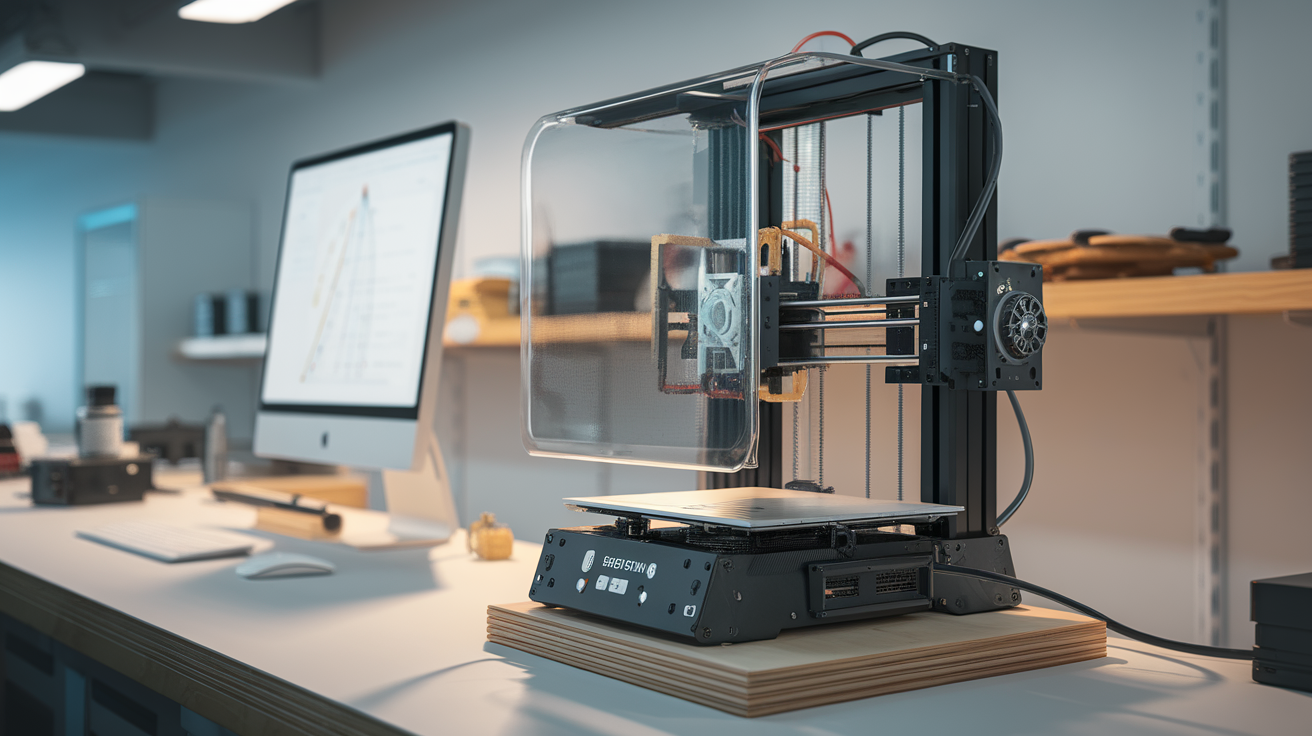
- Corner warping: Bed too cool, enclosure not trapping heat, or filament wet. Preheat chamber 15 minutes before print, close the lid, dry filament at 65°C for 4 hours.
- Layer splitting: Ambient temperature too low during cooling. Some walls cool faster than others, creating stress fractures. Enclose the printer, preheat the chamber, and reduce fan to 0%.
- Print pops off bed mid-print: Bed temperature fluctuated below 100°C. Check bed thermistor, use a power supply with sufficient amperage (24V 350W minimum for 220mm² beds).
- Cracks in tall walls: Chamber temperature drop during long prints. Add active heating, insulate enclosure walls, or reduce print height with orientation changes.
- Strong odor, headaches: Ventilate. Use a carbon+HEPA filter on the chamber exhaust. Print in a garage or dedicated room, not a bedroom or enclosed office.
Is ABS Still the Right Choice in 2026?
ABS has real competition in 2026. ASA prints similarly but resists UV degradation better—ASA outdoor parts still look fresh after three summers where ABS yellows and cracks. PETG CF (carbon-fiber-reinforced PETG) exceeds ABS’s strength and heat resistance without an enclosure. PC-ABS blends sit between ABS and polycarbonate, offering superior heat performance with ABS-like printing difficulty.
If you specifically need ABS (for chemical vapor smoothing with acetone, for LEGO-compatibility, for a regulated industry that specifies ABS), buy the printer on this list that fits your budget. If you’re ABS-curious but don’t have a specific requirement, consider ASA or PETG CF first—they solve most of the same problems with less hardware demand.
Frequently Asked Questions
Can I print ABS on an Ender 3 without an enclosure?
Small prints (<50mm tall, <80mm wide) sometimes succeed. Anything larger will warp. The cost of a basic acrylic enclosure kit ($50-80) is always worth it if you plan on printing ABS regularly.
Do I really need active chamber heating?
For prints under 150mm tall, no—passive heating from the bed and hotend usually reaches 40-45°C ambient, which is enough. For tall prints or large flat surfaces, active heating to 55-65°C reduces warping meaningfully.
Is ABS safe to print at home?
With proper ventilation and filtration, yes. Don’t print ABS in a bedroom, nursery, or poorly ventilated office. Use a carbon filter and run the print in a space with fresh-air exchange.
What’s the difference between ABS and ABS+?
ABS+ is a proprietary blend (formula varies by brand) that adds impact modifiers to reduce brittleness and warping. It’s generally easier to print than standard ABS without sacrificing much heat resistance.
Can I vapor-smooth ABS on any printer?
Vapor smoothing with acetone works on ABS regardless of which printer produced it. The printer determines print quality; the finishing process is the same. Work in a well-ventilated area and follow acetone safety protocols.