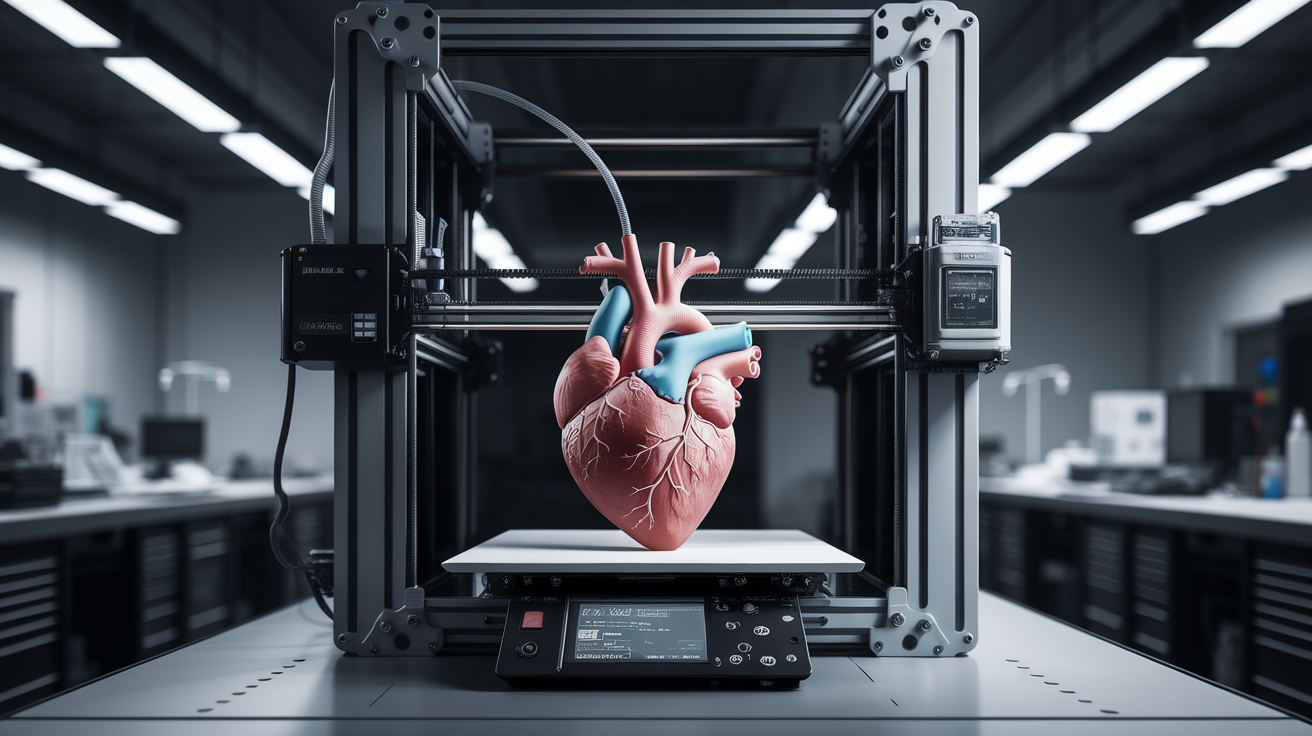
Best 3D Printers for Education in 2026: Classroom-Ready Picks K-12 to University
What Makes a 3D Printer Right for the Classroom
A great home 3D printer is not automatically a great classroom 3D printer. Schools have different priorities: enclosed build areas so curious hands don’t touch 250°C nozzles, filament safety data sheets that comply with district policies, software that runs on locked-down Chromebooks, and failure modes that don’t leave a teacher scraping molten plastic off a fabric-lined workbench at 3:15 on a Friday. Budget matters, but reliability matters more — a $600 printer that works every Monday is worth more than a $300 printer that needs weekly calibration.
This guide organizes recommendations by grade level and use case. Elementary and middle schools generally need the safest, most appliance-like machines. High school engineering programs need machines with a bit more flexibility — multi-material, higher-precision, enough volume for real project work. University labs need the same professional-grade features as small shops. We’ve matched specific models to each tier.
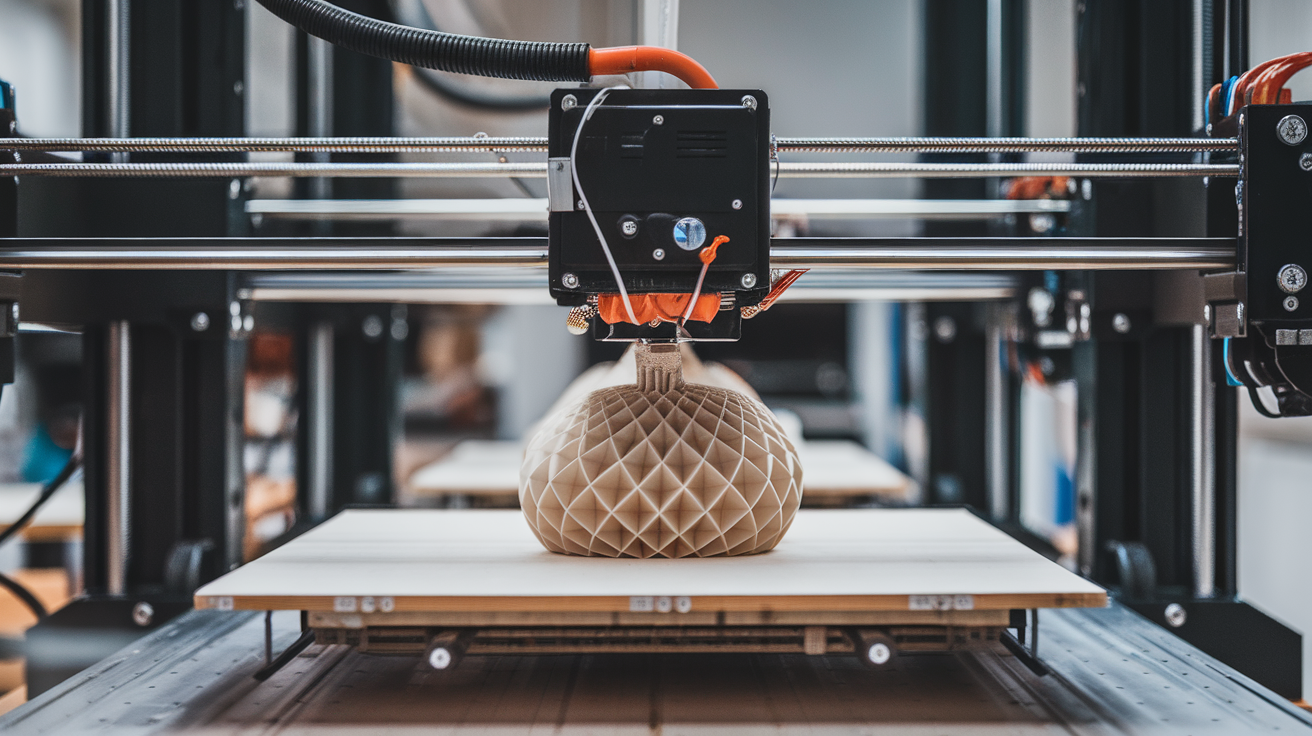
Elementary and Middle School (Grades K-8)
Toybox Printer — The Set-and-Forget Choice
At $299 the Toybox is the most K-friendly 3D printer ever designed for consumer use. Fully enclosed, ships with tamper-safe filament cartridges, has no exposed heated surfaces, and ships with a curated library of 1,500+ age-appropriate models that print in one tap. The build volume is tiny (70 × 80 × 90 mm) which is fine for elementary school — you’re not printing engineering projects, you’re printing toys, keychains, and custom name tags.
Why it works for K-5: zero setup, zero filament management, zero bed leveling. A teacher can hand this to a 7-year-old with 5 minutes of instruction and get useful results. The downside is that it’s a closed ecosystem — Toybox filament only, Toybox app only, no transferable skills for students who might want to move to a hobbyist printer at home.
Bambu Lab A1 Mini — The Balance of Simplicity and Transferable Skill
The A1 Mini at $199 (base) is the middle-school sweet spot. Fully automatic calibration, one-click printing from Bambu Studio, and genuinely classroom-safe behavior when supervised. The build volume of 180 × 180 × 180 mm is enough for real project work — class mascots, simple mechanical parts, name plates, and math manipulatives.
Crucially, Bambu Studio runs on Windows, Mac, and iPad (Android beta as of 2026), which covers most school-issued device fleets. Chromebook users can use the web interface with minor limitations. The open-filament nature of the A1 Mini means students can learn filament selection, calibration concepts, and basic troubleshooting — skills that transfer to any printer they’ll encounter later.
High School (Grades 9-12)
Prusa Mini+ — Battle-Tested Reliability
The Prusa Mini+ at $459 is the dominant choice for high-school engineering classrooms because it simply works, year after year, with minimal teacher intervention. 180 × 180 × 180 mm build volume, auto-bed-leveling (via mesh with SuperPINDA), PrusaSlicer that runs on everything, and a parts catalog that ensures you can fix anything that breaks in-house for under $20.
The Mini+ is slower than modern Bambu or Creality competitors, but for classroom use speed rarely matters — prints run overnight or over weekends, not during the 42 minutes between bells. What matters is that it starts, finishes, and produces good parts every single time. Prusa’s customer support is also school-friendly, with separate education purchasing, bulk-pack discounts, and rapid RMA for accidentally-broken units.
Bambu P1S Combo — Multi-Material Classroom Workhorse
For a project-based high school engineering or design program, the P1S Combo at $949 (printer plus AMS) is the biggest step up in classroom capability in a decade. Four-color printing, fully enclosed for ABS/ASA projects, 256 × 256 × 256 mm build volume, and fast enough (300-500 mm/s) to let students see results within a class period. The enclosure keeps heated parts away from fingers and lets the machine handle materials like PETG-CF for robotics projects.
The P1S is the printer we most often recommend to robotics teams, FIRST Tech Challenge clubs, and STEM camps. It’s also forgiving enough that a new teacher can run it successfully without a semester of training.
University and Community College
Prusa XL — Multi-Tool Head Makes Advanced Education Practical
The Prusa XL starts at $1,999 (single-tool) and goes to $3,499 (five-tool). For a university mechanical engineering, industrial design, or architecture program, the XL’s multi-tool head capability (true nozzle swap, not just filament swap) enables advanced multi-material pedagogy — dissolvable supports with PVA, rigid-flexible parts with TPU and PETG, and dual-color functional prototypes. Build volume of 360 × 360 × 360 mm handles real project work.
The XL’s open-source firmware and extensive documentation also make it a legitimate research platform. Students working on materials science capstones can modify slicer behavior, experiment with custom G-code macros, and document results in ways that a closed-ecosystem printer doesn’t support.
Bambu X1E — The Small Shop Standard
The X1E at $2,499 is our pick for university labs that need industrial-capable output from a consumer form factor. Heated chamber up to 60°C, full-metal hotend for high-temp materials, automatic filament management via AMS, and reliability that approaches Prusa levels after the first-generation teething issues were resolved in the 2025 firmware updates.
The X1E prints PA-CF, PC, PC-CF, and ASA genuinely well, which is the material range most university engineering courses care about. For research labs that need PEI or PEEK, step up to an Intamsys machine; for everything else short of aerospace-grade, the X1E is the right answer.
Makerbot Sketch — The Institutional Fleet Choice
Makerbot (now part of UltiMaker) sells the Sketch Classroom Bundle specifically as an education-oriented fleet. Two printers, a filament stocking cabinet, curriculum materials aligned to NGSS and AP Engineering, and MakerBot CloudPrint for centralized fleet management. At around $4,500 the bundle is expensive per-printer, but the curriculum and fleet management justify it for districts that need to roll out 3D printing across multiple schools with one IT admin.
Safety Features to Prioritize in a School Setting
- Enclosure — Non-negotiable below high school level. Limits access to hot surfaces and contains minor fire risk (belt jams, thermal runaway).
- Thermal runaway protection — Standard on modern firmware but worth verifying. Marlin 2.x and Klipper both enforce this; legacy 8-bit boards may not.
- Auto-shutdown on sensor failure — Higher-end machines detect thermistor disconnects and power down the heater rather than running away.
- Air filtration — Carbon + HEPA filters are now standard on Bambu P1S, X1E, Qidi X-Plus/X-Max. For materials beyond PLA, this matters for indoor air quality.
- Power-loss recovery — Resumes prints after building power blips. Saves money and reduces student frustration.
Filament Choices for Classrooms
Keep it simple. PLA and PLA+ cover 95% of educational use cases with minimal ventilation or safety requirements. The big brands to stock:
- Overture PLA and PLA Pro — Excellent consistency, wide color range, reasonable $15-20/kg.
- Polymaker PolyTerra PLA — Matte finish, bio-based, popular with design-focused curricula.
- Hatchbox PLA — Amazon availability makes last-minute reorders easy.
- Elegoo PLA+ — Budget-friendly, works well for high-volume classroom use.
For high school engineering programs, add PETG (tougher, heat-resistant to ~75°C) and TPU (flexible, great for prosthetics projects). Avoid ABS, ASA, and nylon in unventilated classrooms — save those materials for dedicated lab spaces with exhaust.
Software Stack for Classrooms
Beginner modeling: TinkerCAD (free, browser-based, runs on Chromebooks). This is the default for K-8.
Intermediate modeling: Onshape Education (free for educational use) or Fusion 360 (free for students and educators). Both run in-browser or as desktop apps.
Advanced modeling: Fusion 360, SolidWorks Education, Rhino 7. These are standard in university engineering programs.
Slicing: Bambu Studio for Bambu printers, PrusaSlicer for Prusa, OrcaSlicer as a universal alternative. All free, all run on major platforms.
Purchasing and Fleet Management Tips
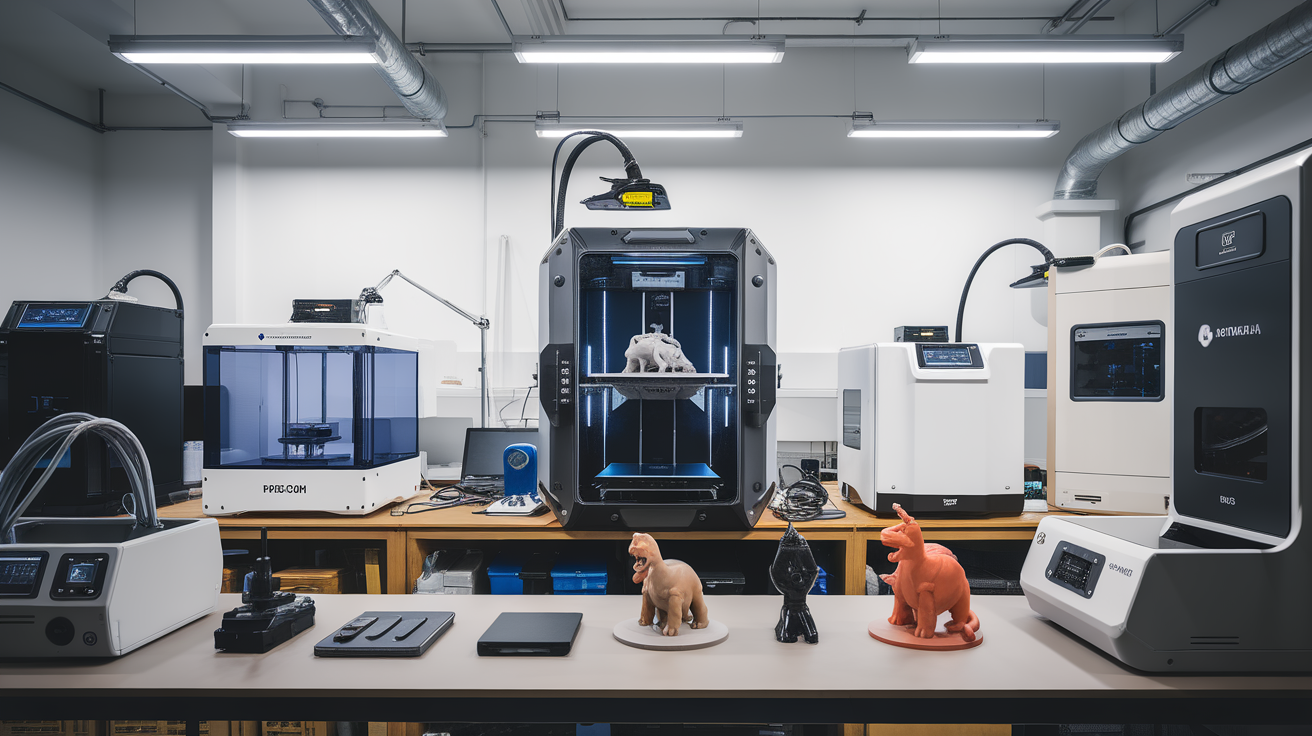
Buy in pairs whenever possible. A class of 30 students working on 3D printing needs more than one printer, and redundancy means a failed machine doesn’t halt all progress. For elementary classrooms, two Toyboxes or two A1 Minis covers the room. For high school engineering, three P1S printers lets you run different projects simultaneously.
Budget for consumables separately — expect $15-25 per student per semester in filament and bed adhesion products (glue sticks, painter’s tape, replacement PEI sheets). Factor in annual hotend and nozzle replacements at $15-40 per printer.
Finally, invest 4-6 hours in teacher training before students touch the machines. Most classroom print failures trace back to a teacher who’s not sure how to diagnose a thermistor error or a misaligned first layer. A well-trained teacher can keep three printers running smoothly; an untrained teacher will burn through consumables and patience at twice the rate.
Frequently Asked Questions
Do I need IT to approve printer network access?
Usually yes. Most districts require network admin approval for any device that sends/receives data. The workaround is to run printers on a standalone Wi-Fi network or via USB/SD card only. Bambu, Prusa, and most Klipper-based printers support full offline operation.
Is resin printing safe for high school use?
With dedicated ventilation, nitrile gloves, safety glasses, and supervision — yes. Without those, no. Most schools keep resin printing to after-school clubs or advanced courses with proper PPE and ventilation budgets.
How many prints per day can a classroom printer handle?
Depends on print size. A Prusa Mini+ can run 3-4 keychain-sized prints per class period. Large parts (phone cases, small mechanical assemblies) typically run 2-6 hours each, meaning overnight or weekend batches. Plan for 8-20 hours of printer time per student per semester.
What happens when a printer fails during class?
The standard failure mode is a first-layer adhesion issue — the print comes loose and the nozzle runs over empty plate, produces a “blob of doom,” and may require a hotend clean. This takes 5-15 minutes to recover. Thermal runaway (rare on modern firmware) shuts the printer down safely. Belt jams produce a frozen-motion print and require a reset but rarely damage hardware.
Final Recommendations by Tier
Elementary (K-5): Toybox ($299) or Bambu A1 Mini ($199) if you want transferable skills.
Middle school (6-8): Bambu A1 Mini ($199) as the single most cost-effective education printer.
High school engineering (9-12): Prusa Mini+ ($459) or Bambu P1S Combo ($949) for project-based programs.
University undergrad: Bambu X1E ($2,499) or Prusa XL ($1,999-3,499) depending on multi-material needs.
Research labs: Intamsys FunMat HT ($4,500+) for high-temp materials or specialized industrial machines by need.