PETG Overhang Angle Limits: How Far You Can Push It Before Adding Supports
The number you actually need
For PETG specifically, the practical overhang limit on a well-tuned printer is around 50-55 degrees from vertical. PLA goes to 60-65 degrees on the same machine. ABS sits between them. This three-material gap is not subtle — it is the single most underdiscussed reason PETG prints look worse on overhangs even when the rest of the calibration is identical.
The why is more interesting than the number. PETG overhangs fail a different way than PLA overhangs, and once you understand the failure mode you can extend the angle limit by 5-10 degrees without changing materials.
How PETG fails on overhangs
When PLA prints an overhang, gravity pulls the still-soft extrusion downward and the part-cooling fan freezes it before it droops too far. The failure mode is sagging: progressively worse droop as the angle gets shallower, but it is gradual.
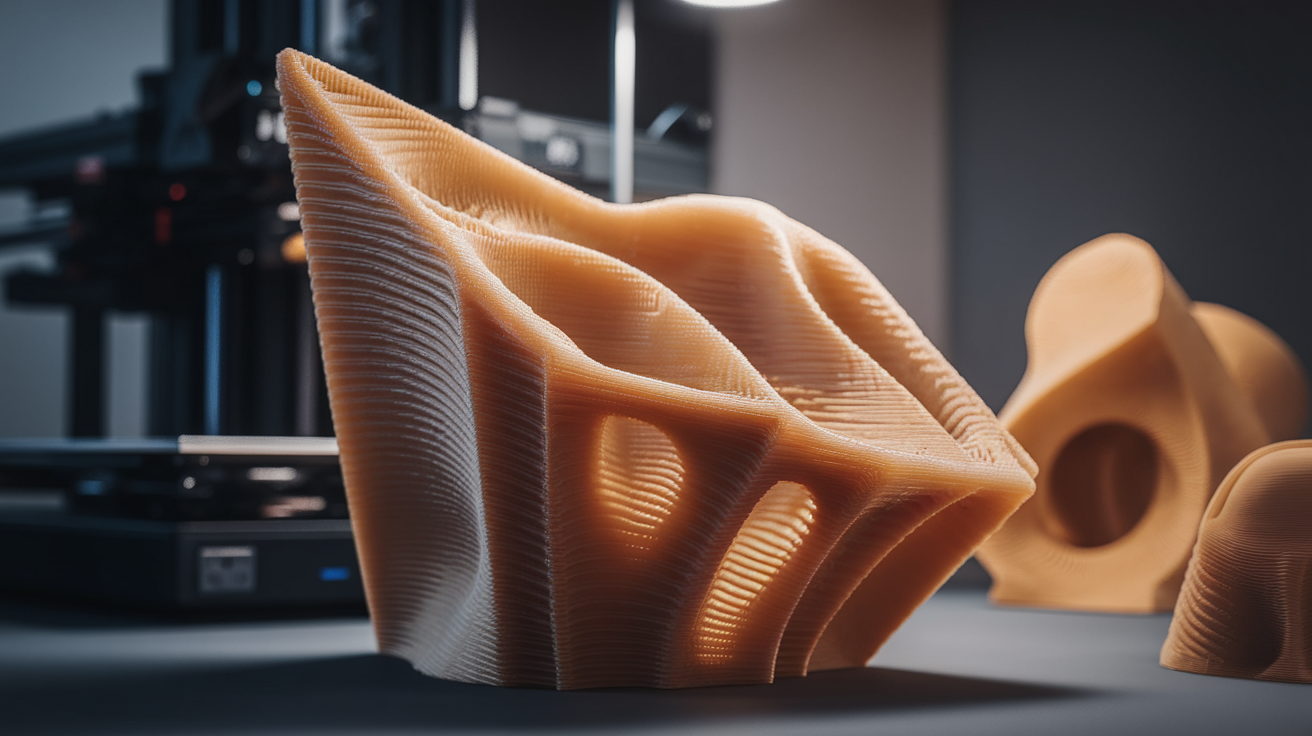
PETG fails differently. PETG holds heat much longer than PLA — the glass transition is around 80°C versus PLA’s 60°C, and the polymer is stickier when cooling. On an overhang, instead of sagging cleanly, PETG tends to curl up as it cools because the underside contracts faster than the top. The curl catches the next layer’s nozzle, which knocks the curl loose, which leaves a roughened lower surface and sometimes a dragged-on blob.
This is why PETG overhang failures often look worse than the actual angle suggests. The problem is not droop, it is collision.
What angle is “safe”
On a stock direct-drive machine with PETG-friendly cooling (ducted, ~50% fan), you can expect:
- 0-30°: No issues. Surface finish indistinguishable from vertical walls.
- 30-45°: Slight roughening on the lower surface, but no real risk.
- 45-50°: Visible texture change. Layer lines start to show diagonally rather than horizontally.
- 50-55°: Edge of usable. Surface looks furred. Functional parts still hold tolerance.
- 55-65°: Failure zone. Curling, layer collision, dimensional drift on Z.
- 65°+: Will not print without supports.
These ranges shift by a few degrees based on the specific filament — Prusament PETG, Polymaker PolyLite, and eSun PETG+ all behave slightly differently. Cheap unbranded PETG is the worst, often failing at 45° because the polymer mix has more crystalline content and reacts more violently to differential cooling.
Why your machine matters more than the spec
The spec sheet for any PETG filament says the same thing: print at 230°C, 0.5 fan. What it does not tell you is that overhang angle limits depend on five mechanical factors that vary printer to printer.
- Cooling duct geometry. A symmetric dual-side duct pushes air evenly under the overhang. A single front-mount duct lets the rear of the overhang stay hotter and curl. Many bed slingers ship with single-side cooling — these will hit limits 5° earlier than dual-side machines.
- Fan speed at the nozzle. PETG print profiles often cap fan at 40-50% to avoid layer adhesion problems, but on overhangs the limit should rise to 80-100% just for the overhanging perimeters. Slicers like PrusaSlicer and SuperSlicer expose this as bridge fan speed and overhang fan speed.
- Layer time. Short perimeters that print in under 10 seconds do not give cooling enough time to set the layer. Minimum layer time has to be raised on small overhangs — 15-20 seconds is the working number.
- Print speed on the overhang itself. Slowing the overhanging perimeter to 25-35 mm/s gives the part-cooling fan a fighting chance. Default 50 mm/s perimeter speed kills overhangs that 30 mm/s would print clean.
- Nozzle temperature. 230°C is a starting point. For overhang-heavy parts dropping to 220-225°C trades some inter-layer adhesion for much cleaner overhangs. The tradeoff is workable for visual parts and unacceptable for mechanical parts.
The tuning sequence that actually moves the limit
If you can only change three settings, change them in this order:
Step 1: Bridge and overhang fan speed. In your slicer, find the cooling section and set bridge fan to 100% and overhang threshold fan to 100% at angles ≥40°. Many default profiles leave these at the perimeter fan setting (50%), which is the single biggest cause of premature overhang failure on PETG.
Step 2: Slow overhanging perimeters. In SuperSlicer this is “external perimeter on overhangs”. Set it to 30% of regular perimeter speed. In PrusaSlicer use the equivalent overhang-speed override. In Cura, “Enable Bridge Settings” cascades both fan and speed.
Step 3: Drop nozzle temp 5°. If you are printing at 240°C, drop to 235°C. If at 230°C, drop to 225°C. Recalibrate retraction afterward — lower temp usually means slightly less retraction is needed.
After these three changes, retest with an overhang test print. Calibration models like the Maker’s Muse Overhang Test or the Calicat torture cube will show 5-10° of additional clean overhang capability.
What chamber temperature does
An enclosure usually worsens PETG overhang capability, which is counterintuitive if you came from ABS. ABS needs the warmth to avoid layer cracking. PETG already has good layer adhesion, so the warmth just slows cooling and gives the polymer more time to curl. If you are printing PETG in an enclosed printer, leave the door open or open the front panel for overhang-heavy parts.
This is the opposite of what is true for ABS — and it is one of the main reasons PETG and ABS get different overhang ratings even though their printing temperatures overlap.
Bridges versus overhangs
Bridges and overhangs are not the same. A bridge spans from one feature to another with empty space below, and PETG bridges very well — 20-30 mm clean bridge length is achievable with proper bridge fan and bridge flow settings. An overhang sits at an angle with each layer slightly shifted from the one below; there is no clean span, just progressive shifting.
The reason this matters: people see PETG bridge a 30 mm gap cleanly and assume PETG can do steep overhangs. It cannot. The mechanical situations are different. Bridges rely on tension; overhangs rely on each layer supporting the next, which PETG does poorly when the support angle drops below 45° from horizontal.
When to give up and add supports
If your part has a single overhang feature that exceeds 55°, the right answer is almost always tree supports rather than tuning. PETG releases from PETG support touch layers cleanly with about 0.18 mm interface gap — easier than PLA, much easier than ABS. The print penalty is real but small, and the surface quality is better than what you would get pushing the angle limit.
The exception is when you are designing the part yourself. Two design tricks dodge the limit entirely. Slope the bottom face inward to 50° before the overhang starts so the printer never sees more than 50° at any layer. And add a chamfer to the top of overhangs — a 0.5 mm chamfered edge gives the top layer enough material to hold the perimeter line down even if it was deposited at a steep angle.
How brand and color affect the limit
Two PETG spools labeled the same way often behave differently on overhangs. The reason is glass transition temperature varies a few degrees between manufacturers depending on additives, and pigment loading changes thermal mass. Black and dark-pigmented PETG holds heat 5-10 seconds longer than translucent natural PETG, which translates to several degrees of additional curl risk on overhangs.
If you have a particularly overhang-heavy part, choosing the right color makes a real difference. Translucent or natural-clear PETG cools faster and overhangs cleaner. White and yellow PETG sit in the middle. Black, deep blue, and dark green are the worst. This is one of those quirks no spec sheet warns about but every printer with a dozen spools eventually notices.
Test prints to actually verify your limits
Generic overhang test models help, but for PETG specifically the most useful test is a 30-90° fan with 5° increments. Print the fan once, examine each angle, and mark the cleanest one. Reprint with your tuning changes and see how many degrees you gained. Treat the test as a benchmark you reuse — your machine’s overhang limit is not a one-time number, it shifts whenever you change cooling hardware, swap nozzle, or change brand.
Run the test print at the print profile you actually use. A test piece printed at 30 mm/s overhangs cleanly at 60° and tells you nothing useful if your real prints run at 60 mm/s. Match speed, fan, and temperature to whatever profile you intend to use the result with.
One additional habit: save a photo of each test result with the slicer profile name written next to it. Six months later when you upgrade your printer’s cooling duct or swap to a different filament, you can compare the new test against the saved photos and immediately see whether the limit moved up, down, or stayed the same. Without the photo record you are guessing from memory, and memory inflates good prints and forgets bad ones.
The bottom line
PETG’s hard overhang limit is around 55° on a well-tuned machine. With cooling and speed adjustments you can stretch that to 60° on individual features, but anything beyond that wants supports or design modification. The number is a property of the polymer, not a defect of your printer — pushing past it always trades surface quality for raw geometry. Treat 50° as your design budget if you want clean parts and 55° as your absolute maximum before supports become the right answer.